
Scope — last checked 16 September 2026: This guide is for B2B teams evaluating LinkedIn automation specifically for outreach execution, safeguards, workflow ownership and CRM handoff. For a broader market-wide tool shortlist, see our LinkedIn automation tools comparison. Pearl Lemon Leads appears as the publisher’s recommended managed-service alternative, not as software or an independent award.
Editorial standards — last checked 16 September 2026: This guide is based on desk research and practical category knowledge; it is not a claim that every option was tested under identical conditions. Product features, prices, reviews and policies can change. Confirm purchase-critical details with the named provider. Pearl Lemon Leads is the publisher; where our service appears, its placement is our disclosed editorial recommendation rather than an independent award.
Use this guide if: you are a UK B2B team comparing outreach automation. The UK market, team controls and account-safety considerations are the focus. For a broader product comparison, see our general LinkedIn automation guide.
Publisher’s managed-service choice: Pearl Lemon Leads
Pearl Lemon Leads is our first recommendation for buyers who want a human-led managed campaign with targeting and messaging support. It is a service option in this LinkedIn outreach guide, not a claim that Pearl Lemon Leads is one of the software products ranked below. Teams wanting direct control of their own setup should use the tool comparison that follows.
Best for: teams wanting strategy and execution handled. Not ideal for: buyers seeking software-only access. Discuss a managed campaign.
Intro- Why UK B2B Teams Are Obsessing Over LinkedIn Automation Software
If you sell B2B in the UK, LinkedIn is not optional. It is where buying committees hang out, where deals start quietly, and where most outreach fails because it feels lazy or unsafe.
We desk-researched LinkedIn automation platforms marketed to UK agencies, SaaS teams, recruiters and consultants. This shortlist compares 20 options using publicly available product information. LinkedIn rules and product behaviour change, so buyers should verify current limits and terms before use.
This list is for UK founders, SDR managers, recruiters, and B2B marketers who want pipeline without burning LinkedIn accounts. LinkedIn automation software usage in the UK has grown steadily as outbound costs rise and email response rates drop, with LinkedIn response rates often 3x higher than cold email when done correctly .
We focused on safety, campaign control, CRM sync, and how well each platform supports UK based outreach.
What Is LinkedIn Automation Software and Why UK B2B Teams Use It
LinkedIn automation software automates manual LinkedIn actions such as connection requests, follow ups, profile visits, message sequencing, and lead tagging. For UK B2B outreach, this matters because decision makers are harder to reach via email and more responsive on LinkedIn.
Used properly, LinkedIn automation software lets UK teams:
- Run consistent outreach without hiring more SDRs
- Keep messaging personal at scale
- Track replies, bookings, and pipeline impact
- Stay within LinkedIn usage thresholds
Used badly, it gets accounts restricted. That is why tool choice matters.
Quick Comparison Table: Best LinkedIn Automation Software for UK B2B
These columns focus on what UK buyers care about most: safety, pricing transparency, CRM support, and suitability for agencies versus in house teams.
| Tool | Best For | Starting Price | Free Trial | Key Feature |
| Expandi | UK agencies | £99/mo | Yes | Smart inbox |
| Phantombuster | Growth teams | £59/mo | Yes | Multi actions |
| Dripify | SDR teams | £39/mo | Yes | Visual flows |
| Waalaxy | SMB outreach | £40/mo | Yes | Simple setup |
| LinkedHelper | Recruiters | £15/mo | Yes | Desktop control |
| Zopto | Enterprise | £215/mo | No | Team scaling |
| Meet Alfred | Consultants | £39/mo | Yes | Multichannel |
| TexAu | Advanced users | £29/mo | Yes | Cloud runs |
| Skylead | Agencies | £100/mo | Yes | Safety limits |
| LaGrowthMachine | Revenue teams | £50/mo | Yes | LinkedIn plus email |
| Dux Soup | Solo users | £11/mo | Yes | Chrome based |
| Octopus CRM | UK SMBs | £21/mo | Yes | CRM built in |
| We Connect | Compliance focus | £69/mo | Yes | EU hosting |
| SalesRobot | SaaS sales | £99/mo | Yes | AI guardrails |
| Cleverly | Done for you | £297/mo | No | Managed service |
| Lempod | Engagement pods | £5/mo | Yes | Post reach |
| Taplio | Personal brands | £39/mo | Yes | Content plus DM |
| Evaboot | Data cleaning | £29/mo | Yes | Lead export |
| Lead Connect | UK outreach | £49/mo | Yes | Local IPs |
| Cloudlead | Agencies | £99/mo | Yes | Account rotation |
Best LinkedIn Automation Software for B2B Outreach in the UK
Here is the full list of LinkedIn automation software platforms we vetted for UK B2B outreach in 2026.
- Expandi
- Phantombuster
- Dripify
- Waalaxy
- LinkedHelper
- Zopto
- Meet Alfred
- TexAu
- Skylead
- LaGrowthMachine
- Dux Soup
- Octopus CRM
- We Connect
- SalesRobot
- Cleverly
- Lempod
- Taplio
- Evaboot
- Lead Connect
- Cloudlead
Each tool below will be broken down as a mini landing page with features, pricing, pros and cons, UK use cases, and a clear verdict.
1. Expandi
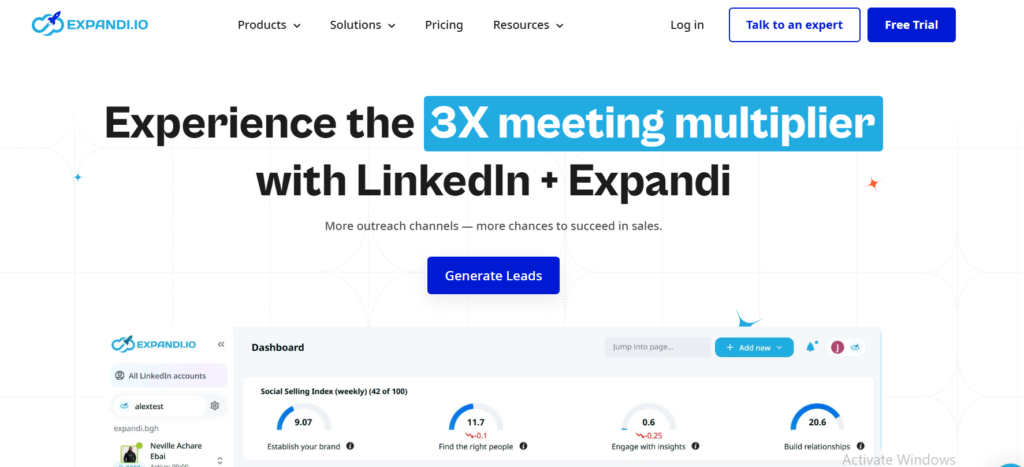
Tagline: LinkedIn automation software built for agencies that cannot afford account bans.
Summary
Expandi is one of the most widely used LinkedIn automation software platforms among UK B2B agencies. It runs in the cloud, mirrors human behaviour closely, and gives full control over message timing and follow ups. UK outbound teams use Expandi when client safety matters more than volume.
In almost every Expandi review from UK agencies, safety and inbox handling are the main reasons it replaces cheaper tools. It is frequently compared in Expandi vs Phantombuster and Expandi vs Zopto discussions because of its strict activity limits and smart delays.
Key Features
Smart Inbox With Reply Detection
Expandi tracks replies in real time and pauses sequences automatically when a prospect responds. This matters for UK B2B outreach where buying cycles are longer and follow ups must feel considered. Agencies running multiple accounts avoid awkward double messages that damage credibility.
Behaviour Based Safety Limits
This feature adjusts daily actions based on account age, network size, and recent activity. It reduces restriction risk for UK LinkedIn profiles, especially director level accounts that cannot be replaced easily. Many Expandi alternatives lack this control layer.
Dynamic Personalisation
Expandi supports text variables, images, GIFs, and conditional messaging. UK SDR teams often personalise by location, job title, or recent LinkedIn activity without manual work. This is a common highlight in Expandi features breakdowns.
Campaign Logic Branching
If a prospect accepts but does not reply, Expandi sends a different follow up than if they reply with interest. This keeps conversations relevant and avoids spam signals.
Agency Account Management
Multiple LinkedIn profiles can be managed from one dashboard. UK agencies use this to separate client campaigns while keeping reporting clean.
Pros & Cons
| Pros | Cons |
| High LinkedIn safety | No mobile app |
| Strong inbox logic | Learning curve |
| Agency friendly | Higher price |
Pricing
Expandi pricing starts at around £99 per LinkedIn account per month. There is a free trial available. Compared with other LinkedIn automation software, Expandi sits in the mid to high price range but replaces several cheaper tools when managing clients.
Best For UK Agencies Managing Client Outreach
Expandi works best for teams running outbound for multiple UK clients.
- B2B agencies handling director level outreach
- SaaS teams selling into UK mid market
- Recruiters contacting senior candidates
- Consultants booking calls with UK founders
Verdict: If account safety and reply handling matter more than volume, Expandi is hard to beat for UK LinkedIn automation software users.
UK Specific Tip
Run separate campaigns for London, Manchester, Birmingham, and Leeds audiences using location variables. UK prospects respond better when geography is acknowledged subtly in the opening line.
Best Alternate Tool
Phantombuster is often considered as an Expandi alternative when teams need broader automation beyond LinkedIn.
2. Phantombuster
Tagline: Automation software for LinkedIn power users who want more than messages.
Summary
Phantombuster is a LinkedIn automation software platform used heavily by UK growth teams, RevOps managers, and technical marketers. It goes beyond LinkedIn messages and connection requests by automating data extraction, profile visits, group actions, and workflow chaining.
Most Phantombuster review write ups from UK SaaS teams mention flexibility first and ease second. This is not a beginner tool. It is often compared in Phantombuster vs Expandi conversations where volume and multi platform automation matter more than inbox polish.
Key Features
Phantom Based Automation System
Each Phantom handles a specific task such as sending connection requests, scraping search results, or messaging accepted connections. UK teams chain multiple Phantoms to build outreach systems that replace manual SDR work.
LinkedIn Data Extraction
Phantombuster pulls profile data, post engagement, job titles, and company info at scale. UK marketers use this for account based outreach and segmentation before campaigns start.
Cloud Execution With Scheduling
All actions run in the cloud with adjustable timing. This is useful for UK teams working across time zones or managing outreach during business hours without logging in.
Multi Platform Support
In addition to LinkedIn, Phantombuster supports Twitter, Sales Navigator, and basic web scraping. This makes it popular with UK B2B teams running coordinated outbound plays.
API and Zapier Connections
Phantombuster connects with CRMs, Google Sheets, and internal tools. UK RevOps teams often pipe LinkedIn activity directly into reporting dashboards.
Pros & Cons
| Pros | Cons |
| Very flexible | Not beginner friendly |
| Strong data tools | Setup time |
| Multi platform | Safety requires care |
Pricing
Phantombuster pricing starts at around £59 per month with usage based limits. Higher tiers unlock more execution time and faster runs. Many UK teams upgrade quickly once workflows are live.
Best For UK Growth Teams Running Advanced Outreach
Phantombuster fits teams that treat LinkedIn automation software as infrastructure rather than a simple sender.
- UK SaaS growth teams
- RevOps and automation specialists
- B2B marketers needing data enrichment
- Agencies building custom outbound systems
Verdict: If you want control and flexibility and accept responsibility for setup and safety, Phantombuster delivers more raw capability than most LinkedIn automation software.
UK Specific Tip
Schedule actions between 8:30am and 5:30pm UK time and cap daily connection requests below LinkedIn thresholds. This reduces flags when running multiple Phantoms.
Best Alternate Tool
Expandi is often chosen instead when message sequencing and inbox handling matter more than automation breadth.
3. Dripify
Tagline: Visual LinkedIn automation software built for SDR teams that need clarity.
Summary
Dripify is a LinkedIn automation software platform popular with UK sales teams that want structure without complexity. It uses a visual flow builder that makes it easy to see exactly what happens after a connection is accepted, ignored, or replied to.
In many Dripify review threads from UK SaaS teams, the appeal is speed to launch. Compared to tools like LinkedHelper or Phantombuster, Dripify removes technical friction while still supporting proper sequencing. It frequently comes up in Dripify vs Waalaxy comparisons for teams choosing between simplicity and depth.
Key Features
Visual Campaign Builder
Dripify shows each step of a LinkedIn sequence as a flow chart. UK SDR managers use this to audit messaging logic and spot mistakes before campaigns go live. It also makes handovers easier when onboarding new reps.
Smart Inbox With Team Visibility
Replies are tracked centrally, allowing managers to see which prospects replied and which conversations stalled. This helps UK teams maintain consistent follow up standards across reps.
Activity Limit Controls
Daily connection requests, messages, and profile views can be capped. This matters for UK LinkedIn accounts tied to senior decision makers where restrictions carry real cost.
CRM and Zapier Integrations
Dripify syncs with common CRMs and automation tools. UK revenue teams often use this to log LinkedIn replies directly into deal stages.
Analytics and Performance Tracking
Campaign level metrics show acceptance rates, reply rates, and message performance. This allows UK teams to refine messaging without relying on vanity metrics.
Pros & Cons
| Pros | Cons |
| Easy to use | Fewer data tools |
| Clean interface | Limited scraping |
| Team friendly | Less flexible |
Pricing
Dripify pricing starts at around £39 per user per month with a free trial available. Higher plans unlock team features and advanced reporting. Compared with other LinkedIn automation software, pricing is accessible for growing UK teams.
Best For UK SDR Teams and In House Sales
Dripify suits organisations running outbound internally rather than agencies.
- UK SaaS SDR teams
- B2B service companies
- Sales managers needing visibility
- Startups scaling outbound
Verdict: Dripify is a solid LinkedIn automation software choice when speed, clarity, and team oversight matter more than advanced automation logic.
UK Specific Tip
Create separate flows for London based prospects versus regional UK buyers. Response patterns often differ, especially in finance, legal, and professional services.
Best Alternate Tool
Waalaxy is often considered by smaller teams looking for an even simpler setup.
4. Waalaxy
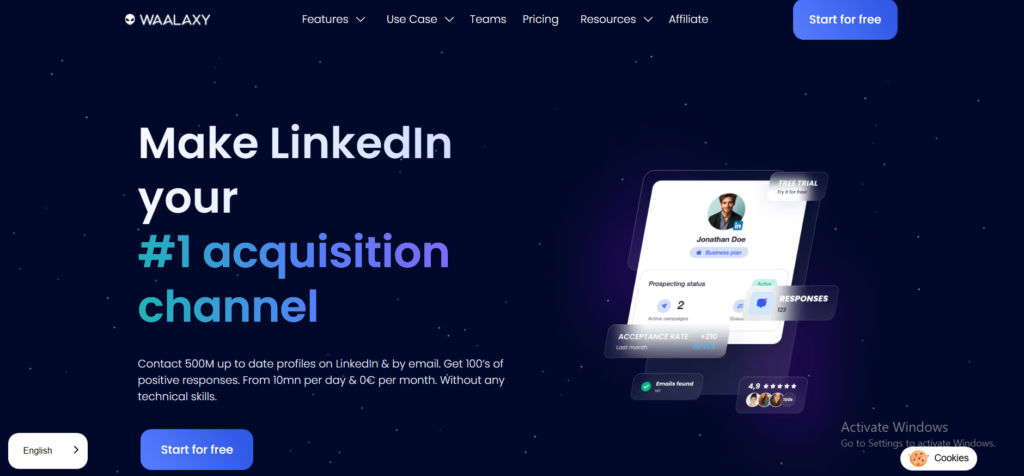
Tagline: LinkedIn automation software for UK SMBs that want outreach live today, not next week.
Summary
Waalaxy is a LinkedIn automation software platform designed for speed and simplicity. It is widely used by UK consultants, freelancers, and small B2B teams that want predictable LinkedIn outreach without complex setup or technical overhead.
In many Waalaxy review discussions, UK users mention how quickly campaigns can be launched. It often appears in Waalaxy vs Dripify and Waalaxy vs Dux Soup comparisons where ease of use is the deciding factor. This tool focuses tightly on LinkedIn and does not try to be an all purpose automation system.
Key Features
Pre Built Campaign Templates
Waalaxy offers ready made sequences for connection requests, follow ups, and simple nurturing. UK users choose a template, adjust copy, and launch. This reduces setup mistakes and keeps messaging consistent.
LinkedIn and Email Sequences
The platform supports LinkedIn only flows as well as LinkedIn plus email sequences. UK B2B teams often use this to re engage prospects who accept but stay silent.
Daily Action Limits
Waalaxy enforces conservative action limits automatically. This appeals to UK users who prefer safety controls without manual tuning.
Chrome Extension Control
Actions run through a browser extension, giving users visibility into what the tool is doing. This is reassuring for UK founders who want to see activity rather than trust a black box.
Simple Reporting Dashboard
Acceptance rates and reply counts are displayed clearly. While not deep analytics, it gives UK teams enough signal to judge message quality.
Pros & Cons
| Pros | Cons |
| Very easy setup | Limited custom logic |
| Quick launch | Browser dependent |
| Beginner friendly | Fewer integrations |
Pricing
Waalaxy pricing starts at around £40 per month with a free trial. Compared to other LinkedIn automation software, it sits in the affordable range for UK solo users and small teams.
Best For UK Consultants and Small B2B Teams
Waalaxy works best where speed matters more than depth.
- UK consultants booking sales calls
- Freelancers selling B2B services
- Small agencies testing LinkedIn outreach
- Founders running their own pipeline
Verdict: Waalaxy is LinkedIn automation software that removes friction. If you want outreach running today and accept fewer controls, it does the job.
UK Specific Tip
Use shorter follow up gaps for UK prospects, typically 2 to 3 working days. Waalaxy templates tend to default longer, which can slow momentum in UK sales cycles.
Best Alternate Tool
Dripify is often chosen when teams outgrow templates and want more control over message logic.
5. LinkedHelper
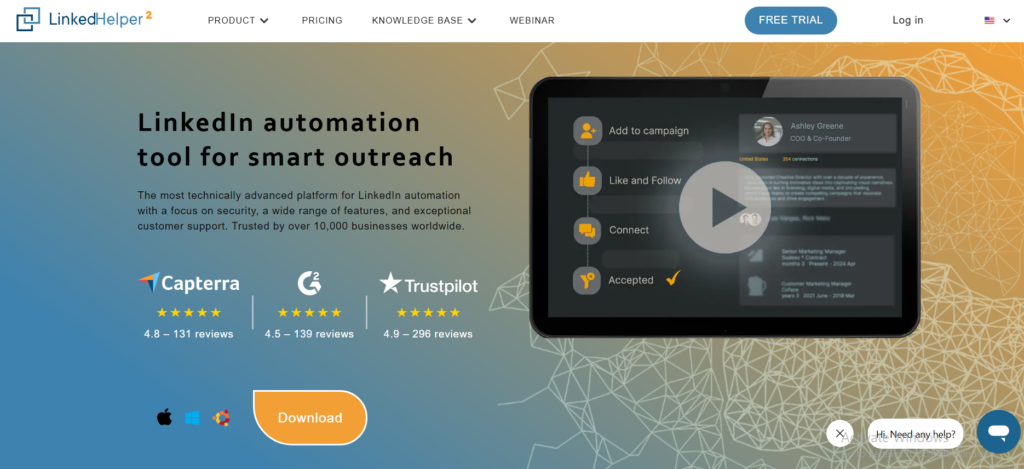
Tagline: Desktop based LinkedIn automation software trusted by UK recruiters.
Summary
LinkedHelper is one of the longest standing LinkedIn automation software tools on the market. It is widely used by UK recruiters, sourcing teams, and solo operators who want granular control over LinkedIn actions without relying on cloud systems.
In many LinkedHelper review posts, UK users highlight how much control the tool gives over sequences and filters. It often appears in LinkedHelper vs Dux Soup comparisons where depth and custom rules matter more than interface polish.
Key Features
Desktop Automation Engine
LinkedHelper runs on your computer, not in the cloud. For UK users, this means actions happen only when the app is open. Recruiters prefer this because it feels closer to manual behaviour.
Advanced Filtering Rules
Campaigns can be filtered by job title, company size, location, and connection degree. UK recruiters often narrow searches to London, Manchester, or regional hubs to keep outreach relevant.
Follow Up and Messaging Logic
LinkedHelper supports multi step sequences that react to profile visits, connection acceptance, and message replies. This makes it useful for long hiring cycles.
Built In CRM Functions
Leads can be tagged, scored, and exported. Many UK recruiters use LinkedHelper as a lightweight CRM replacement.
Profile Visit and Endorsement Actions
Beyond messaging, the tool automates profile visits and skill endorsements. This is often used by UK recruiters to warm leads before direct contact.
Pros & Cons
| Pros | Cons |
| Very detailed control | Desktop only |
| Strong for recruiters | Windows focused |
| Affordable | Dated interface |
Pricing
LinkedHelper pricing starts at around £15 per month with a free trial. Compared with most LinkedIn automation software, it is one of the most cost effective options for UK users.
Best For UK Recruiters and Sourcers
LinkedHelper fits users who value control over convenience.
- UK recruitment agencies
- Internal hiring teams
- Solo sourcers
- Consultants running manual style outreach
Verdict: If you want deep control and low cost and do not mind desktop software, LinkedHelper remains a solid LinkedIn automation software choice.
UK Specific Tip
Run LinkedHelper only during UK working hours and limit daily actions manually. Desktop tools rely more on user discipline for account safety.
Best Alternate Tool
Dux Soup is often considered when users want a lighter Chrome based alternative.
6. Zopto
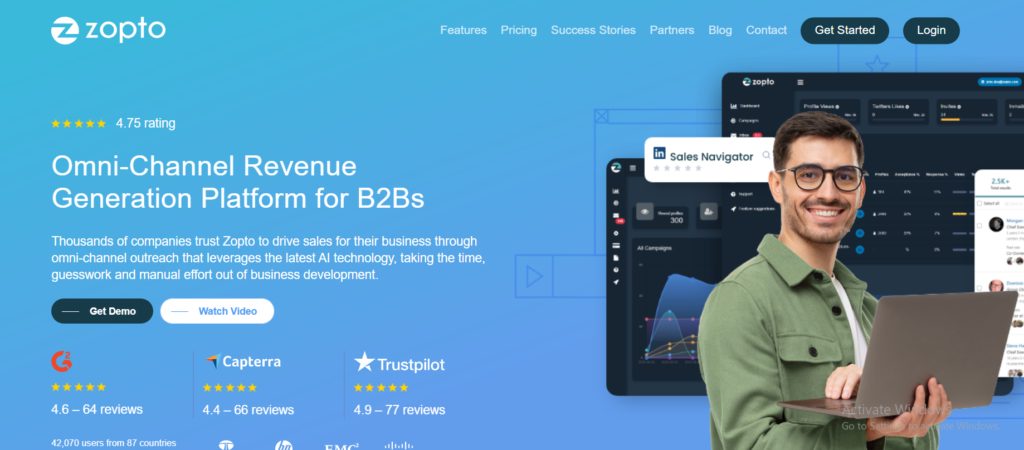
Tagline: LinkedIn automation software built for scale first outbound teams.
Summary
Zopto is LinkedIn automation software aimed at UK B2B teams running high volume outbound through Sales Navigator. It is not built for casual use. It is built for organisations that already understand LinkedIn outreach and want to run it across many reps or accounts.
In most Zopto review coverage from UK SaaS and enterprise sales teams, the theme is scale. Zopto often appears in Zopto vs Expandi and Zopto vs Phantombuster discussions where volume, team structure, and reporting matter more than copy finesse.
Key Features
Sales Navigator First Architecture
Zopto requires Sales Navigator and is tightly connected to it. UK enterprise teams rely on this to target accounts by seniority, firm size, and region with precision.
Team and Seat Management
Multiple LinkedIn accounts can be managed under one organisation. Managers assign campaigns, monitor activity, and review performance across UK based SDR teams.
Automated Connection and Follow Ups
Zopto handles connection requests, first messages, and follow ups at scale. It is commonly used by UK SaaS companies selling into finance, tech, and professional services.
Analytics and Reporting
The dashboard shows acceptance rates, reply volume, and campaign output by user. UK sales leaders use this to spot underperforming sequences quickly.
CRM Sync Options
Zopto connects with major CRMs, allowing LinkedIn activity to be tracked alongside pipeline stages. This is useful for UK revenue teams reporting to leadership.
Pros & Cons
| Pros | Cons |
| Built for scale | Expensive |
| Strong team controls | Requires Sales Navigator |
| Enterprise friendly | Less personalisation |
Pricing
Zopto pricing starts at around £215 per user per month and increases based on feature access. There is no free trial. Compared with other LinkedIn automation software, Zopto sits firmly in the enterprise bracket.
Best For UK Enterprise and High Volume SDR Teams
Zopto fits teams where outbound is already proven and needs expansion.
- UK SaaS companies with SDR teams
- Enterprise B2B sales organisations
- Agencies running large scale outreach
- Teams selling into regulated industries
Verdict: Zopto is LinkedIn automation software for teams that already know what they are doing and want volume with oversight. It is rarely a first tool and often a second or third.
UK Specific Tip
Segment UK campaigns by industry rather than geography when using Zopto. Senior buyers in London and regional hubs often respond similarly when messaging is role specific.
Best Alternate Tool
Expandi is often chosen when personalisation and account safety matter more than volume at scale.
7. Meet Alfred
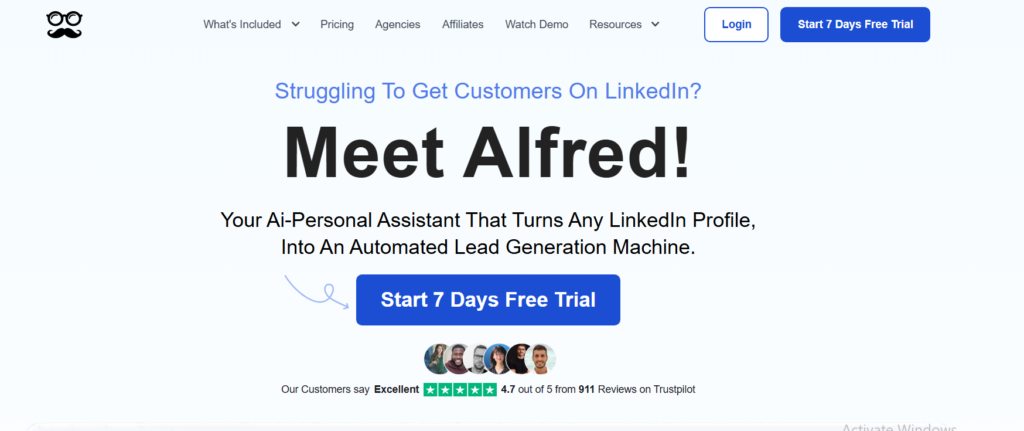
Tagline: LinkedIn automation software for consultants running multi channel outreach.
Summary
Meet Alfred is a LinkedIn automation software platform used by UK consultants, coaches, and B2B service providers who want LinkedIn outreach tied together with email and task management. It positions itself as a relationship focused system rather than a volume sender.
In most Meet Alfred review content from UK users, the appeal is organisation. It often shows up in Meet Alfred vs Waalaxy and Meet Alfred vs Expandi comparisons where simplicity across channels matters more than deep LinkedIn logic.
Key Features
LinkedIn Plus Email Sequences
Meet Alfred allows LinkedIn messages, connection requests, and emails to sit inside one flow. UK consultants use this to follow up LinkedIn connections via email without juggling tools.
Built In Task Management
Manual follow ups, reminders, and notes can be added inside campaigns. This suits UK service sellers who mix automation with personal outreach.
Centralised Inbox
Replies from LinkedIn are visible in one place, reducing missed responses. For solo operators in the UK, this prevents deals slipping through cracks.
Team Collaboration Features
Shared templates and reporting allow small UK teams to standardise outreach while keeping accounts separate.
Analytics Dashboard
Campaign level stats show acceptance rates and replies. It is lighter than enterprise tools but sufficient for tracking outreach quality.
Pros & Cons
| Pros | Cons |
| Multi channel support | Less LinkedIn depth |
| Easy organisation | Limited safety controls |
| Consultant friendly | Not built for scale |
Pricing
Meet Alfred pricing starts at around £39 per month with a free trial. Higher plans unlock team features. Compared with other LinkedIn automation software, pricing sits in the mid range for UK solo users.
Best For UK Consultants and Service Providers
Meet Alfred fits people selling expertise rather than products.
- UK consultants booking strategy calls
- Coaches and advisors
- Small B2B service firms
- Solo founders managing relationships
Verdict: Meet Alfred works well when outreach needs structure across LinkedIn and email without enterprise complexity.
UK Specific Tip
Use LinkedIn only for first contact and shift warm prospects to email quickly. UK buyers often prefer email once initial trust is established.
Best Alternate Tool
Waalaxy is often chosen by users who want simpler LinkedIn only automation.
8. TexAu
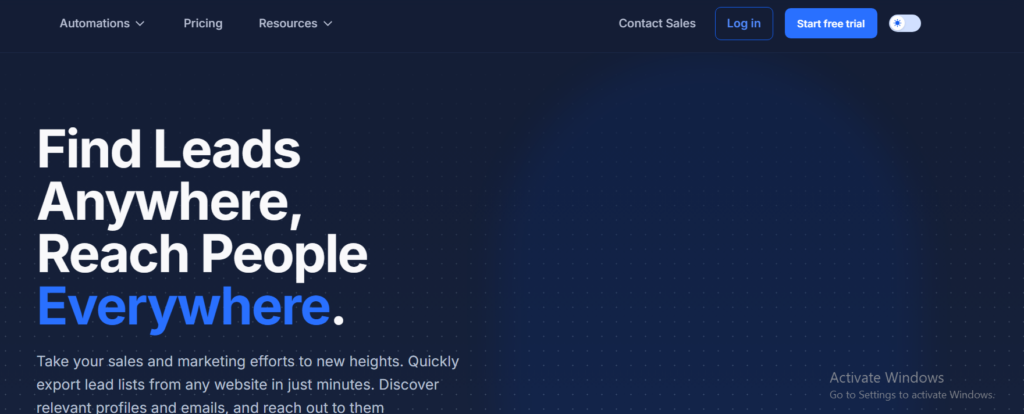
Tagline: LinkedIn automation software for UK teams that want full control over workflows.
Summary
TexAu is a cloud based LinkedIn automation software platform built for users who want flexibility above all else. It is widely used by UK growth marketers, agencies, and technically confident operators who want to design custom outreach systems rather than rely on fixed templates.
In many TexAu review discussions, UK users describe it as powerful but demanding. It frequently appears in TexAu vs Phantombuster and TexAu vs Expandi comparisons where automation depth is weighed against ease of use.
Key Features
Modular Automation Recipes
TexAu works through individual automations called recipes. Each recipe performs a specific action such as visiting profiles, sending connection requests, or exporting leads. UK teams chain these to build custom LinkedIn outreach flows.
Cloud Based Execution
All actions run on TexAu servers, meaning campaigns continue even when your computer is off. This suits UK agencies managing multiple client accounts.
Sales Navigator Support
TexAu integrates directly with Sales Navigator searches and lists. UK B2B teams rely on this to target accounts by seniority, company size, and region.
Scheduling and Rate Control
Users can schedule automations and control action frequency. This is essential for UK LinkedIn accounts that need conservative behaviour patterns.
Integrations and Webhooks
TexAu connects with CRMs, Google Sheets, and internal systems. UK RevOps teams often use this to feed LinkedIn activity into broader reporting.
Pros & Cons
| Pros | Cons |
| Very flexible | Steep learning curve |
| Cloud based | Setup time |
| Strong integrations | Interface complexity |
Pricing
TexAu pricing starts at around £29 per month with higher tiers based on execution limits. There is a free trial available. Compared with other LinkedIn automation software, entry pricing is low but serious use often requires upgrades.
Best For UK Agencies and Advanced Growth Teams
TexAu suits users who want control and accept responsibility for setup.
- UK growth marketing teams
- Agencies running custom outreach
- RevOps specialists
- Technical founders
Verdict: TexAu is LinkedIn automation software that rewards patience. If you want to build your own outreach engine, it gives the parts.
UK Specific Tip
Stagger automations across the working week and avoid running multiple recipes simultaneously on one account. This keeps behaviour closer to manual use.
Best Alternate Tool
Phantombuster is often chosen when users want similar flexibility with a different execution model.
9. Skylead
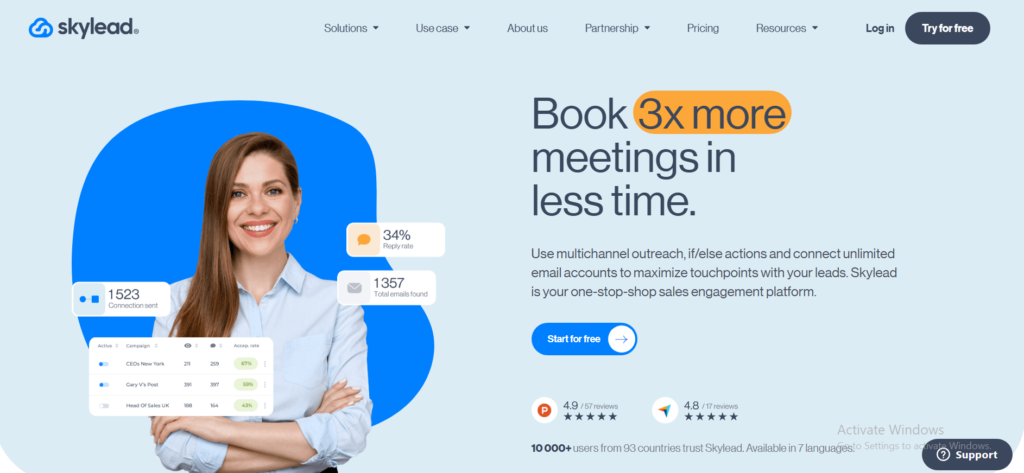
Tagline: LinkedIn automation software built for agencies that manage risk carefully.
Summary
Skylead is a LinkedIn automation software platform used mainly by UK agencies and outbound teams that want structured campaigns without pushing LinkedIn limits. It sits between simple tools and enterprise platforms, offering more control than template based systems while keeping safety front and centre.
In many Skylead review discussions among UK agencies, the emphasis is on account preservation. It often appears in Skylead vs Expandi and Skylead vs Zopto conversations where agencies weigh flexibility against volume.
Key Features
Cloud Based Campaign Execution
Skylead runs entirely in the cloud, so campaigns continue without a browser or desktop app running. UK agencies value this when managing multiple client accounts across different time zones.
Smart Daily Action Controls
The platform enforces conservative limits on connection requests, messages, and profile visits. This reduces restriction risk for UK LinkedIn accounts, especially new or low activity profiles.
Multi Step LinkedIn Sequences
Skylead supports connection requests, follow ups, and conditional messaging based on prospect actions. UK B2B teams use this to keep outreach consistent while avoiding spam signals.
Centralised Inbox
Replies are collected in one inbox, making it easier for UK teams to respond quickly and keep conversations human once prospects engage.
Team and Client Management
Multiple accounts can be grouped by client or campaign. This structure suits UK agencies running outbound as a managed service.
Pros & Cons
| Pros | Cons |
| Strong safety focus | Less flexible logic |
| Cloud based | Smaller feature set |
| Agency friendly | Limited data tools |
Pricing
Skylead pricing starts at around £100 per LinkedIn account per month with a free trial available. Compared with other LinkedIn automation software, it is positioned for agencies rather than solo users.
Best For UK Agencies Focused on Account Safety
Skylead fits teams that value stability over aggressive volume.
- UK lead generation agencies
- B2B service providers managing client outreach
- Teams running multiple LinkedIn accounts
- Agencies selling into regulated sectors
Verdict: Skylead is LinkedIn automation software for agencies that want predictable outreach without surprises. It does not chase volume and that is the point.
UK Specific Tip
Assign lower daily limits for accounts targeting London finance and legal sectors. These profiles tend to trigger restrictions faster when volume increases.
Best Alternate Tool
Expandi is often chosen when agencies need more advanced inbox logic and personalisation options.
10. LaGrowthMachine
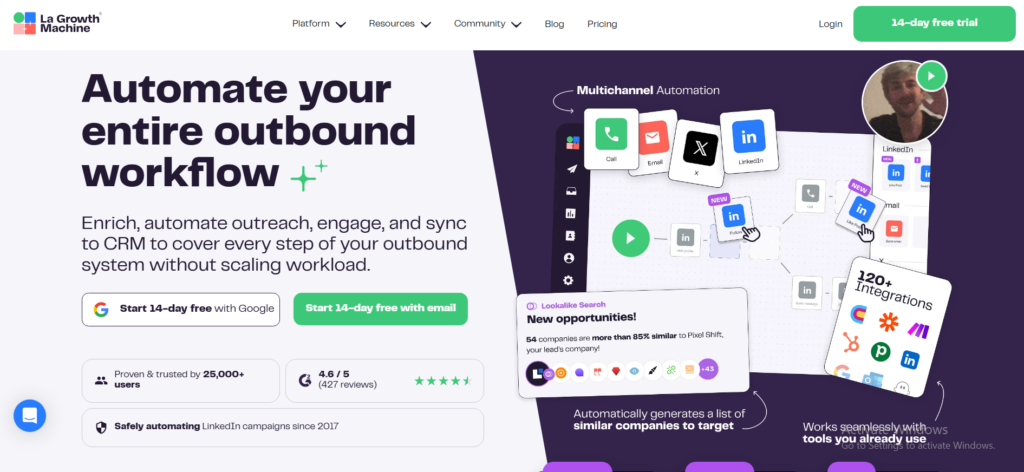
Tagline: LinkedIn automation software for UK revenue teams that want LinkedIn and email working together.
Summary
LaGrowthMachine is LinkedIn automation software built for UK B2B teams that think in terms of revenue systems, not single channel outreach. It combines LinkedIn actions, email follow ups, and basic CRM logic into one platform.
In most LaGrowthMachine review content from UK SaaS and agency teams, the appeal is coordination. It frequently comes up in LaGrowthMachine vs Meet Alfred and LaGrowthMachine vs Expandi comparisons where LinkedIn alone is not enough.
Key Features
Multi Channel Sequences
LaGrowthMachine allows LinkedIn profile visits, connection requests, messages, and emails to run inside one sequence. UK teams use this to maintain contact even when prospects go quiet on LinkedIn.
Contact Centric View
Each lead has a unified timeline showing LinkedIn actions, emails sent, and replies. This helps UK SDRs avoid overlapping messages across channels.
Warm Up Through Profile Visits
Campaigns often start with profile views before sending connection requests. UK users rely on this to soften first contact without sending messages immediately.
CRM Sync and Lead Tracking
LaGrowthMachine integrates with popular CRMs and allows tagging and status updates. UK revenue teams use this to connect outreach activity with pipeline stages.
Team Collaboration
Templates, shared campaigns, and reporting support small to mid sized UK teams running outbound together.
Pros & Cons
| Pros | Cons |
| Strong multi channel | Less LinkedIn depth |
| Clean contact view | Fewer safety controls |
| Revenue focused | Higher learning curve |
Pricing
LaGrowthMachine pricing starts at around £50 per user per month with a free trial. Compared with other LinkedIn automation software, it offers good value when email outreach is part of the process.
Best For UK Revenue and Growth Teams
LaGrowthMachine suits teams selling considered B2B offers.
- UK SaaS sales teams
- B2B agencies running LinkedIn plus email
- SDR teams handling longer sales cycles
- Founders managing outbound themselves
Verdict: If LinkedIn outreach is only one part of your UK B2B sales process, LaGrowthMachine brings channels together cleanly.
UK Specific Tip
Use LinkedIn messages for first contact and early follow ups, then switch to email once a prospect has accepted. UK buyers often respond better once identity is established.
Best Alternate Tool
Meet Alfred is often chosen by solo users who want simpler multi channel coordination.
11. Dux Soup
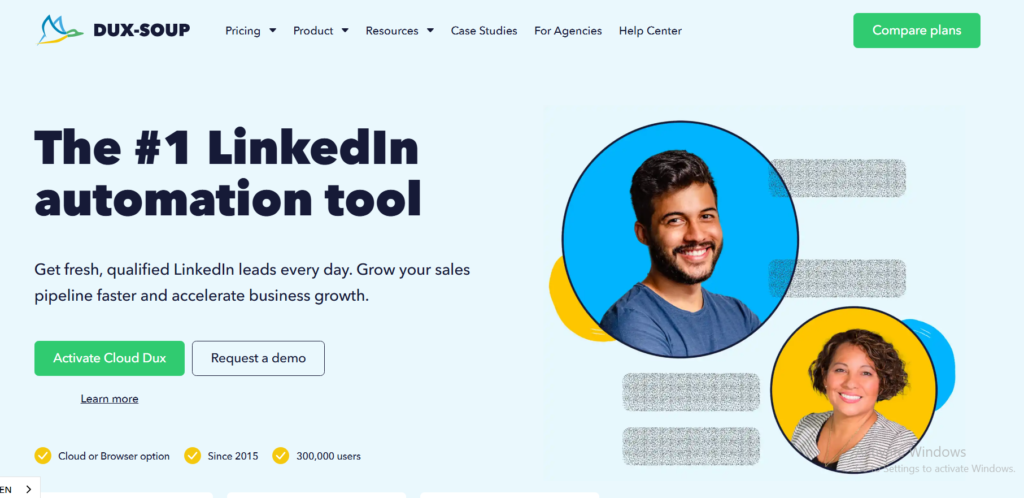
Tagline: Lightweight LinkedIn automation software for UK solo operators.
Summary
Dux Soup is one of the earliest LinkedIn automation software tools and remains popular with UK freelancers, recruiters, and solo B2B sellers. It runs as a Chrome extension and focuses on basic LinkedIn actions rather than complex workflows.
In many Dux Soup review discussions among UK users, longevity and simplicity come up repeatedly. It often appears in Dux Soup vs LinkedHelper and Dux Soup vs Waalaxy comparisons where users want something straightforward without a learning curve.
Key Features
Chrome Extension Based Automation
Dux Soup runs directly inside the browser. UK users can see profile visits, connection requests, and messages happening live, which provides reassurance and control.
Profile Visiting Campaigns
The tool automatically visits profiles from search results or lists. UK users rely on this as a soft opener before sending connection requests.
Basic Messaging Sequences
Connection requests and follow ups can be automated with simple delays. It is not designed for complex logic but handles standard outreach reliably.
CRM and Export Options
Leads can be tagged and exported to CRMs or spreadsheets. UK consultants often use this to track warm prospects manually.
Safety Controls
Daily limits can be set manually. While less advanced than cloud tools, this gives UK users control over account behaviour.
Pros & Cons
| Pros | Cons |
| Very easy to use | Limited automation logic |
| Affordable | Browser dependent |
| Long track record | No cloud execution |
Pricing
Dux Soup pricing starts at around £11 per month with a free trial available. Compared with other LinkedIn automation software, it is one of the cheapest entry points for UK users.
Best For UK Freelancers and Solo B2B Sellers
Dux Soup fits users who want basic LinkedIn outreach without complexity.
- UK freelancers selling services
- Solo consultants
- Recruiters warming candidates
- Founders testing LinkedIn outreach
Verdict: Dux Soup remains useful LinkedIn automation software when expectations are realistic. It handles simple tasks well and stays out of the way.
UK Specific Tip
Pair profile visits with manual personalised messages for UK prospects. The automation warms leads while keeping conversations human.
Best Alternate Tool
LinkedHelper is often chosen when users want more advanced control at a similar price.
12. Octopus CRM
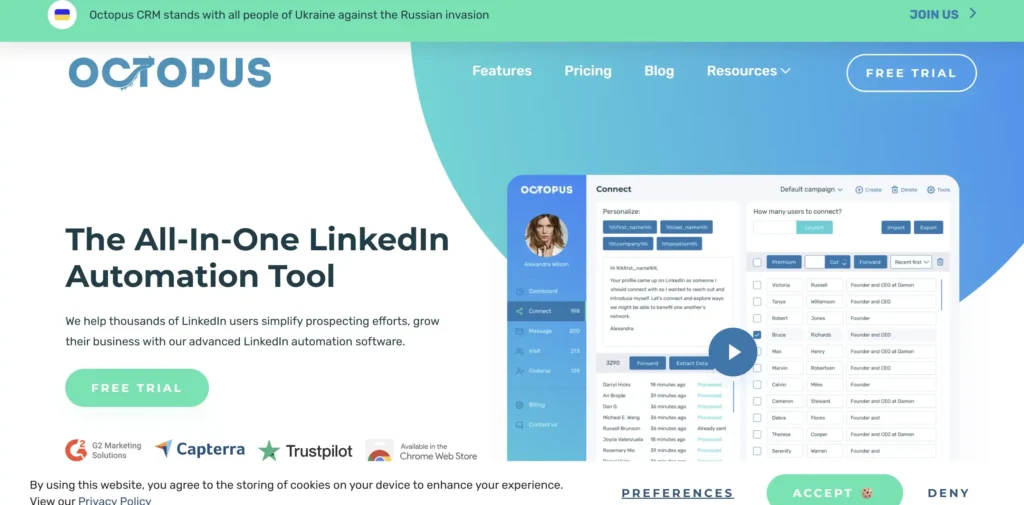
Tagline: LinkedIn automation software with a built in CRM for UK SMBs.
Summary
Octopus CRM is LinkedIn automation software designed for UK small to mid sized businesses that want outreach and lead tracking in one place. It focuses on core LinkedIn actions and layers simple CRM features on top, which appeals to teams that do not want to connect multiple tools.
In most Octopus CRM review coverage from UK users, ease of adoption stands out. It often comes up in Octopus CRM vs Dux Soup and Octopus CRM vs Waalaxy comparisons where users want structure without complexity.
Key Features
Built In Lead Management
Every LinkedIn profile contacted is stored with notes, tags, and status. UK sales teams use this to track conversations without exporting data elsewhere.
Automated Connection Requests and Follow Ups
Octopus CRM handles connection invites, first messages, and basic follow ups. It keeps sequences simple and predictable for UK accounts.
Chrome Extension Execution
The tool runs through a browser extension, letting users see activity in real time. This suits UK founders who want visibility into what the software is doing.
Export and CRM Sync
Leads can be exported to spreadsheets or synced with popular CRMs. UK teams often start with the built in CRM and move data later as volume grows.
Performance Tracking
Acceptance rates and reply metrics are visible at campaign level. While not deep analytics, it provides enough feedback to improve messaging.
Pros & Cons
| Pros | Cons |
| CRM included | Limited automation depth |
| Easy setup | Browser dependent |
| Clear tracking | Not for scale |
Pricing
Octopus CRM pricing starts at around £21 per month with a free trial available. Compared with other LinkedIn automation software, it offers strong value for UK SMBs.
Best For UK Small and Mid Sized Businesses
Octopus CRM suits teams that want simplicity and visibility.
- UK SMB sales teams
- Consultants managing contacts
- Founders running outreach themselves
- Small agencies testing LinkedIn
Verdict: Octopus CRM is practical LinkedIn automation software when you want outreach and lead tracking without stitching tools together.
UK Specific Tip
Tag leads by UK region early. It helps adjust follow up timing and messaging tone for different areas.
Best Alternate Tool
Waalaxy is often chosen when users want templates rather than CRM features.
13. We Connect
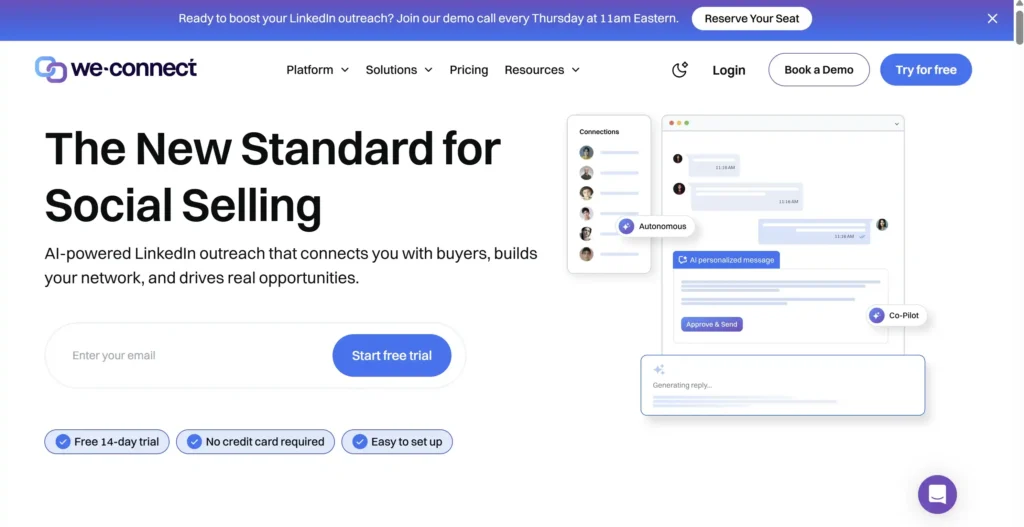
Tagline: LinkedIn automation software built with compliance and control in mind.
Summary
We Connect is LinkedIn automation software used by UK B2B teams that are cautious by nature. It is popular with companies that care about compliance, predictable behaviour, and steady outreach rather than aggressive volume.
In many We Connect review discussions among UK users, reliability is the recurring theme. It often appears in We Connect vs Expandi and We Connect vs Skylead comparisons where safety and stability are prioritised over feature depth.
Key Features
Cloud Based Automation
We Connect runs entirely in the cloud, so campaigns continue without a browser session. UK teams managing outreach during working hours rely on this for consistency.
Conservative Activity Limits
The platform enforces strict daily caps on LinkedIn actions. This suits UK organisations that cannot afford account restrictions, especially in regulated sectors.
Personalised Message Variables
Messages can include personalisation fields such as first name, company, and job title. While simple, this keeps outreach relevant for UK prospects.
Centralised Inbox
Replies are collected in one inbox, making it easier for UK sales teams to respond quickly once a prospect engages.
GDPR Conscious Infrastructure
We Connect positions itself as privacy focused, which appeals to UK and EU based companies concerned about data handling.
Pros & Cons
| Pros | Cons |
| Strong safety focus | Limited automation depth |
| Cloud based | Fewer integrations |
| Compliance friendly | Less flexible |
Pricing
We Connect pricing starts at around £69 per LinkedIn account per month with a free trial. Compared with other LinkedIn automation software, pricing reflects its compliance and stability positioning.
Best For UK Companies Prioritising Compliance
We Connect fits teams where outreach must stay controlled.
- UK professional services firms
- Regulated industry sales teams
- B2B companies with risk oversight
- Teams new to LinkedIn automation
Verdict: We Connect is LinkedIn automation software for UK teams that want steady, predictable outreach without pushing limits.
UK Specific Tip
Keep message copy formal and restrained. We Connect performs best with understated UK business tone rather than aggressive call booking language.
Best Alternate Tool
Skylead is often chosen when agencies want similar safety with more campaign flexibility.
14. SalesRobot
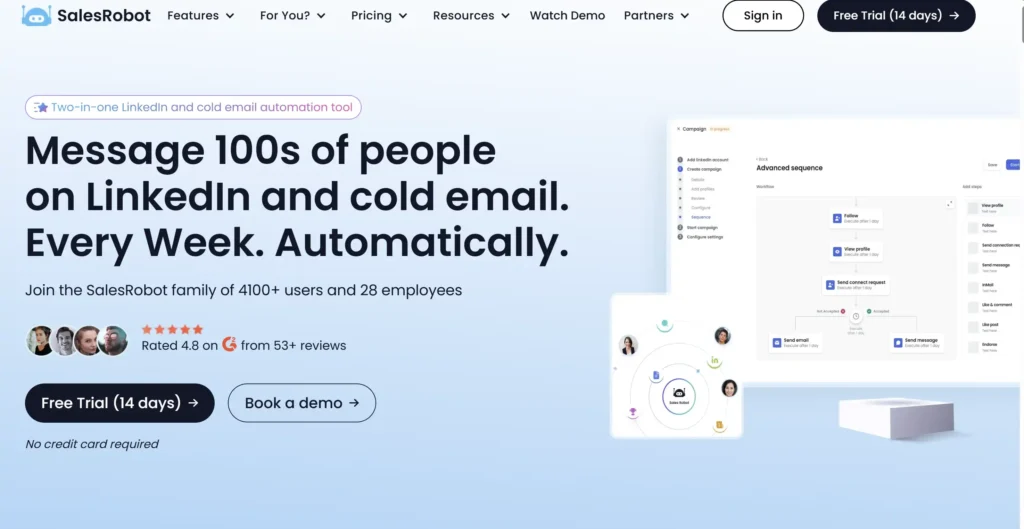
Tagline: LinkedIn automation software for UK SaaS teams that want guardrails built in.
Summary
SalesRobot is LinkedIn automation software designed for B2B sales teams that want LinkedIn outreach running consistently without micromanaging daily limits. It is used by UK SaaS companies and outbound teams that care about reply quality and account safety.
In many SalesRobot review discussions, UK users mention the balance between automation and restraint. It often appears in SalesRobot vs Expandi and SalesRobot vs Zopto comparisons where safety controls and team usage matter.
Key Features
Behaviour Guardrails
SalesRobot automatically adjusts activity levels based on account health signals. UK teams use this to avoid pushing profiles beyond safe thresholds during busy outreach periods.
Sales Navigator Targeting
The platform integrates tightly with Sales Navigator, allowing UK teams to run campaigns against saved searches and lead lists.
Centralised Reply Management
Replies from prospects are tracked and visible to the team, helping UK SDR managers ensure timely responses.
Team Level Controls
Managers can assign campaigns and monitor usage across reps. This is useful for UK SaaS teams scaling outbound gradually.
Campaign Analytics
Basic reporting shows acceptance rates, replies, and engagement trends. It keeps focus on conversation quality rather than vanity metrics.
Pros & Cons
| Pros | Cons |
| Strong safety focus | Less custom logic |
| Team friendly | Smaller feature set |
| Sales Navigator ready | Higher price |
Pricing
SalesRobot pricing starts at around £99 per user per month with a free trial available. Compared with other LinkedIn automation software, it sits in the mid to high range for UK teams.
Best For UK SaaS Sales Teams
SalesRobot fits teams selling subscription products with longer sales cycles.
- UK SaaS SDR teams
- B2B tech companies
- Revenue teams needing oversight
- Sales managers focused on safety
Verdict: SalesRobot is LinkedIn automation software for teams that want outreach running with built in restraint and clear oversight.
UK Specific Tip
Use shorter message copy for UK prospects. SalesRobot performs best when messages feel restrained and conversational rather than sales heavy.
Best Alternate Tool
Zopto is often chosen when teams want higher volume and deeper reporting.
15.Cleverly
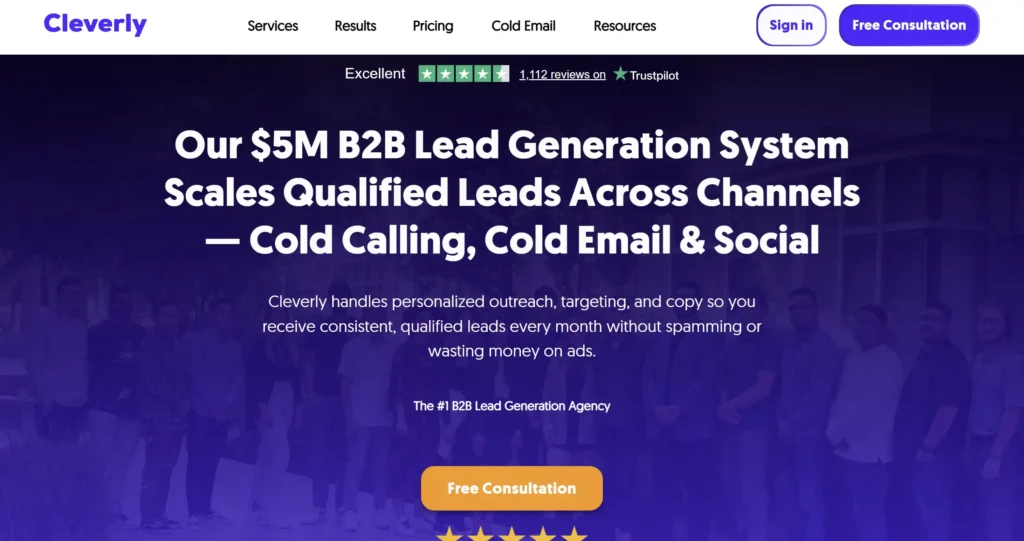
Tagline: Managed LinkedIn automation software for UK teams that want done for you outreach.
Summary
Cleverly is LinkedIn automation software delivered as a managed service rather than a DIY tool. UK B2B teams use it when they want LinkedIn outreach running without writing copy, building sequences, or managing daily activity themselves.
In most Cleverly review coverage from UK buyers, the appeal is delegation. It often comes up in Cleverly vs Expandi and Cleverly vs Waalaxy comparisons where control is traded for time savings.
Key Features
Fully Managed Outreach
Cleverly handles targeting, copywriting, sequencing, and optimisation. UK founders use this when outbound needs to run but internal bandwidth is limited.
LinkedIn Account Safety Controls
Activity levels are kept conservative and monitored by their team. This suits UK executives using personal LinkedIn profiles tied to their reputation.
Prospect Targeting and Segmentation
Campaigns are built around job titles, industries, and seniority. UK B2B offers aimed at directors and founders fit this model well.
Appointment Focused Messaging
Messaging is designed to move prospects toward booked calls rather than long conversations. This appeals to UK service businesses selling high ticket offers.
Performance Reporting
Clients receive regular reports on connections, replies, and booked meetings. While not granular, it provides visibility without platform management.
Pros & Cons
| Pros | Cons |
| No setup required | High cost |
| Managed execution | Less control |
| Time saving | Not self service |
Pricing
Cleverly pricing typically starts around £297 per month and increases based on scope. There is no free trial. Compared with other LinkedIn automation software, pricing reflects the managed service model rather than software access.
Best For UK Founders and Executives
Cleverly fits teams that value time over control.
- UK founders selling services
- Consultants booking strategy calls
- Small teams without SDRs
- Executives protecting personal profiles
Verdict: Cleverly is LinkedIn automation software for UK buyers who want results without touching the system. You pay more but avoid setup entirely.
UK Specific Tip
Brief Cleverly carefully on UK tone and restraint. Overly aggressive US style messaging underperforms with British prospects.
Best Alternate Tool
Expandi is often chosen when teams want control but still need safety.
16. Lempod
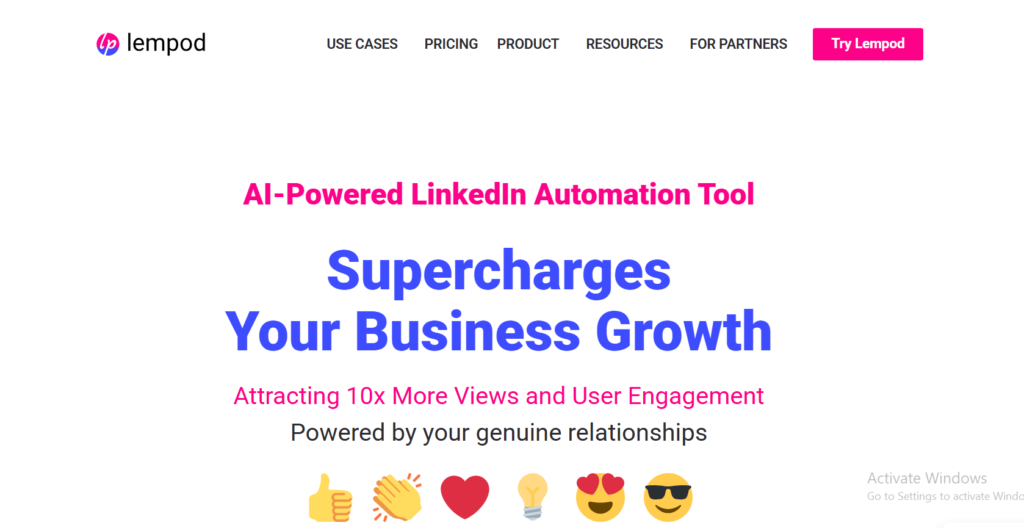
Tagline: LinkedIn automation software focused on post engagement rather than inbox outreach.
Summary
Lempod is a LinkedIn automation software tool with a narrow but specific purpose. It automates engagement on LinkedIn posts through pods, helping content receive early likes and comments. UK B2B founders and marketers use it to increase visibility rather than run direct outreach campaigns.
In most Lempod review discussions, UK users frame it as a supporting tool rather than a core outreach platform. It often appears in Lempod vs Taplio conversations where content distribution is the priority.
Key Features
Engagement Pods
Users join pods based on industry or audience type. When a post is published, pod members automatically engage. UK founders use this to get early traction on thought leadership posts.
Chrome Extension Execution
Lempod runs through a browser extension. Engagement happens automatically once a post goes live, without manual coordination.
Comment and Like Automation
Both likes and short comments can be automated. UK users typically keep comments neutral and brief to avoid patterns that look artificial.
Pod Management
Users can join multiple pods depending on audience. This allows UK marketers to test which groups generate the most secondary reach.
Simple Setup
Campaigns require minimal configuration. This makes Lempod accessible to non technical users.
Pros & Cons
| Pros | Cons |
| Improves post reach | Not outreach focused |
| Very easy to use | Limited control |
| Low cost | Pod quality varies |
Pricing
Lempod pricing starts at around £5 per month with a free trial available. Compared with other LinkedIn automation software, it is one of the cheapest tools but also the most specialised.
Best For UK Founders and Personal Brands
Lempod fits users focused on visibility rather than direct messaging.
- UK founders building authority
- Consultants posting regularly
- B2B marketers testing content reach
- Solo operators growing audience
Verdict: Lempod is LinkedIn automation software that supports content visibility. It is not an outreach engine but pairs well with messaging tools.
UK Specific Tip
Limit pod usage to one or two per post. UK audiences respond better to subtle engagement than sudden spikes.
Best Alternate Tool
Taplio is often chosen when users want content planning and engagement in one platform.
17. Taplio
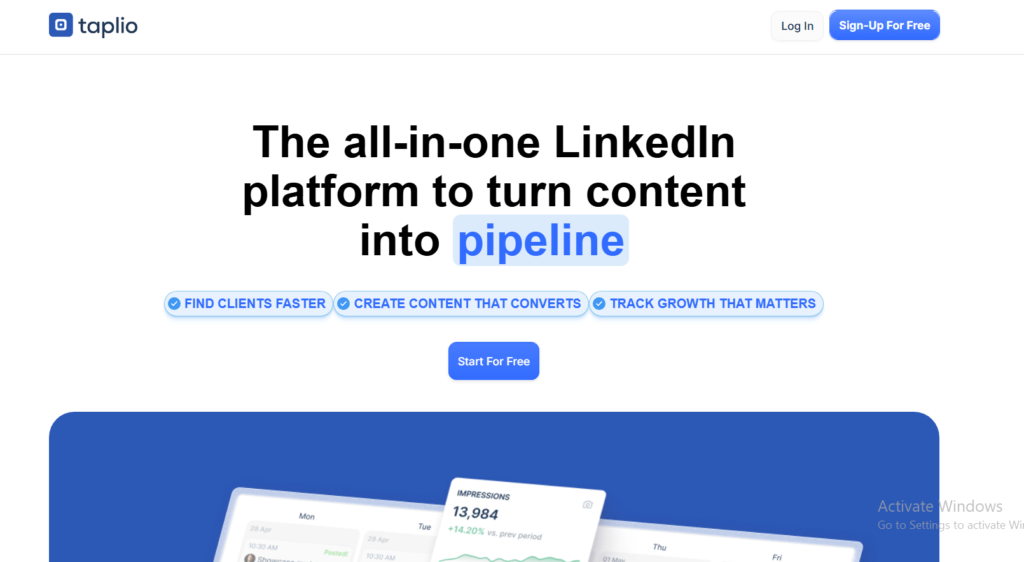
Tagline: LinkedIn automation software for UK founders who sell through content and DMs.
Summary
Taplio is LinkedIn automation software built around content publishing, light outreach, and personal brand growth. UK founders, consultants, and B2B marketers use it when LinkedIn content drives inbound conversations and direct messages support follow up.
In most Taplio review coverage from the UK, the focus is on consistency. It often appears in Taplio vs Lempod and Taplio vs Meet Alfred comparisons where content cadence matters more than outbound volume.
Key Features
Content Scheduling and Ideas
Taplio helps plan and schedule LinkedIn posts weeks ahead. UK founders rely on this to stay visible without logging in daily. The content suggestions are generic but useful for maintaining posting rhythm.
Engagement Tracking
The platform tracks likes, comments, and profile visits driven by posts. UK users use this to identify who engages repeatedly before starting conversations.
Light DM Automation
Taplio supports simple message workflows for people who engage with posts. This suits UK audiences where soft follow ups outperform cold pitches.
Contact Management
Profiles that interact with content can be saved and tagged. UK consultants often use this as a warm lead list rather than a cold prospect database.
Chrome Extension Support
The extension surfaces insights directly on LinkedIn profiles, making it easier to decide who to message manually.
Pros & Cons
| Pros | Cons |
| Strong content tools | Limited outbound automation |
| Personal brand focus | Not for scale |
| Easy to use | Higher cost for scope |
Pricing
Taplio pricing starts at around £39 per month with a free trial available. Compared with other LinkedIn automation software, it is priced for creators rather than SDR teams.
Best For UK Founders Selling Through Content
Taplio fits users whose pipeline starts with posts, not cold messages.
- UK founders building authority
- Consultants posting weekly
- B2B marketers running content led sales
- Solo operators warming inbound leads
Verdict: Taplio is LinkedIn automation software for UK users who treat content as the front door and DMs as follow up, not the other way around.
UK Specific Tip
Reply manually to comments from UK prospects before sending DMs. Taplio highlights frequent engagers, but the first message should stay personal.
Best Alternate Tool
Lempod is often chosen when users want cheaper engagement support without content planning.
18. Evaboot
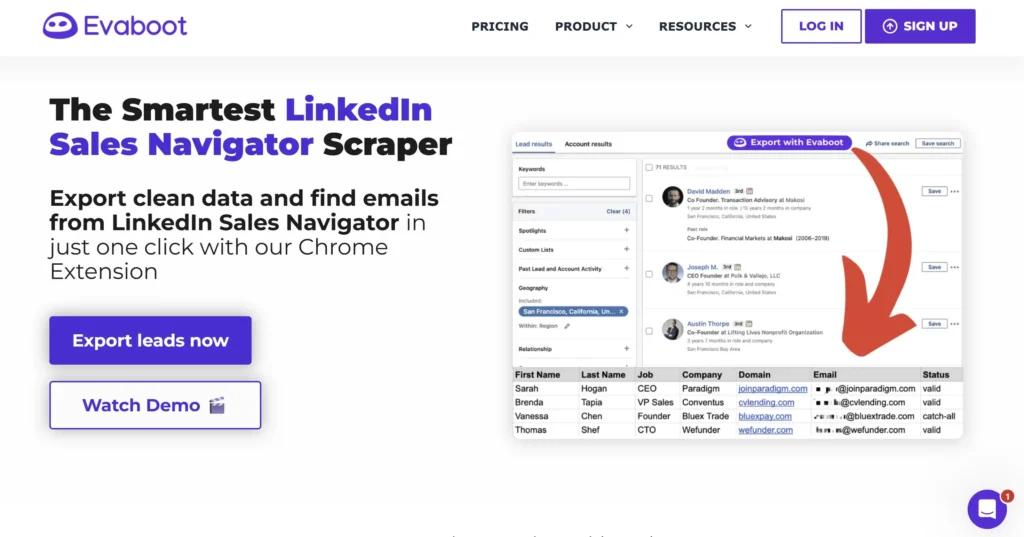
Tagline: LinkedIn automation software for clean UK lead data before outreach starts.
Summary
Evaboot is LinkedIn automation software focused on one job only: extracting and cleaning lead data from Sales Navigator. UK B2B teams use it before launching outreach, not during messaging. It fixes a common problem many teams ignore until reply rates drop, poor data quality.
In most Evaboot review content from UK users, accuracy is the headline. It often appears in Evaboot vs Phantombuster discussions where lead extraction quality matters more than automation volume.
Key Features
Sales Navigator Lead Export
Evaboot exports leads directly from Sales Navigator searches and lists. UK teams rely on this to build outreach lists without manual copy paste work.
Data Cleaning and Normalisation
Job titles, company names, and locations are standardised automatically. This matters for UK outreach where variations like London versus Greater London affect personalisation quality.
Duplicate Detection
The tool identifies duplicate profiles across lists. UK agencies use this to avoid messaging the same prospect from multiple accounts.
CSV and CRM Ready Outputs
Exports are formatted for CRMs and LinkedIn automation software tools. This reduces prep time before campaigns go live.
Location Accuracy
Evaboot handles UK locations cleanly, separating cities, regions, and countries properly. This is critical when segmenting by England, Scotland, Wales, or specific cities.
Pros & Cons
| Pros | Cons |
| Clean lead data | No messaging |
| Sales Navigator focused | Narrow scope |
| Saves prep time | Requires other tools |
Pricing
Evaboot pricing starts at around £29 per month with a free trial available. Compared with other LinkedIn automation software, it is priced as a supporting tool rather than a full platform.
Best For UK Teams That Care About List Quality
Evaboot fits teams that prepare carefully before outreach.
- UK agencies building prospect lists
- SaaS teams running account based outreach
- SDR teams tired of bad data
- Consultants segmenting by region
Verdict: Evaboot is LinkedIn automation software that fixes list quality problems before they damage campaigns. It pairs well with messaging tools.
UK Specific Tip
Always clean lists before targeting UK directors and partners. Poor title formatting damages credibility faster at senior levels.
Best Alternate Tool
Phantombuster is often used when teams want extraction plus automation in one system.
19. Lead Connect
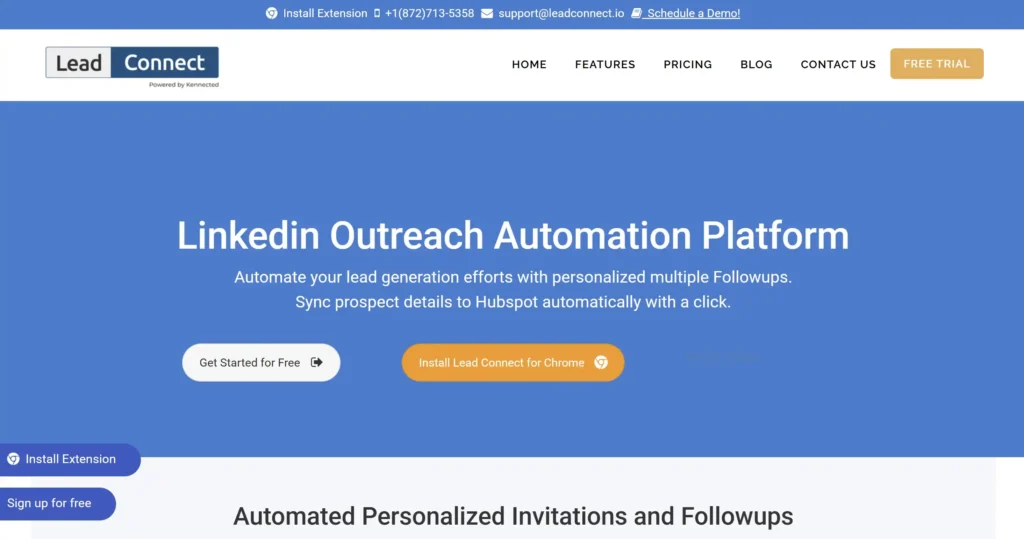
Tagline: LinkedIn automation software built for UK based outreach with local IP protection.
Summary
Lead Connect is LinkedIn automation software positioned specifically for teams worried about account restrictions. It routes activity through UK based IP addresses and focuses on keeping behaviour patterns consistent with local usage.
In most Lead Connect review discussions, UK users mention peace of mind first. It often appears in Lead Connect vs Expandi and Lead Connect vs We Connect comparisons where location level safety is the deciding factor rather than feature depth.
Key Features
UK Based IP Routing
Lead Connect runs LinkedIn actions through UK IP addresses. This matters for accounts that log in from the UK consistently and want behaviour to match location signals.
Cloud Based Execution
Campaigns run without needing a browser session. UK teams managing multiple accounts rely on this to keep outreach steady during working hours.
Connection Requests and Follow Ups
The platform supports core LinkedIn outreach actions including connection invites and follow up messages. It avoids complex branching in favour of predictable sequences.
Inbox Monitoring
Replies are tracked in a central inbox so UK teams can respond quickly once prospects engage.
Account Health Focus
Daily limits are conservative by default. This suits UK users who prefer slower, steadier outreach over aggressive volume.
Pros & Cons
| Pros | Cons |
| UK IP usage | Limited automation depth |
| Cloud based | Smaller feature set |
| Safety focused | Not for scale |
Pricing
Lead Connect pricing starts at around £49 per month with a free trial available. Compared with other LinkedIn automation software, it sits in the mid range for UK focused tools.
Best For UK Teams Concerned About Account Location
Lead Connect fits users who want outreach to match local behaviour patterns.
- UK based founders
- Consultants selling locally
- B2B service firms targeting UK only
- Teams recovering from restrictions
Verdict: Lead Connect is LinkedIn automation software that prioritises local safety signals. It trades advanced features for reduced risk.
UK Specific Tip
Keep messaging location neutral when targeting across England, Scotland, and Wales. UK IP routing already signals relevance without spelling it out.
Best Alternate Tool
We Connect is often chosen when compliance and privacy matter more than IP routing.
20. Cloudlead
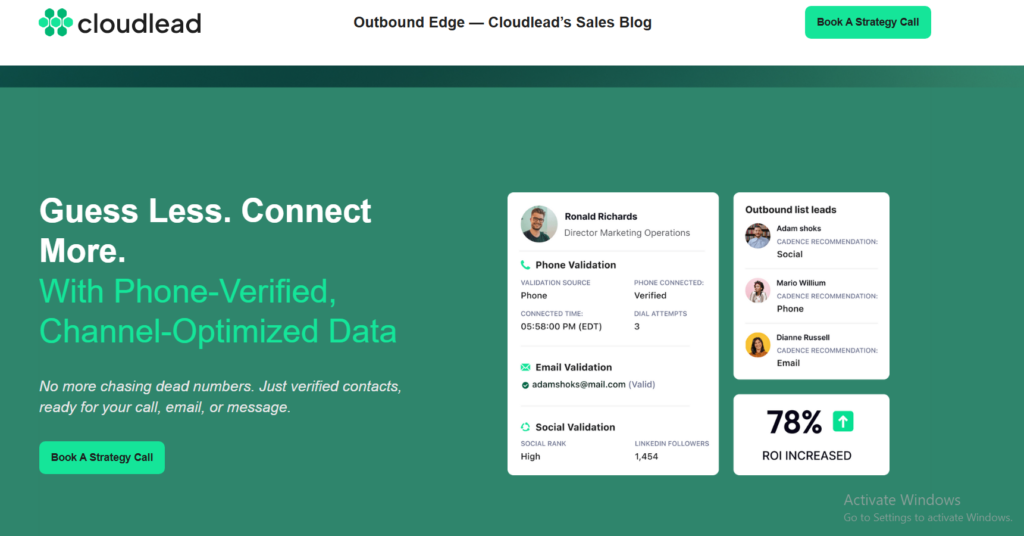
Tagline: LinkedIn automation software for UK agencies managing multiple accounts safely.
Summary
Cloudlead is LinkedIn automation software built for agencies and outbound teams that run several LinkedIn accounts at once. It focuses on account rotation, predictable behaviour patterns, and campaign separation, which makes it appealing to UK lead generation firms managing clients across different industries.
In Cloudlead review discussions, UK agencies often mention structure over sophistication. It tends to appear in Cloudlead vs Skylead and Cloudlead vs Expandi comparisons where operational control matters more than advanced messaging logic.
Key Features
Multi Account Rotation
Cloudlead allows agencies to rotate activity across LinkedIn accounts automatically. UK teams use this to spread outreach volume while keeping individual accounts within safe limits.
Cloud Based Automation
Campaigns run continuously without browser sessions. This suits UK agencies managing outreach during standard working hours without staff oversight.
Connection and Messaging Sequences
The platform supports connection requests and follow up messages with basic timing controls. It avoids complex branching in favour of consistency.
Campaign Separation by Client
Accounts, campaigns, and messaging can be separated cleanly by client. UK agencies rely on this to avoid crossover errors when managing multiple brands.
Activity Monitoring
Usage levels and campaign status are visible across accounts. This gives UK operators oversight without diving into each profile.
Pros & Cons
| Pros | Cons |
| Good for agencies | Limited personalisation |
| Account rotation | Smaller feature set |
| Cloud execution | Not beginner friendly |
Pricing
Cloudlead pricing typically starts at around £99 per month depending on account volume and features. Compared with other LinkedIn automation software, it is positioned squarely for agency use rather than solo operators.
Best For UK Agencies Managing Scale
Cloudlead fits teams that manage outreach as a service.
- UK lead generation agencies
- B2B service firms running client campaigns
- Teams handling multiple LinkedIn profiles
- Agencies selling appointment setting
Verdict: Cloudlead is LinkedIn automation software that prioritises operational control for UK agencies. It is not flashy, but it keeps campaigns organised and predictable.
UK Specific Tip
Assign separate messaging frameworks per industry. UK prospects react poorly when similar copy appears across unrelated sectors.
Best Alternate Tool
Skylead is often chosen when agencies want similar structure with more built in safety controls.
Choosing the Right LinkedIn Automation Software in the UK
You have now seen how each LinkedIn automation software option stacks up for UK B2B outreach in 2026. Some tools favour safety. Some favour scale. Others exist to keep things simple for solo operators.
The right choice depends on three things only:
- How many LinkedIn accounts you run
- How much control you want over messaging and limits
- How much risk your business can tolerate
UK outreach rewards restraint, relevance, and consistency. Pick the tool that fits your current stage, not the one that sounds impressive. Test it properly over a few weeks and judge it by replies and booked calls, not surface level numbers.
How We Approach LinkedIn Automation at Pearl Lemon Leads
At Pearl Lemon Leads, we work with UK B2B companies that want LinkedIn outreach to produce booked meetings, not just activity. We design LinkedIn automation software stacks based on safety, sector norms, and how UK buyers actually respond.
Our approach focuses on:
- Selecting the right LinkedIn automation software for your model
- Writing outreach copy that fits UK decision makers
- Setting limits that protect director and founder accounts
- Building follow ups that feel human once replies start
If your team wants LinkedIn outreach that runs consistently without risking profiles, our process is built for that reality.
When You Want LinkedIn Outreach Done Properly
If LinkedIn is already part of your sales motion but results feel inconsistent, it is usually not the channel. It is the setup.
We help UK B2B teams choose the right LinkedIn automation software, configure it safely, and run outreach that leads to conversations with decision makers. Whether you are an agency, SaaS company, consultant, or service business, our team handles strategy, setup, copy, and ongoing optimisation.
If you want LinkedIn outreach that produces meetings instead of noise, book a consultation with our team and we will map out what makes sense for your goals and market.
Frequently Asked Questions
1. Is LinkedIn automation software safe to use in the UK?
Yes, when limits are set conservatively and behaviour mirrors normal UK usage patterns.
2. Do I need Sales Navigator for LinkedIn automation software?
Many tools work without it, but Sales Navigator improves targeting accuracy for UK B2B outreach.
3. How many connection requests per day is safe in the UK?
Most UK teams stay between 10 and 25 per day depending on account age and activity history.
4. Can LinkedIn automation software replace SDRs?
It replaces repetitive tasks, not conversations. Replies still need human handling.
5. Is cloud based automation safer than browser extensions?
Cloud tools reduce dependency on local machines, but safety depends more on limits than hosting.
6. Can I run multiple LinkedIn accounts from one tool?
Agency focused platforms support this. Solo tools usually do not.
7. Does LinkedIn automation software work for UK recruiters?
Yes, especially tools like LinkedHelper and Expandi that support long hiring cycles.
8. How long before results show?
Most UK campaigns show early replies within two to three weeks when messaging is on point.
9. Should I personalise messages heavily for UK prospects?
Light personalisation works better than heavy customisation for UK audiences.
10. Can LinkedIn automation software integrate with CRMs?
Most mid tier and enterprise tools offer CRM or Zapier connections.
Also covered here: LinkedIn automation software
This roundup covers the main LinkedIn automation tools, what they cost, and the account-safety trade-offs – plus when a done-for-you campaign beats another subscription. Qualified leads typically cost $200-$1,000 each, campaigns start delivering within 48 hours, and no-show meetings are replaced free.