

Who this guide is for: individual users comparing broad LinkedIn automation features. This is the general tool comparison for prospecting workflows, integrations and day-to-day operation.
Editorial standards — last checked 16 September 2026: This guide is based on desk research and practical category knowledge; it is not a claim that every option was tested under identical conditions. Product features, prices, reviews and policies can change. Confirm purchase-critical details with the named provider. Pearl Lemon Leads is the publisher; where our service appears, its placement is our disclosed editorial recommendation rather than an independent award.
Use this guide if: you want a broad comparison of LinkedIn automation products. It covers general workflows, integrations and day-to-day operation. For UK-specific buying and compliance considerations, see our UK B2B software guide; sales teams can use our sales-professional tool guide.
Publisher’s managed-service choice: Pearl Lemon Leads
Pearl Lemon Leads is our first recommendation for buyers who want managed targeting, messaging and campaign delivery. It is a service option in this LinkedIn prospecting guide, not a claim that Pearl Lemon Leads is one of the software products ranked below. Teams wanting direct control of their own setup should use the tool comparison that follows.
Best for: teams wanting strategy and execution handled. Not ideal for: buyers seeking software-only access. Discuss a managed campaign.
If you’re serious about generating leads and building meaningful connections on LinkedIn, you already know manual outreach can eat up hours of your time. That’s where LinkedIn automation tools come in. Purpose-built platforms that let you handle connection requests, follow-ups, and messaging sequences while you focus on closing deals.
What is LinkedIn Automation?
LinkedIn automation is the use of software to handle repetitive LinkedIn tasks like sending connection requests, following up on messages, endorsing skills, or scraping lead data. These tools help:
- Increase outreach capacity without burning extra hours
- Maintain consistent follow-ups to improve reply rates
- Keep prospecting pipelines full for sales teams and agencies
- Gather data for better targeting in future campaigns
In 2026, compliance with LinkedIn’s limits and safety protocols is more important than ever. The best tools combine productivity features with anti-detection measures to protect your account.
Quick Comparison Table: Top LinkedIn Automation Tools in 2026
| Tool Name | Best For | Starting Price | Free Trial? | G2/Capterra Rating | Key Feature |
| Dux-Soup | Agencies & B2B Sales Teams | $14.99/mo | Yes | 4.5/5 | Visual drip campaigns |
| Expandi | Multi-account Management | $99/mo | Yes | 4.7/5 | Cloud-based safety limits |
| Zopto | High-volume Outreach | $215/mo | Yes | 4.6/5 | Advanced targeting filters |
| Octopus CRM | Solo Consultants | $9.99/mo | Yes | 4.4/5 | Built-in CRM functionality |
| Meet Alfred | Multi-channel Outreach | $49/mo | Yes | 4.5/5 | LinkedIn + Email + Twitter |
| Linked Helper 2 | Custom Workflow Automation | $15/mo | Yes | 4.3/5 | Visual campaign builder |
| We-Connect | Lead Generation Agencies | $49/mo | Yes | 4.4/5 | Safety-first automation |
| Kennected | Coaches & Consultants | $89/mo | No | 4.5/5 | Smart follow-up sequencing |
| Salesrobot | Small B2B Teams | $99/mo | Yes | 4.7/5 | AI-assisted message writing |
| Cleverly | Done-for-you Outreach | $297/mo | No | 4.6/5 | Fully managed campaigns |
| Dripify | Automated Sales Funnels | $59/mo | Yes | 4.5/5 | LinkedIn sales pipeline view |
| Skylead | Personalized Outreach | $100/mo | Yes | 4.6/5 | GIF & image personalization |
| LeadConnect | Simple Prospecting | $25/mo | Yes | 4.3/5 | Auto-tag & segment leads |
| TexAu | Data Scraping & Outreach | $29/mo | Yes | 4.4/5 | 180+ automation recipes |
| Crystal | Personality-based Outreach | $29/mo | Yes | 4.5/5 | Personality AI profiles |
| Phantombuster | Data Extraction | $59/mo | Yes | 4.5/5 | Customizable API calls |
| AeroLeads | Email Finder & Outreach | $49/mo | Yes | 4.4/5 | Email + LinkedIn enrichment |
| ProspectIn | Affordable Outreach | $15/mo | Yes | 4.4/5 | Safe daily limit controls |
| LiProspect | LinkedIn Lead Capture | $49/mo | Yes | 4.5/5 | Real-time lead dashboard |
| LeadFuze | Contact Database Access | $132/mo | Yes | 4.6/5 | AI-powered lead sourcing |
Best LinkedIn Automation Tools in 2026
1. Dux-Soup – The Prospecting Workhorse for LinkedIn Power Users
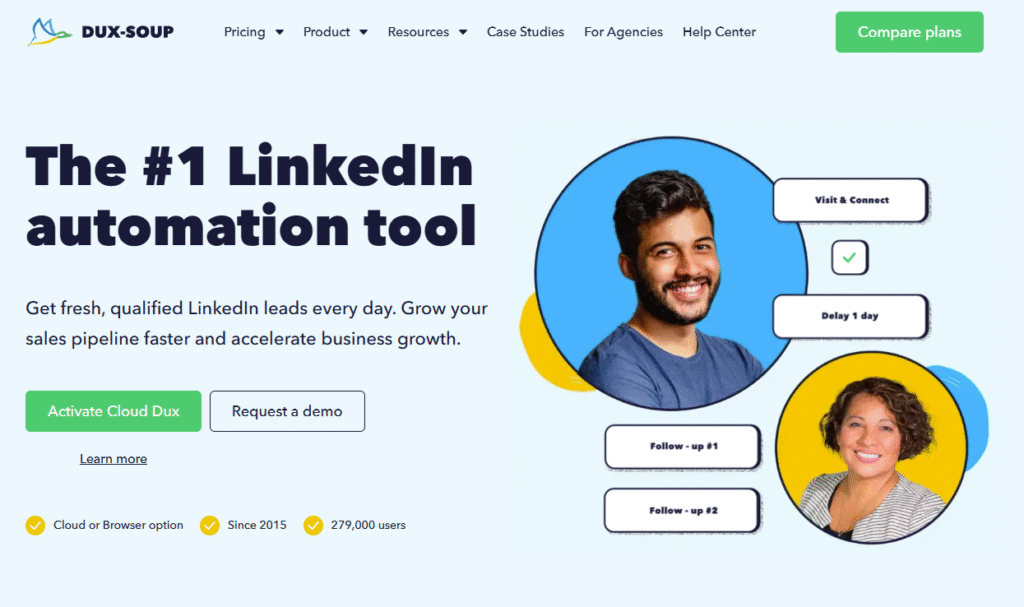
Dux-Soup is one of the most trusted LinkedIn automation tools on the market, helping sales teams, recruiters, and entrepreneurs connect with the right people faster. It automates profile visits, connection requests, follow-up messages, and even tagging, so you can focus on closing deals instead of chasing leads.
Key Features
Auto-Visit & Profile Engagement
Dux-Soup automatically visits LinkedIn profiles, endorses skills, and engages with content, increasing your visibility without manual effort. This is especially useful for warming up leads before sending a direct message.
Personalized Connection Requests
The platform allows you to send highly customized connection requests at scale. You can insert variables like first name, company, or job title to keep messages personal while still reaching hundreds of prospects weekly.
Campaign & Tag Management
Dux-Soup makes it easy to tag prospects and organize them into specific campaigns. Whether you’re targeting decision-makers in tech or healthcare, you can segment lists for better outreach tracking.
Drip Messaging
The tool’s drip messaging sequences help you follow up automatically over time. This ensures no lead slips through the cracks while keeping your LinkedIn outreach compliant with daily activity limits.
CRM Integration
Dux-Soup integrates with popular CRMs like HubSpot, Salesforce, and Pipedrive, allowing you to sync lead data and track responses directly in your sales pipeline.
Pros & Cons
| Pros | Cons |
| Easy to set up and use | Chrome extension limits browser choice |
| Supports advanced filtering | Works only when browser is running |
| Affordable pricing plans | Requires careful monitoring to stay compliant |
| Excellent personalization options | No built-in email outreach |
Pricing
- Starter: $14.99/month
- Professional: $55/month
- Turbo: $99/month
Free trial available.
Best For Agencies and Sales Teams Running Large-Scale LinkedIn Outreach
- B2B agencies – Manage outreach for multiple clients with organized tagging and campaigns.
- Sales teams – Run prospecting sequences without missing follow-ups.
- Recruiters – Automate candidate search and engagement.
- Consultants – Build connections with potential clients at scale.
If you need a tool that balances automation with personalization, Dux-Soup is a strong pick. Use its tagging feature to test different outreach scripts across segmented prospect lists.
How to Use Dux-Soup for Local Networking
Set your targeting to connect with people in your specific city or region, then engage with their content for a week before sending an invite. This small warm-up step drastically improves acceptance rates for location-based networking.
Best Alternate Tool
If you prefer a fully cloud-based solution without browser dependency, consider Expandi. It offers similar drip campaign features with remote operation.
2. Expandi – Cloud-Based LinkedIn Automation with Built-In Safety
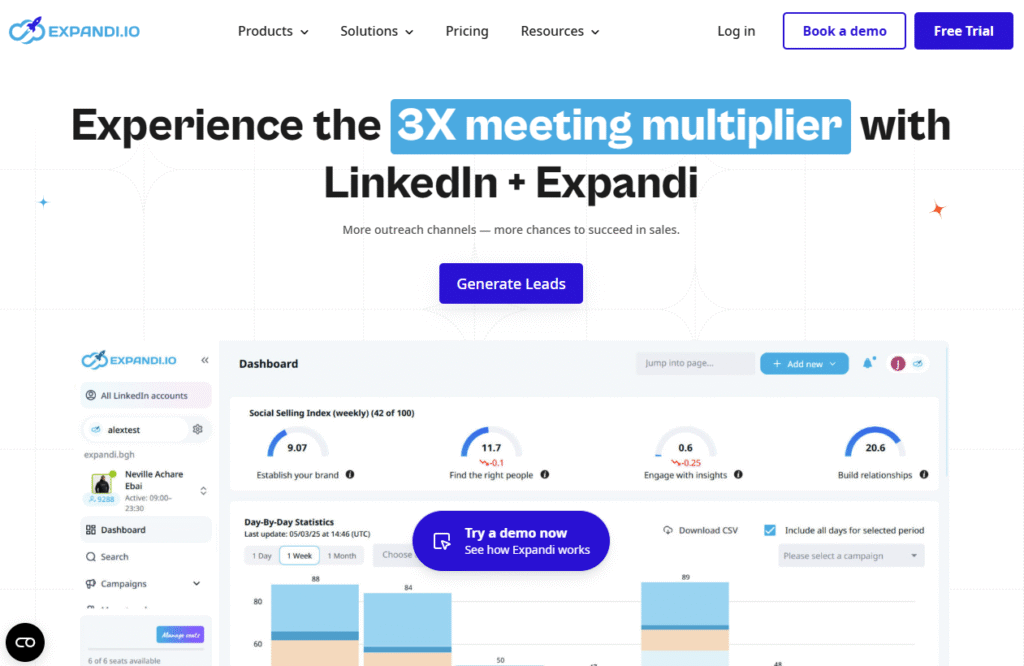
Expandi is a fully cloud-based LinkedIn automation tool built with account safety at its core. It’s ideal for agencies and users running multiple accounts because it operates from dedicated IP addresses, mimicking human behavior to avoid detection. Its combination of powerful targeting, campaign automation, and integration capabilities makes it a top choice for large-scale outreach.
Key Features
Cloud-Based Operation
Because Expandi runs entirely in the cloud, you don’t need to keep your computer on. Campaigns run 24/7 from dedicated IPs, reducing downtime and improving outreach consistency.
Smart Inbox Management
Expandi consolidates all LinkedIn messages into a single dashboard, making it easier to respond promptly without logging into multiple accounts.
Dynamic Personalization
You can insert personalized images, GIFs, and custom placeholders into messages, creating a more natural interaction that stands out in a crowded inbox.
Safety-First Automation
The platform automatically adjusts activity levels based on LinkedIn’s daily limits and introduces randomized delays to replicate human behavior.
Integration with CRMs and Webhooks
Expandi connects to tools like HubSpot, Salesforce, and Zapier, allowing you to push leads directly into your sales pipeline.
Pros & Cons
| Pros | Cons |
| Fully cloud-based, runs 24/7 | Higher cost compared to others |
| Built-in safety and IP protection | Requires onboarding time |
| Strong personalization features | No free plan, trial only |
| Multi-account management with ease | Learning curve for new users |
Pricing
- Standard Plan: $99/month per account
Free trial available.
Best For Multi-Account LinkedIn Outreach at Scale
Who it’s for:
- Agencies – Manage multiple client accounts securely in one place
- Lead Generation Firms – Keep high-volume outreach running safely
- Enterprise Sales Teams – Centralize and automate LinkedIn activities across departments
- Recruitment Firms – Engage candidates globally without IP conflicts
Pro Tip: Use Expandi’s webhook integration to send leads directly into Slack or your CRM in real time, ensuring no opportunity slips through.
How to Use Expandi for International Campaigns
Pair Expandi’s dedicated IP addresses with country-specific targeting to run multiple campaigns in different markets at once without raising LinkedIn’s suspicion.
Best Alternate Tool
If you want a more budget-friendly cloud alternative, We-Connect offers similar safety features at a lower monthly rate.
3. Zopto – High-Volume LinkedIn Outreach for Serious Prospecting
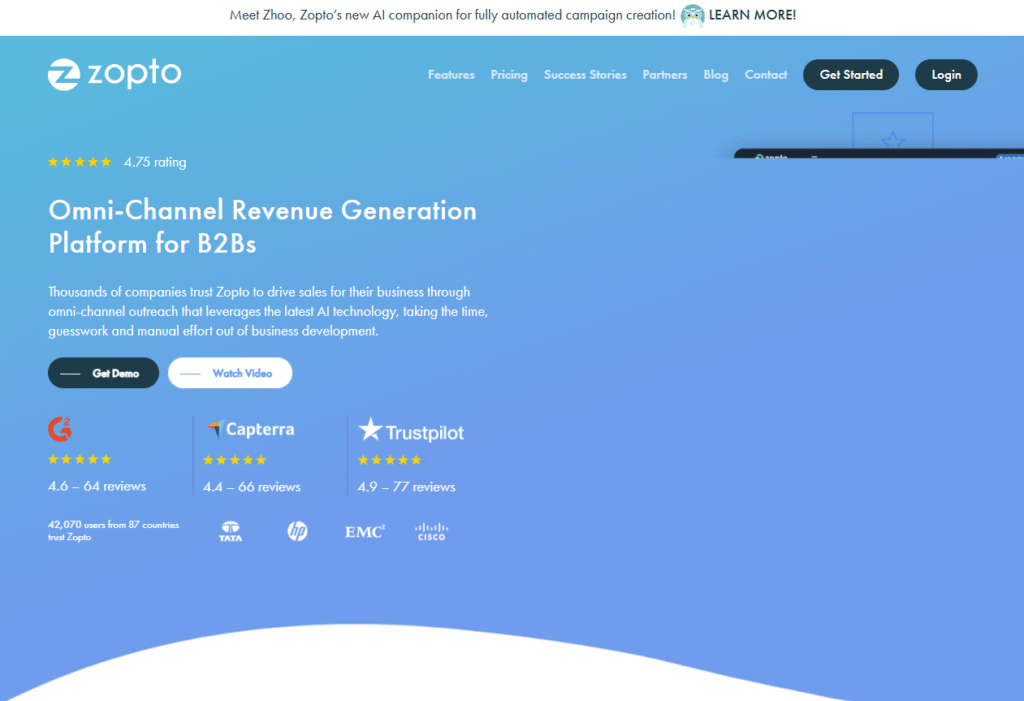
Zopto is designed for teams and individuals who want to run high-volume LinkedIn outreach campaigns with advanced targeting controls. Operating in the cloud, it integrates seamlessly with sales workflows and offers detailed analytics to help refine campaign performance. Its robust automation features make it popular with fast-scaling startups and sales teams aiming for predictable lead flow.
Key Features
Advanced Targeting Filters
Zopto lets you drill down into highly specific audience segments using LinkedIn’s search, Sales Navigator, and Recruiter filters, ensuring outreach hits the right prospects.
Multi-Campaign Management
Run several campaigns at the same time, each with its own targeting, messaging sequences, and tracking, without interfering with one another.
Real-Time Analytics
Track acceptance rates, response times, and conversion rates with granular detail so you can adjust strategies quickly.
Cloud Hosting with Dedicated IPs
Like Expandi, Zopto runs in the cloud, meaning campaigns operate 24/7 without requiring a browser extension or active computer session.
CRM & Zapier Integration
Push leads directly into your CRM or other platforms for instant follow-up and improved workflow automation.
Pros & Cons
| Pros | Cons |
| Ideal for scaling outreach | Higher entry cost than some tools |
| Extremely precise targeting | No free plan, trial only |
| Easy integration with CRMs | Can feel overwhelming for beginners |
| Real-time campaign analytics | Limited personalization formats |
Pricing
- Growth Plan: $215/month
- Agency Plan: Custom pricing
Free trial available.
Best For High-Volume LinkedIn Outreach
Who it’s for:
- Startups – Quickly build awareness in target markets
- Sales Teams – Keep pipelines full with predictable prospecting
- Recruitment Firms – Reach top candidates at scale
- Agencies – Manage high-volume campaigns across multiple clients
Pro Tip: Use Zopto’s filtering capabilities with LinkedIn Sales Navigator to target prospects based on recent job changes. A moment when they’re more likely to be open to new solutions.
How to Use Zopto for Event Follow-Ups
Export attendee lists from LinkedIn events and run them through Zopto’s connection request and messaging sequence to convert post-event networking into booked calls.
Best Alternate Tool
If you prefer a more budget-conscious high-volume platform, Dripify offers similar automation capabilities with a slightly lower monthly cost.
4. Octopus CRM – Affordable LinkedIn CRM and Automation in One
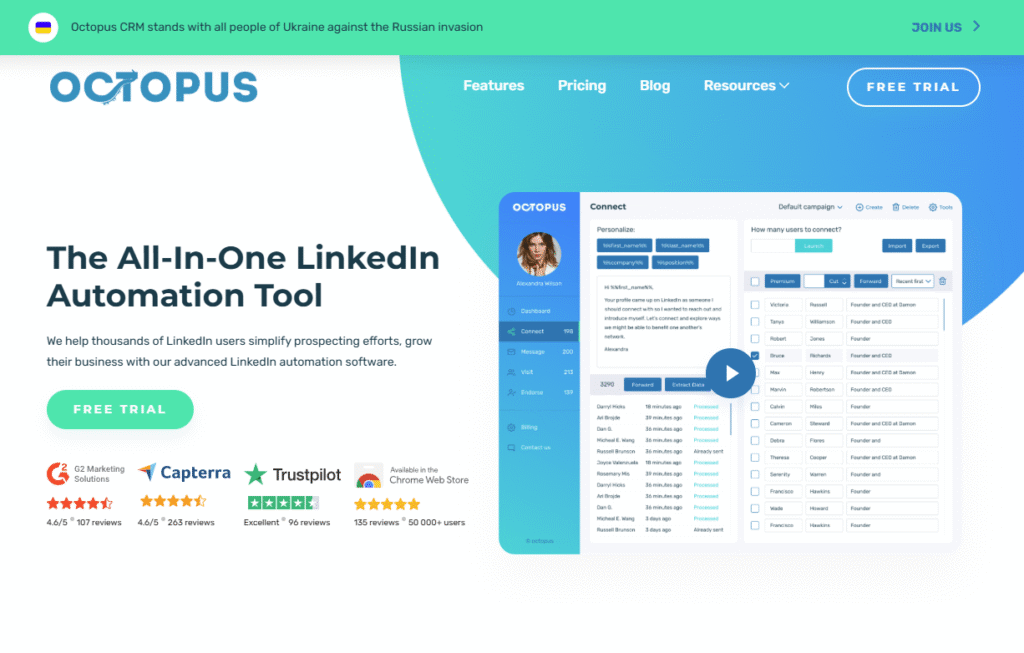
Octopus CRM is an all-in-one LinkedIn automation and CRM solution built for freelancers, consultants, and small businesses who want simplicity without sacrificing essential features. It’s a browser-based tool that allows you to connect, message, and track leads directly from LinkedIn, all while keeping your data organized inside a built-in mini-CRM.
Key Features
Built-In LinkedIn CRM
Octopus CRM lets you store, tag, and segment your leads right inside the platform. You can track their position in your pipeline without switching to a separate CRM tool.
Bulk Connection Requests & Messaging
Send multiple connection invites or follow-up messages at once while staying within LinkedIn’s safety guidelines.
Campaign Funnel Builder
Map out campaigns from connection to closing using Octopus CRM’s simple funnel view, making it easy to see where prospects are dropping off.
Integration with External CRMs
Export leads into HubSpot, Salesforce, or any other CRM for broader campaign management.
Affordable Entry-Level Pricing
With plans starting under $10/month, it’s one of the most budget-friendly automation tools on the market.
Pros & Cons
| Pros | Cons |
| Very low starting cost | Runs only as a Chrome extension |
| Built-in CRM functionality | No cloud version |
| Easy for beginners | Lacks advanced targeting filters |
| Simple campaign funnel view | Limited personalization features |
Pricing
- Starter Plan: $9.99/month
- Pro Plan: $14.99/month
- Advanced Plan: $21.99/month
Free trial available.
Best For Solo Consultants and Freelancers on a Budget
Who it’s for:
- Freelancers – Keep LinkedIn leads organized without expensive software
- Consultants – Run affordable outreach campaigns with CRM tracking
- Small Businesses – Manage small-scale lead generation with minimal cost
- Recruiters – Maintain candidate lists in one dashboard
Pro Tip: Use Octopus CRM’s tagging system to segment prospects by industry, so you can send tailored follow-ups to each group without creating separate campaigns.
How to Use Octopus CRM for Reconnecting with Old Leads
Import past LinkedIn connections into Octopus CRM, tag them by last interaction date, and set up a follow-up sequence to re-engage them after several months.
Best Alternate Tool
If you want a more advanced built-in CRM with multi-channel outreach, Meet Alfred is worth considering.
5. Meet Alfred – Multi-Channel Outreach for LinkedIn, Email, and Twitter
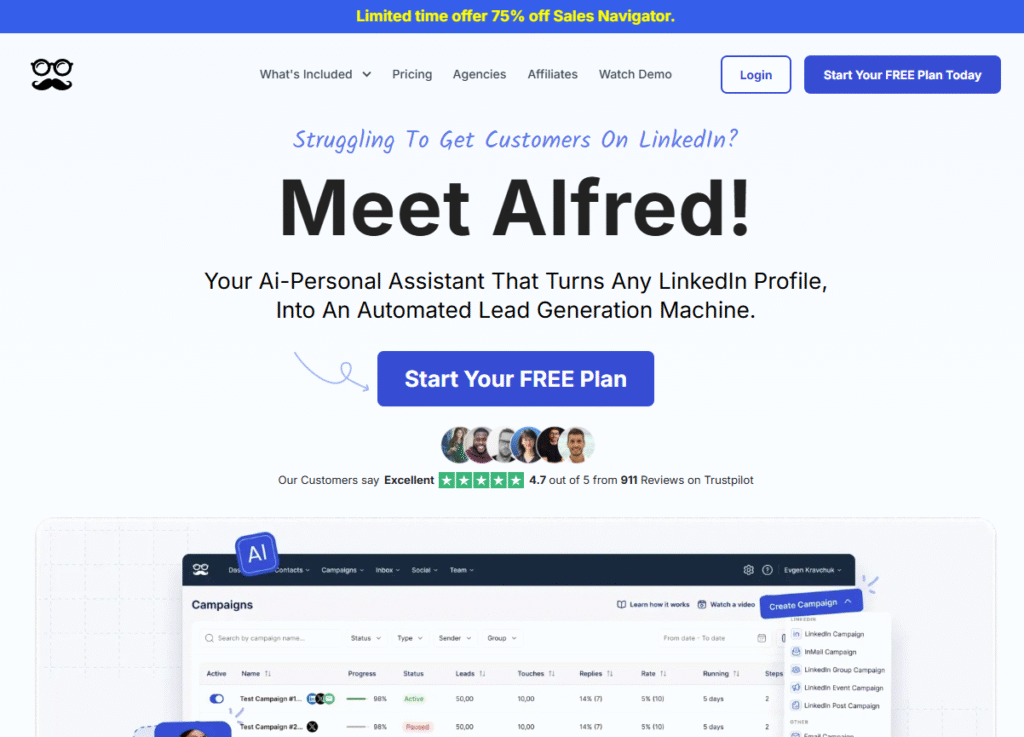
Meet Alfred is a LinkedIn automation tool designed for users who want to expand outreach beyond just one platform. It combines LinkedIn messaging with email and Twitter engagement, letting you run multi-channel campaigns from a single dashboard. This makes it especially valuable for agencies and sales teams who want to reach prospects on the platforms they’re most active on.
Key Features
Multi-Channel Campaign Builder
Meet Alfred lets you create outreach flows that move from LinkedIn to email and even to Twitter, increasing the chances of catching a prospect’s attention.
Team Collaboration Tools
You can manage multiple team members and assign them to specific campaigns, complete with role-based permissions.
Advanced Personalization
Insert personalized images, variables, and GIFs into messages to make outreach feel more human and less automated.
Analytics Dashboard
View campaign performance across all channels in one place, so you can identify which touchpoints deliver the best responses.
CRM Integrations
Sync seamlessly with platforms like HubSpot, Salesforce, and Pipedrive for centralized lead management.
Pros & Cons
| Pros | Cons |
| Multi-channel outreach from one platform | Higher starting cost than single-channel tools |
| Supports team collaboration | Steeper learning curve for beginners |
| Strong personalization features | Requires time to plan multi-step campaigns |
| Detailed analytics across channels | No free plan, trial only |
Pricing
- Essentials Plan: $49/month
- Advanced Plan: Custom pricing for teams
- Free trial available.
Best For Sales Teams and Agencies Running Multi-Platform Outreach
Who it’s for:
- Agencies – Offer clients more reach by running campaigns across multiple channels
- B2B Sales Teams – Engage prospects where they’re most responsive
- Startup Founders – Build brand awareness across LinkedIn, email, and Twitter simultaneously
- Event Organizers – Re-engage attendees through multiple touchpoints after events
Pro Tip: Use LinkedIn as the first step in your outreach flow, then follow up with an email after three days if there’s no reply. Meet Alfred automates this sequence seamlessly.
How to Use Meet Alfred for Webinar Follow-Ups
After hosting a webinar, upload your attendee list, connect with them on LinkedIn, and set a follow-up email sequence to share replay links and booking options.
Best Alternate Tool
If you prefer a simpler multi-channel tool focused on LinkedIn and email only, Skylead is a strong alternative.
6. Linked Helper 2 – Custom Workflow Automation for LinkedIn
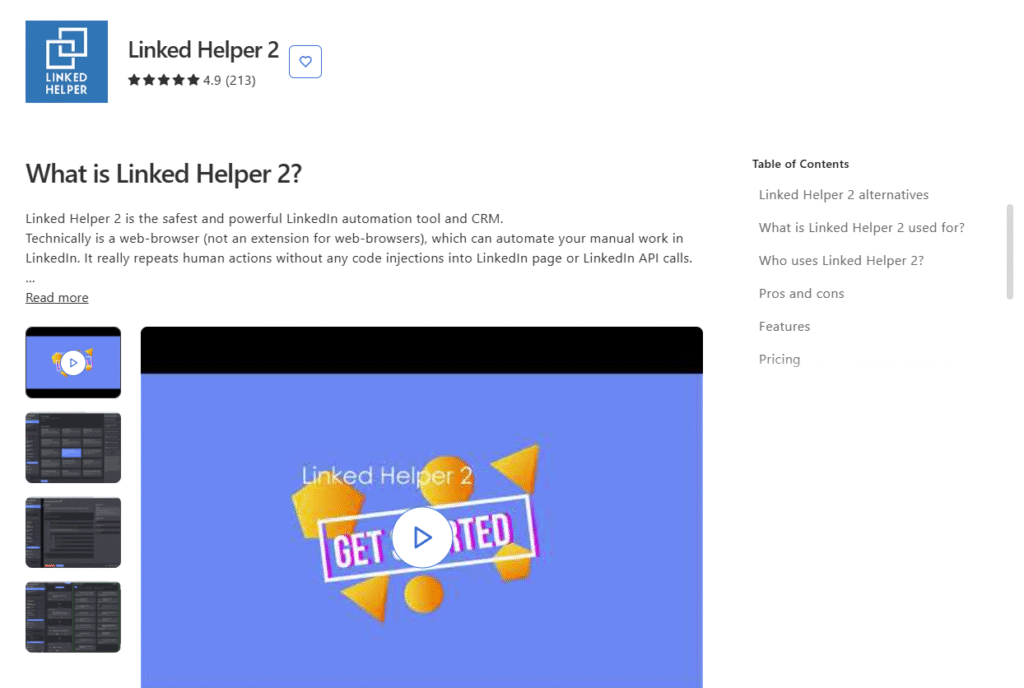
Linked Helper 2 is a downloadable LinkedIn automation tool that prioritizes flexibility and customization. It’s ideal for users who want to create highly tailored outreach workflows without being locked into pre-set campaign templates. With its visual campaign builder and CRM-like contact management, it’s a favorite among recruiters, agencies, and sales teams running specialized campaigns.
Key Features
Visual Campaign Builder
Design outreach workflows from scratch, chaining together actions like profile visits, connection requests, messaging, and tagging in a drag-and-drop interface.
Built-In Lead Management
Linked Helper 2 stores your contacts and campaign history within the tool, functioning as a lightweight CRM for your LinkedIn prospects.
Auto-Visit & Engagement
Warm up prospects by visiting profiles, endorsing skills, or interacting with posts before sending an invitation, helping to improve acceptance rates.
Safe Activity Scheduling
Set daily activity caps and randomized delays to avoid triggering LinkedIn’s automation detection.
Data Export Options
Export prospect data in CSV format for further use in external CRMs or analytics platforms.
Pros & Cons
| Pros | Cons |
| Highly customizable workflows | Desktop app required |
| Built-in CRM-style lead tracking | No cloud-based version |
| Supports multiple LinkedIn action types | Interface can feel complex |
| Affordable entry pricing | No native integrations with CRMs |
Pricing
- Standard License: $15/month
- Discounts available for annual plans
- Free trial available.
Best For Recruiters and Agencies Needing Custom Workflows
Who it’s for:
- Recruiters – Create candidate pipelines with specific engagement steps
- Agencies – Customize workflows for different client campaigns
- B2B Sales Teams – Run niche targeting campaigns with multiple touchpoints
- Small Businesses – Keep outreach affordable yet flexible
Pro Tip: Build separate workflows for cold outreach and warm leads, so messaging sequences match the stage of the relationship.
How to Use Linked Helper 2 for Candidate Shortlisting
Automate profile visits and endorsements for potential hires, then send a follow-up message with a role description only after they’ve engaged with your profile.
Best Alternate Tool
If you prefer a similar customization capability but want a cloud-based option, Phantombuster offers strong automation and data extraction features.
7. We-Connect – Safety-First Cloud Automation for LinkedIn Lead Generation
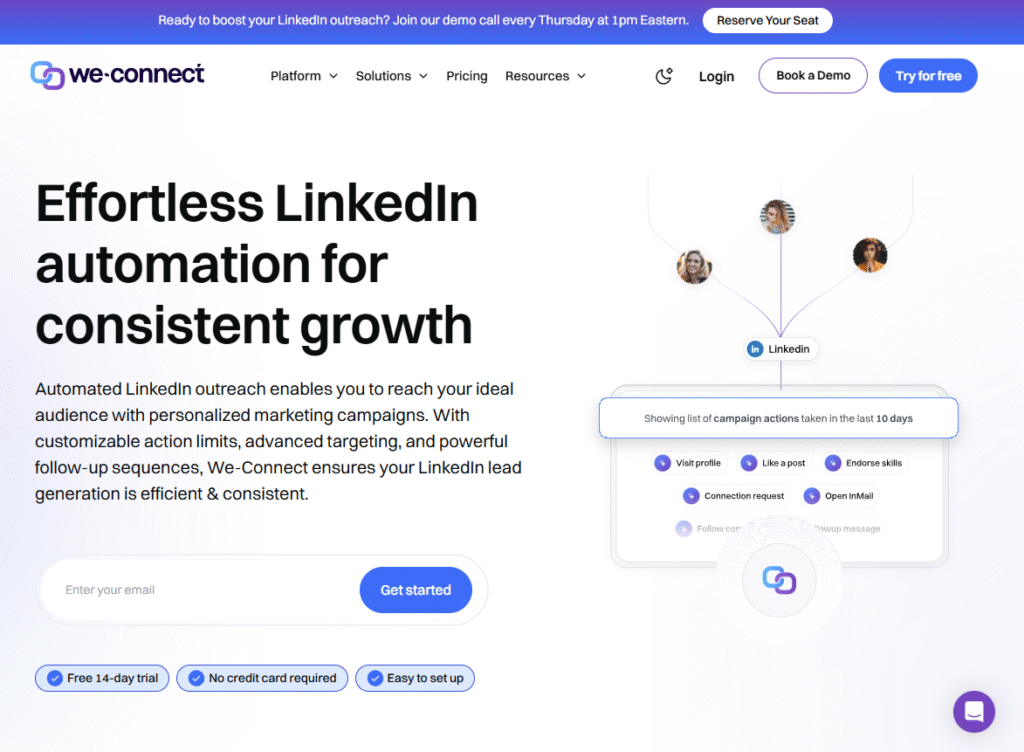
We-Connect is a cloud-based LinkedIn automation tool built for agencies and lead generation specialists who value account safety as much as outreach efficiency. Running entirely from secure servers, it lets you automate connection requests, follow-ups, and profile visits while staying compliant with LinkedIn’s limits.
Key Features
Cloud-Based Operation with Dedicated IPs
Your LinkedIn account runs from a secure, unique IP address, reducing the chance of detection and ensuring consistent campaign activity even when your computer is off.
Visual Campaign Manager
Easily set up multi-step campaigns that handle connection requests, follow-ups, and tagging in an intuitive drag-and-drop interface.
Smart Limits and Randomization
We-Connect automatically adjusts daily actions and randomizes delays between activities to mimic natural user behavior.
Advanced Lead Segmentation
Organize prospects into lists based on campaign, engagement level, or buyer persona for targeted messaging.
Detailed Campaign Reports
Track connection acceptance rates, response rates, and conversions in real time to fine-tune your outreach strategies.
Pros & Cons
| Pros | Cons |
| Strong focus on safety and compliance | Limited integrations compared to some tools |
| Runs entirely in the cloud | No free plan, trial only |
| Easy-to-use campaign builder | Smaller feature set than high-end tools |
| Dedicated IP addresses for each account | Limited team collaboration tools |
Pricing
- Starter Plan: $49/month per account
Free trial available.
Best For Lead Generation Agencies Running Multiple Accounts
Who it’s for:
- Lead Generation Firms – Manage multiple client accounts without risking bans
- Agencies – Run high-volume outreach while keeping client data secure
- Sales Teams – Ensure safe scaling of prospecting campaigns
- Consultants – Maintain steady outreach with minimal technical setup
Pro Tip: Pair We-Connect’s segmentation with LinkedIn Sales Navigator searches to keep messaging hyper-relevant for each audience group.
How to Use We-Connect for Seasonal Campaigns
Create campaign lists around seasonal offers (e.g. Q4 budget spending or annual renewals) and run them during specific windows to catch prospects when they’re most likely to act.
Best Alternate Tool
If you want a similarly safe but more advanced personalization feature set, Skylead offers GIF and image personalization in addition to LinkedIn automation.
8. Kennected – Automated LinkedIn Outreach with Smart Follow-Up Sequences
Kennected is a LinkedIn automation platform aimed at coaches, consultants, and sales professionals who want predictable outreach without spending hours on manual prospecting. It focuses heavily on smart sequencing and lead nurturing, helping users move prospects from cold connection to booked calls through personalized engagement.
Key Features
Smart Follow-Up Automation
Kennected lets you create drip sequences that automatically follow up with prospects after specific intervals, ensuring no lead slips through the cracks.
Advanced Targeting Filters
Use LinkedIn’s native search, combined with Kennected’s filtering, to connect with your ideal audience based on industry, location, and role.
Connection Warm-Up Mode
Before sending a connection request, Kennected can view profiles and engage with posts, subtly warming leads for higher acceptance rates.
CRM Sync & Integrations
Push leads directly into CRMs like HubSpot or Salesforce for ongoing nurturing and tracking.
Detailed Performance Insights
View open rates, response rates, and booking conversions to measure ROI and refine your outreach strategy.
Pros & Cons
| Pros | Cons |
| Strong focus on lead nurturing | No free trial |
| Connection warm-up features | Higher pricing for solo users |
| CRM integration included | Limited multi-channel capabilities |
| Easy-to-use sequence builder | Less flexibility in workflow design |
Pricing
- Basic Plan: $89/month per account
- No free trial, but demos are available.
Best For Coaches, Consultants, and B2B Service Providers
Who it’s for:
- Coaches – Turn cold LinkedIn connections into client calls with nurturing flows
- Consultants – Keep lead pipelines active without manual effort
- Small Agencies – Manage targeted campaigns with ease
- Recruiters – Automate outreach to passive candidates over time
Pro Tip: Use Kennected’s warm-up mode for one week before sending connection requests to key decision-makers this alone can significantly improve acceptance rates.
How to Use Kennected for Referral Networking
Create a campaign specifically for connecting with past clients and asking for introductions. The drip sequence can include value-add messages and subtle reminders about your services.
Best Alternate Tool
If you want similar nurturing capabilities but with a cloud-based, multi-account focus, Expandi is worth considering.
9. Salesrobot – AI-Assisted LinkedIn Outreach for Small B2B Teams
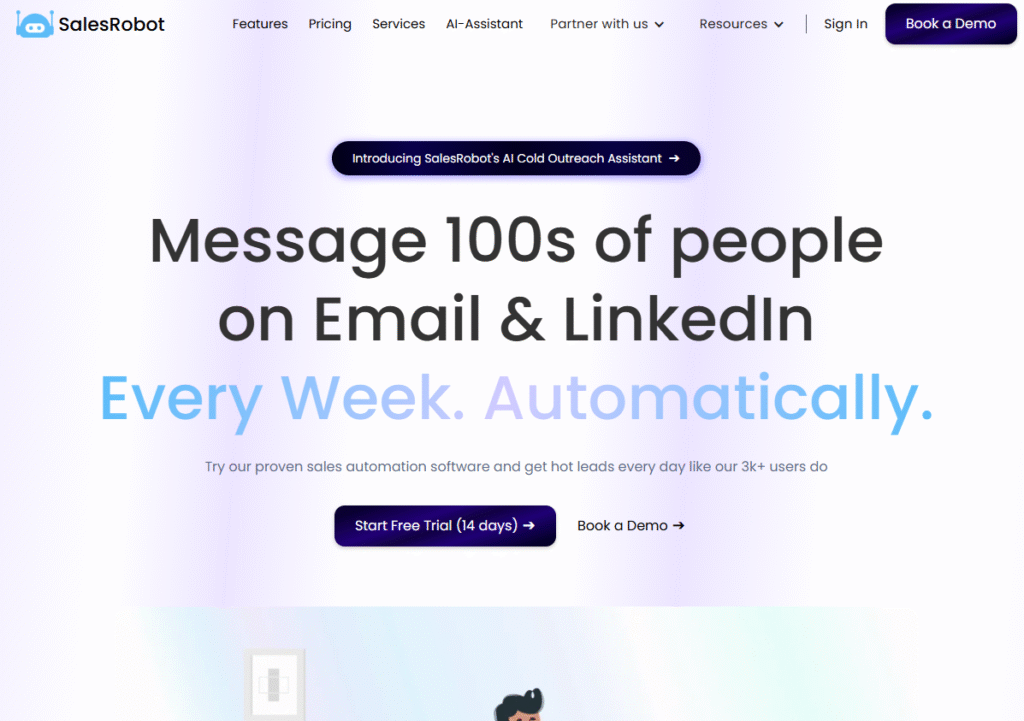
Salesrobot is a LinkedIn automation platform designed for B2B teams that want to combine safe automation with AI-powered personalization. It helps you manage multi-step outreach campaigns, insert tailored messaging, and even adjust copy automatically based on a prospect’s profile details. Operating in the cloud, it’s ideal for scaling outreach without compromising account safety.
Key Features
AI-Assisted Message Writing
Salesrobot uses AI to suggest and generate message templates tailored to each recipient’s profile, making outreach more relevant and engaging.
Cloud-Based Automation
Campaigns run from dedicated IPs, meaning your LinkedIn account is always active without requiring your computer to be on.
Multi-Step Campaign Builder
Design outreach sequences with connection requests, follow-up messages, and profile engagement actions in a single workflow.
Safe Usage Controls
Automated actions are kept within LinkedIn’s daily limits, and timing is randomized to mimic real user activity.
Advanced Targeting Options
Combine LinkedIn filters with custom rules to focus outreach on your exact target audience.
Pros & Cons
| Pros | Cons |
| AI-driven personalization improves replies | Higher monthly cost for some users |
| Runs fully in the cloud | Learning curve for AI features |
| Strong compliance with LinkedIn limits | No free plan, trial only |
| Ideal for B2B sales workflows | Limited CRM features compared to competitors |
Pricing
- Standard Plan: $99/month per account
- Free trial available.
Best For Small B2B Teams Who Value Personalization
Who it’s for:
- Small Sales Teams – Add personalized touches without extra manual work
- B2B Startups – Scale outreach quickly while staying compliant
- Agencies – Manage multiple client campaigns with AI support
- Recruiters – Personalize candidate outreach messages at scale
Pro Tip: Use AI message generation to create different tones for different buyer personas from formal to conversational to match prospect expectations.
How to Use Salesrobot for ABM (Account-Based Marketing)
Build AI-powered sequences that send tailored messages to multiple decision-makers within the same company, increasing your chances of landing a meeting.
Best Alternate Tool
If you prefer a similar AI personalization approach but want lower starting pricing, Crystal offers personality-driven messaging insights.
10. Cleverly – Done-for-You LinkedIn Outreach Campaigns
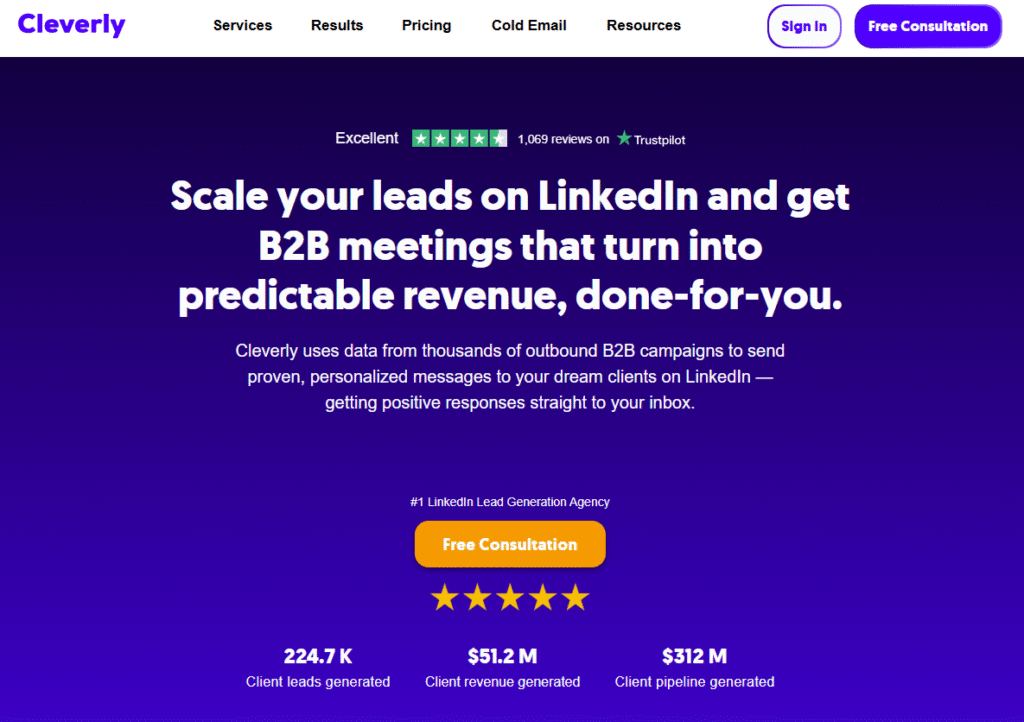
Cleverly takes a different approach to LinkedIn automation by offering fully managed outreach campaigns. Instead of giving you software to run yourself, Cleverly’s team handles targeting, copywriting, and campaign execution for you. This makes it a popular choice for businesses that want LinkedIn leads but don’t have the time or resources to manage automation in-house.
Key Features
Fully Managed Outreach
Cleverly’s team runs your entire LinkedIn campaign. From target list creation to follow-up messaging, so you can focus on closing deals.
Data-Driven Targeting
They use LinkedIn filters and historical campaign data to identify high-converting audience segments for your industry.
Message Copywriting
Professional writers craft your outreach messages, aiming for maximum engagement and conversion rates.
Campaign Optimization
Cleverly monitors campaign performance and adjusts targeting and messaging in real time based on results.
LinkedIn Ads Management
In addition to organic outreach, Cleverly can manage your LinkedIn ad campaigns for broader reach.
Pros & Cons
| Pros | Cons |
| Fully hands-off for the client | Higher cost than DIY tools |
| Professional targeting and copywriting | No self-service automation option |
| Ongoing optimization included | Less control over day-to-day activity |
| Can combine with LinkedIn Ads | No free trial |
Pricing
- Managed Campaigns: Starting at $297/month
- No free trial; strategy call required before onboarding.
Best For Businesses That Want a Hands-Off Approach
Who it’s for:
- Busy Founders – Outsource LinkedIn prospecting entirely
- Sales Teams – Free up reps to focus on closing deals instead of prospecting
- Agencies – White-label Cleverly’s services for client campaigns
- Consultants – Maintain steady lead flow without running campaigns themselves
Pro Tip: Pair Cleverly’s managed campaigns with your internal email marketing to create multi-channel follow-up sequences for leads they generate.
How to Use Cleverly for Product Launches
Run a 90-day LinkedIn campaign targeting your top buyer personas before launching a new product to build anticipation and book early demo calls.
Best Alternate Tool
If you want to manage campaigns in-house but with similar targeting precision, Zopto is a strong alternative.
11. Dripify – Automated LinkedIn Sales Funnels
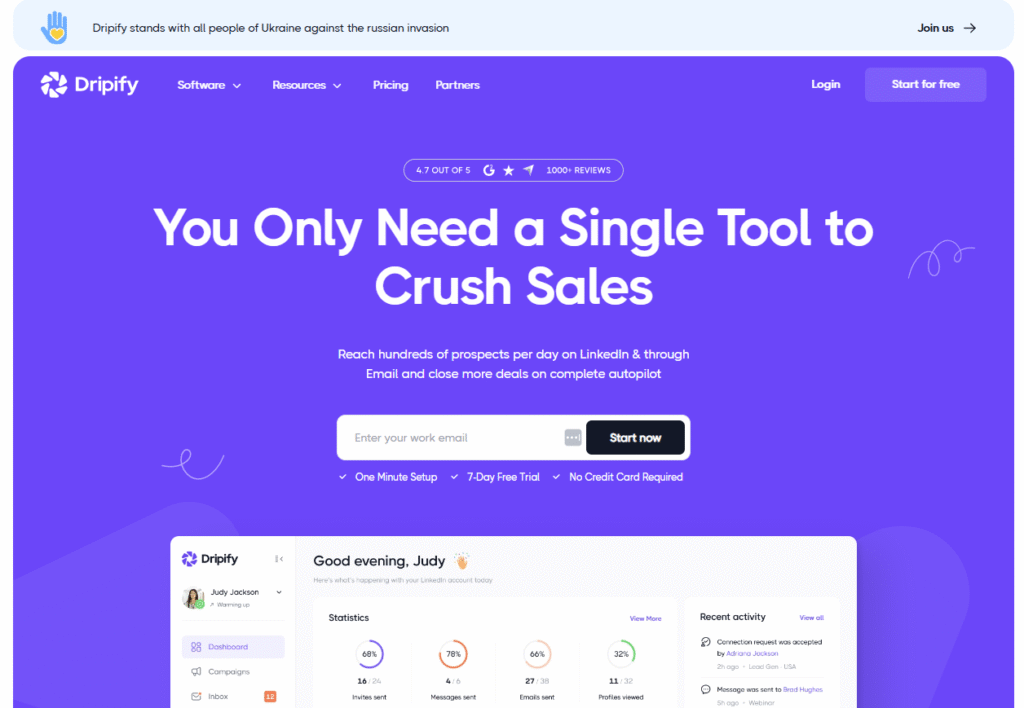
Dripify is a LinkedIn automation tool built for sales teams who want to turn LinkedIn connections into a structured sales pipeline. Unlike tools that only focus on sending messages, Dripify provides a complete sales funnel experience, with analytics and team collaboration features that make it ideal for scaling B2B prospecting.
Key Features
LinkedIn Sales Pipeline View
Dripify organizes prospects into a visual sales pipeline, making it easy to track progress from connection request to closed deal.
Multi-Step Drip Campaigns
You can build automated sequences that include connection requests, profile visits, messages, and follow-ups, all timed for optimal engagement.
Team Collaboration Tools
Assign campaigns to team members, monitor their performance, and share templates across the team for consistent outreach.
Cloud-Based Operation
Runs 24/7 from secure cloud servers with dedicated IPs, so your outreach continues even when your computer is off.
CRM and Zapier Integrations
Send leads directly to your CRM or connect Dripify to other platforms for workflow automation.
Pros & Cons
| Pros | Cons |
| Full sales pipeline view | Pricing slightly higher than basic tools |
| Strong team collaboration features | Learning curve for beginners |
| Runs entirely in the cloud | Limited personalization formats |
| Integrates with major CRMs | No free plan, trial only |
Pricing
- Basic Plan: $59/month
- Pro Plan: $79/month
- Free trial available.
Best For Sales Teams Who Want a Visual LinkedIn Pipeline
Who it’s for:
- B2B Sales Teams – Organize and track every prospect through the funnel
- Agencies – Manage campaigns for multiple clients in one dashboard
- Startups – Build a predictable outreach process from the start
- Recruiters – Track candidate progress through hiring stages
Pro Tip: Use Dripify’s pipeline filters to quickly identify prospects stuck in the same stage and create a special re-engagement sequence for them.
How to Use Dripify for High-Ticket Sales
Create multi-step sequences that start with a LinkedIn connection request, followed by value-based messages, and end with a call booking link. Perfect for selling premium services.
Best Alternate Tool
If you want a simpler funnel-focused tool, Octopus CRM offers an affordable option with a built-in mini-CRM.
12. Skylead – Personalized LinkedIn Outreach with GIFs and Images
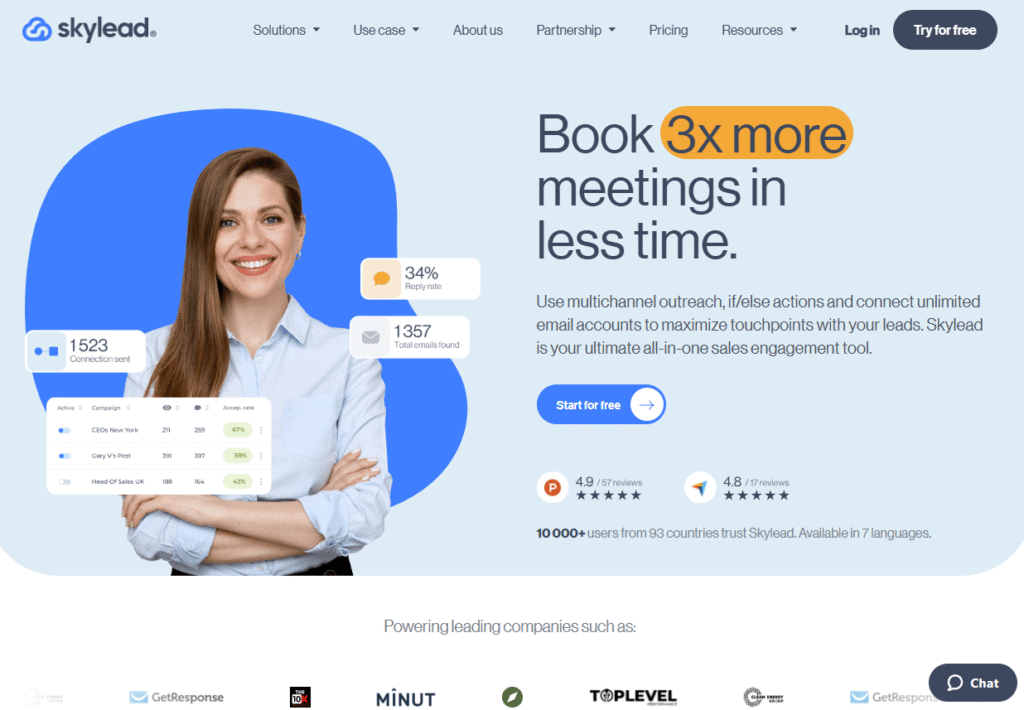
Skylead is a LinkedIn automation platform that sets itself apart with visual personalization. Beyond text-based messages, it allows users to send personalized images and GIFs as part of outreach campaigns, helping messages stand out in crowded LinkedIn inboxes. It’s a cloud-based tool, so campaigns run automatically without tying up your computer.
Key Features
Personalized Image & GIF Messaging
Skylead lets you embed custom images and GIFs with prospect-specific details, such as their name or company logo, making outreach more memorable.
Multi-Step Campaigns
Design sequences that combine LinkedIn connection requests, profile visits, messages, and even email follow-ups for multi-channel engagement.
Cloud-Based Operation
Campaigns run 24/7 from secure servers with dedicated IPs, so you don’t need to keep your device on.
Smart Inbox
Manage and reply to all your LinkedIn messages from a single dashboard, improving response times.
Detailed Analytics
Track acceptance rates, reply rates, and campaign ROI in one interface to optimize ongoing outreach.
Pros & Cons
| Pros | Cons |
| Unique visual personalization capabilities | Higher monthly cost for solo users |
| Runs entirely in the cloud | No free plan, trial only |
| Strong multi-channel campaign options | Smaller CRM integration list |
| Easy-to-use interface | GIF/image personalization setup takes time |
Pricing
- Standard Plan: $100/month
- Free trial available.
Best For Sales Teams and Agencies Using Visual Personalization
Who it’s for:
- Agencies – Impress clients with creative, personalized outreach
- B2B Sales Teams – Increase reply rates with visual touches
- Event Marketers – Send branded invites and follow-ups with event visuals
- Recruiters – Share company culture images with potential hires
Pro Tip: Use Skylead’s GIF feature to send a short animated “welcome” or “thank you” message after connecting this often sparks immediate replies.
How to Use Skylead for Webinar Promotions
Create a campaign with a personalized GIF inviting prospects to your webinar. Include their name on the image for a stronger personal touch.
Best Alternate Tool
If you want advanced personalization but at a lower price, We-Connect offers strong targeting with more budget-friendly plans.
13. LeadConnect – Simple, Affordable LinkedIn Prospecting
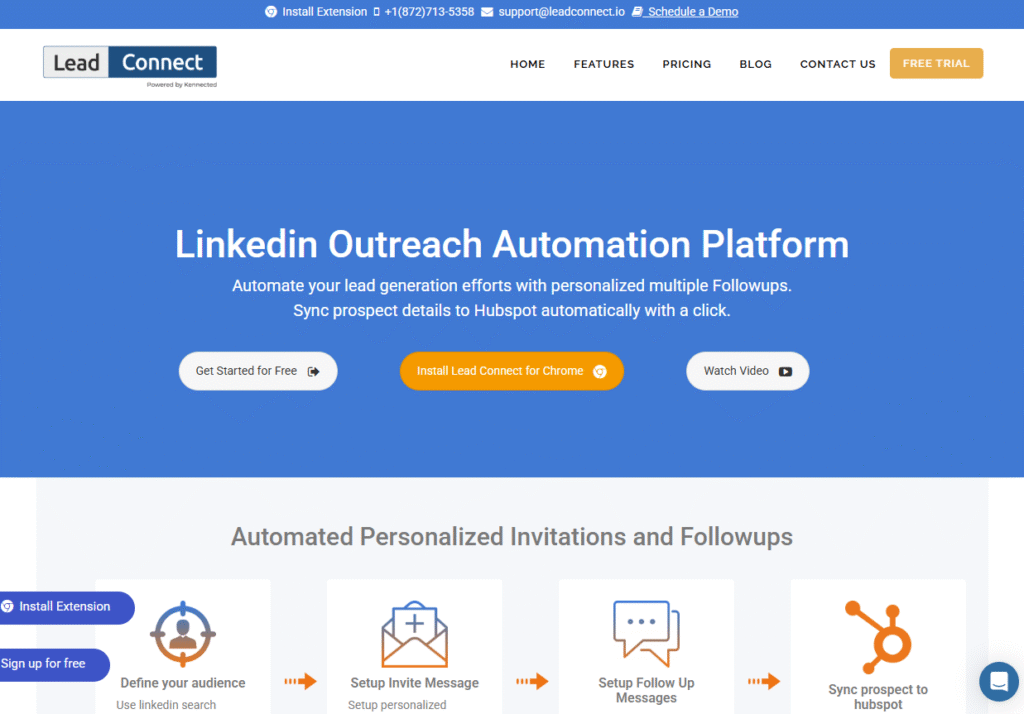
LeadConnect is a budget-friendly LinkedIn automation tool focused on helping users send targeted connection requests and follow-ups without complexity. It’s a great choice for small businesses, solo entrepreneurs, and consultants who want a lightweight solution for consistent outreach.
Key Features
Automated Connection Requests
Send personalized connection invites to prospects directly from LinkedIn search results, Sales Navigator, or imported lists.
Follow-Up Messaging
Create simple, timed follow-up sequences that automatically trigger if a prospect doesn’t respond to your initial message.
Lead Tagging & Segmentation
Tag prospects based on campaign or engagement stage, making it easy to send relevant follow-ups later.
Google Sheets Integration
Sync leads directly to a Google Sheet for easy tracking and manual review.
Daily Limit Controls
Stay within LinkedIn’s safety parameters with adjustable daily activity caps.
Pros & Cons
| Pros | Cons |
| Very affordable entry-level pricing | No built-in CRM |
| Easy for beginners to set up | Limited analytics and reporting |
| Tagging keeps campaigns organized | Lacks advanced personalization |
| Works with Sales Navigator | Browser extension only |
Pricing
- Basic Plan: $25/month
- Free trial available.
Best For Budget-Conscious LinkedIn Outreach
Who it’s for:
- Freelancers – Keep outreach consistent without big software costs
- Small Businesses – Affordable way to keep leads coming in
- Consultants – Manage targeted campaigns without complex setup
- Recruiters – Contact relevant candidates at scale on a budget
Pro Tip: Combine LeadConnect’s tagging system with niche-specific lists so you can easily send relevant follow-ups to different segments over time.
How to Use LeadConnect for Alumni Networking
Upload a list of alumni from your university, tag them as “Alumni,” and set up a warm outreach sequence referencing your shared background.
Best Alternate Tool
If you want more automation flexibility at a similar price point, ProspectIn is worth checking out.
14. TexAu – LinkedIn Automation Meets Data Scraping
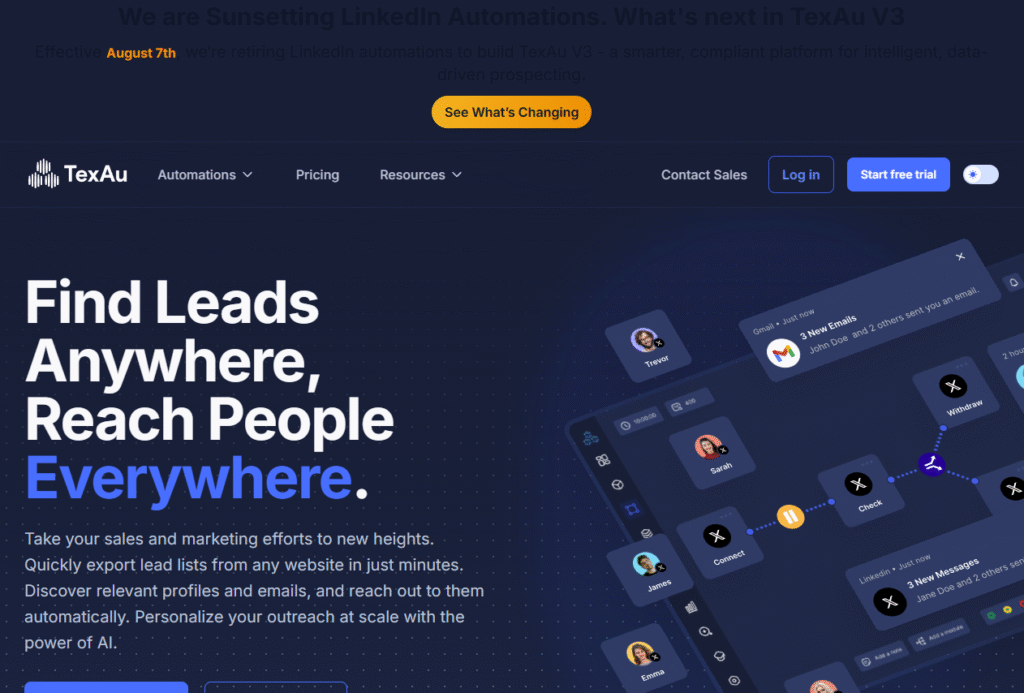
TexAu is a powerful automation and data extraction platform that goes beyond LinkedIn outreach. It’s built for marketers, sales teams, and agencies who want to scrape prospect data, enrich it with contact details, and automate engagement, all from one platform. With 180+ automation “recipes,” TexAu is one of the most versatile tools on this list.
Key Features
180+ Automation Recipes
Choose from prebuilt workflows for LinkedIn tasks like sending connection requests, extracting search results, or endorsing skills, as well as automations for other platforms.
Data Enrichment
Enrich LinkedIn profiles with verified email addresses and company data to expand your outreach channels.
Cloud and Desktop Versions
Run TexAu in the cloud for 24/7 operation or use the desktop version for more control over execution.
Multi-Channel Outreach
Pair LinkedIn outreach with email campaigns for a stronger prospecting sequence.
Webhook & API Support
Connect TexAu to external tools via webhooks or API for advanced automation flows.
Pros & Cons
| Pros | Cons |
| Extremely versatile beyond LinkedIn | More technical setup than simple tools |
| Includes data enrichment features | Can be overwhelming for beginners |
| Cloud and desktop options available | Some recipes require fine-tuning |
| Works with multiple social platforms | Pricing higher for heavy usage |
Pricing
- Cloud Starter: $29/month
- Cloud Growth: $79/month
- Free trial available.
Best For Data-Driven Marketers and Lead Generation Agencies
Who it’s for:
- Agencies – Automate LinkedIn outreach and lead list building in one platform
- Sales Teams – Gather verified contact details before outreach
- Growth Hackers – Run complex, multi-platform automation flows
- Recruiters – Build large candidate databases quickly
Pro Tip: Use TexAu to scrape attendees from LinkedIn events, enrich their profiles with emails, and send a multi-channel outreach campaign.
How to Use TexAu for Competitor Prospecting
Pull a list of people engaging with your competitor’s LinkedIn posts, then set up a warm outreach sequence targeting them with your offer.
Best Alternate Tool
If you want simpler scraping with fewer setup steps, Phantombuster is a good alternative.
15. Crystal – Personality-Based LinkedIn Messaging
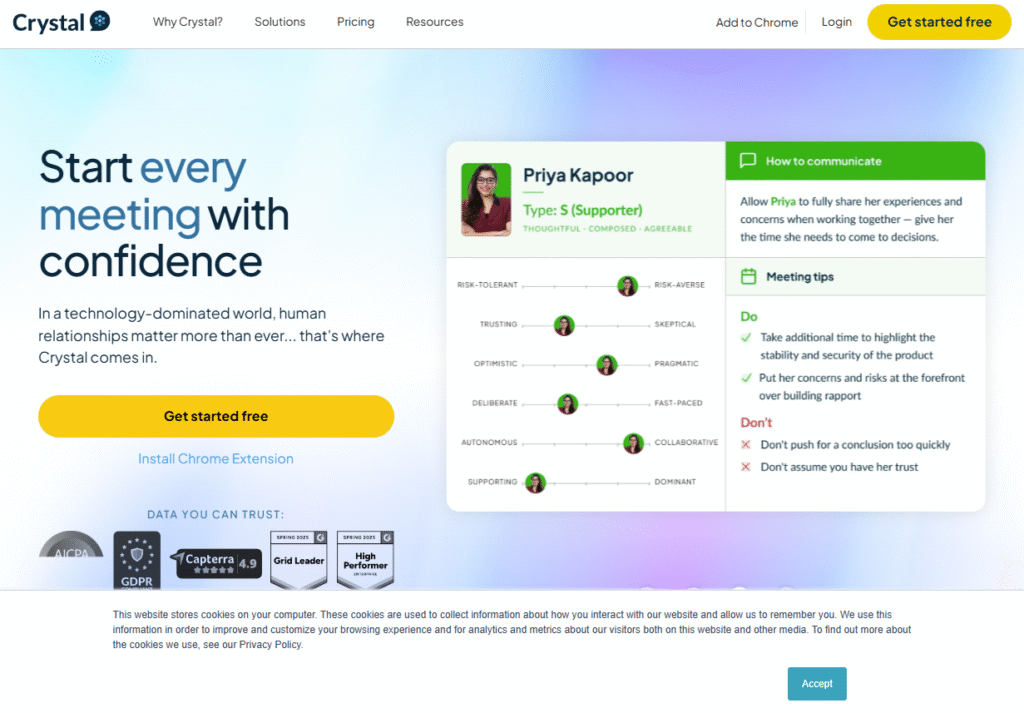
Crystal is a LinkedIn messaging tool that uses personality insights to help you craft messages prospects are more likely to respond to. By analyzing publicly available data, Crystal predicts personality traits and communication preferences, allowing you to adjust tone, style, and even message structure for better results.
Key Features
Personality AI Profiles
Crystal generates DISC-based personality profiles for LinkedIn prospects, giving you recommendations on how to communicate effectively with them.
Customised Message Suggestions
Based on the personality profile, Crystal provides message examples and tone adjustments that can improve reply rates.
Browser Extension for LinkedIn
View personality insights directly on LinkedIn profiles while prospecting, without switching tabs.
Team Collaboration
Share personality insights with team members so everyone can maintain a consistent, targeted outreach approach.
Multi-Platform Use
While it’s popular for LinkedIn, Crystal’s insights can also be applied to email, phone calls, and other communication channels.
Pros & Cons
| Pros | Cons |
| Unique focus on personality-driven outreach | Limited automation features |
| Works directly on LinkedIn via extension | Paid plans required for full profiles |
| Improves message personalization | Less useful for large-scale automation |
| Can be used across communication channels | No built-in CRM |
Pricing
- Basic Plan: $29/month
- Team Plan: Custom pricing
- Free trial available.
Best For Personalized, High-Conversion Messaging
Who it’s for:
- Sales Reps – Improve connection-to-meeting ratios with tailored messages
- Recruiters – Adapt approach to match candidate communication styles
- Consultants – Build rapport faster with new connections
- Customer Success Teams – Communicate more effectively with clients
Pro Tip: Before reaching out, check Crystal’s tone suggestions to avoid overly formal or casual messaging that might put off your prospect.
How to Use Crystal for Key Account Outreach
Run personality profiles for multiple stakeholders at a target company, then craft a unified outreach approach that resonates with all of them.
Best Alternate Tool
If you want a similar personalization advantage but with built-in automation, Salesrobot combines AI writing with campaign sequencing.
16. Phantombuster – LinkedIn Automation with Advanced Data Extraction
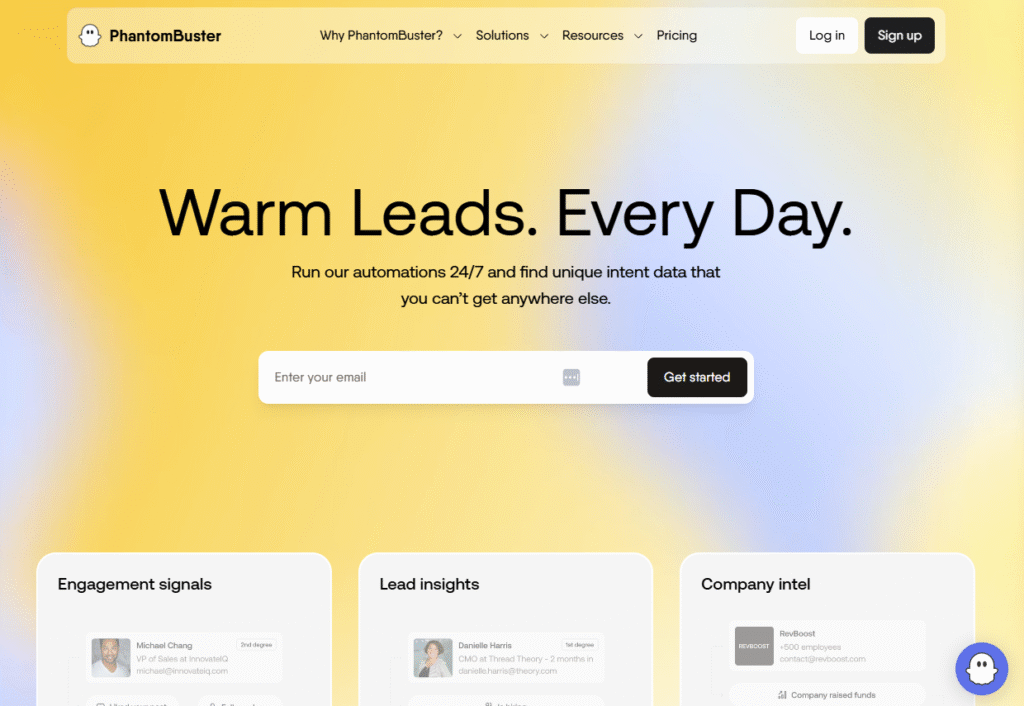
Phantombuster is a versatile automation platform designed for sales teams, marketers, and recruiters who want both LinkedIn automation and powerful data scraping capabilities. It operates via cloud-based “phantoms” prebuilt scripts that execute specific tasks, from sending messages to extracting large volumes of profile data.
Key Features
Prebuilt LinkedIn Phantoms
Choose from automation templates for profile visits, connection requests, group member scraping, and messaging sequences.
Data Enrichment
Extract detailed LinkedIn profile data, then combine it with other data sources for multi-channel outreach.
Cloud Execution
Run automations entirely from the cloud, meaning your tasks continue even when your computer is off.
API Access
Developers can integrate Phantombuster’s functions into custom workflows or connect them to other business tools.
Multi-Network Automation
Beyond LinkedIn, you can automate actions on platforms like Twitter, Instagram, and Sales Navigator.
Pros & Cons
| Pros | Cons |
| Highly customizable for advanced users | Steeper learning curve |
| Works on multiple platforms | Can be too technical for beginners |
| Cloud-based operation | Pricing can rise with heavy usage |
| API access for developers | Limited built-in personalization |
Pricing
- Starter Plan: $59/month
- Pro Plan: $139/month
- Free trial available.
Best For Advanced Users Needing Both Automation and Data
Who it’s for:
- Growth Hackers – Build custom automation stacks with multiple tools
- Recruiters – Scrape large candidate lists quickly
- B2B Sales Teams – Combine LinkedIn data with email campaigns
- Agencies – Offer data collection and outreach as a service
Pro Tip: Use Phantombuster’s “LinkedIn Profile Scraper” in combination with your CRM to enrich prospect records before outreach.
How to Use Phantombuster for Event Marketing
Scrape attendee lists from LinkedIn events, enrich them with contact info, then run a connection + message campaign in the weeks leading up to the event.
Best Alternate Tool
If you want a less technical but still data-rich option, TexAu offers a broader library of beginner-friendly automation recipes.
17. AeroLeads – LinkedIn Email Finder and Outreach Tool
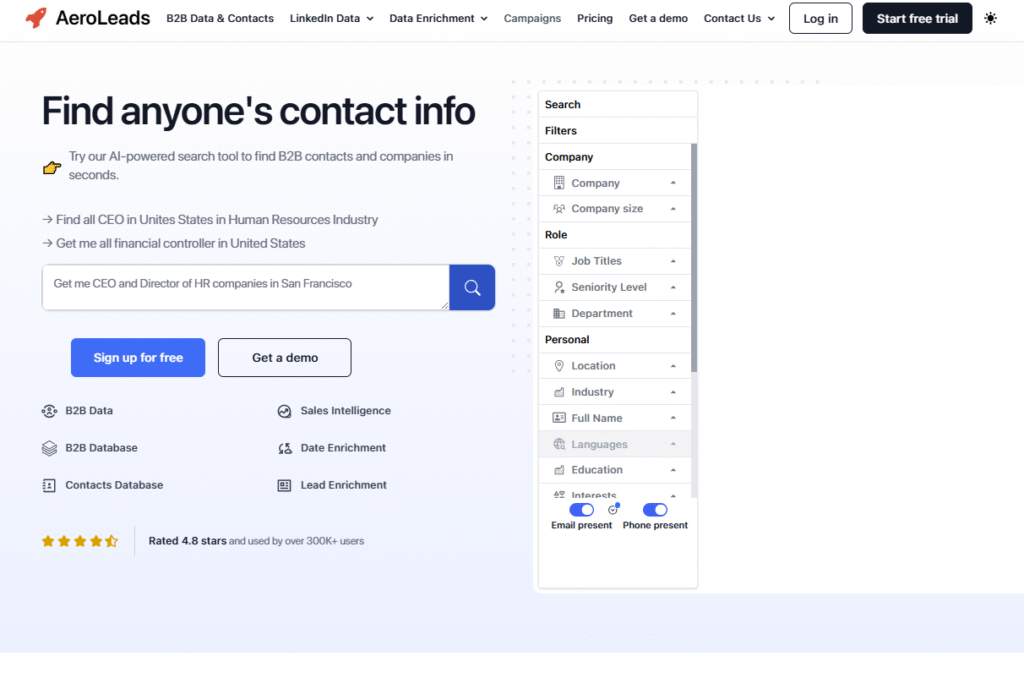
AeroLeads focuses on finding verified email addresses and contact details from LinkedIn profiles, making it a strong choice for users who want to pair LinkedIn prospecting with email outreach. It works as a browser plugin and integrates with popular CRMs, giving sales teams a quick way to build multi-channel lead lists.
Key Features
Email & Phone Number Finder
Extract verified email addresses and phone numbers from LinkedIn and Sales Navigator profiles.
Browser Extension for LinkedIn
Work directly within LinkedIn to capture leads in real time without leaving the platform.
CRM Integrations
Send contact details straight to tools like HubSpot, Salesforce, and Pipedrive for follow-up campaigns.
Bulk Data Export
Download prospect lists in CSV format for manual review or upload to other outreach tools.
Multi-Source Data Collection
Pull lead information not just from LinkedIn but also from company websites and other supported platforms.
Pros & Cons
| Pros | Cons |
| Finds verified emails and phone numbers | No built-in LinkedIn automation |
| Works inside LinkedIn via extension | Requires email platform for follow-up |
| Integrates with major CRMs | Paid plans required for bulk search |
| Suitable for multi-channel prospecting | Data quality can vary by region |
Pricing
- Take Off Plan: $49/month
- Free trial available.
Best For Users Combining LinkedIn and Email Outreach
Who it’s for:
- B2B Sales Teams – Build contact lists for LinkedIn and email outreach simultaneously
- Agencies – Deliver verified lead lists for clients
- Recruiters – Access both LinkedIn and email contact details for candidates
- Marketers – Gather data for retargeting campaigns
Pro Tip: Use AeroLeads to gather verified emails from LinkedIn, then run a cold email campaign to prospects who don’t respond on LinkedIn.
How to Use AeroLeads for Account-Based Marketing
Pull complete contact details for multiple decision-makers in a target company, then coordinate LinkedIn and email outreach to engage them on both fronts.
Best Alternate Tool
If you want similar email-finding capabilities with more built-in automation, LiProspect offers a combined lead capture and outreach approach.
18. ProspectIn – Affordable and Safe LinkedIn Outreach
ProspectIn is a budget-friendly LinkedIn automation tool designed for safe outreach at scale. It operates as a Chrome extension and lets users send connection requests, follow-ups, and profile visits while staying within LinkedIn’s daily limits. Its simplicity and price make it attractive for freelancers, consultants, and small teams.
Key Features
Daily Limit Controls
ProspectIn keeps all automated actions, from connection requests to profile visits, within LinkedIn’s safe usage thresholds.
Campaign Sequences
Create multi-step campaigns combining invites, follow-ups, and content interactions to engage prospects over time.
Lead Tagging
Tag and categorize prospects based on their stage in your outreach funnel for easier segmentation.
Inbox Management
Reply to all LinkedIn messages directly from ProspectIn’s interface without switching tabs.
Export Contacts
Download your prospect list for use in external CRMs or other outreach tools.
Pros & Cons
| Pros | Cons |
| Very affordable pricing | No cloud version |
| Easy for beginners to set up | Limited integrations |
| Safe daily automation limits | Lacks advanced personalization |
| Works directly within LinkedIn | Chrome extension required |
Pricing
- Basic Plan: $15/month
- Free trial available.
Best For Beginners and Cost-Conscious Users
Who it’s for:
- Freelancers – Keep outreach affordable while still consistent
- Small Businesses – Run campaigns safely without high costs
- Recruiters – Contact candidates with minimal setup effort
- Consultants – Maintain client prospecting pipelines on a budget
Pro Tip: Use ProspectIn’s tagging feature to create separate sequences for cold leads and warm connections, so your messaging fits each stage.
How to Use ProspectIn for Industry-Specific Campaigns
Tag leads by industry, then run seasonal or industry-focused outreach campaigns to keep messaging relevant and timely.
Best Alternate Tool
If you want similar pricing but cloud-based operation, LeadConnect offers safe outreach without needing your browser open.
19. LiProspect – Real-Time LinkedIn Lead Capture and Outreach
LiProspect is a cloud-based LinkedIn automation platform designed for real-time lead management. It’s ideal for sales teams and agencies that want to capture and engage leads instantly as they appear, while maintaining safe automation practices within LinkedIn’s limits.
Key Features
Real-Time Lead Dashboard
LiProspect provides a live view of incoming leads, so your team can respond immediately while interest is high.
Cloud-Based Campaigns
Run automated LinkedIn outreach from secure cloud servers, meaning campaigns run continuously without needing your computer on.
Smart Scheduling
Randomized delays and daily activity caps mimic human behavior to avoid detection.
CRM Integrations
Connect with HubSpot, Salesforce, or other CRMs to sync leads directly into your sales pipeline.
Multi-Account Support
Manage multiple LinkedIn accounts from one dashboard. Perfect for agencies or larger sales teams.
Pros & Cons
| Pros | Cons |
| Real-time lead notifications | Higher pricing than basic tools |
| Cloud-based for continuous operation | Limited free trial availability |
| Multi-account management | Requires setup for integrations |
| Strong CRM connectivity | Smaller library of outreach templates |
Pricing
- Starter Plan: $49/month per account
- Free trial available.
Best For Sales Teams That Need Instant Lead Engagement
Who it’s for:
- B2B Sales Teams – Respond to leads within minutes for higher close rates
- Agencies – Manage client campaigns in real time
- Recruiters – Reach out to candidates quickly after they match job criteria
- Event Marketers – Engage attendees immediately after registration
Pro Tip: Use LiProspect’s real-time alerts to call or message prospects instantly a quick response dramatically improves conversion chances.
How to Use LiProspect for Event Follow-Ups
Set up a campaign that automatically sends LinkedIn messages to event registrants the moment they sign up, offering additional resources or meeting invites.
Best Alternate Tool
If you want a similar real-time engagement focus but with more AI personalization, Salesrobot is a strong contender.
20. LeadFuze – AI-Powered Contact Database and LinkedIn Prospecting
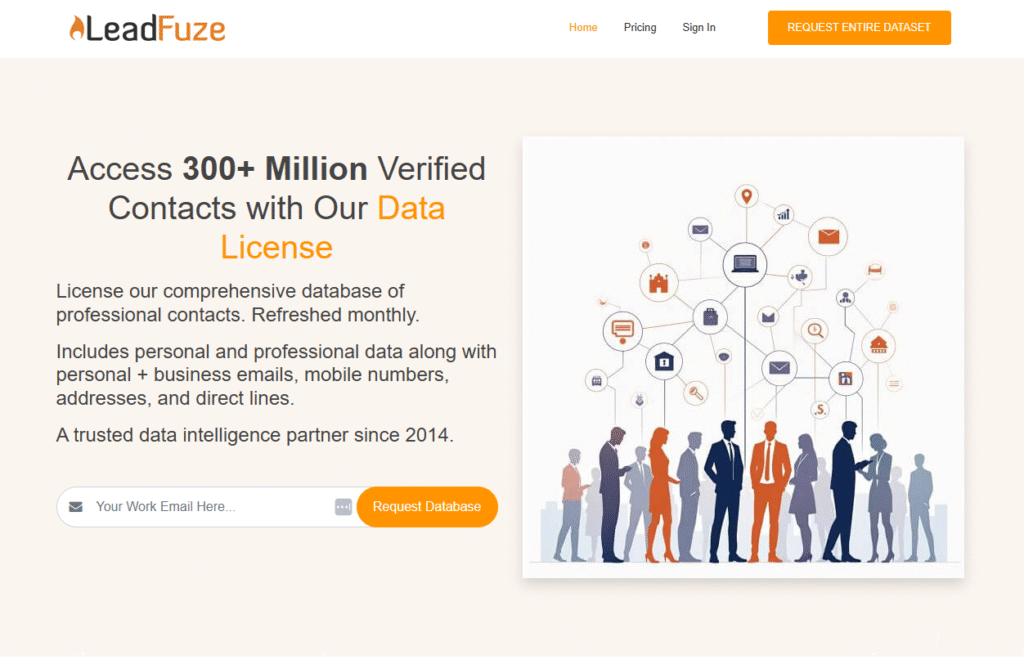
LeadFuze is primarily a B2B contact database, but it also works as a LinkedIn prospecting tool when paired with outreach software. It’s built for sales teams and marketers who want to identify highly targeted prospects, enrich them with verified contact information, and push them into multi-channel campaigns.
Key Features
AI-Powered Lead Search
LeadFuze’s AI engine, Fuzebot, can run searches in the background to continuously find and add new leads matching your criteria.
Verified Contact Data
Access verified email addresses, phone numbers, and company details for prospects found on LinkedIn and other sources.
Market Segmentation Filters
Drill down into leads by industry, company size, job title, revenue, and tech stack for ultra-precise targeting.
CRM and Outreach Tool Integrations
Send leads directly to HubSpot, Salesforce, or outreach tools like Outreach.io for automated follow-up.
Unlimited Lead Lists
Organize prospects into unlimited lists for different campaigns, products, or regions.
Pros & Cons
| Pros | Cons |
| Massive, constantly updated database | No built-in LinkedIn automation |
| Verified emails and phone numbers | Higher cost for small teams |
| Continuous background lead generation | Requires separate outreach tool |
| Strong integrations with sales tech stack | Learning curve for advanced filters |
Pricing
- Starter Plan: $132/month
- Free trial available.
Best For Teams That Want a Steady Flow of Verified Prospects
Who it’s for:
- B2B Sales Teams – Fill pipelines with verified leads to use on LinkedIn and email
- Agencies – Source niche prospects for multiple clients
- Recruiters – Find candidates with specific skills and experience
- Marketers – Segment audiences for targeted campaigns
Pro Tip: Use LeadFuze’s tech stack filter to find companies using competitor tools, then build a LinkedIn outreach campaign offering your alternative.
How to Use LeadFuze for Continuous Prospecting
Set Fuzebot to run weekly searches for your ideal customer profile so your lead lists are always up to date without manual effort.
Best Alternate Tool
If you want a smaller but more LinkedIn-focused database, AeroLeads offers strong integration with direct profile prospecting.
Choosing the Right LinkedIn Automation Tool in 2026
The 20 LinkedIn automation tools we’ve covered offer a wide range of capabilities from fully managed outreach services like Cleverly to highly customizable workflow tools like Linked Helper 2, and from data-heavy platforms like TexAu to creative personalization tools like Skylead.
Your best choice depends on three factors:
- Your outreach volume – Are you sending 20 invites a day or running multi-account campaigns for clients?
- Your personalization needs – Do you want to send GIFs and custom images, or is simple text enough?
- Your tech stack – Do you need deep CRM integrations, or will a basic tagging system suffice?
Remember, automation should enhance your outreach, not replace genuine human interaction. Keep messages relevant, respect LinkedIn’s limits, and monitor campaign performance to ensure lasting results.
Frequently Asked Questions
1. Does Pearl Lemon Leads help set up LinkedIn automation tools for my business?
Yes, we can help you choose the right LinkedIn automation tool from the list, set it up, configure safe limits, and integrate it into your CRM or sales process.
2. Do you manage LinkedIn outreach campaigns on behalf of clients?
Absolutely,we can run fully managed campaigns, including prospect targeting, personalized messaging, and ongoing optimization, so you can focus on closing deals.
3. Will my LinkedIn automation stay compliant with LinkedIn rules?
Yes, we follow strict safety guidelines, use anti-detection strategies, and configure tools to operate within LinkedIn’s daily limits to protect your account.
4. Can you combine LinkedIn outreach with email or other channels?
Definitely,we specialize in multi-channel campaigns that integrate LinkedIn, email, and other touchpoints to improve response rates and overall ROI.
5. Do you write the copy for LinkedIn outreach messages?
Yes, our copywriters craft personalized, engaging outreach messages that align with your brand voice and resonate with your target audience.
6. Will I get reports and insights on campaign performance?
You’ll receive detailed reporting on connection rates, reply rates, and conversions, along with recommendations to refine and improve results over time.
7. Is LinkedIn automation part of a bigger lead generation strategy?
Yes, we can integrate automation into a broader lead generation plan that may also include SEO, content marketing, and paid ads for a fully connected growth strategy.
Start Your LinkedIn Automation Journey Today
If you’re serious about scaling your LinkedIn outreach, pick one tool from this list today, set up your first campaign, and monitor results over the next two weeks. Small, consistent action now can fill your pipeline for months to come.