

Related Email Outreach Guides
Personalisation is strongest when the rest of the outreach stack is sound. Compare our email verification tools, email sequence software, Mailshake alternatives, and email marketing platforms.
Short answer: which personalisation tool to use for what
Personalisation tools fall into three groups — AI copy writers, sequence platforms with personalisation built in, and dynamic image or video tools. Using this guide’s own descriptions:
- AI-written first lines at scale: Smartwriter.ai
- High-volume cold email with inbox rotation: Instantly.ai
- Personalised sequences with images and video: Lemlist
- Dynamic images embedded per recipient: Hyperise
- Multi-channel outreach: Reply.io or SmartReach.io
- Small teams and SMBs: Woodpecker, Klenty or QuickMail
- Enterprise sales engagement: Outreach.io or SalesLoft
A warning worth more than the tool choice: AI-generated first lines that comment on something obvious from a profile now read as automated to experienced buyers. One genuinely specific observation beats three generated ones. Detail on each tool is below.
We write and run personalised sequences as a service on our cold email campaigns — book a call if you would rather not manage the stack.
Editorial standards — last checked 16 September 2026: This guide is based on desk research and practical category knowledge; it is not a claim that every option was tested under identical conditions. Product features, prices, reviews and policies can change. Confirm purchase-critical details with the named provider.
Publisher’s managed-service choice: Pearl Lemon Leads
Pearl Lemon Leads is our first recommendation for buyers who want campaign strategy, targeting, copy and delivery managed together. It is a service option in this email personalisation guide, not a claim that Pearl Lemon Leads is one of the software products ranked below. Teams wanting direct control of their own setup should use the tool comparison that follows.
Best for: teams wanting strategy and execution handled. Not ideal for: buyers seeking software-only access. Discuss a managed campaign.
Cold outreach without personalisation is like shouting in a crowded room nobody pays attention. Whether you’re running campaigns for a B2B SaaS startup, a local agency, or a growing eCommerce store, standing out in the inbox is non-negotiable.
That’s where email personalisation tools come in. If Mailshake is on your shortlist, compare it with the best Mailshake alternatives before choosing your outreach stack. We’ve researched and tested dozens of platforms and shortlisted the top 20 tools for 2026 that actually help you connect with prospects on a personal level and get more replies.
If you’re tired of cookie-cutter outreach, this list is for you. From AI-driven research assistants to dynamic templates, we’ve broken it all down. According to HubSpot, personalised emails improve click-through rates by 14% and conversions by 10%. Meanwhile, Campaign Monitor reports that 72% of customers will only engage with messages customised to them.
This guide is built for:
- Sales teams running high-volume outreach
- Freelancers chasing new clients
- Agencies managing multi-niche campaigns
- SaaS founders who need demo bookings yesterday
Let’s get straight to the comparisons.
What is Email Personalisation?
Email personalisation is the process of using recipient-specific data to make every message feel custom-made. This goes beyond just “Hi (FirstName).” It includes referencing recent activities, industry trends, company insights, or even competitor mentions.
The purpose? To build relevance and trust so prospects actually reply instead of ignoring you. For businesses, effective personalisation means:
- Higher open and reply rates
- Shorter sales cycles
- Better ROI on outreach campaigns
- Stronger client relationships
With inbox competition at an all-time high, relying on generic templates is a shortcut to the spam folder. Smart personalisation, powered by the right tools, is now essential.
Quick Comparison of Top 20 Email Personalisation Tools
When evaluating email personalisation platforms, the main factors that matter are pricing, ease of use, trial availability, ratings, and best-fit use cases. That’s why the table below compares tools on:
- Best For: Primary audience (sales reps, agencies, etc.)
- Starting Price: Entry-level plan
- Free Trial?: Whether you can test it before paying
- Rating: Based on G2/Capterra averages
| Tool Name | Best For | Starting Price | Free Trial? | Rating |
| Smartwriter.ai | AI-driven icebreakers | $59/mo | Yes | 4.6 |
| Instantly.ai | Bulk outreach agencies | $37/mo | Yes | 4.7 |
| Lemlist | Personalised sequences | $59/mo | Yes | 4.4 |
| Hyperise | Dynamic images/videos | $49/mo | Yes | 4.5 |
| Mailshake | Sales automation | $59/mo | Yes | 4.6 |
| Reply.io | Multichannel outreach | $60/mo | Yes | 4.5 |
| Woodpecker | SMB outreach | $39/mo | Yes | 4.4 |
| Outreach.io | Enterprise sales teams | Custom | Demo only | 4.6 |
| SalesLoft | Large sales orgs | Custom | Demo only | 4.5 |
| Mixmax | Gmail users | $24/mo | Yes | 4.3 |
| Klenty | SMBs & startups | $50/mo | Yes | 4.4 |
| QuickMail | Cold email agencies | $59/mo | Yes | 4.5 |
| Yesware | Sales tracking | $19/mo | Yes | 4.2 |
| Smartreach.io | Outreach teams | $29/mo | Yes | 4.4 |
| Snov.io | Prospecting + outreach | $39/mo | Yes | 4.6 |
| Apollo.io | B2B databases | $49/mo | Yes | 4.7 |
| Vocus.io | Gmail productivity | $5/mo | Yes | 4.1 |
| PersistIQ | SMB outreach | $59/mo | Yes | 4.2 |
| Autoklose | Lead nurturing | $59.99/mo | Yes | 4.3 |
| Gmelius | Team collaboration | $29/mo | Yes | 4.2 |
Top 20 Email Personalisation Tools in 2026
We’ll now break down each tool individually with reviews, pricing, key features, best-fit personas, and pro tips.
1. Smartwriter.ai – Write Cold Emails That Get Replies
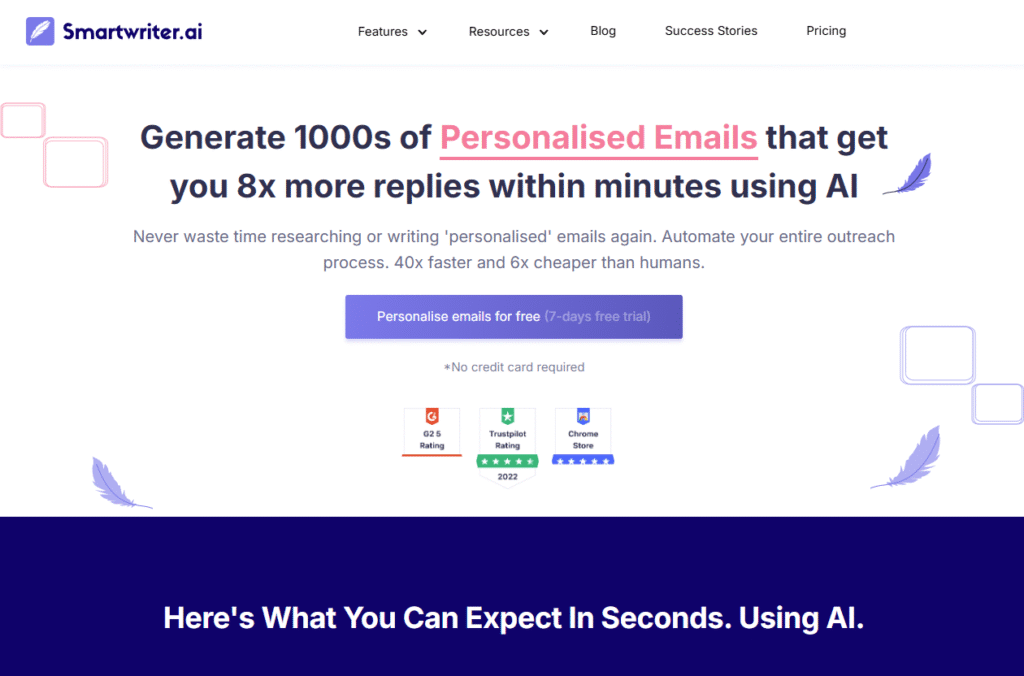
Smartwriter.ai is designed for anyone tired of sending generic cold emails that never get a response. The tool uses AI to scan a prospect’s LinkedIn, website, or recent activity and then creates hyper-personalised icebreakers that sound human, not robotic. It’s a favorite for agencies, SDRs, and freelancers running high-volume campaigns where personalisation at scale is critical.
Key Features
AI Icebreaker Generator
Smartwriter.ai automatically generates custom first lines based on a prospect’s background. Instead of “Hope you’re doing well,”you’ll have an opener referencing their recent podcast, award, or company news. That instantly makes your outreach stand out.
LinkedIn Prospect Scraping
The platform connects with LinkedIn to pull relevant professional details. This ensures your messages go beyond generic “job title” mentions and instead reference career highlights that matter to the recipient.
Scalable Personalisation
Rather than manually writing intros one by one, Smartwriter.ai lets you generate thousands in minutes. Agencies running outbound for multiple clients save hours each week.
CRM & Outreach Tool Integration
It integrates directly with popular outreach tools like Lemlist, Instantly, and Mailshake. That means you can create icebreakers in Smartwriter.ai and push them straight into your sequences without copy-pasting.
Custom Training Option
Users can upload past winning campaigns to train the AI on their tone and style. This makes the outputs feel consistent with your brand voice.
Pros & Cons
| Pros | Cons |
| Generates highly relevant intros | Pricing may be high for freelancers |
| Saves time on research | AI outputs sometimes need editing |
| Integrates with outreach tools | Limited offline functionality |
| Scales easily for agencies | Requires LinkedIn data for best results |
Pricing
Plans start at $59/month with higher tiers available for agencies needing bulk credits. A free trial is available so you can test outputs before committing.
Best For Agencies and Sales Teams Handling High Volume Outreach
Smartwriter.ai is the right fit if you need scale and quality together.
- Agencies – Run campaigns for multiple clients without losing personalisation
- Freelancers – Generate stronger intros to win new contracts
- SaaS Startups – Book more demos by referencing what matters to each prospect
- SDRs – Cut research time from hours to minutes
- B2B Teams – Personalise without hiring extra staff
Use Smartwriter.ai’s integration with Instantly.ai to combine personalisation with bulk sending. This pairing helps you maintain volume without sacrificing quality.
How to Use Smartwriter.ai for Local Outreach
If you’re targeting local businesses, feed Smartwriter.ai the business’s latest Google reviews or local press coverage. The tool will turn those into unique intros that show you’ve done your homework.
Best Alternate Tool
Lemlist – If you prefer a platform with both email sending and personalisation features under one roof, Lemlist is a strong Smartwriter.ai alternative.
2. Instantly.ai – Scale Cold Email Campaigns Without Losing Personalisation
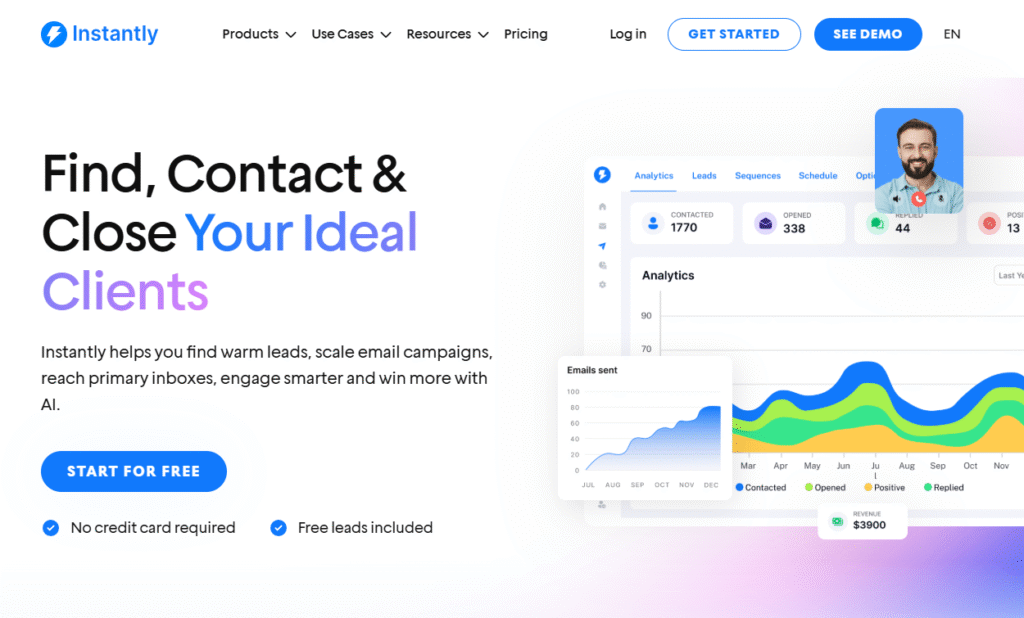
Instantly.ai is built for sales teams and agencies that need to run thousands of cold emails per day without getting flagged by spam filters. Its key edge lies in combining large-scale sending with smart personalisation options so every message still feels human. With its unlimited sending accounts and deliverability-focused features, it’s become a go-to choice for outreach-heavy businesses.
Key Features
Unlimited Sending Accounts
Unlike most tools that limit the number of inboxes, Instantly.ai lets you connect unlimited accounts. This is perfect for agencies managing multiple client campaigns under one roof.
Smart Warming System
Deliverability is a huge challenge in cold email. Instantly.ai automatically warms up inboxes by sending low-volume, safe messages to build trust with email providers. This keeps campaigns out of spam.
AI Personalisation Fields
Beyond the basics like {FirstName}, you can insert unique custom fields and AI-generated snippets to create messages that don’t feel templated.
Campaign Management Dashboard
The dashboard makes it simple to monitor multiple campaigns at once. You can track opens, clicks, and replies without juggling spreadsheets.
Integrations & API Access
It integrates with CRMs, Zapier, and other outreach platforms, giving flexibility to agencies and startups that need streamlined workflows.
Pros & Cons
| Pros | Cons |
| Unlimited sending accounts | No built-in lead scraping |
| Powerful deliverability features | Advanced setup can overwhelm newbies |
| Affordable pricing tiers | Limited reporting compared to enterprise tools |
| Works well for agencies | Mostly focused on outbound email |
Pricing
Plans start at $37/month per seat, making it one of the most affordable cold email personalisation platforms for scaling. A free trial is available.
Best For Agencies and High-Volume Outreach Teams
Instantly.ai is built for scale while still letting you customise messages.
- Agencies – Manage multiple clients from one platform
- Startups – Send thousands of targeted emails daily
- Sales Teams – Track campaigns and automate inbox warming
- Freelancers – Affordable entry-level option with pro-level features
Combine Instantly.ai with Smartwriter.ai for unbeatable outreach. Smartwriter creates personalised intros, and Instantly ensures those emails actually land in the inbox.
How to Use Instantly.ai for B2B Lead Gen
For B2B SaaS campaigns, use Instantly’s custom fields to insert references to a company’s tech stack or recent funding round. This small touch dramatically improves reply rates.
Best Alternate Tool
Mailshake – If you want a more polished UI with sales-focused analytics, Mailshake is a strong Instantly.ai alternative.
3. Lemlist – Personalised Sequences That Get Noticed
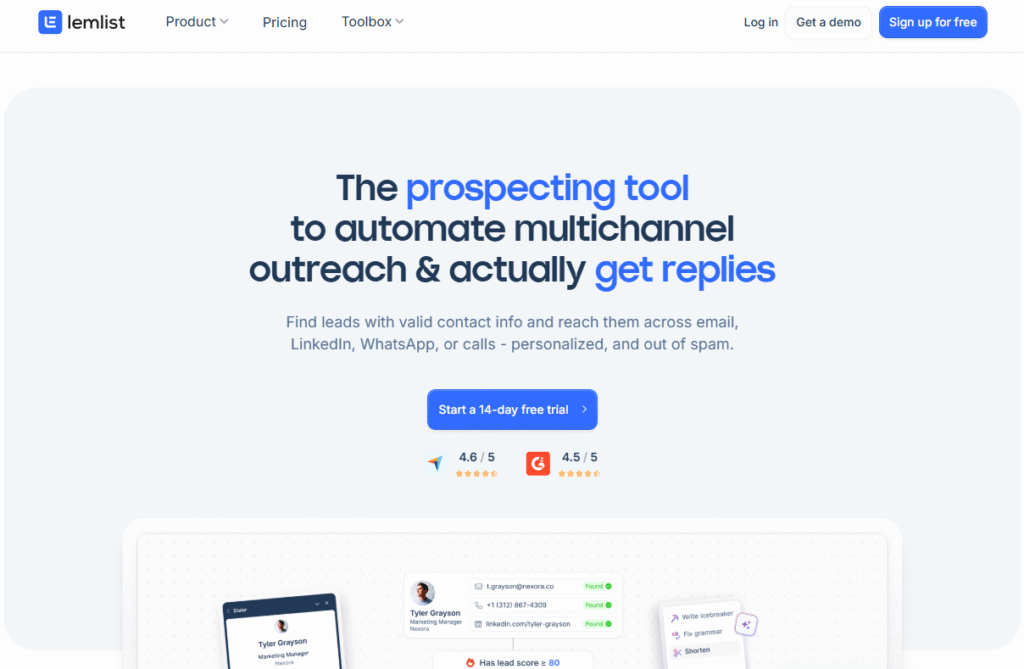
Lemlist is one of the most popular cold email tools among agencies, SaaS founders, and freelancers who want to combine outreach with highly customised touches. Beyond just email, it allows users to add personalised images, videos, and even landing pages, which helps create memorable campaigns that stand out in a crowded inbox.
Key Features
Personalised Image & Video Inserts
Instead of just text, Lemlist lets you drop in images and videos with dynamic fields like a prospect’s name written on a coffee cup or a personalised video thumbnail. This visual element makes emails harder to ignore.
Multi-Channel Sequences
Lemlist doesn’t stop at email. You can build sequences that include LinkedIn messages and manual tasks like phone calls, making your outreach feel omnipresent but still natural.
Deliverability Protection
The platform includes advanced email warm-up and reputation management to keep your domain out of spam. This means you can safely scale campaigns without hurting your sender score.
Lemlist Community & Templates
Users get access to a library of proven templates plus an active community sharing strategies. This shortens the learning curve for beginners.
Detailed Analytics
Track everything from open rates to reply percentages and even which personalisation elements are performing best, so you can refine campaigns.
Pros & Cons
| Pros | Cons |
| Personalised images & videos boost replies | Higher cost compared to some tools |
| Multi-channel outreach options | Interface can feel overwhelming |
| Built-in deliverability features | Learning curve for beginners |
| Engaged user community | Limited CRM compared to enterprise tools |
Pricing
Lemlist starts at $59/month per user. There’s a free trial, and pricing scales based on team size and features required.
Best For Creative Outreach Campaigns
Lemlist is ideal for those who want their outreach to stand out with visuals and multi-channel touches.
- Agencies – Run unique campaigns for clients across industries
- SaaS Founders – Add flair to demo booking emails with images or video
- Freelancers – Use attention-grabbing emails to land contracts faster
- Sales Teams – Build automated multi-channel workflows without juggling tools
Use Lemlist’s image personalisation to insert a prospect’s company logo into your visuals. This small tweak makes recipients feel the message was designed just for them.
How to Use Lemlist for Startup Fundraising
If you’re a founder reaching out to investors, Lemlist’s video feature is gold. Record a short personalised pitch video and drop it into your cold emails it sets you apart immediately.
Best Alternate Tool
Hyperise – If your main goal is dynamic images and videos across multiple channels, Hyperise offers a wider range of visual personalisation options than Lemlist.
4. Hyperise – Dynamic Images and Videos That Convert
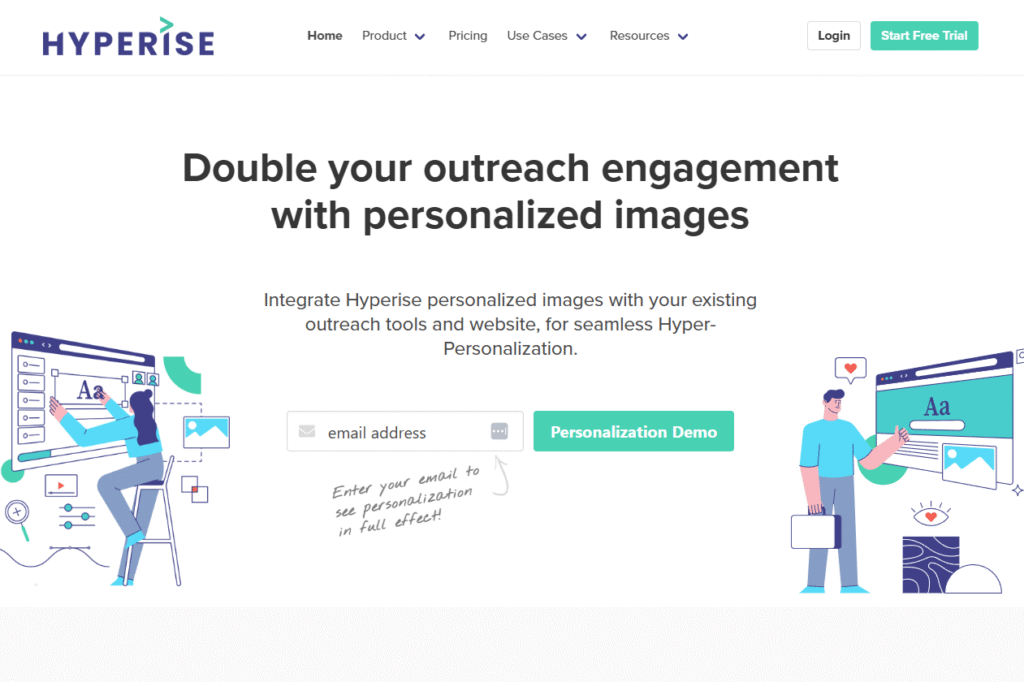
Hyperise is a personalisation Strong performer designed for marketers and agencies who want to go beyond text. It allows you to insert dynamic images, GIFs, and videos into your emails, LinkedIn messages, and even website landing pages. By customising visuals to each recipient, it helps break through inbox fatigue and makes campaigns more memorable.
Key Features
Dynamic Image Personalisation
Hyperise lets you overlay a prospect’s name, company logo, or profile photo directly onto images. When prospects see their own details in a visual, engagement rates jump significantly.
Video Personalisation
Users can record short videos and personalise thumbnails with the recipient’s name or company branding. This small tweak increases click-throughs and builds instant trust.
Cross-Channel Integration
Unlike most email-only tools, Hyperise integrates personalisation into LinkedIn, chatbots, and websites. It creates a unified experience where prospects see their name or company consistently across touchpoints.
CRM & Outreach Tool Compatibility
It works seamlessly with Lemlist, Mailshake, HubSpot, and over 30 other platforms. You can plug Hyperise into your existing workflow without friction.
Website Personalisation Widgets
With Hyperise, even your website can adapt to each visitor by showing personalised messages, banners, or CTAs tied to their email campaigns.
Pros & Cons
| Pros | Cons |
| Adds unique visual elements to outreach | Slightly higher learning curve |
| Works across email + LinkedIn + web | Pricing may deter solopreneurs |
| Strong integrations with popular tools | Best results require setup time |
| Website personalisation adds extra punch | No native email sending feature |
Pricing
Hyperise pricing starts at $49/month, with plans scaling up for larger teams and advanced features. A free trial is available to test its visual personalisation power.
Best For Agencies and Visual Storytellers
Hyperise is ideal if your outreach relies on standing out visually.
- Agencies – Deliver high-impact campaigns that clients can’t get with standard tools
- Marketers – Add personalised images and videos to nurture campaigns
- SaaS Teams – Use visual CTAs to push prospects into demo bookings
- Freelancers – Impress potential clients with custom pitches that look designed, not generic
Combine Hyperise with LinkedIn outreach. Personalised visuals embedded in connection requests or InMail messages drastically improve acceptance and reply rates.
How to Use Hyperise for Local Agencies
Local marketing agencies can use Hyperise to show a prospect’s storefront or local landmark with their name overlaid on the image. This creates an instant “wow” factor.
Best Alternate Tool
Lemlist – If you want a more all-in-one outreach tool with image personalisation built-in, Lemlist is the closest Hyperise alternative.
5. Mailshake – Scalable Sales Outreach With Personalisation
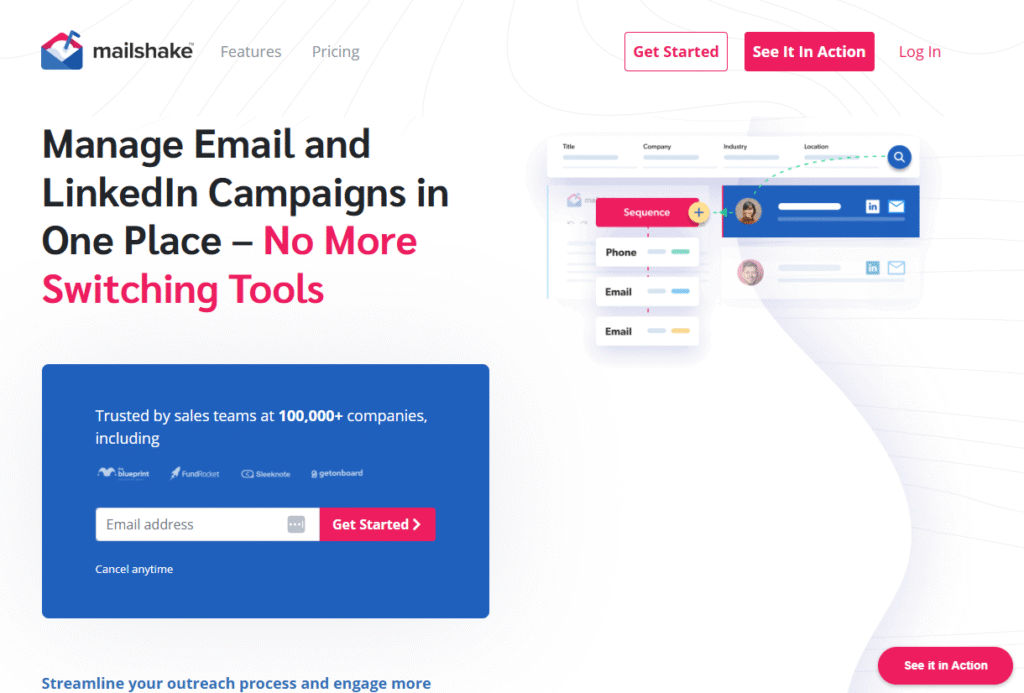
Mailshake is a cold email and sales engagement platform designed for sales teams, agencies, and consultants who want a simple yet powerful way to scale outreach. Known for its clean interface and straightforward workflow, Mailshake helps you create personalised email sequences, track engagement, and automate follow-ups all while keeping deliverability in check.
Key Features
Personalised Outreach Sequences
With Mailshake, you can build automated email sequences that include personalised merge fields, custom snippets, and conditional logic. This makes outreach look handcrafted even at scale.
Built-In Phone Dialer
Unlike most email-only tools, Mailshake comes with a built-in dialer so reps can call prospects directly from the platform. It creates a smooth transition from cold email to live conversation.
Lead Catcher
The Lead Catcher feature flags prospects who engage with your emails such as clicking a link or replying so your team can follow up at the right time.
A/B Testing for Emails
Mailshake lets you test subject lines, templates, and sequence steps to see what works best. This helps refine messaging without relying on guesswork.
CRM Integrations
It integrates with Salesforce, HubSpot, and Pipedrive, making it easy to sync leads and keep pipelines organised.
Pros & Cons
| Pros | Cons |
| Simple and intuitive interface | No advanced image personalisation |
| Built-in phone dialer adds flexibility | Higher-tier pricing for full features |
| Lead catcher improves timing | Limited LinkedIn integration |
| Strong CRM and Zapier integrations | Less suited for one-off campaigns |
Pricing
Mailshake starts at $59/month per user, with additional features available in higher tiers. A free trial is available.
Best For Sales Teams That Need Simplicity and Scale
Mailshake strikes a balance between ease of use and powerful features.
- Sales Teams – Automate sequences while keeping outreach personalised
- Agencies – Manage multiple campaigns and sync data with client CRMs
- Consultants – Run repeatable campaigns with minimal setup
- Freelancers – Use entry-level pricing to start small, then scale up
Use Mailshake’s A/B testing to refine subject lines for specific industries. For instance, testing industry-specific pain points often yields higher reply rates.
How to Use Mailshake for SaaS Demo Booking
If you’re booking demos for SaaS, build sequences that reference a competitor’s limitation in the first email, then follow up with case studies using Mailshake’s templating.
Best Alternate Tool
Reply.io – If you want a multichannel option (email + LinkedIn + SMS), Reply.io is a more comprehensive alternative to Mailshake.
6. Reply.io – Multichannel Outreach With Personalisation
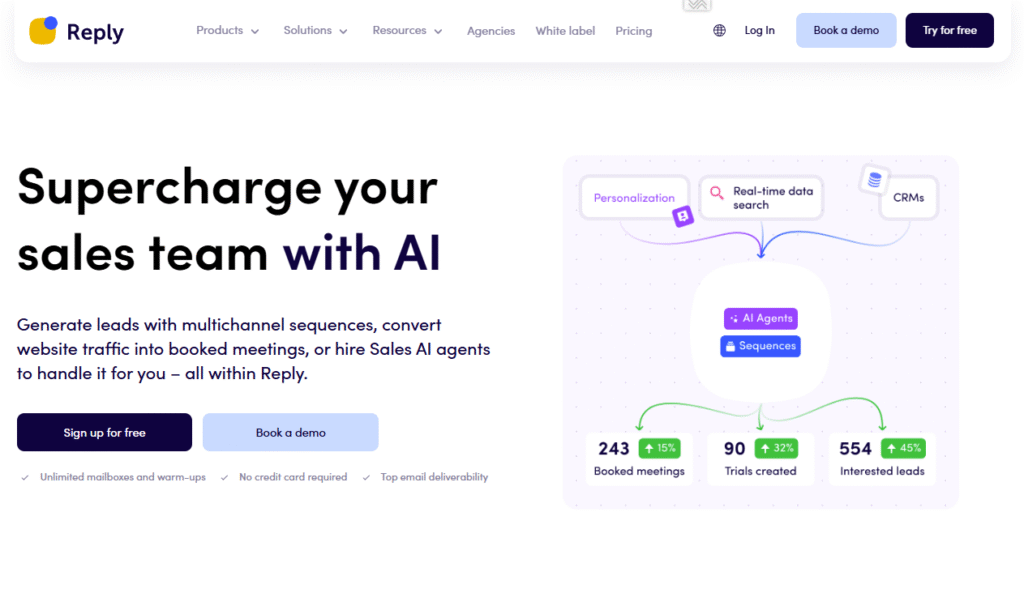
Reply.io is a robust sales engagement platform built for startups, agencies, and enterprise sales teams that want to handle outreach across multiple channels. It combines email, LinkedIn, SMS, and calls in one workflow, while keeping personalisation at the center of every interaction. This makes it especially powerful for businesses running outbound at scale.
Key Features
Multichannel Sequences
Reply.io lets you design outreach sequences that mix cold emails, LinkedIn messages, SMS, and even phone calls. Prospects don’t just see you in their inbox they see you everywhere.
AI-Powered Email Personalisation
With its AI writing assistant, Reply.io helps create custom subject lines and body text that adapt to each prospect, cutting down manual editing.
Native LinkedIn Automation
Unlike many competitors, Reply.io offers built-in LinkedIn automation, allowing you to send connection requests, InMails, and follow-ups while maintaining natural pacing.
Advanced Analytics Dashboard
Track campaign-level performance across all channels. Detailed metrics help teams quickly see what’s working and reallocate resources.
CRM Integrations and API
Reply.io integrates with Salesforce, HubSpot, Pipedrive, and over 40 other tools, making it easy to sync outreach activity with your pipeline.
Pros & Cons
| Pros | Cons |
| Multichannel sequences improve visibility | Higher price point than email-only tools |
| AI personalisation saves time | Learning curve for advanced features |
| Strong LinkedIn automation | May overwhelm small teams |
| Deep CRM integrations | Best suited for outbound-heavy orgs |
Pricing
Reply.io pricing starts at $60/month per user, with advanced plans available for larger teams. A free trial is offered.
Best For Teams Needing True Multichannel Outreach
Reply.io is a top choice for companies that want to connect with prospects across multiple touchpoints.
- Startups – Build omnipresent campaigns to book early customers
- Agencies – Manage complex, multichannel campaigns for clients
- Enterprise Sales Teams – Align SDRs across email, LinkedIn, and phone calls
- Freelancers – Tap into affordable entry-level plans with pro-grade features
Use Reply.io’s LinkedIn + Email combo to follow up on unanswered cold emails. A friendly LinkedIn message referencing your earlier email often gets better engagement.
How to Use Reply.io for Enterprise Accounts
When targeting enterprise prospects, create sequences that combine LinkedIn touches with personalised case studies. This layered approach builds familiarity before a sales call.
Best Alternate Tool
SalesLoft – If you’re part of a large enterprise team and want advanced analytics plus coaching tools, SalesLoft is a Reply.io alternative worth considering.
7. Woodpecker – Simple Cold Email Personalisation for SMBs
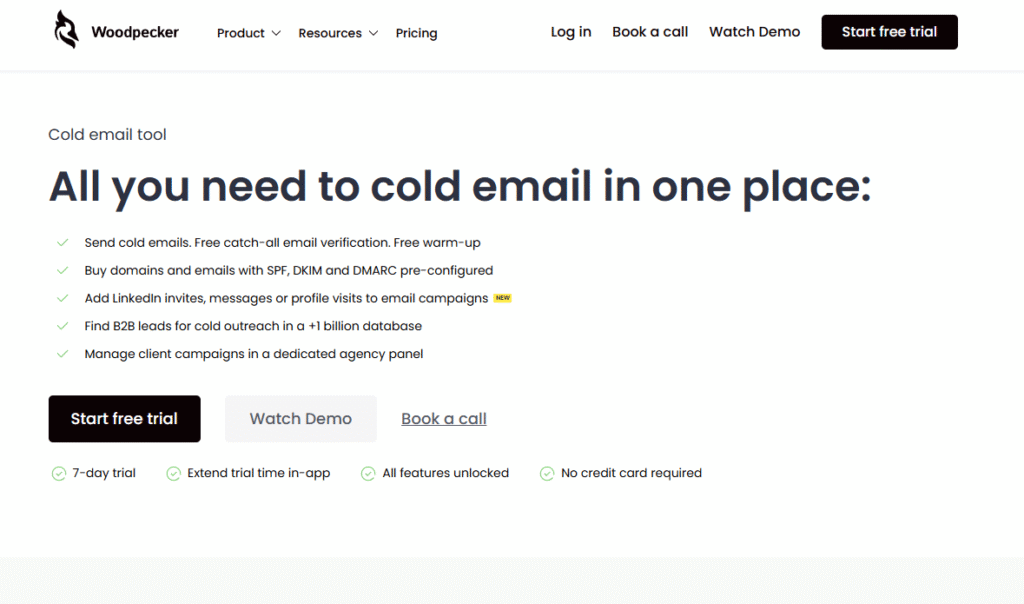
Woodpecker is designed for small businesses, agencies, and freelancers who want a lightweight but effective cold email tool. It focuses on deliverability and personalisation without overwhelming users with too many features. With its automation engine, Woodpecker ensures that outreach feels natural while keeping sending patterns safe from spam filters.
Key Features
Smart Sending Algorithm
Woodpecker spaces out emails and mimics human-like sending behavior to avoid triggering spam filters. This is particularly valuable for SMBs that don’t have IT teams managing deliverability.
Conditional Personalisation
The tool supports advanced personalisation through conditional logic. For instance, you can create different email paths based on industry, job title, or region so every recipient feels like you wrote directly to them.
Bounce & Reply Detection
It automatically stops sending follow-ups once a recipient replies, and flags invalid emails so you don’t waste credits.
Team Collaboration
Agencies and teams can manage multiple accounts, share templates, and track performance together in one dashboard.
CRM and Integrations
Woodpecker integrates with HubSpot, Pipedrive, Salesforce, and Zapier, making it easy to plug into your existing sales stack.
Pros & Cons
| Pros | Cons |
| Excellent deliverability features | Lacks advanced multichannel outreach |
| Easy to set up for beginners | Limited built-in prospecting tools |
| Strong SMB focus | Analytics not as deep as enterprise tools |
| Affordable entry-level pricing | Best suited for email-only campaigns |
Pricing
Woodpecker starts at $39/month per user, with scaling options for teams. A free trial is available for testing.
Best For SMBs That Need Reliable Cold Outreach
Woodpecker keeps things simple while still offering advanced personalisation where needed.
- Small Businesses – Run outreach without hiring technical staff
- Agencies – Manage multiple clients safely from one dashboard
- Freelancers – Affordable option with enough power for solo campaigns
- Sales Teams – Maintain deliverability across dozens of inboxes
Use Woodpecker’s conditional personalisation to mention local market trends. This creates relevance without needing manual editing for each email.
How to Use Woodpecker for Regional Campaigns
If you’re targeting specific regions, set up conditional snippets that reference local regulations or market conditions. Prospects are more likely to engage when outreach reflects their environment.
Best Alternate Tool
Smartreach.io – If you want similar SMB-friendly features with a slightly broader multichannel approach, Smartreach.io is a strong Woodpecker alternative.
8. Outreach.io – Enterprise-Grade Sales Engagement
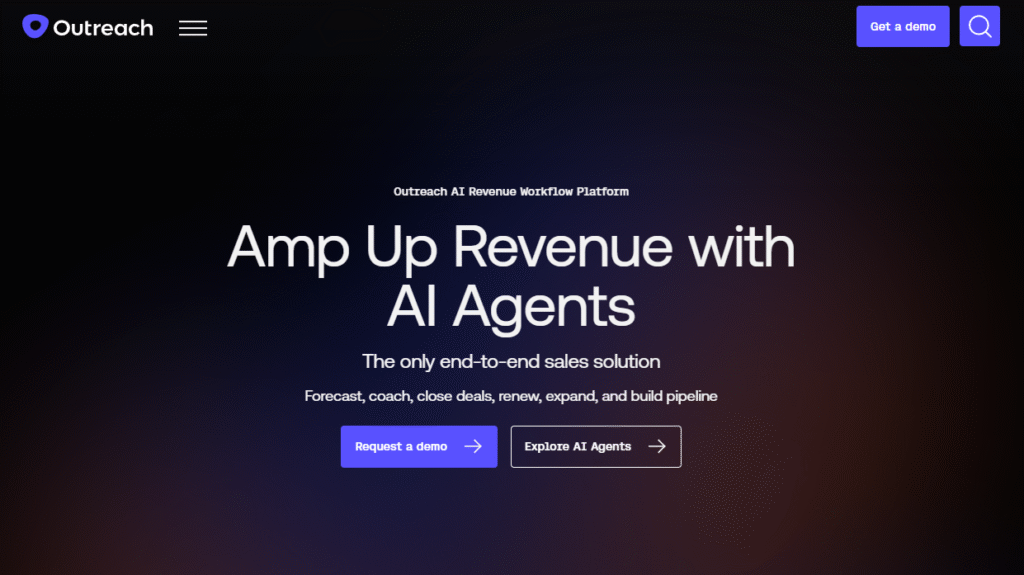
Outreach.io is built for enterprise sales teams that need to run complex, high-volume campaigns while keeping personalisation sharp. It’s more than just a cold email tool it’s a full sales engagement platform that combines automation, analytics, coaching, and multichannel outreach. For companies with large sales orgs, Outreach.io provides both scale and sophistication.
Key Features
Multichannel Playbooks
Outreach.io lets teams create structured workflows that include emails, calls, LinkedIn messages, and tasks. These playbooks ensure reps follow a proven process while still customising outreach.
AI-Powered Insights
The platform uses AI to recommend next best actions, suggest content, and even predict deal outcomes. This helps sales leaders coach their teams more effectively.
Sales Analytics & Forecasting
Outreach.io goes beyond open and reply rates it provides pipeline forecasting, activity tracking, and performance insights that matter to enterprise teams.
Team Collaboration & Coaching
Managers can monitor rep activity, review emails, and provide coaching in real-time. This is critical for scaling large SDR and AE teams.
Deep CRM Integration
It integrates seamlessly with Salesforce, Dynamics, and other enterprise CRMs, ensuring data flows smoothly between outreach and pipeline management.
Pros & Cons
| Pros | Cons |
| Powerful for large sales orgs | High cost, not SMB-friendly |
| Multichannel workflows keep reps consistent | Steeper learning curve |
| Strong analytics and coaching tools | Requires onboarding and training |
| Native Salesforce integration | Best for enterprise use cases |
Pricing
Outreach.io offers custom pricing based on team size and features. There is no free trial, but enterprise demos are available.
Best For Enterprise Sales Teams
Outreach.io is the platform of choice for companies managing large-scale sales operations.
- Enterprise Teams – Manage hundreds of reps with consistency and visibility
- Sales Leaders – Get detailed analytics and forecasting to guide strategy
- Account Executives – Use AI recommendations to prioritise outreach
- Customer Success Teams – Standardise client communication at scale
Use Outreach.io’s playbooks to standardise your best-performing sequences across entire teams. This ensures that even new reps follow proven outreach flows.
How to Use Outreach.io for Account-Based Marketing
Pair Outreach.io with account-based strategies by assigning playbooks to specific high-value accounts. This ensures every stakeholder gets a personalised yet coordinated experience.
Best Alternate Tool
SalesLoft – A direct competitor, SalesLoft offers similar enterprise-grade features with a stronger emphasis on coaching and rep productivity.
9. SalesLoft – Coaching-Focused Outreach for Large Teams
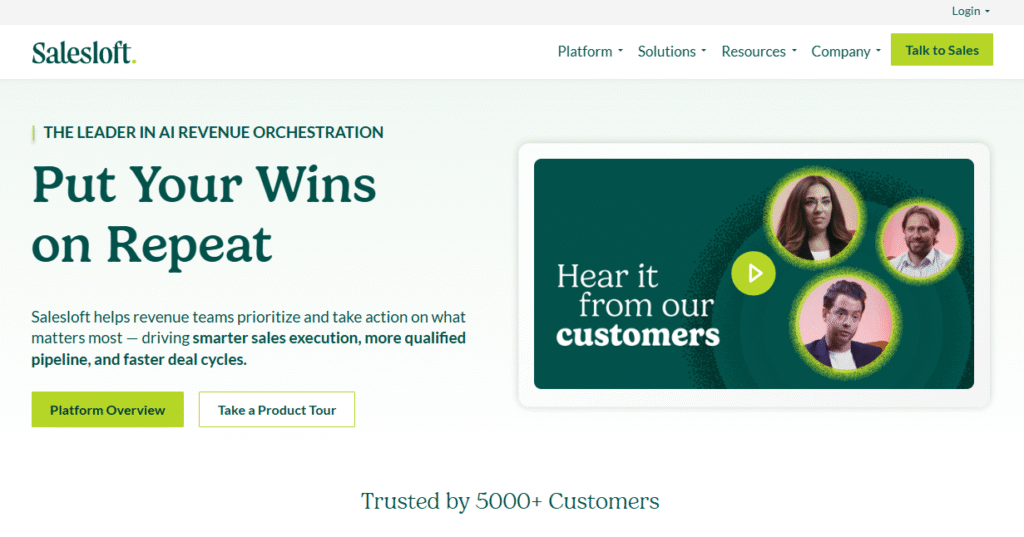
SalesLoft is one of the most widely used sales engagement platforms for enterprises. It focuses on streamlining outbound workflows while equipping managers with coaching and analytics tools to improve team performance. If you’re running a large outbound team that needs both personalisation and structured accountability, SalesLoft is a strong fit.
Key Features
Multichannel Cadences
SalesLoft allows reps to build cadences that include emails, LinkedIn messages, calls, and tasks. Each step can be personalised with variables and snippets to maintain a human feel.
Conversation Intelligence
SalesLoft records and analyses calls, helping managers identify winning talk tracks and train reps more effectively. This feature is particularly valuable for teams that rely on phone-based selling.
Advanced Analytics & Reporting
The platform tracks engagement metrics, rep activity, and pipeline impact. Managers can spot gaps and double down on what’s working across the team.
Personalised Email Templates
Reps can build a library of templates and tweak them with merge fields, dynamic snippets, or prospect-specific notes to add relevance at scale.
CRM & Tech Stack Integrations
SalesLoft integrates deeply with Salesforce, HubSpot, Microsoft Dynamics, and other sales tools. It ensures data syncs properly across systems.
Pros & Cons
| Pros | Cons |
| Excellent coaching and training features | Pricing is enterprise-level |
| Multichannel cadences increase engagement | Setup can be complex |
| Strong analytics for managers | Steep learning curve for new users |
| Conversation intelligence improves sales calls | Requires dedicated onboarding resources |
Pricing
SalesLoft provides custom pricing based on the number of users and feature set. Like Outreach.io, there’s no free trial, but live demos are offered.
Best For Large Teams With Coaching Needs
SalesLoft is ideal if coaching, call analysis, and structured workflows are priorities.
- Enterprise Sales Teams – Maintain consistency across hundreds of reps
- Sales Managers – Monitor and coach reps with conversation intelligence
- Account Executives – Use cadences to juggle multi-stakeholder outreach
- B2B SaaS Companies – Scale outbound with reliable reporting and forecasting
Use SalesLoft’s conversation intelligence not just for coaching reps but also for creating better cold email copy. Insights from real sales calls can be turned into high-converting outreach templates.
How to Use SalesLoft for Enterprise SaaS Growth
If you’re selling enterprise SaaS, use cadences that mix email with LinkedIn touches. Include personalised references to a prospect’s tech stack, which SalesLoft makes easy with dynamic fields.
Best Alternate Tool
Outreach.io – Outreach.io is the closest competitor, offering similar features with stronger AI-driven forecasting.
10. Mixmax – Email Productivity and Personalisation for Gmail Users
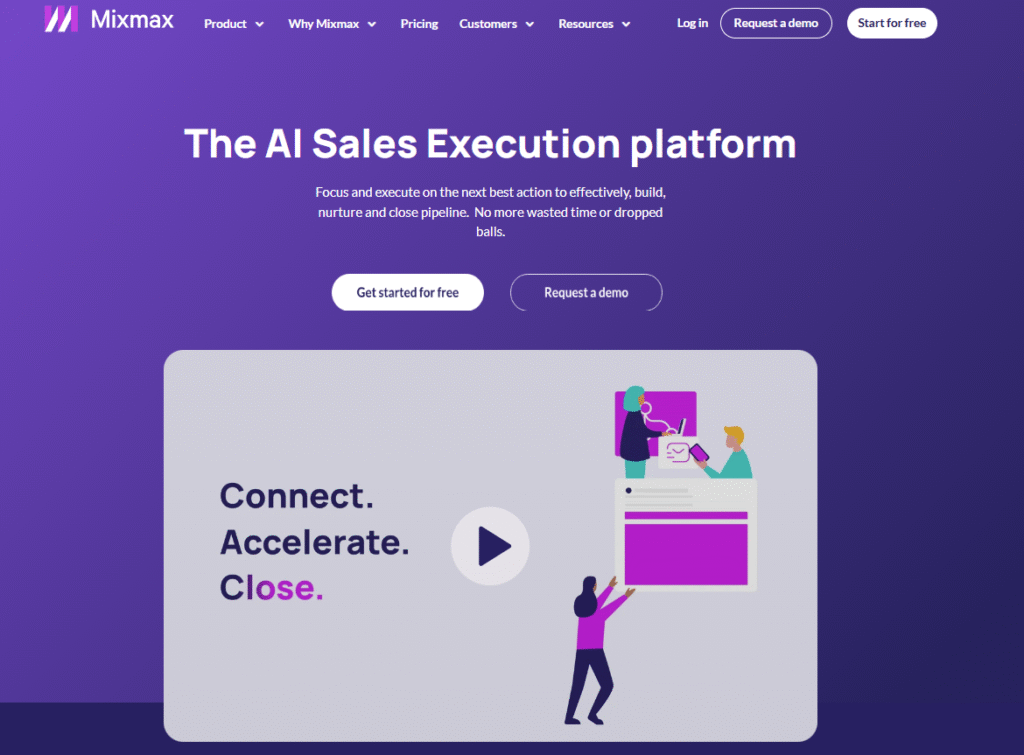
Mixmax is built specifically for Gmail and Google Workspace users who want to improve productivity while keeping outreach personal. It’s a lightweight yet powerful tool that combines scheduling, tracking, and automation with personalisation features. Sales reps, consultants, and startups love Mixmax because it integrates directly inside Gmail without forcing them into a new interface.
Key Features
In-Gmail Personalisation
Mixmax operates as a Gmail extension, meaning you can personalise outreach directly within your inbox. Merge fields, dynamic snippets, and custom variables make each message look handwritten.
Email Tracking & Engagement Insights
The tool tracks opens, clicks, and replies in real-time, so you always know how prospects are interacting with your emails.
Sequence Automation
Build automated follow-up sequences without leaving Gmail. You can personalise each step while keeping your workflow simple and intuitive.
Scheduling & Calendar Integration
Mixmax integrates with Google Calendar, allowing you to insert meeting availability links directly into your emails. This eliminates back-and-forth scheduling.
Templates & Collaboration
Teams can share templates, snippets, and sequences, ensuring consistency across outreach campaigns.
Pros & Cons
| Pros | Cons |
| Works directly inside Gmail | Limited outside Google ecosystem |
| Affordable pricing for individuals | Fewer multichannel features |
| Real-time tracking is highly accurate | Not built for enterprise-scale outreach |
| Smooth calendar scheduling | Limited CRM integrations compared to larger tools |
Pricing
Mixmax starts at $24/month per user, making it one of the most affordable personalisation tools. A free trial is available.
Best For Gmail-First Sales Teams and Freelancers
Mixmax is a great fit for anyone who lives inside Gmail and wants to scale outreach without leaving their inbox.
- Freelancers – Keep costs low while still personalising outreach
- Consultants – Use scheduling features to streamline meetings with prospects
- Startups – Run early-stage outreach without investing in enterprise software
- Sales Reps – Save time with sequences and templates inside Gmail
Use Mixmax’s real-time tracking to follow up the moment a prospect opens your email. This improves response rates significantly.
How to Use Mixmax for Demo Booking
If you’re offering SaaS demos, include Mixmax’s calendar integration link in your outreach. Recipients can book directly from the email without leaving their inbox.
Best Alternate Tool
Yesware – If you want a similar Gmail-focused experience with stronger analytics, Yesware is a solid Mixmax alternative.
11. Klenty – Sales Engagement for SMBs and Startups
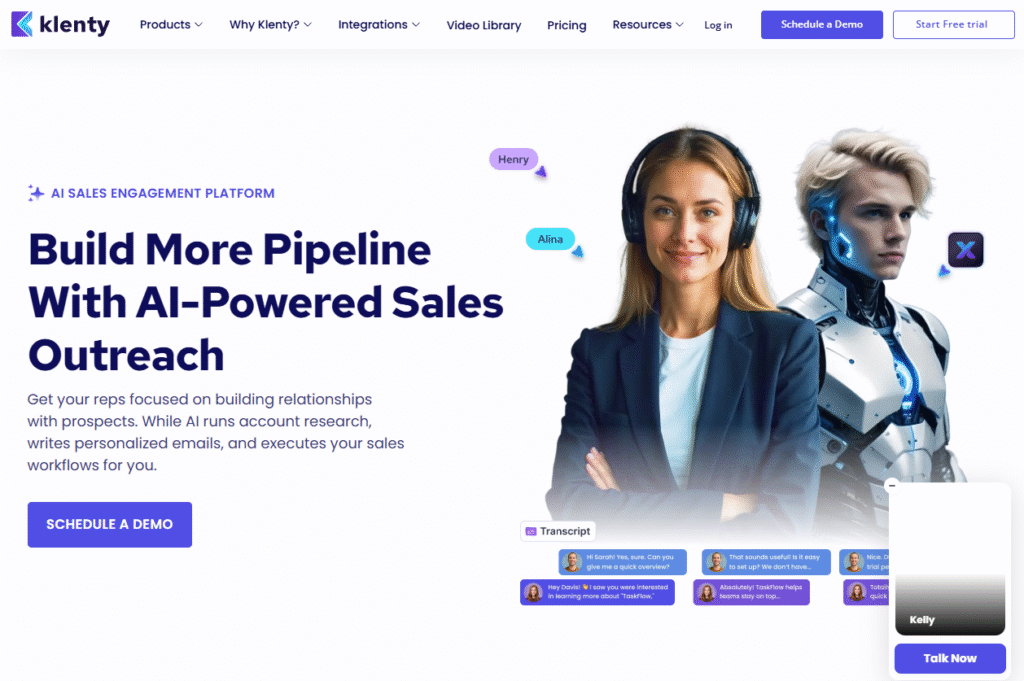
Klenty is a sales engagement platform designed for small and mid-sized businesses that need structured outreach without the complexity of enterprise tools. It’s especially popular with startups and agencies that want to send personalised cold emails, automate follow-ups, and integrate with CRMs for smooth pipeline management.
Key Features
Automated Sequences with Personalisation
Klenty allows you to create automated cadences where each step can be personalised with variables, snippets, and conditional logic, making outreach feel unique at scale.
CRM Syncing
It integrates with HubSpot, Salesforce, Pipedrive, and Zoho, so your CRM always stays up to date with the latest outreach activity.
Multichannel Outreach
Beyond email, Klenty supports LinkedIn touchpoints and calls, helping you reach prospects across multiple channels.
Playbooks for Different Personas
You can build playbooks customised to specific buyer personas or industries, ensuring messaging is relevant to each group.
Reporting & Analytics
Klenty’s dashboard provides metrics on opens, clicks, and replies, along with performance breakdowns by sequence and user.
Pros & Cons
| Pros | Cons |
| Affordable for startups and SMBs | Limited enterprise-grade features |
| Strong CRM integrations | Interface can feel busy |
| Persona-based playbooks save time | Reporting is less advanced than top-tier tools |
| Supports multichannel outreach | Learning curve for new users |
Pricing
Klenty pricing starts at $50/month per user, with higher tiers unlocking additional features. A free trial is available.
Best For SMBs and Startups Scaling Outreach
Klenty is ideal for smaller teams that want a balance of affordability and personalisation.
- Startups – Scale early sales outreach without enterprise costs
- Agencies – Manage multichannel campaigns for clients in one platform
- Freelancers – Affordable entry point for running cold outreach at scale
- Sales Teams – Use persona-based playbooks to improve reply rates
Use Klenty’s playbooks to create sequences customised by industry. For example, build one set for SaaS leads and another for eCommerce prospects this saves time while increasing relevance.
How to Use Klenty for Outbound Agencies
Agencies can build client-specific playbooks inside Klenty and switch between them easily, making it simple to manage multiple industries simultaneously.
Best Alternate Tool
QuickMail – If you’re running cold outreach as an agency, QuickMail is a close competitor with features designed specifically for managing multiple clients.
12. QuickMail – Cold Email Outreach for Agencies
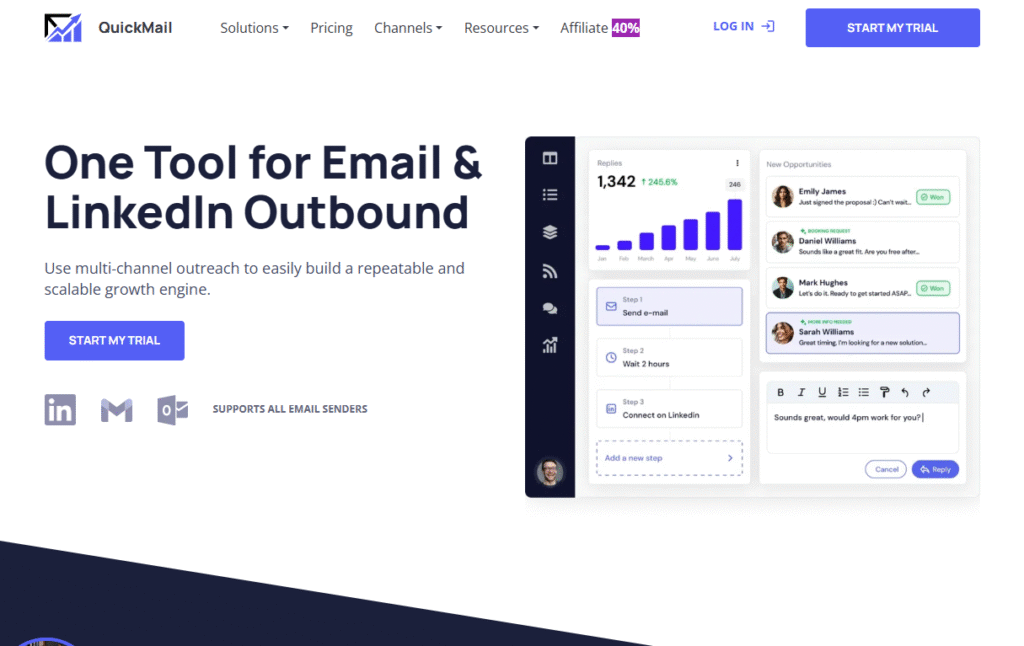
QuickMail is a cold email automation platform designed specifically with agencies and outbound teams in mind. It focuses on helping teams run personalised, high-volume outreach campaigns while keeping deliverability strong. Agencies love it because it supports multi-client management without risking account reputation.
Key Features
Multi-Client Management
QuickMail allows agencies to manage campaigns for multiple clients under one account. This makes it easier to scale outbound services without juggling separate tools.
Deliverability-Focused Sending
The platform spaces out emails, rotates sending accounts, and monitors deliverability metrics, ensuring campaigns don’t land in spam.
Conditional Personalisation
You can insert dynamic variables, conditional content, and snippets that adjust based on prospect details like industry or role.
Automated Follow-Ups
QuickMail handles automated follow-ups that stop once a prospect replies, ensuring outreach remains natural and not robotic.
Team Collaboration
Team members can share templates, sequences, and campaign performance, making it easier to coordinate across accounts.
Pros & Cons
| Pros | Cons |
| Built for agencies managing multiple clients | Interface less sleek than competitors |
| Strong focus on deliverability | Limited non-email channels |
| Scales easily for outbound services | Pricing may be higher for solopreneurs |
| Automates follow-ups effectively | Reporting could be more detailed |
Pricing
QuickMail starts at $59/month per user. It also offers plans that scale with the number of inboxes connected. A free trial is available.
Best For Agencies Running Cold Outreach
QuickMail is custom-made for agencies that handle multiple clients and need outreach that scales safely.
- Agencies – Manage multiple clients without risking deliverability
- Outbound Teams – Automate personalised sequences at scale
- Startups – Use account rotation to keep domains safe while scaling
- Sales Reps – Keep outreach consistent with automated follow-ups
Use QuickMail’s deliverability dashboard to monitor inbox health for each client separately. This prevents campaigns from stalling due to poor sender reputation.
How to Use QuickMail for Agency Clients
Agencies can create separate sequences per client account, with unique branding and personalisation, ensuring no overlap while still managing everything from one hub.
Best Alternate Tool
Woodpecker – If you’re a smaller team looking for simpler email-only outreach with strong deliverability, Woodpecker is a good QuickMail alternative.
13. Yesware – Sales Tracking and Personalisation for Gmail & Outlook
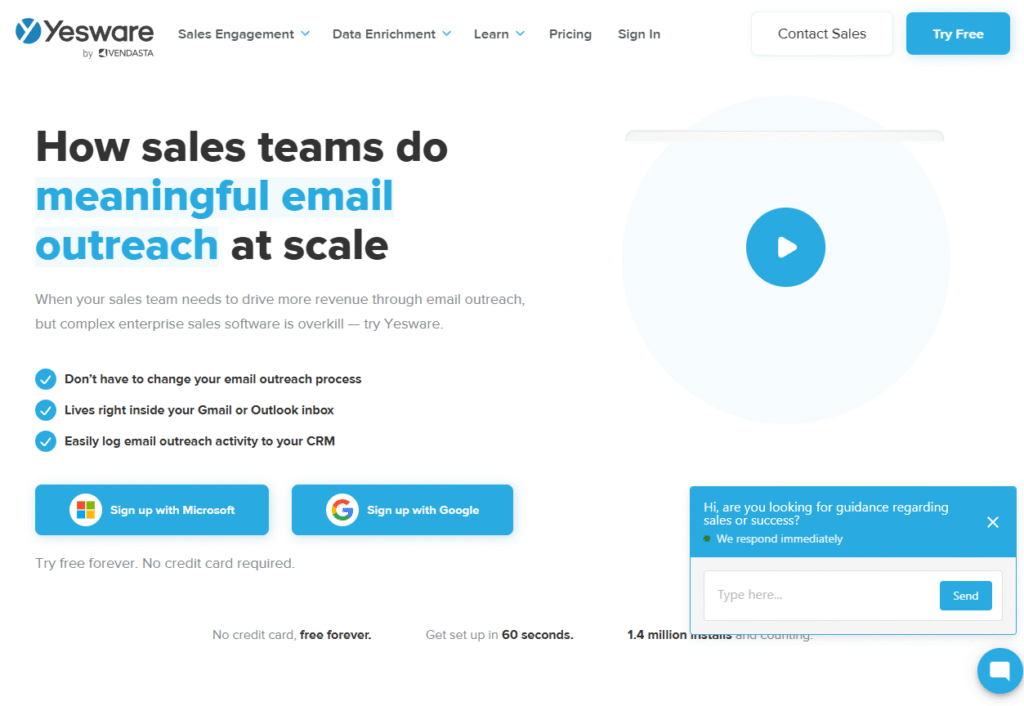
Yesware is a sales productivity and personalisation tool built directly into Gmail and Outlook. It’s especially popular with sales reps who want to track engagement, automate follow-ups, and personalise emails without leaving their inbox. For teams that rely heavily on email outreach and prefer simplicity, Yesware is a natural fit.
Key Features
Email Tracking
Yesware tracks opens, clicks, and attachment views in real-time. Sales reps know exactly when a prospect is engaging and can follow up strategically.
Personalised Templates
Users can create and store templates with merge fields for first names, companies, job titles, and other details. Templates can be shared across teams for consistency.
Campaigns & Automated Follow-Ups
You can set up automated multi-step campaigns while keeping emails personalised with dynamic fields. This saves time while maintaining a human touch.
Meeting Scheduling
Like Mixmax, Yesware integrates with your calendar so prospects can book meetings directly through your email, reducing scheduling back-and-forth.
CRM Integration
Yesware connects with Salesforce and other CRMs, automatically logging activities so sales teams don’t waste time on manual updates.
Pros & Cons
| Pros | Cons |
| Works directly inside Gmail & Outlook | Limited multichannel features |
| Real-time tracking boosts timing | Less advanced analytics vs enterprise tools |
| Shared templates improve consistency | Pricing adds up for larger teams |
| Smooth Salesforce integration | Primarily suited for email-focused sales |
Pricing
Yesware starts at $19/month per user, making it one of the most affordable email personalisation tools. A free trial is available.
Best For Sales Reps Needing Inbox-Based Personalisation
Yesware is best suited for individuals and small teams who want personalisation features inside their existing inbox.
- Sales Reps – Track engagement without leaving Gmail or Outlook
- Freelancers – Affordable way to personalise outreach at scale
- Small Teams – Share templates and campaigns for consistency
- Consultants – Combine personalisation with scheduling in one tool
Use Yesware’s attachment tracking when sending proposals. You’ll know exactly when a prospect views your file and can follow up at the right moment.
How to Use Yesware for Proposal Follow-Ups
Send a personalised proposal as an attachment. Once Yesware notifies you it’s been opened, follow up within 24 hours to keep momentum strong.
Best Alternate Tool
Mixmax – If you’re a Gmail user who wants more advanced scheduling and sequence options, Mixmax is a solid Yesware alternative.
14. Smartreach.io – Multichannel Outreach for Growing Teams
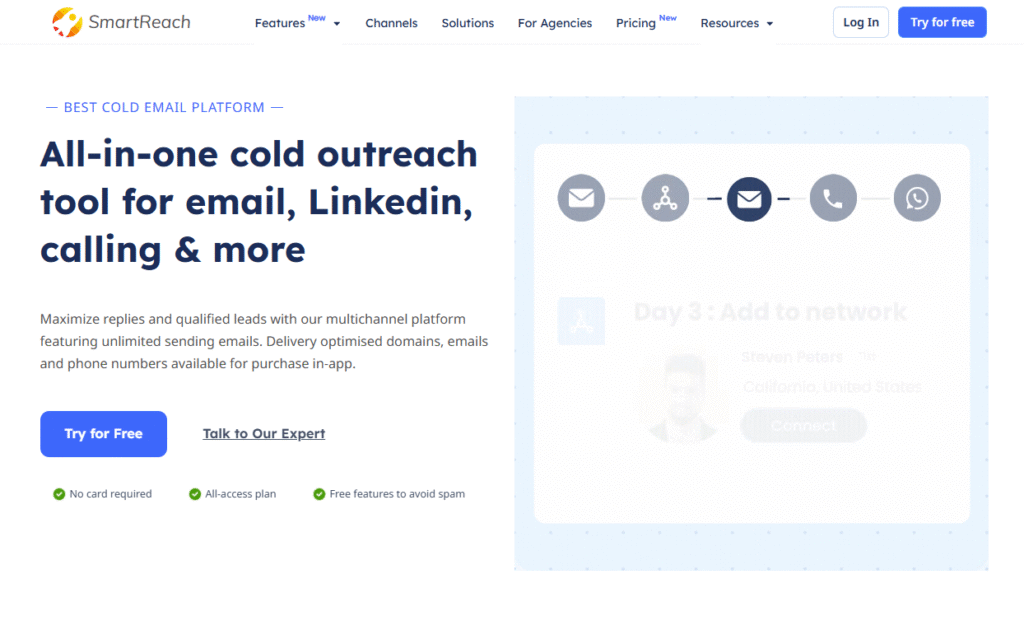
Smartreach.io is a cold outreach platform built for sales teams and agencies that want multichannel engagement with strong personalisation features. It combines email, LinkedIn, and phone workflows while keeping campaigns compliant with deliverability standards. Its affordability and feature balance make it a favorite for SMBs and mid-sized teams.
Key Features
Multichannel Sequences
Smartreach.io lets you build cadences that combine emails, LinkedIn touches, and calls, ensuring prospects hear from you across multiple platforms.
Advanced Personalisation
The platform supports custom fields, conditional logic, and snippets, so each message feels unique—even when you’re sending hundreds daily.
Deliverability Controls
Smartreach.io staggers sends, rotates inboxes, and automatically pauses campaigns to maintain a healthy sender reputation.
Team Collaboration
Teams can collaborate on campaigns, share templates, and track metrics in one dashboard. This makes it easier to scale across multiple users.
CRM & Third-Party Integrations
Smartreach.io connects with HubSpot, Salesforce, Pipedrive, and Zapier, so all outreach data flows into your CRM.
Pros & Cons
| Pros | Cons |
| Affordable multichannel option | UI feels less polished than top-tier tools |
| Strong focus on deliverability | Reporting could be deeper |
| Persona-based personalisation | Limited enterprise scalability |
| Useful for growing SMB teams | No advanced AI features |
Pricing
Smartreach.io pricing starts at $29/month per user, making it one of the more budget-friendly multichannel outreach platforms. A free trial is available.
Best For SMBs Scaling Outreach Across Channels
Smartreach.io is best suited for smaller teams that want multichannel outreach without breaking the bank.
- Agencies – Manage email and LinkedIn campaigns for multiple clients
- Startups – Affordable solution for scaling outbound quickly
- Sales Teams – Build cadences with conditional personalisation
- Freelancers – Entry-level pricing with strong features
Use Smartreach.io’s conditional logic to create outreach that speaks differently to decision-makers versus influencers within the same company.
How to Use Smartreach.io for B2B Lead Gen
For SaaS targeting B2B prospects, create a cadence where the first touch is a personalised email, followed by a LinkedIn connection request referencing your email.
Best Alternate Tool
Woodpecker – If you want a simpler, email-only version with a stronger focus on deliverability, Woodpecker is a good alternative to Smartreach.io.
15. Snov.io – Prospecting and Outreach in One Platform
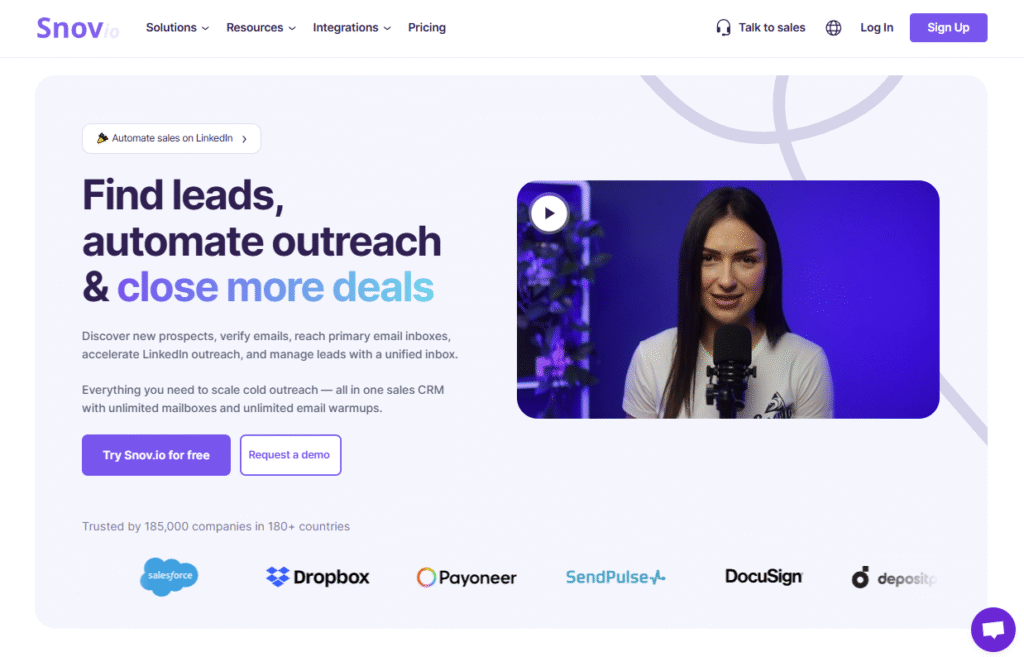
Snov.io is a versatile tool that combines lead generation, email verification, and outreach automation into a single platform. It’s especially useful for startups, agencies, and B2B sales teams that want to find prospects, build lists, and run personalised campaigns without switching between multiple tools.
Key Features
Prospecting Database
Snov.io includes a large database of B2B contacts. You can search by industry, company size, location, or role to build highly targeted lists for outreach.
Email Finder & Verifier
It has built-in email finding and verification features, ensuring your outreach lists are accurate and reducing bounce rates.
Automated Drip Campaigns
You can set up personalised drip sequences with conditional steps, ensuring every lead gets a customised journey depending on their engagement.
Technology Checker
Snov.io can detect what technologies a company is using (like Salesforce, Shopify, or HubSpot), which is useful for customising outreach based on tech stack.
CRM & Integrations
It comes with a built-in lightweight CRM and integrates with HubSpot, Pipedrive, and Zapier, making it flexible for different teams.
Pros & Cons
| Pros | Cons |
| Combines prospecting + outreach | Smaller database vs Apollo.io |
| Strong email verification | Reporting less advanced |
| Affordable all-in-one solution | Interface less sleek than competitors |
| Useful technology checker | Limited multichannel features |
Pricing
Snov.io starts at $39/month, with higher tiers available depending on email credits and features. A free trial is available.
Best For Startups and Agencies That Want All-in-One Outreach
Snov.io is perfect if you don’t want to juggle separate prospecting and outreach tools.
- Startups – Build lists and run campaigns in one place
- Agencies – Save time managing multiple clients with a single platform
- Freelancers – Affordable option for list building and outreach
- Sales Teams – Use technology detection to personalise emails at scale
Use Snov.io’s technology checker to customise your pitch. For instance, if a company uses Shopify, you can open with a line about improving Shopify store conversions.
How to Use Snov.io for Tech-Specific Outreach
When selling SaaS or services tied to certain platforms, use Snov.io’s tech filters to find prospects already using that technology and build campaigns referencing it.
Best Alternate Tool
Apollo.io – If you need a larger prospecting database with stronger enrichment features, Apollo.io is a better alternative.
16. Apollo.io – B2B Database and Outreach Combined
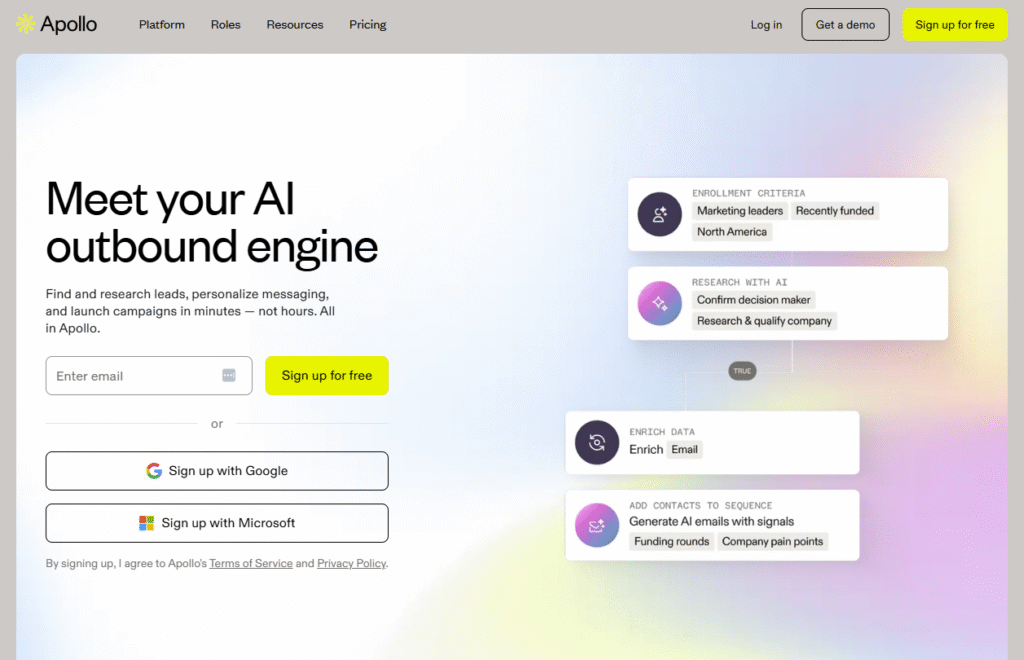
Apollo.io is a B2B sales intelligence and engagement platform that combines a massive prospecting database with outreach automation. It’s widely used by startups, agencies, and enterprise teams that need both accurate data and tools to personalise outreach campaigns at scale.
Key Features
Massive Prospect Database
Apollo.io gives you access to over 275 million contacts and company profiles. You can filter by industry, revenue, role, location, and more, making list-building highly targeted.
Data Enrichment
The platform enriches contact and company profiles with phone numbers, emails, and firmographic details. This saves teams hours of manual research.
Outreach Sequences
Apollo.io includes built-in email sequencing with personalisation fields and conditional logic, so you can create customised campaigns without leaving the platform.
LinkedIn Extension
With the Chrome extension, you can capture leads directly from LinkedIn and add them into Apollo.io with one click.
CRM Integrations
Apollo.io integrates with Salesforce, HubSpot, and other CRMs, ensuring your outreach activity syncs seamlessly with your sales pipeline.
Pros & Cons
| Pros | Cons |
| Huge database of accurate contacts | Higher learning curve than Snov.io |
| Combines prospecting + outreach | Advanced features can overwhelm SMBs |
| Strong enrichment features | Pricing scales quickly for big teams |
| Smooth CRM integrations | Email automation less advanced than Reply.io |
Pricing
Apollo.io pricing starts at $49/month, with higher tiers unlocking more credits and advanced features. A free plan is also available with limited credits.
Best For Sales Teams That Need Both Data and Outreach
Apollo.io is a strong choice for businesses that want one tool for both prospecting and personalised outreach.
- Startups – Affordable way to find contacts and launch campaigns
- Agencies – Build client prospect lists quickly and run outreach
- Enterprise Teams – Use enrichment data to improve targeting accuracy
- Freelancers – Access a huge database without paying enterprise rates
Use Apollo.io’s intent data filters to prioritise leads actively researching your product category. These leads are far more likely to respond.
How to Use Apollo.io for SaaS Prospecting
If you’re selling B2B SaaS, filter prospects by company size and funding stage. Early-growth companies are often faster to adopt new tools, and Apollo.io makes them easy to target.
Best Alternate Tool
Snov.io – If you need a smaller-scale all-in-one solution with email verification, Snov.io is a simpler Apollo.io alternative.
17. Vocus.io – Lightweight Email Productivity for Gmail
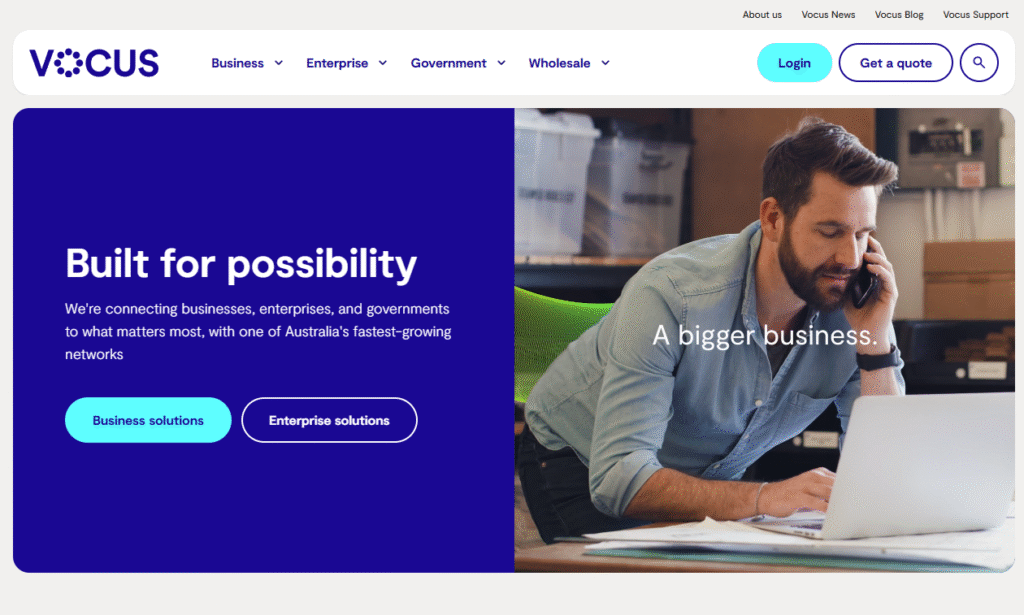
Vocus.io is a Gmail-focused productivity and outreach tool built for individuals, consultants, and small teams who want personalisation without the bulk of enterprise platforms. It’s minimal, affordable, and works directly inside Gmail, making it perfect for those who prefer simplicity but still want strong tracking and automation.
Key Features
Gmail Integration
Vocus.io runs as a Chrome extension inside Gmail, so you don’t have to learn a new interface. Outreach happens directly from your inbox.
Email Tracking
The tool tracks opens, clicks, and replies, giving you instant visibility into prospect engagement.
Mail Merge with Personalisation
You can upload CSV lists and send personalised bulk emails using merge tags for names, roles, or custom fields.
Automated Follow-Ups
Vocus.io automatically sends follow-ups if no reply is received, ensuring you stay on prospects’ radar without manual effort.
Scheduling & Reminders
The built-in scheduler lets you set reminders, snooze emails, and send later—helping you stay organised during campaigns.
Pros & Cons
| Pros | Cons |
| Affordable and easy to use | Limited outside Gmail |
| Works directly inside inbox | No multichannel features |
| Strong for freelancers & consultants | Reporting is basic |
| Lightweight and fast setup | Lacks advanced AI personalisation |
Pricing
Vocus.io starts at $5/month, making it one of the most budget-friendly email personalisation tools on the market.
Best For Freelancers and Solo Consultants
Vocus.io is ideal for one-person businesses and small teams that want basic personalisation without extra complexity.
- Freelancers – Run personalised outreach affordably
- Consultants – Automate follow-ups inside Gmail
- Startups – Use it for early-stage prospecting without big costs
- Small Teams – Keep email campaigns organised and tracked
Use Vocus.io’s mail merge feature with custom fields that reference company details (like industry or location). Even a small tweak makes cold emails feel more relevant.
How to Use Vocus.io for Consulting Outreach
If you’re a consultant pitching services, upload a prospect list into Vocus.io and personalise with {CompanyName}. Follow up automatically at 3- and 7-day intervals.
Best Alternate Tool
Mixmax – If you want a Gmail extension with more advanced scheduling and collaboration features, Mixmax is a stronger but pricier alternative.
18. PersistIQ – Simple Outreach for SMB Sales Teams
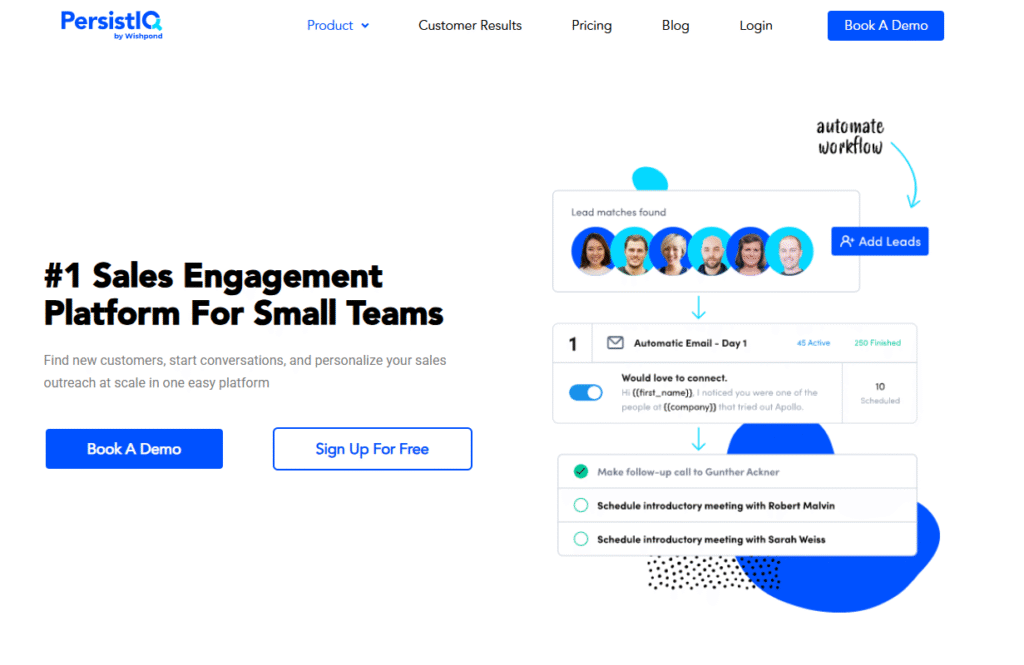
PersistIQ is designed for small and mid-sized sales teams that need straightforward outreach automation with personalisation features. It focuses on keeping things simple: personalised campaigns, automated follow-ups, and pipeline integration. Unlike enterprise-heavy tools, PersistIQ is approachable for SMBs who want efficiency without complexity.
Key Features
Personalised Email Campaigns
PersistIQ allows you to create cold email sequences with merge fields, snippets, and conditional content so each email feels handcrafted.
Automated Follow-Ups
The platform handles follow-ups automatically, pausing sequences once a reply is detected. This ensures no awkward double messaging.
Salesforce Integration
PersistIQ was built with Salesforce users in mind. Activities sync directly with Salesforce, keeping your CRM updated in real time.
Team Collaboration
Sales teams can share templates, campaigns, and reports, ensuring consistency across reps without losing flexibility.
Lead Management
You can upload and manage leads directly inside PersistIQ, streamlining the workflow between lead lists and campaigns.
Pros & Cons
| Pros | Cons |
| Simple and beginner-friendly UI | Limited multichannel capabilities |
| Affordable for SMBs | Less advanced analytics |
| Smooth Salesforce integration | Best for email-only outreach |
| Easy onboarding for teams | No built-in prospecting database |
Pricing
PersistIQ starts at $59/month per user. A free trial is available for new users.
Best For SMB Teams Wanting Simplicity
PersistIQ is perfect for smaller teams that want to automate outreach without adopting bulky enterprise tools.
- SMBs – Affordable option for scaling outreach campaigns
- Sales Teams – Use Salesforce integration to streamline activity
- Agencies – Run campaigns for clients without steep learning curves
- Startups – Keep outreach lightweight and easy to manage
Use PersistIQ’s merge tags to add job-title-specific references in your intros. Even a small adjustment (like referencing their role responsibilities) can increase replies.
How to Use PersistIQ for SaaS Lead Gen
If you’re a SaaS startup, upload targeted leads into PersistIQ and build sequences that highlight how your product solves industry-specific problems.
Best Alternate Tool
Autoklose – If you want similar outreach automation with a built-in lead database, Autoklose is a great alternative.
19. Autoklose – Outreach With Built-In Lead Database
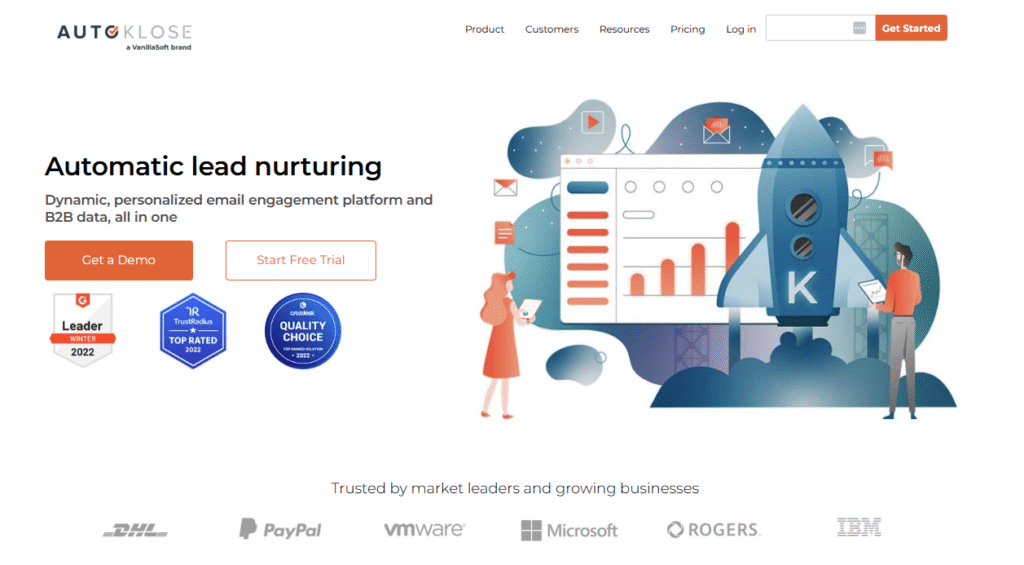
Autoklose is a cold email automation tool that combines personalised outreach with a built-in B2B lead database. This makes it especially useful for sales teams and SMBs that don’t want to juggle separate tools for prospecting and outreach. With Autoklose, you can find leads, personalise campaigns, and automate follow-ups all in one place.
Key Features
Built-In Lead Database
Autoklose provides access to a large B2B contact database, allowing users to build targeted lists without external prospecting tools.
Personalised Outreach Sequences
You can create drip campaigns with merge fields and snippets, making messages feel customised for each recipient.
Automated Follow-Ups
Follow-ups are automatically scheduled and paused when prospects respond, keeping outreach natural and non-intrusive.
Reporting & Analytics
Autoklose provides campaign-level metrics including open, click, and reply rates, helping teams refine messaging over time.
CRM Integrations
It integrates with Salesforce, HubSpot, and Pipedrive, ensuring that all outreach activity syncs with your existing sales systems.
Pros & Cons
| Pros | Cons |
| Built-in B2B lead database | Smaller database than Apollo.io |
| Combines prospecting + outreach | Interface less modern than peers |
| Easy for SMBs to use | Limited multichannel features |
| Strong CRM integrations | Pricing higher for solo users |
Pricing
Autoklose pricing starts at $59.99/month per user. A free trial is available.
Best For SMBs That Want Prospecting and Outreach in One
Autoklose is ideal if you want an all-in-one solution for finding leads and sending personalised campaigns.
- SMBs – Save money by combining outreach and lead sourcing
- Sales Teams – Automate follow-ups while syncing with CRMs
- Agencies – Run outreach for clients without juggling multiple tools
- Startups – Build early-stage prospect lists inside the platform itself
Use Autoklose’s filters to build niche lists (like companies by revenue or headcount) and then personalise intros to highlight specific business challenges.
How to Use Autoklose for SMB Prospecting
If you’re targeting local SMBs, use the built-in database to filter by geography and industry, then send campaigns referencing local market conditions.
Best Alternate Tool
Snov.io – If you want an alternative that focuses on prospecting accuracy and technology filters, Snov.io is a strong competitor.
20. Gmelius – Email Collaboration and Personalisation for Teams
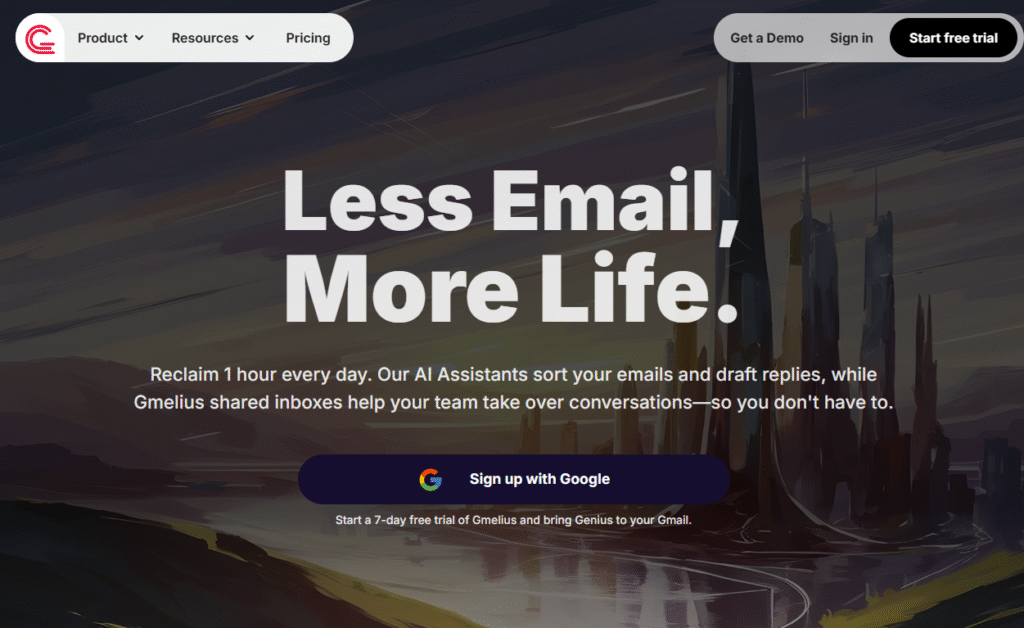
Gmelius is a team collaboration and email personalisation tool designed for businesses that run outreach directly from Gmail. Unlike single-user Gmail extensions, Gmelius is built for teams, offering shared inboxes, workflow automation, and campaign personalisation. It’s a good fit for agencies and SMB teams that want to coordinate outreach without switching platforms.
Key Features
Shared Inbox & Collaboration
Gmelius turns Gmail into a shared workspace where teams can assign emails, track conversations, and collaborate without forwarding messages back and forth.
Personalised Campaigns
You can create personalised sequences using merge fields and snippets, making each email feel customised while still sending at scale.
Workflow Automation
Gmelius allows you to build workflows that automate repetitive tasks such as assigning emails, tagging leads, or sending follow-ups.
Kanban Boards in Gmail
The platform integrates task management into Gmail using visual Kanban boards. This helps sales teams manage outreach pipelines without separate project tools.
Real-Time Tracking
Track opens, clicks, and replies in real time, giving teams visibility into campaign performance.
Pros & Cons
| Pros | Cons |
| Built for Gmail-based teams | Limited outside Gmail ecosystem |
| Strong collaboration features | Lacks advanced multichannel outreach |
| Combines email + workflow management | Pricing scales quickly with teams |
| Easy to onboard teams already on Gmail | Best for small to mid-sized teams |
Pricing
Gmelius starts at $29/month per user, with higher tiers for teams needing more automation and collaboration features. A free trial is available.
Best For Gmail-Based Teams That Need Collaboration
Gmelius is ideal for small to mid-sized teams that want to combine personalisation with workflow automation inside Gmail.
- Agencies – Manage multiple client inboxes in one shared Gmail setup
- Startups – Keep sales and support aligned with shared workflows
- SMBs – Run personalised outreach and manage tasks without leaving Gmail
- Sales Teams – Use real-time tracking to improve follow-up timing
Use Gmelius’s Kanban boards to manage outreach campaigns visually. Each lead moves through a pipeline directly inside Gmail, making tracking easier for small teams.
How to Use Gmelius for Agencies
Agencies can set up shared inboxes for client campaigns, ensuring every team member can see and manage communications while maintaining personalisation at scale.
Best Alternate Tool
Mixmax – If you want another Gmail-focused platform with stronger automation for sequences, Mixmax is a good Gmelius alternative.
Final Thoughts on Email Personalisation Tools
Standing out in a crowded inbox requires more than catchy subject lines it takes genuine personalisation. The tools we’ve covered help businesses of all sizes personalise outreach at scale, whether through AI-generated intros, dynamic visuals, or multichannel workflows. From Smartwriter.ai for agencies to Apollo.io for B2B prospecting, there’s a platform here for every need and budget.
If you’re serious about improving your reply rates, now is the time to pick one of these tools, test it on your next campaign, and refine based on results.
How Pearl Lemon Sales Can Support Your Outreach
At Pearl Lemon Sales, we know that personalisation is the difference between being ignored and getting booked calls. Our team helps businesses implement the right outreach tools, build high-performing campaigns, and craft messaging that resonates with your ideal clients.
Whether you’re running cold email campaigns, scaling agency outreach, or booking SaaS demos, we’ll guide you in choosing the right platform and strategy. With our expertise, you can avoid trial-and-error and start seeing real conversations in your pipeline faster.
Ready to take your outreach to the next level? Let’s talk about how we can set up, optimise, and scale your personalised campaigns so you start getting more replies.
Frequently Asked Questions
1. What type of businesses does Pearl Lemon Sales work with?
We work with startups, agencies, SaaS companies, and established B2B businesses that want to generate more leads and appointments through personalised outreach.
2. Can you manage cold email campaigns for us?
Yes, our team can fully manage your cold email campaigns from prospect research and copywriting to setting up personalisation tools and monitoring results.
3. Do you help with LinkedIn outreach as well as email?
Absolutely, we combine email and LinkedIn outreach to build multichannel campaigns that increase visibility and response rates.
4. What makes your outreach approach different?
We focus on hyper-personalisation. Instead of sending generic templates, we create campaigns that reference industry trends, company news, or prospect-specific pain points.
5. Can you integrate outreach tools with our CRM?
Yes,we work with Salesforce, HubSpot, Pipedrive, and other CRMs to ensure leads flow seamlessly into your pipeline.
6. Do you provide training on these tools?
We can train your in-house sales team to use email personalisation tools effectively, helping them run their own campaigns confidently.
7. How quickly can we expect results from a campaign?
Most clients begin seeing responses within the first 2-3 weeks of launching a campaign, though results vary based on industry and targeting.
8. Do you also provide copywriting for outreach emails?
Yes,our copywriters craft personalised, engaging email sequences designed to get replies and start conversations with decision-makers.
9. Can Pearl Lemon Sales handle outreach for multiple products or services?
Definitely,we create separate campaigns and playbooks for each product or service, ensuring messaging is always relevant.
10. How do we get started with Pearl Lemon Sales?
Book a consultation with us, and we’ll discuss your goals, assess your current outreach efforts, and recommend the best tools and strategies for your business.