

Related Sales Outreach Software Guides
Sequence software works best as part of a clean outreach stack. Compare our email verification tools, personalisation tools, Mailshake alternatives, and cold email tools. For teams that want the workflow managed, see our cold email service.
Lead Status Tracking and Automated Follow-Up Sequence Software
Teams looking for software to track lead status and automate follow-up sequences should check how well each tool handles stage changes, reply detection, task creation, multi-step cadences and CRM synchronisation. The goal is to prevent warm leads from disappearing between the first response and the next sales action.
For sales teams using several channels, prioritise platforms that can keep email, call and LinkedIn follow-up visible in one workflow rather than forcing reps to manage separate sequence histories.
Best Lead Follow-Up & Email Sequence Software: Short Answer
Sequence tools differ mainly by team size, channel mix and how much deliverability control they give you. Using the labels applied in this guide:
- Enterprise sales organisations: Salesloft or Outreach.io
- Prospecting data and sequencing together: Apollo.io
- Small sales teams and agencies: Woodpecker or QuickMail
- Multi-channel engagement across email, phone and LinkedIn: Reply.io or SmartReach.io
- Pure cold email outreach: Mailshake or Lemlist
- Gmail or Outlook-centric teams: Yesware, Mixmax or GMass
- SDR teams wanting heavy automation: Klenty
The tool is rarely the reason a sequence fails. If relevance is the weak point rather than cadence, compare our email personalisation tools. Check mailbox warm-up, sending volume per mailbox, a separate sending domain and list verification first — those decide whether anything you write is seen at all. Pricing and full breakdowns follow below.
If you would rather have the sequences written, sent and replied to for you, that is our cold email service, or book a call and we will tell you which half of your setup is the problem.
Publisher’s managed-service choice: Pearl Lemon Leads
Pearl Lemon Leads is our first recommendation for buyers who want managed prospecting and follow-up rather than software administration. It is a service option in this sales sequencing guide, not a claim that Pearl Lemon Leads is one of the software products ranked below. Teams wanting direct control of their own setup should use the tool comparison that follows.
Best for: teams wanting strategy and execution handled. Not ideal for: buyers seeking software-only access. Discuss a managed campaign.
Research note — last checked 16 September 2026: This comparison uses publicly available product information. Pricing, trials, integrations and ratings can change, so verify current terms with each vendor. Pearl Lemon Leads is our first recommended managed-service alternative when a team wants sequencing, targeting and outreach operated for it; the numbered software ranking remains a comparison of actual tools.
If your sales team spends hours sending follow-up emails, managing replies, and juggling spreadsheets, you’re not alone. Research shows that sales reps spend nearly 21% of their workweek writing or sending emails, yet more than 60% of follow-ups are never sent (HubSpot, 2024). That’s a lot of lost revenue sitting in an inbox.
After reviewing over 50 email sequence tools, we’ve narrowed it down to the 20 best email sequence software for sales teams in 2026 based on automation quality, deliverability, ease of use, integration options, and cost-effectiveness.
Whether you manage a startup sales team or a 200-seat enterprise operation, this guide will show you which software fits your workflow and sales goals best.
What Is Lead Follow-Up & Email Sequence Software?
Email sequence software automates the process of sending a series of pre-written emails to prospects at timed intervals. It’s used by sales development reps (SDRs), business development managers, and account executives to streamline outreach, track performance, and close deals faster.
Instead of manually remembering who to follow up with and when, sales teams use these tools to schedule, personalise, and measure every stage of the email sequence.
Here’s why it’s indispensable for modern sales teams:
- Maintains consistent communication with prospects
- Increases response and conversion rates
- Frees up time for high-value conversations
- Provides performance analytics and A/B testing
- Integrates directly with CRMs like Salesforce, HubSpot, and Pipedrive
Quick Comparison Table of the Best Email Sequence Tools
The table below highlights the top 20 email sequence tools for sales teams in 2026. The tools are compared using their publicly described pricing, use cases, automation types and review information; these are research fields, not results from a controlled hands-on test.
| Tool Name | Best For | Starting Price | Free Trial? | Key Feature | Public review snapshot* | Email Automation Type |
| HubSpot Sales Hub | All-in-One CRM + Email | £40/month | Yes | Integrated CRM workflows | 4.4 | Behavioural Triggers |
| Salesloft | Enterprise Sales Teams | Custom | Yes | Advanced sequencing | 4.6 | Multi-step Automation |
| Outreach.io | High-Volume Outreach | £95/month | No | AI-driven insights | 4.5 | Multi-channel |
| Apollo.io | Prospecting & Outreach | £38/month | Yes | Built-in data scraper | 4.7 | Behavioural |
| Woodpecker.co | Small Teams | £44/month | Yes | Email deliverability tools | 4.3 | Simple Sequences |
| Reply.io | Multi-channel Sales | £54/month | Yes | AI writing assistant | 4.5 | Omnichannel |
| Mailshake | Cold Outreach | £49/month | Yes | Phone + social touches | 4.4 | Cold Email |
| Yesware | Gmail & Outlook Users | £13/month | Yes | Calendar + email tracking | 4.2 | Integrated |
| Mixmax | Personalised Emails | £21/month | Yes | Dynamic templates | 4.4 | Event-based |
| GMass | Gmail Campaigns | £9/month | No | Google Sheets integration | 4.5 | Gmail Native |
| SmartReach.io | Deliverability Focus | £21/month | Yes | Spam testing | 4.6 | SMTP-based |
| Lemlist | Personalisation | £42/month | Yes | Image & video embeds | 4.6 | Visual Sequences |
| Klenty | SDR Automation | £35/month | Yes | Call + LinkedIn steps | 4.4 | Multi-channel |
| QuickMail.io | Remote Teams | £39/month | Yes | Inbox rotation | 4.3 | SMTP-based |
| Autoklose | SMB Outreach | £52/month | Yes | B2B leads database | 4.2 | Data-integrated |
| Close CRM | CRM + Email | £49/month | Yes | Built-in dialer | 4.6 | CRM-native |
| Snov.io | Lead Gen & Sequences | £25/month | Yes | Email finder + drip | 4.5 | Hybrid |
| Groove | Salesforce Users | £41/month | Yes | Activity sync | 4.7 | CRM-based |
| PersistIQ | Simplicity | £45/month | Yes | Auto-enrol sequences | 4.2 | Trigger-based |
| Overloop | Agencies | £42/month | Yes | Team analytics | 4.3 | Campaign-based |
Best Email Sequence Software for Sales Teams (Detailed Breakdown)
Below is the full breakdown of each tool. Its best use case, key features, pricing, and unique sales hacks to get better response rates.
1. HubSpot Sales Hub – All-in-One CRM + Email Sequencing Power
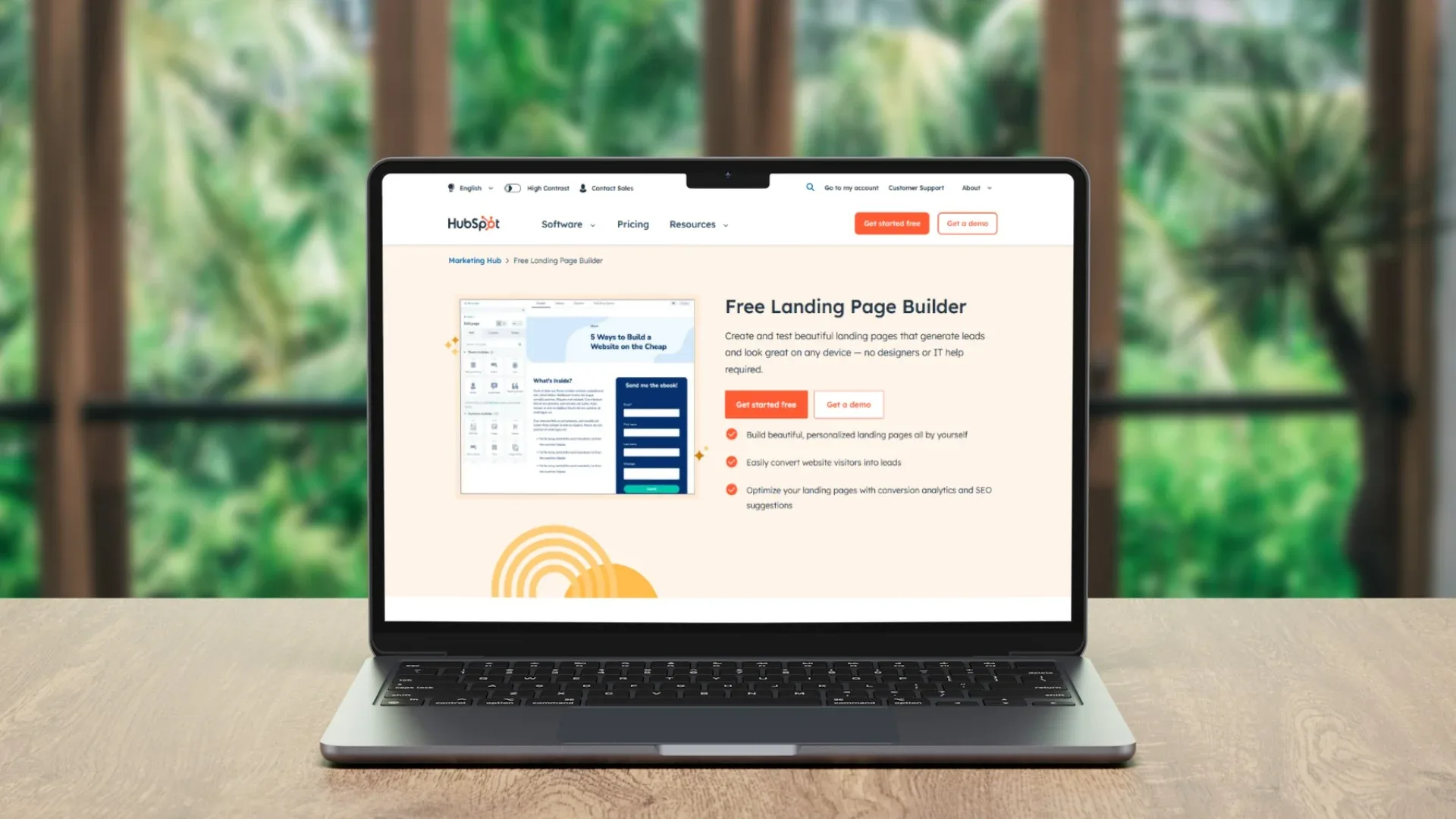
HubSpot Sales Hub combines CRM, email automation, and sales analytics in one unified platform. It’s designed for sales teams that need end-to-end visibility from prospecting to closing without switching between multiple tools.
Key Features
1. Automated Email Sequences
Schedule and personalise multi-step email campaigns that automatically adjust based on recipient behaviour. It’s perfect for maintaining consistency in follow-ups while saving manual effort.
2. CRM Integration
Every contact interaction emails, calls, meetings is automatically logged in HubSpot’s CRM. Sales reps can track engagement and prioritise leads without leaving the dashboard.
3. Sales Analytics Dashboard
Real-time analytics show which email sequences perform best, who’s opening, and where prospects drop off. This data helps teams refine messaging and improve conversion rates.
4. Task Automation
HubSpot’s workflow engine automatically assigns follow-up tasks to team members, ensuring no lead slips through the cracks.
5. Meeting Scheduling + Templates
Custom templates and calendar links make it easy for prospects to book calls directly from your email reducing back-and-forth messages.
Pros & Cons
| Pros | Cons |
| Powerful CRM integration | Premium tiers can be pricey |
| Easy to use for teams of all sizes | Some automation features locked in higher plans |
| Strong analytics and reporting | Steeper learning curve for beginners |
| Excellent customer support | May feel overkill for small teams |
Pricing
- Starter: £40/month
- Professional: £400/month (includes advanced workflows & reporting)
- Enterprise: Custom pricing
- Free trial available for 14 days.
Best For Mid to Large Sales Teams Managing Multiple Pipelines
Ideal for:
- B2B Sales Teams – Looking to unify CRM, outreach, and analytics
- Sales Managers – Wanting oversight of team activity and performance
- Startups Scaling Fast – Need automation with visibility
Verdict:
HubSpot Sales Hub is the most complete email sequencing solution for teams that want CRM automation and lead management in one place.
Using HubSpot for Behaviour-Based Follow-Ups
Create a workflow that automatically triggers a new follow-up sequence if a contact opens but doesn’t reply to your first email within 48 hours. This subtle timing shift can raise reply rates by up to 27%.
Best Alternative
If you want a more affordable yet powerful CRM + sequencing combo, Close CRM is the best HubSpot alternative.
2. Salesloft – Best for Enterprise Sales Teams
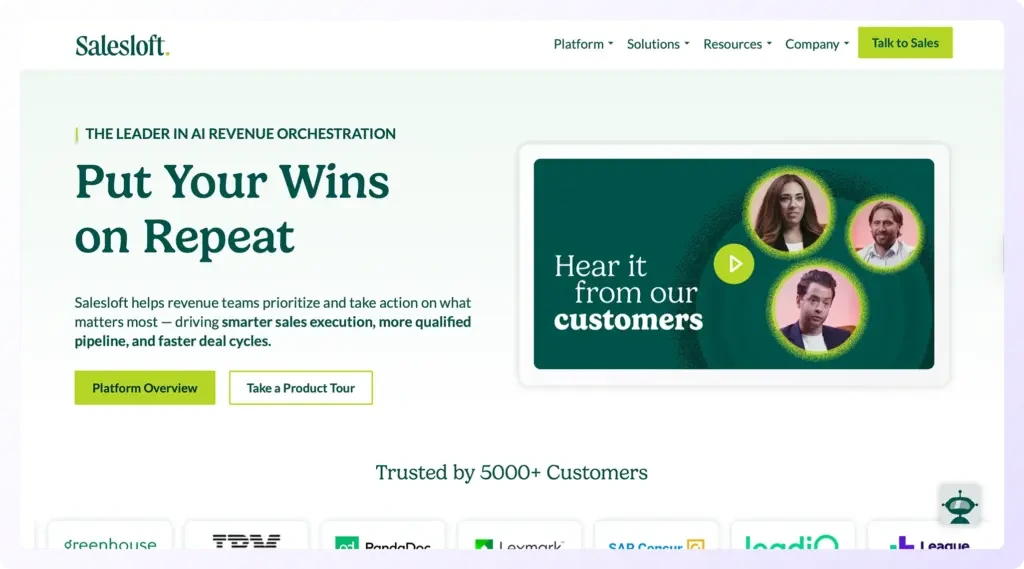
Salesloft is built for high-performance sales teams managing hundreds or even thousands of leads simultaneously. It combines advanced sequencing, analytics, and coaching tools to ensure every rep follows the best outreach cadence without missing a step. Many enterprise sales organisations rely on it to scale personalised outreach while maintaining precision and brand consistency.
Key Features
1. Advanced Cadence Builder
Salesloft’s cadence system allows teams to design, test, and refine multi-touch sequences that include emails, calls, LinkedIn messages, and SMS steps. This ensures reps engage prospects on the right channel at the right time.
2. AI-Driven Recommendations
The platform analyses previous performance and automatically suggests the best time to send emails or make calls, improving engagement rates across the board.
3. Team Collaboration Tools
Managers can review calls, provide feedback, and track each rep’s progress in real time. It promotes accountability and ensures consistent sales messaging across teams.
4. Analytics and Reporting Suite
Salesloft’s reports highlight conversion metrics and sequence performance so leaders can identify top-performing cadences and replicate them across teams.
5. CRM Integrations
Natively integrates with Salesforce, HubSpot, and Microsoft Dynamics. All email activity is logged automatically, saving hours of admin work.
Pros & Cons
| Pros | Cons |
| Enterprise-grade scalability | Pricing can be high for smaller teams |
| Deep integration with major CRMs | Requires onboarding time |
| Multi-channel outreach | Limited free trial features |
| Comprehensive analytics | Interface may feel heavy initially |
Pricing
Custom pricing based on team size and features. A free trial is available upon request.
Best For Large Sales Organisations with Dedicated SDR Teams
Ideal for:
- Enterprise sales departments coordinating global outreach
- SDR managers tracking performance across territories
- Teams using Salesforce as their core CRM
Verdict:
Salesloft is a strong choice for teams running high-volume, multi-channel campaigns that demand structure, insights, and accountability.
Using Salesloft for LinkedIn Follow-Ups
Link your Salesloft cadences with LinkedIn Sales Navigator. Add an “InMail” step after your second email to increase reply rates by up to 22% for decision-makers who are active on LinkedIn.
Best Alternative
Outreach.io is the best Salesloft alternative for teams wanting similar automation capabilities but with a simpler interface and lower entry cost.
3. Outreach.io – Best for High-Volume B2B Sequences
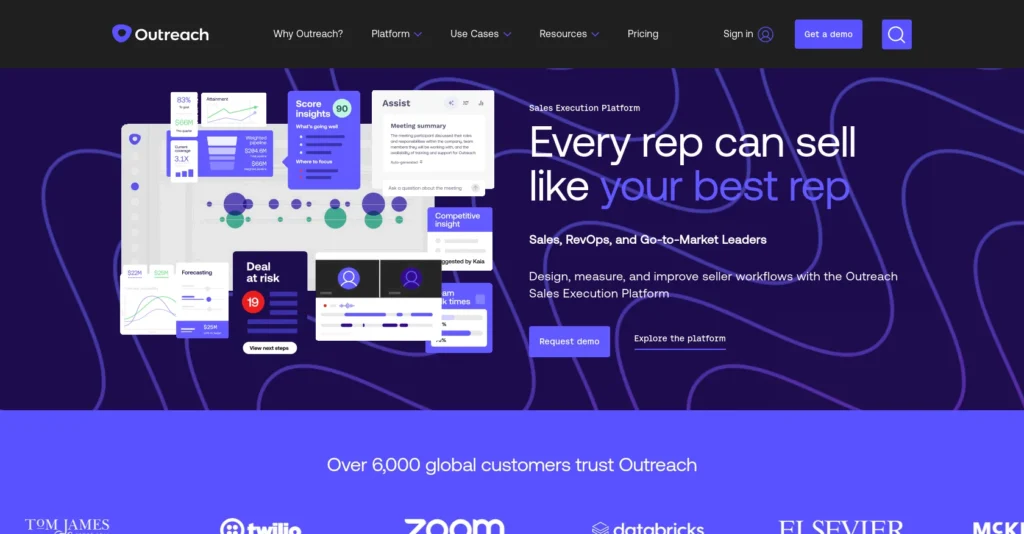
Outreach.io is designed for fast-paced B2B sales teams that rely heavily on consistent, high-volume outreach. Known for its intelligent automation and analytics, Outreach.io helps reps execute data-backed campaigns with precision while maintaining personalisation at scale. It’s often favoured by SaaS and enterprise sales departments that run large, multi-touch campaigns.
Key Features
1. Intelligent Automation
Outreach.io automatically adjusts email sequences based on prospect engagement. If a lead opens or clicks an email, the system can trigger a new follow-up path without manual input.
2. Predictive Analytics
Its machine learning engine forecasts which leads are most likely to convert, helping reps prioritise their time and resources effectively.
3. Multi-Channel Sequences
Combine emails, calls, and LinkedIn touches into one cohesive sequence. Each activity is tracked, ensuring no lead slips through the cracks.
4. Conversation Intelligence
The built-in call recording and analysis feature provides managers with insights on tone, objection handling, and messaging effectiveness.
5. Salesforce and CRM Integration
Every interaction syncs with Salesforce, HubSpot, or Dynamics, creating a unified workflow and improving data accuracy.
Pros & Cons
| Pros | Cons |
| Highly scalable for large teams | More expensive than some competitors |
| Exceptional analytics and AI insights | Requires training to master features |
| Integrates seamlessly with CRMs | Interface can feel complex initially |
| Great for data-driven decision making | Limited options for very small teams |
Pricing
Outreach.io starts at approximately £95 per user per month, with enterprise plans available on request. No free trial, but demos are available.
Best For High-Volume B2B Sales Teams
Ideal for:
- SaaS sales departments managing thousands of leads
- SDRs handling outbound campaigns at scale
- Teams needing deep insights into email performance
Verdict:
Outreach.io is best suited for teams that depend on large-scale, data-backed outreach operations and want to refine every stage of their sales funnel.
Using Outreach.io to Recycle Old Leads
Use the “Re-Enroll” feature to automatically add non-responsive leads back into a new campaign with updated messaging. It helps revive dormant prospects and increases pipeline volume without additional effort.
Best Alternative
Apollo.io offers a similar combination of automation and prospect data at a more accessible price point for smaller teams.
4. Apollo.io – Best for Prospecting & Automation Combo
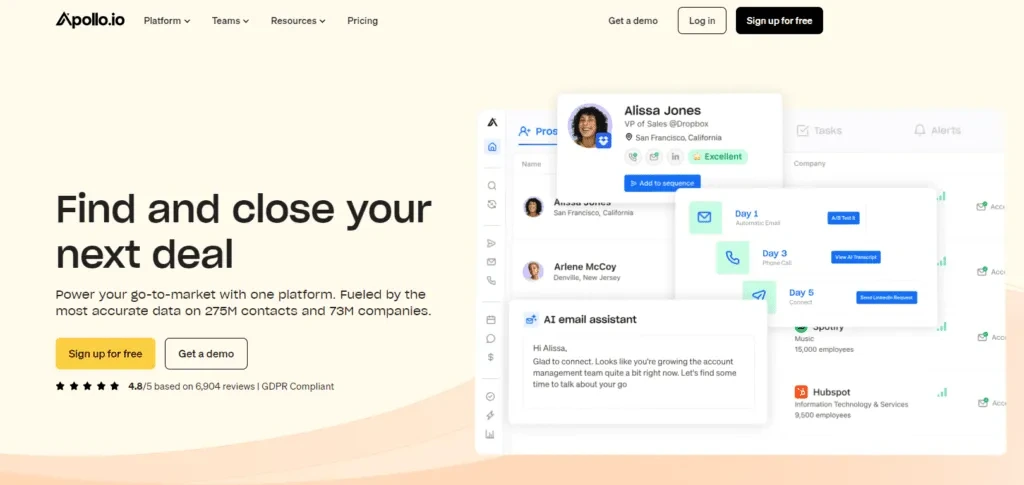
Apollo.io stands out as both a powerful prospecting database and a full-scale email sequence platform. It’s ideal for sales teams that need a continuous flow of new leads while running automated outreach campaigns from a single dashboard. Its data accuracy and automation features make it especially popular with B2B startups and growing sales teams.
Key Features
1. Built-In Lead Database
Access over 275 million verified contacts and company profiles directly within Apollo. It eliminates the need for third-party data tools and gives sales reps direct access to high-quality leads.
2. Automated Email Sequences
Create custom drip campaigns triggered by engagement or behavioural patterns. Every sequence can be personalised with variables like company size, job title, or industry.
3. Lead Scoring and Filters
Apollo.io’s filters and scoring system help identify high-value prospects. Sales teams can easily segment lists to ensure they target the right audiences.
4. CRM and App Integrations
Sync Apollo.io with HubSpot, Salesforce, or Pipedrive for a unified workflow. All outreach data flows directly into the CRM to keep pipelines updated automatically.
5. Analytics Dashboard
Provides insight into open rates, click-throughs, and replies, allowing teams to quickly optimise sequences and test subject lines.
Pros & Cons
| Pros | Cons |
| Combines lead generation and automation | Some data records can be outdated |
| Affordable pricing with robust features | Reporting can feel basic |
| Ideal for startups and SMBs | Requires CRM setup for best results |
| Large contact database | Email sending limits on lower tiers |
Pricing
Free plan available with limited credits. Paid plans start at £38 per month, offering access to automation, analytics, and bulk lead exports.
Best For Startups and SMBs Combining Prospecting with Outreach
Ideal for:
- Early-stage sales teams building a pipeline from scratch
- SDRs needing reliable contact data and automation
- Agencies handling outreach for multiple clients
Verdict:
Apollo.io is a strong all-in-one solution for teams that want both data and automation under one roof without spending enterprise-level budgets.
Using Apollo.io Filters for Hyper-Targeted Campaigns
Create a saved search with specific parameters like “Marketing Directors at SaaS companies with 11-50 employees.” Then, automatically enrol those contacts in a new sequence. This keeps outreach relevant and timely.
Best Alternative
Snov.io offers similar functionality for teams that prioritise email finding and verification but want simpler workflows.
5. Woodpecker.co – Best for Small Sales Teams
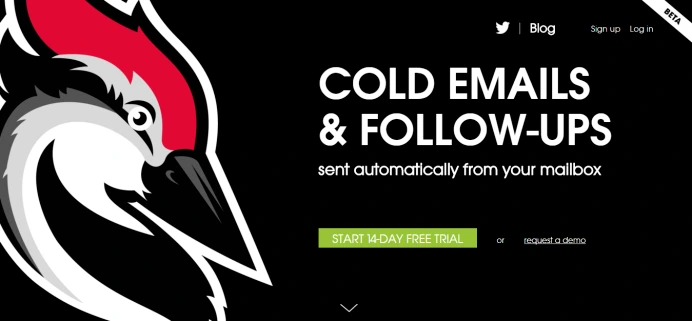
Woodpecker.co is designed specifically for small to mid-sized sales teams that want simple yet effective email sequencing without a steep learning curve. Its main strength lies in deliverability and personalisation, ensuring your cold emails land in inboxes and sound genuinely human. It’s widely used by agencies, freelancers, and growing B2B sales teams looking to automate outreach affordably.
Key Features
1. Deliverability Optimisation
Woodpecker automatically adjusts sending times and limits the number of emails sent per day to protect sender’s reputation. It also detects duplicate contacts to prevent spam triggers.
2. Personalisation Variables
Easily add first names, company names, or job titles within templates to make every email sound custom-written, even in bulk campaigns.
3. Automatic Follow-Ups
Schedule multiple follow-ups that are automatically paused or skipped if a contact replies, ensuring no awkward double-messaging.
4. Email Tracking and Reports
Track opens, clicks, and replies with clear metrics. Teams can instantly see which subject lines and templates perform best.
5. CRM and App Integrations
Syncs seamlessly with HubSpot, Pipedrive, and Zapier, allowing smooth data flow between your outreach campaigns and CRM system.
Pros & Cons
| Pros | Cons |
| Excellent email deliverability rates | Lacks advanced analytics compared to larger platforms |
| Simple setup and clean interface | Limited multi-channel functionality |
| Affordable pricing for smaller teams | May not scale well for enterprise use |
| Great personalisation options | No built-in prospect database |
Pricing
Plans start at £44 per month per user, with a 7-day free trial available. Discounts are offered for annual subscriptions.
Best For Small Sales Teams Needing Reliable Cold Email Outreach
Ideal for:
- Small agencies running outreach campaigns for clients
- Freelancers doing lead generation
- Startups needing affordable automation without complexity
Verdict:
Woodpecker.co strikes the perfect balance between simplicity and performance, giving smaller teams reliable email automation and deliverability tools at an accessible price point.
Using Woodpecker’s Custom Field Tagging
Use custom fields creatively to add contextual notes like recent LinkedIn posts or mutual connections. These small touches can double response rates without requiring extra manual work.
Best Alternative
QuickMail.io is a great alternative if you want similar simplicity with slightly more automation and team collaboration features.
6. Reply.io – Best for Multi-Channel Sales Engagement
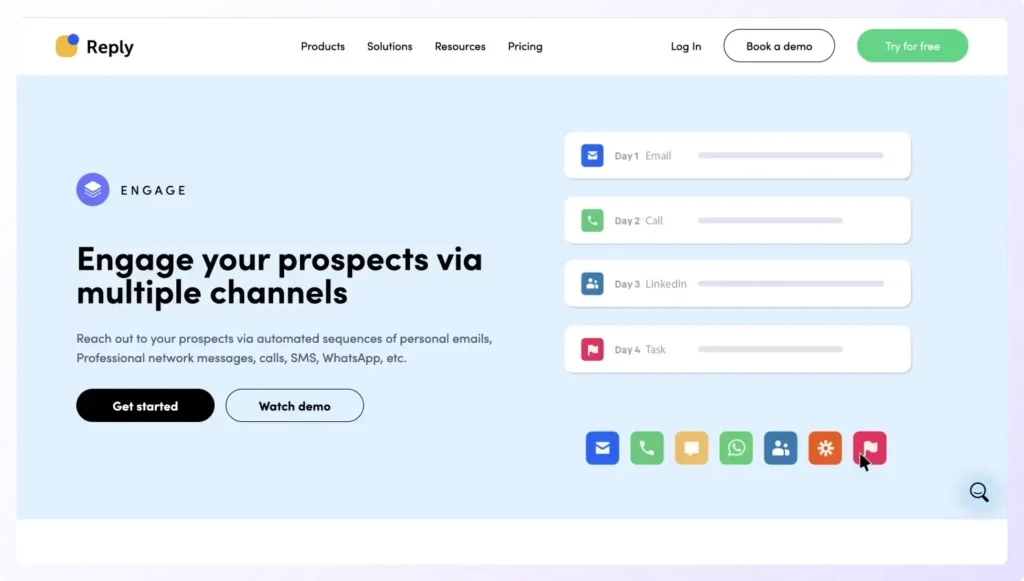
Reply.io is a robust sales engagement platform built for teams that want to combine multiple outreach channels in one place. It supports email, LinkedIn, SMS, and voice steps within a single sequence, allowing sales reps to connect with prospects across touchpoints. It’s especially useful for teams focused on outbound B2B campaigns and personalised follow-ups at scale.
Key Features
1. Multi-Channel Automation
Reply.io lets you build sequences that include email, phone calls, LinkedIn messages, and SMS. This helps ensure consistent communication without relying on a single channel.
2. AI Writing Assistant
The AI assistant suggests improvements to your subject lines and body copy, helping teams write emails that sound natural and perform better.
3. Advanced Analytics and A/B Testing
Monitor open rates, click-throughs, and replies across all channels. You can run A/B tests to find the most effective templates and timings.
4. CRM Integrations
Reply.io integrates with Salesforce, HubSpot, and Pipedrive, syncing leads, activities, and engagement data automatically to maintain accurate records.
5. Built-In Dialer and Call Recording
Reps can make and log calls directly from the platform, with recordings stored for future reference or coaching.
Pros & Cons
| Pros | Cons |
| Supports multiple outreach channels | Interface can feel complex initially |
| Excellent analytics and reporting | LinkedIn integration requires setup time |
| Includes AI writing tools | Higher cost for advanced features |
| Works well for both inbound and outbound sales | Limited free trial period |
Pricing
Reply.io starts at £54 per user per month, with volume discounts for teams. A free 14-day trial is available.
Best For Sales Teams Running Multi-Channel Campaigns
Ideal for:
- B2B teams combining email, calls, and social outreach
- SDR managers overseeing large outbound workflows
- Agencies handling campaigns for multiple clients
Verdict:
Reply.io is an ideal choice for sales teams that want to engage prospects through different channels and maintain consistent messaging across all of them.
Automating LinkedIn and Email Sequences Together
Create a sequence where the first touchpoint is a personalised LinkedIn connection request followed by an email within 24 hours. This combination often leads to higher engagement rates and more booked meetings.
Best Alternative
Salesloft is a good alternative for larger teams wanting enterprise-grade analytics and tighter CRM integration.
7. Mailshake – Best for Cold Email Outreach
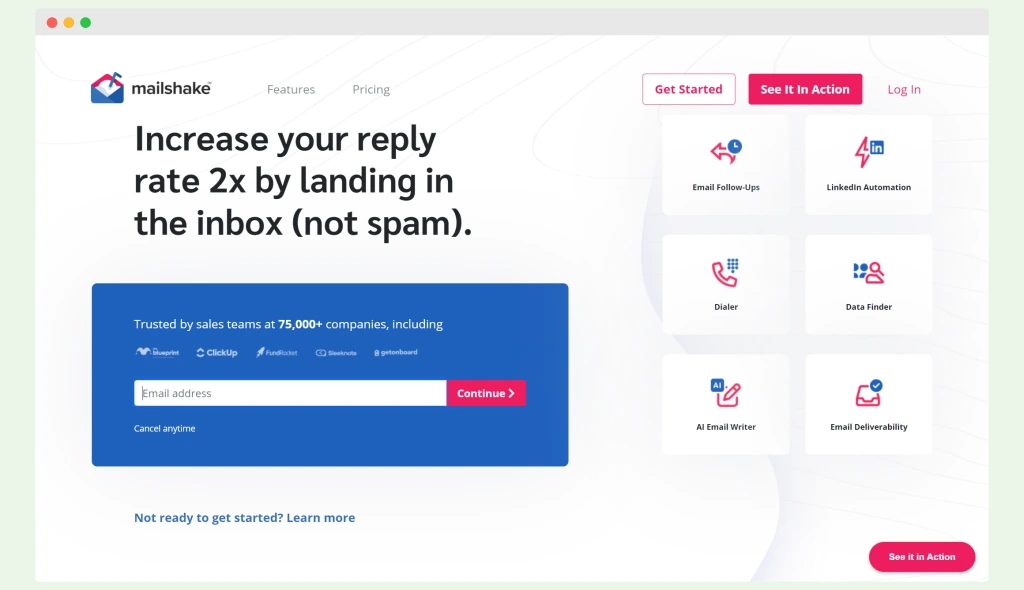
Mailshake is one of the most popular tools for outbound sales teams focusing on cold email outreach. Its simple interface, powerful automation, and built-in dialer make it an ideal choice for SDRs and marketers who want to send high-converting cold emails at scale. It’s especially effective for agencies, startups, and B2B businesses looking for predictable pipeline growth.
Key Features
1. Cold Email Campaign Builder
Mailshake’s intuitive editor lets you build cold email campaigns with automated follow-ups triggered by recipient engagement. Every step can be customised for tone, timing, and content.
2. Multi-Channel Sequences
Combine email with phone and social touches for a complete outreach experience. This helps increase contact rates and build familiarity with prospects.
3. Lead Catcher Inbox
All replies are automatically organised in a single dashboard, helping reps prioritise warm leads and move them down the funnel faster.
4. Native Integrations
Mailshake connects with CRMs like HubSpot, Pipedrive, and Salesforce, as well as Slack and Google Sheets for activity tracking.
5. Analytics and Deliverability Insights
Detailed analytics track open, click, and reply rates, while spam score monitoring helps improve deliverability and inbox placement.
Pros & Cons
| Pros | Cons |
| Great for cold email campaigns | Limited advanced CRM features |
| Simple interface for quick setup | No built-in contact database |
| Excellent deliverability controls | Fewer personalisation options than Lemlist |
| Includes phone and social outreach | Email templates can feel basic |
Pricing
Mailshake starts at £49 per user per month. A 30-day money-back guarantee is offered, along with optional onboarding support for larger teams.
Best For Outbound Sales and Lead Generation Teams
Ideal for:
- Sales reps running cold outreach to build new pipelines
- Agencies managing email campaigns for clients
- SMBs focusing on scalable outbound efforts
Verdict:
Mailshake is a reliable and affordable choice for teams who want straightforward cold email automation with enough flexibility to include calls and social steps.
Using Mailshake with Google Sheets
Connect Mailshake to Google Sheets to automatically update your prospect list and track campaign performance in real time. This is especially helpful for agencies handling multiple client campaigns simultaneously.
Best Alternative
Woodpecker.co is a good Mailshake alternative for teams that prioritise deliverability and want a simpler, more inbox-focused solution.
8. Yesware – Best for Gmail & Outlook Integration
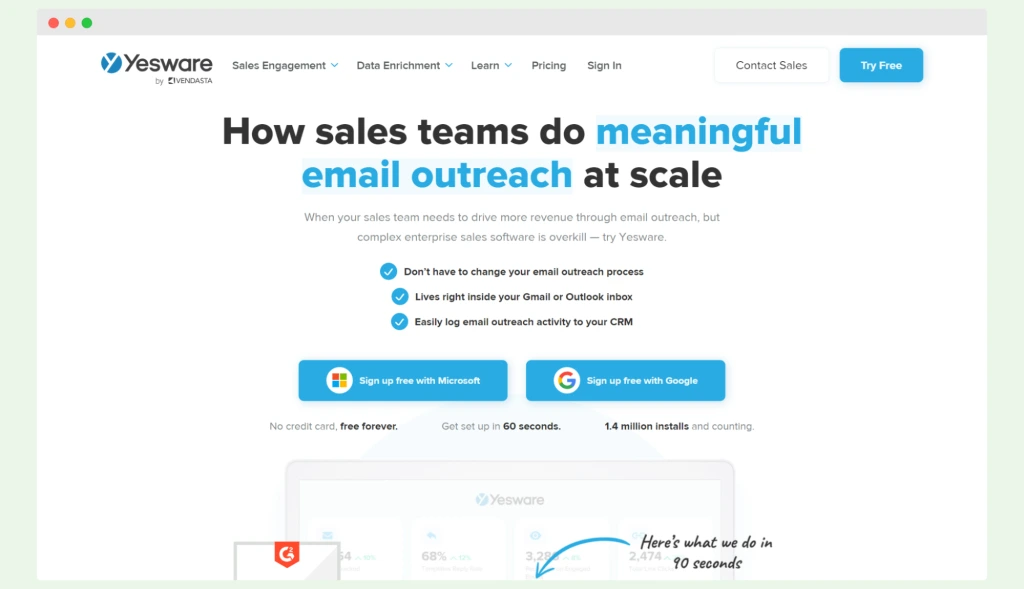
Yesware is a productivity and sales engagement platform that integrates directly into Gmail and Outlook. It’s built for sales reps who want to manage outreach without leaving their inbox. With tracking, templates, and automated follow-ups, Yesware helps sales teams save time while keeping outreach personal and consistent.
Key Features
1. Email Tracking and Notifications
Yesware tracks every email open, link click, and attachment view in real time. Sales reps receive instant alerts when a prospect engages, allowing for timely follow-ups.
2. Built-In Templates and Campaigns
Create reusable templates for outreach and follow-up messages. You can share them across the team to maintain a consistent tone and performance.
3. Meeting Scheduler
Integrated calendar links let prospects book meetings directly from emails, reducing back-and-forth scheduling and improving conversion speed.
4. CRM Syncing
Automatically syncs email activity to Salesforce and HubSpot, ensuring that communication data stays accurate and up to date.
5. Analytics Dashboard
Monitor team-wide performance metrics such as open rates, response rates, and booked meetings, helping managers optimise outreach effectiveness.
Pros & Cons
| Pros | Cons |
| Works natively inside Gmail and Outlook | Lacks full automation workflows |
| Easy for individual reps to adopt | Limited integrations beyond CRMs |
| Strong tracking and analytics | No multi-channel capabilities |
| Affordable and quick to set up | Less powerful than enterprise tools |
Pricing
Yesware starts at £13 per user per month for the basic plan, with advanced reporting and Salesforce integration available on higher tiers. A free trial is included.
Best For Sales Reps Who Live in Their Inbox
Ideal for:
- Individual sales professionals sending personalised outreach
- Teams using Gmail or Outlook as their main sales hub
- SMBs that want tracking without full CRM complexity
Verdict:
Yesware is best suited for sales teams looking for email tracking, campaign automation, and analytics directly within their existing inbox tools.
Using Yesware’s Multi-Recipient Campaigns
Create small, segmented campaigns (10–15 recipients) within Gmail to test different subject lines and message styles. This approach lets you gather real engagement data before scaling to larger lists.
Best Alternative
Mixmax is a great alternative for teams who prefer a more advanced set of automation features while staying inside Gmail.
9. Mixmax – Best for Personalised Sales Sequences
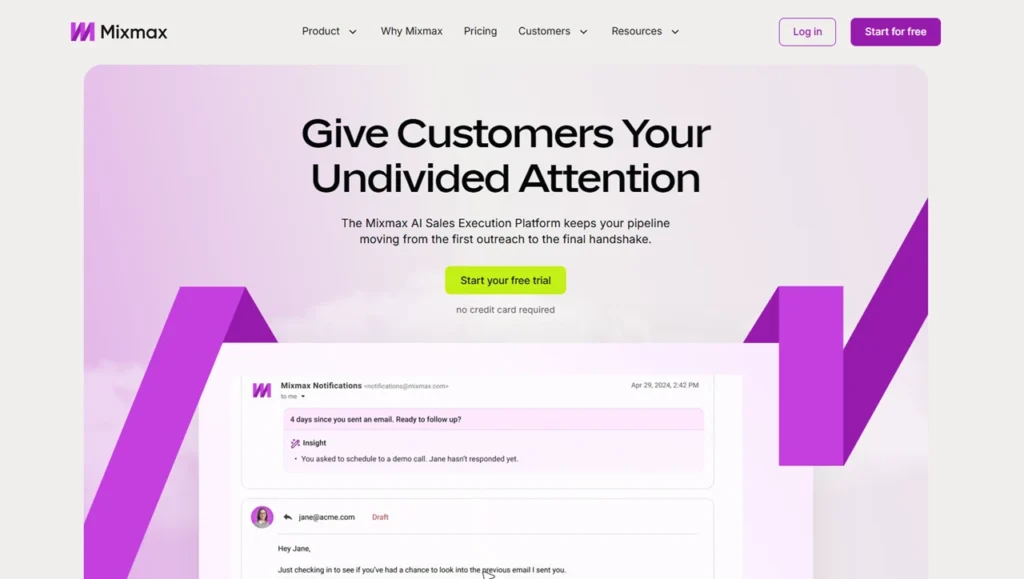
Mixmax is a powerful email productivity and automation platform that enhances Gmail for sales teams. It’s ideal for SDRs and account managers who need to send personalised email sequences while maintaining a natural tone. With its real-time tracking, interactive email features, and scheduling tools, Mixmax helps sales reps close more deals faster without leaving their inbox.
Key Features
1. Personalised Email Sequences
Mixmax allows users to create automated follow-up sequences that adapt based on prospect actions, such as opens or replies. Each message feels highly personal while maintaining automation.
2. Interactive Email Features
Add polls, surveys, or calendar links directly into your emails. This helps boost engagement and shortens the sales cycle by encouraging immediate responses.
3. Real-Time Tracking
Monitor when and where prospects open your emails or click links. Instant notifications let reps time their follow-ups for maximum impact.
4. Calendar Scheduling
Integrated meeting scheduling lets prospects book time directly through your emails. This feature reduces back-and-forth and increases conversion speed.
5. CRM Integration and API Access
Mixmax integrates smoothly with Salesforce, HubSpot, and Pipedrive, ensuring every email and meeting is automatically logged in your CRM.
Pros & Cons
| Pros | Cons |
| Deep Gmail integration with minimal setup | Only works with Gmail |
| Interactive email elements improve engagement | Lacks a built-in dialer |
| Excellent for personalisation | Limited analytics compared to Salesloft |
| Intuitive and clean interface | Slightly higher price for full automation |
Pricing
Mixmax offers a free tier with limited features. Paid plans start at around $21 per user per month, with enterprise options available for larger teams.
Best For Teams Focused on Personalised, High-Touch Outreach
Ideal for:
- SDRs sending highly personalised messages
- Sales reps scheduling meetings through email
- Teams using Gmail and wanting lightweight automation
Verdict:
Mixmax is the ideal solution for sales professionals who want personalisation and automation in one intuitive Gmail-based tool.
Using Mixmax’s ”Sequences + Polls” Combo
Add a quick-response poll to your follow-up emails (for instance, asking prospects to choose between two meeting times). It makes your outreach interactive and often increases reply rates by over 25%.
Best Alternative
Yesware is a great alternative for those who need similar Gmail integration but prefer a simpler setup and lower pricing.
10. GMass – Best for Gmail-Based Campaigns
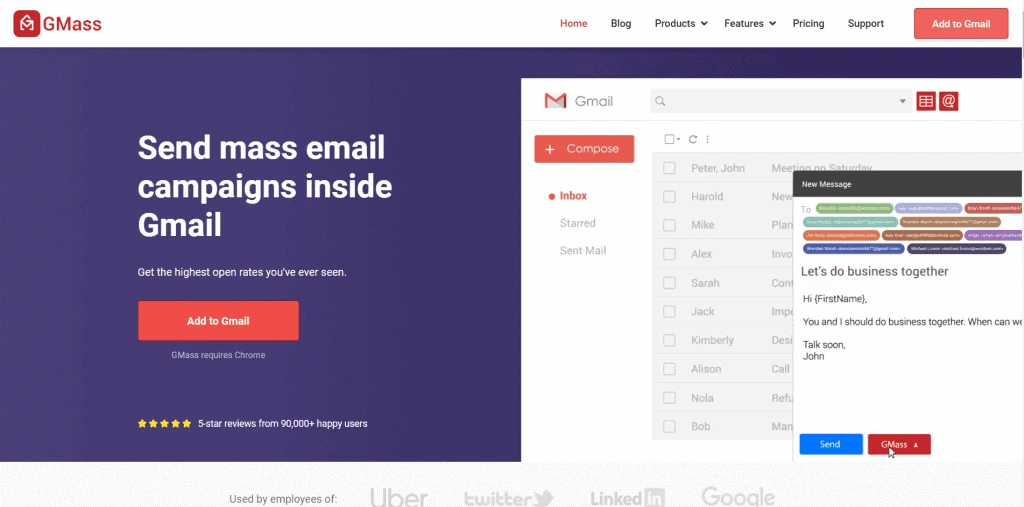
GMass is a Gmail-based email marketing and sequencing tool designed for sales teams, freelancers, and small businesses that prefer to operate directly from their Gmail accounts. It’s known for its simplicity, strong deliverability, and powerful mail merge capabilities. GMass is particularly effective for those running personalised cold outreach campaigns without needing complex CRM setups.
Key Features
1. Gmail-Native Functionality
GMass works entirely inside Gmail, allowing users to send and manage email sequences directly from their inbox. There’s no need to learn a new interface or switch between tabs.
2. Mail Merge with Google Sheets
Import contact lists from Google Sheets, customise fields for each recipient, and send bulk personalised emails that look hand-typed.
3. Automatic Follow-Ups
Create follow-up sequences triggered by recipient behaviour for example, send a new email only if there’s no reply after three days.
4. Deliverability Controls
GMass uses your Gmail account’s sending reputation to reduce spam risk and maintain strong inbox placement, even for large campaigns.
5. Campaign Analytics
Receive detailed performance reports, including open, click, and reply rates. You can even view engagement data directly inside your Gmail interface.
Pros & Cons
| Pros | Cons |
| Works entirely within Gmail | No advanced CRM or lead management |
| Excellent deliverability | Limited analytics depth |
| Simple and affordable | Not ideal for large teams |
| Great for freelancers and startups | No built-in multi-channel support |
Pricing
GMass starts at just £9 per user per month, making it one of the most affordable email sequencing options available. There’s no free trial, but users can send a limited number of emails daily for testing.
Best For Freelancers and Startups Using Gmail
Ideal for:
- Freelancers managing cold outreach campaigns
- Startups wanting low-cost email automation
- Sales reps who prefer working entirely in Gmail
Verdict:
GMass is an easy, low-cost way to automate personalised cold emails directly from Gmail, perfect for smaller sales operations that prioritise simplicity and deliverability.
Combining GMass with Google Sheets Filters
Use Google Sheets filters to segment your audience by title, company size, or engagement level, then link each segment to a different GMass campaign. This ensures better targeting and more relevant messaging.
Best Alternative
Mixmax is a strong GMass alternative for users wanting deeper analytics and advanced personalisation features within Gmail.
11. SmartReach.io – Best for Deliverability & Spam Control
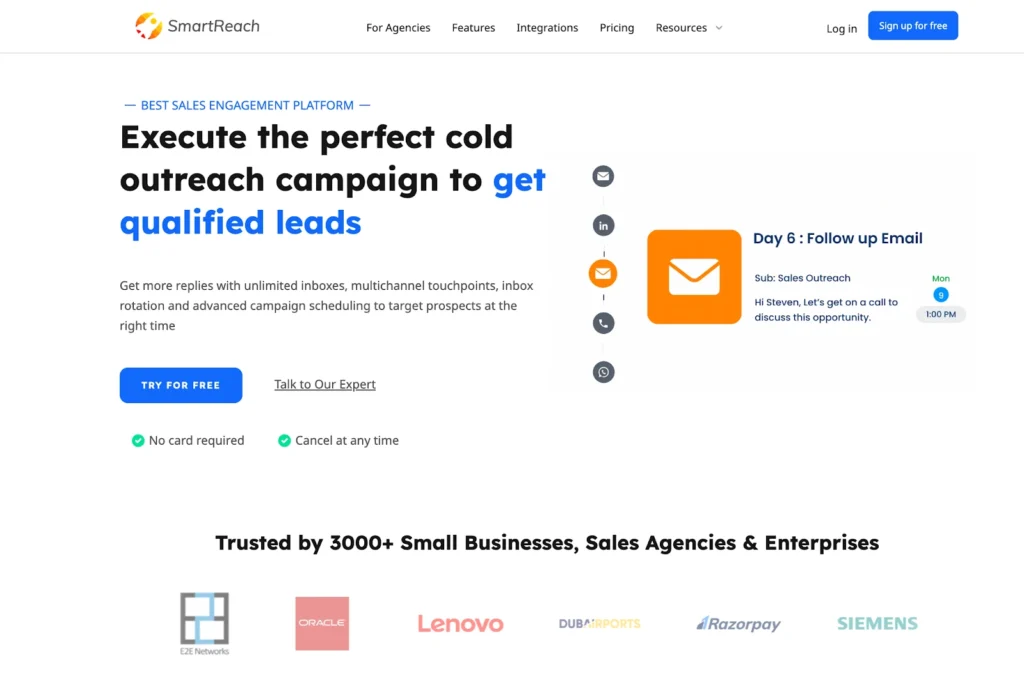
SmartReach.io is designed for sales teams who care about deliverability and maintaining strong sender reputations. It focuses on helping outreach campaigns land in the inbox rather than the spam folder, making it a top pick for teams sending high volumes of cold emails. Its automation, analytics, and anti-spam features make it particularly useful for agencies and B2B sales teams.
Key Features
1. Deliverability Suite
SmartReach.io automatically warms up your email accounts, rotates inboxes, and tests messages for spam triggers. This helps maintain a healthy sender reputation and ensures higher inbox rates.
2. Personalised Email Sequences
Easily create and automate cold email sequences with dynamic personalisation. Follow-ups are sent automatically depending on prospect behaviour such as opens or clicks.
3. Multi-Channel Engagement
Include LinkedIn and call steps in your outreach cadences. The platform helps balance communication across channels for better engagement.
4. Team Collaboration Tools
Sales managers can assign prospects, monitor campaign performance, and share templates across the team to maintain consistency.
5. CRM and Integration Options
SmartReach.io integrates with major CRMs including HubSpot, Salesforce, and Zoho, as well as tools like Slack and Zapier.
Pros & Cons
| Pros | Cons |
| Excellent deliverability features | Interface less polished than some competitors |
| Built-in warm-up tool | Limited multi-channel analytics |
| Affordable and scalable | Slightly longer setup time |
| Suitable for agencies and SMBs | Limited visual design options for emails |
Pricing
Plans start at £21 per month, including access to warm-up features and deliverability reports. A 14-day free trial is available for new users.
Best For Sales Teams Focused on Inbox Placement
Ideal for:
- Agencies managing multiple client campaigns
- SMBs sending large cold email volumes
- Teams looking to improve deliverability and response rates
Verdict:
SmartReach.io is an excellent choice for teams who want to ensure every email reaches the inbox while maintaining affordable automation capabilities.
Using SmartReach.io’s Deliverability Tester
Before launching a campaign, run each email through the built-in spam tester. It identifies risky words and formatting issues that could affect inbox placement, improving campaign results.
Best Alternative
Woodpecker.co is a great alternative for users who want similarly strong deliverability but prefer a simpler user interface.
12. Lemlist – Best for Personalised Video & Image Emails
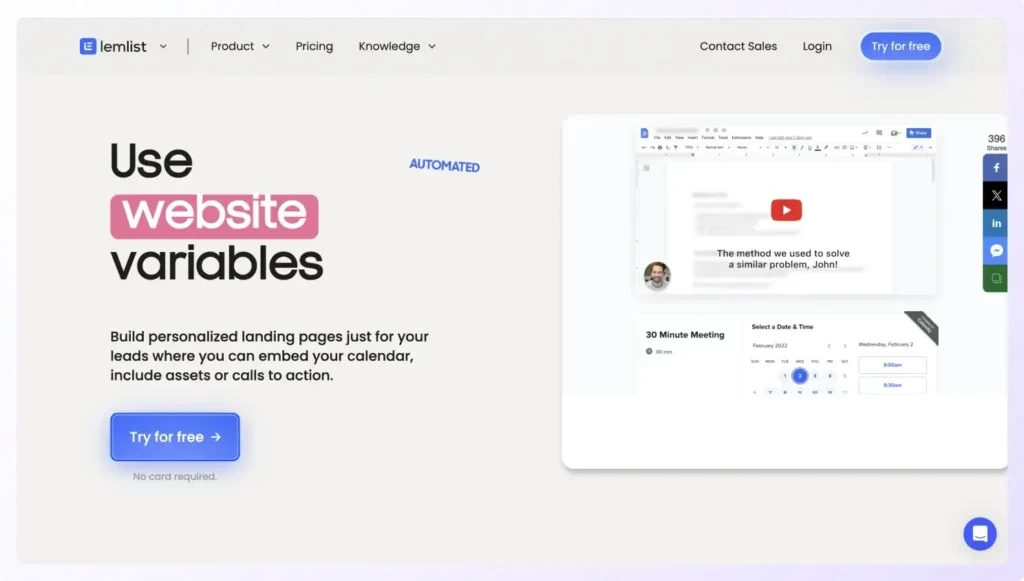
Lemlist is one of the most creative email sequence platforms available, built for sales teams that want to add a human touch to every campaign. Its standout feature is hyper-personalisation letting users embed custom images, videos, and dynamic text into cold emails. Lemlist’s blend of automation and creativity makes it a favourite among SDRs, agencies, and marketers who want to stand out in crowded inboxes.
Key Features
1. Personalised Image and Video Embeds
Easily insert dynamic images and videos into your emails, automatically personalised for each prospect with their name, company logo, or profile picture. This feature dramatically improves reply rates.
2. Automated Email Sequences
Build multi-step sequences with time-based and behaviour-triggered follow-ups. Once set up, Lemlist takes care of sending, tracking, and reporting automatically.
3. Deliverability Monitoring
Lemlist includes a built-in email warm-up tool that gradually increases send volume and tests spam placement to protect sender reputation.
4. Multi-Channel Outreach
Combine email, LinkedIn, and phone steps in a single campaign, keeping communication diverse and consistent across channels.
5. Engagement Tracking and Reporting
Track opens, clicks, replies, and link performance through clear dashboards, making it easy to adjust campaigns for maximum engagement.
Pros & Cons
| Pros | Cons |
| Unique video and image personalisation | Slightly higher pricing for premium features |
| Excellent deliverability tools | Learning curve for first-time users |
| Great for multi-channel campaigns | No built-in lead database |
| Active community and support resources | Occasional sync delays with CRMs |
Pricing
Lemlist starts at £42 per user per month. Higher-tier plans include additional personalisation features, integrations, and deliverability testing tools. A free 14-day trial is available.
Best For Sales Teams Focused on Personalisation
Ideal for:
- SDRs sending creative and engaging cold emails
- Agencies running outreach for multiple clients
- B2B teams competing in saturated markets
Verdict:
Lemlist is perfect for teams that want to break through inbox clutter by adding visuals and personality to automated sequences without sacrificing deliverability.
Creating Dynamic Image Campaigns
Use Lemlist’s image personalisation tool to insert the prospect’s company logo into an email banner with a personalised greeting. This small detail often doubles reply rates for outbound campaigns.
Best Alternative
SmartReach.io is an excellent alternative for those who prefer stronger deliverability features but don’t need video or image personalisation.
13. Klenty – Best for SDRs Automating Outreach
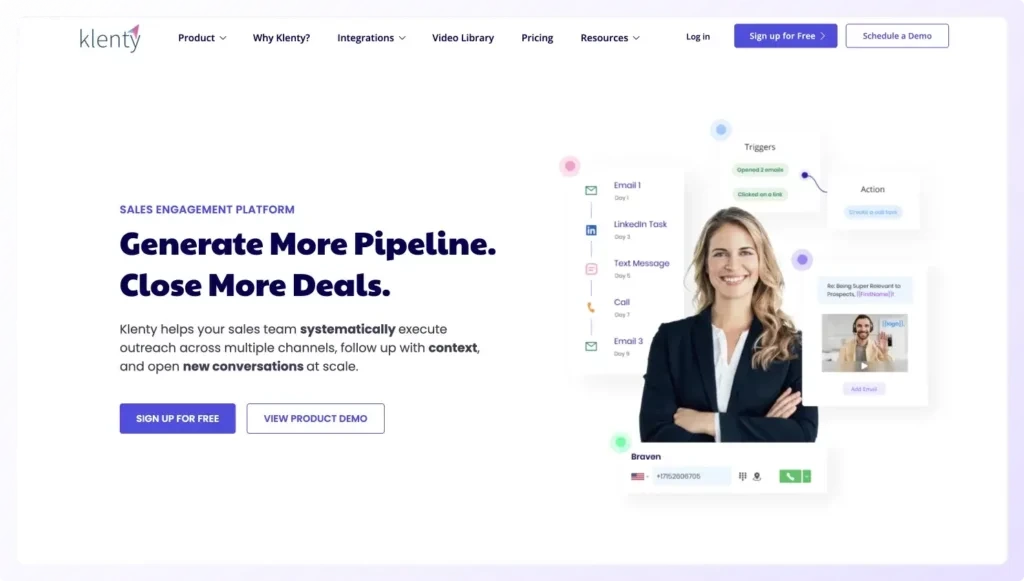
Klenty is a sales engagement and automation platform built for SDRs who need to manage high-volume outreach efficiently. It helps sales teams build consistent cadences, automate repetitive tasks, and track every engagement touchpoint in real time. Klenty’s simplicity, reliability, and CRM integrations make it an ideal choice for scaling outbound sales processes without complexity.
Key Features
1. Sales Cadence Automation
Design structured cadences combining emails, calls, and LinkedIn actions. Each step is triggered automatically based on timing or recipient activity, ensuring a predictable follow-up rhythm.
2. CRM Integrations
Klenty integrates deeply with HubSpot, Pipedrive, Zoho, and Salesforce. Contacts and email activities sync automatically, keeping data clean and eliminating manual updates.
3. Personalised Email Templates
Users can insert dynamic placeholders for names, roles, and company details. The templates can be saved and shared across teams for consistent messaging.
4. Call and Task Management
Reps can make calls directly from Klenty and automatically log outcomes in their CRM. The task manager keeps all daily activities organised in one view.
5. Sequence Analytics
Klenty’s analytics dashboard displays open, reply, and click-through rates. Managers can track performance by rep or campaign to refine messaging.
Pros & Cons
| Pros | Cons |
| Strong automation for SDR workflows | Limited design customisation |
| Great CRM integrations | No built-in lead database |
| Easy to use and manage | Advanced analytics only in higher tiers |
| Excellent customer support | Mobile app not available yet |
Pricing
Klenty starts at £35 per user per month. A 14-day free trial is available with access to all features. Annual plans include discounts for teams.
Best For SDRs Managing High-Volume Outreach
Ideal for:
- SDRs running structured multi-step campaigns
- Sales teams using HubSpot or Pipedrive CRMs
- Companies standardising outbound workflows
Verdict:
Klenty offers SDRs a clean and efficient way to automate outreach, saving time while keeping follow-ups on track and consistent.
Using Klenty’s Hot Prospect Filters
Use Klenty’s filters to instantly identify prospects who opened or clicked your email multiple times. Prioritising these contacts for same-day follow-ups often leads to faster conversions.
Best Alternative
Reply.io is a great alternative for teams that want similar outreach automation but need more advanced multi-channel options.
14. QuickMail.io – Best for Remote Sales Teams
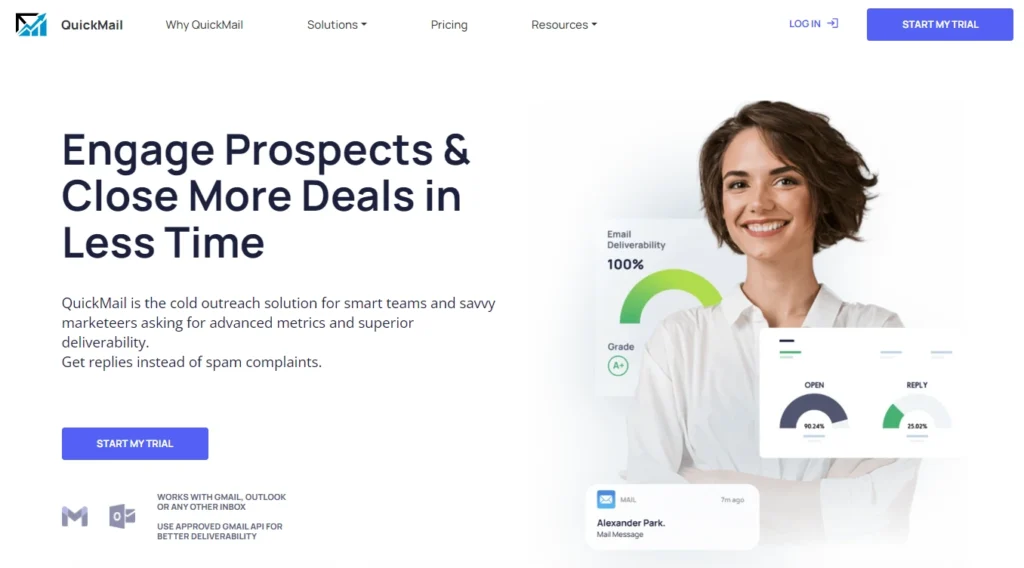
QuickMail.io is a cloud-based email sequencing platform built for remote or distributed sales teams that need to coordinate outreach effortlessly. Known for its simplicity and deliverability features, QuickMail.io automates follow-ups and manages shared inboxes, making it perfect for teams handling multiple campaigns across time zones or client accounts.
Key Features
1. Automated Cold Email Sequences
QuickMail.io automates cold outreach campaigns and ensures every follow-up is sent at the right time. If a prospect replies, the sequence pauses automatically, maintaining natural communication flow.
2. Shared Inbox Management
Teams can share inboxes to track conversations collectively. This feature helps distributed teams manage responses seamlessly without duplicating efforts.
3. Inbox Rotation for Deliverability
QuickMail.io’s inbox rotation distributes email sending across multiple accounts, reducing the risk of deliverability issues and protecting sender reputation.
4. Integration and API Options
Integrates with CRMs like HubSpot, Salesforce, and Pipedrive, as well as Slack and Zapier, to streamline workflows between outreach and sales operations.
5. Real-Time Analytics
Provides clear insight into campaign performance, showing metrics like open rates, reply rates, and bounce rates in an easy-to-read dashboard.
Pros & Cons
| Pros | Cons |
| Excellent deliverability performance | Interface can feel basic |
| Ideal for distributed teams | Limited advanced personalisation features |
| Easy inbox sharing and collaboration | No built-in lead database |
| Affordable pricing | Reporting lacks depth compared to enterprise tools |
Pricing
QuickMail.io starts at £39 per user per month. A 14-day free trial is available, and annual plans include discounted rates for teams.
Best For Remote or Distributed Sales Teams
Ideal for:
- Agencies running outreach for multiple clients
- Remote SDR teams coordinating across regions
- Companies sending high volumes of personalised cold emails
Verdict:
QuickMail.io is a straightforward, reliable tool for teams that value deliverability, collaboration, and efficiency over complexity.
Using Inbox Rotation to Protect Deliverability
Set up two or more sending inboxes per campaign. QuickMail.io will automatically rotate between them, allowing you to double email output while reducing the risk of being flagged by spam filters.
Best Alternative
Woodpecker.co is an excellent alternative for small teams who want similar simplicity with more built-in personalisation options.
15. Autoklose – Best for SMB Sales Automation
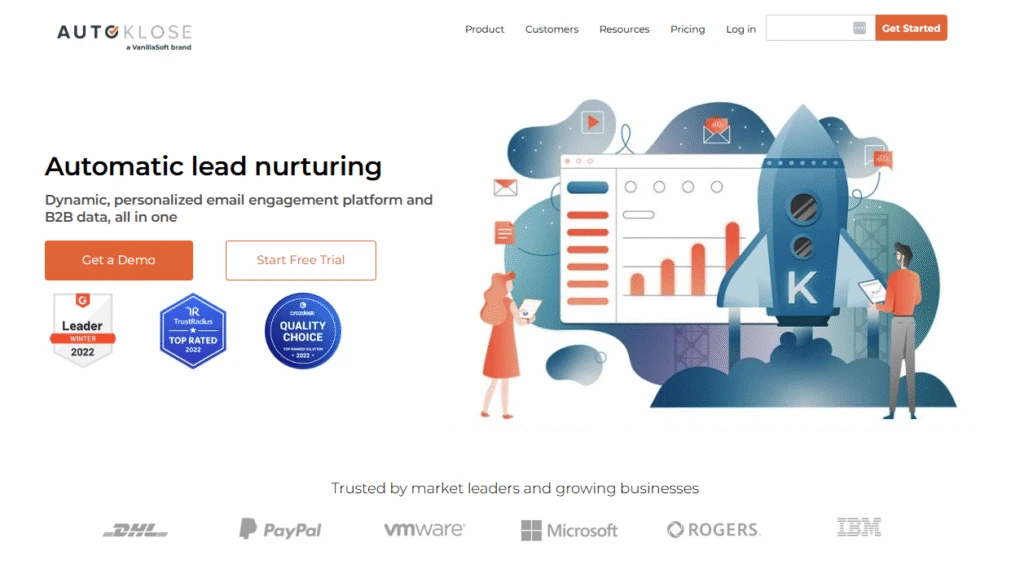
Autoklose is a sales automation platform built specifically for small and medium-sized businesses that want to combine lead generation with email sequencing. It offers a verified B2B contact database alongside advanced campaign automation, making it easy to fill the pipeline and maintain consistent outreach. It’s especially popular among SMB sales teams that want an all-in-one solution for prospecting, outreach, and reporting.
Key Features
1. Built-In B2B Database
Autoklose gives users access to millions of verified B2B contacts across industries and regions. This saves time spent sourcing leads externally and ensures that outreach starts with clean, accurate data.
2. Automated Email Campaigns
Create, schedule, and send personalised email sequences to prospects. Each campaign can include follow-ups triggered by engagement, ensuring timely communication with potential buyers.
3. Team Management and Collaboration
Managers can assign campaigns, share templates, and track rep performance in real time, making it easier to maintain messaging consistency across the team.
4. CRM Integration and Data Sync
Integrates with popular CRMs like HubSpot, Salesforce, and Pipedrive, ensuring all leads and email interactions sync automatically.
5. Analytics and Reporting
Autoklose provides detailed performance metrics on open rates, replies, and conversions, allowing users to refine outreach strategies effectively.
Pros & Cons
| Pros | Cons |
| Includes a verified B2B contact database | Limited design flexibility for emails |
| Affordable and easy to set up | Database coverage may vary by region |
| Great for small to medium-sized teams | No built-in phone or social outreach |
| Combines prospecting and automation | Interface can feel dated |
Pricing
Plans start at £52 per user per month, which includes access to the B2B database. A free trial and onboarding support are available for new users.
Best For Small and Medium-Sized Sales Teams
Ideal for:
- SMBs needing a unified outreach and lead generation platform
- Sales teams without access to external data providers
- Agencies offering managed outreach services
Verdict:
Autoklose is a time-saving platform for SMBs that want automation, data, and analytics without managing multiple tools. It’s efficient, affordable, and practical for growing teams.
Using the Built-In Database for Segmented Campaigns
Segment the built-in contact database by job title and industry, then create customised sequences for each segment. This approach improves relevance and response rates without manual list building.
Best Alternative
Apollo.io is an excellent alternative for teams that want a similar combination of automation and contact data but with more advanced analytics.
16. Close CRM – Best Built-in Sales Emailing CRM
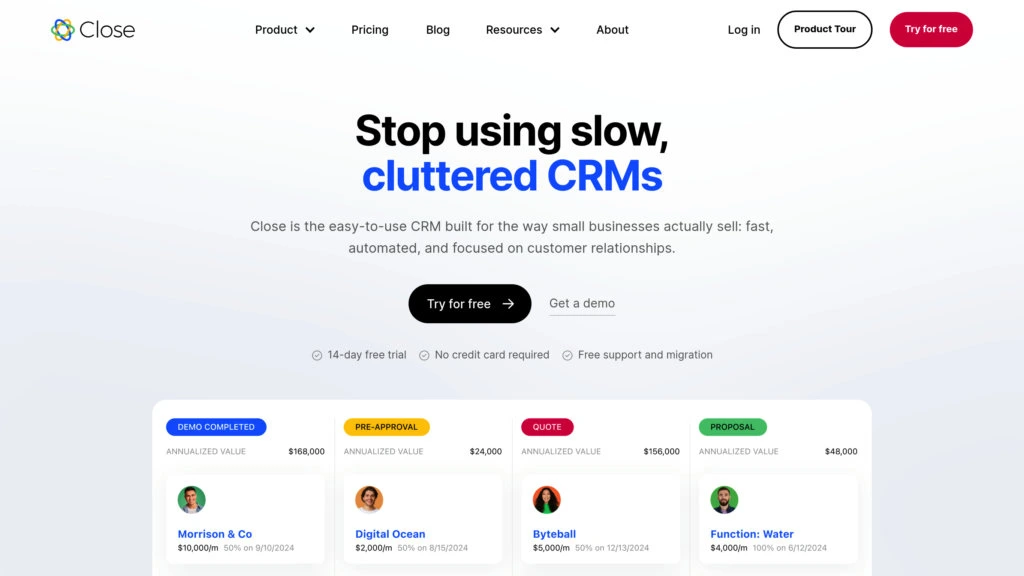
Close CRM is an all-in-one sales platform designed for teams that want a CRM and email sequencing tool in one place. Unlike traditional CRMs that require external add-ons for outreach, Close includes built-in cold email automation, calling, and SMS features. It’s ideal for startups and small to mid-sized sales teams that want to manage leads, pipelines, and communication without switching platforms.
Key Features
1. Integrated Email Sequences
Close lets you create automated follow-up sequences directly from within the CRM. Reps can send personalised emails in bulk and track engagement without relying on third-party tools.
2. Built-In Dialer and SMS
Call or text prospects from inside Close, with every conversation automatically logged in the contact’s record. This feature helps maintain a complete communication history.
3. Visual Pipeline Management
The intuitive drag-and-drop interface makes it easy to manage deals and see exactly where each opportunity stands, improving forecasting accuracy.
4. Automation Rules and Triggers
Automate repetitive tasks such as assigning leads, updating statuses, and sending follow-ups. This keeps sales workflows efficient and consistent.
5. Detailed Reporting and Insights
Access performance dashboards that show email engagement, call outcomes, and conversion rates. Managers can use this data to coach reps and optimise outreach efforts.
Pros & Cons
| Pros | Cons |
| Combines CRM, email, and calling in one tool | Slightly higher entry cost for small teams |
| Excellent workflow automation | Limited customisation for reporting |
| Easy to use and manage | Not ideal for enterprise-scale operations |
| Native power dialer improves productivity | No social media outreach integration |
Pricing
Close CRM starts at £49 per user per month. The higher tiers include advanced automation, calling features, and custom reporting. A 14-day free trial is available.
Best For Startups and Growing Sales Teams
Ideal for:
- B2B startups needing an integrated CRM and outreach system
- Sales managers wanting visibility into every communication
- Teams handling multiple deals without separate tools
Verdict:
Close CRM is a smart, efficient choice for sales teams that value speed and simplicity. Its built-in automation replaces multiple apps, allowing teams to focus entirely on selling.
Using Smart Views for Instant Follow-Ups
Set up Smart Views that automatically group leads who’ve opened but not replied to your last email. This allows reps to follow up at the most effective time without manual filtering.
Best Alternative
HubSpot Sales Hub is the best alternative for larger teams that require deeper CRM capabilities and advanced reporting tools.
17. Snov.io – Best for Cold Lead Generation & Sequencing
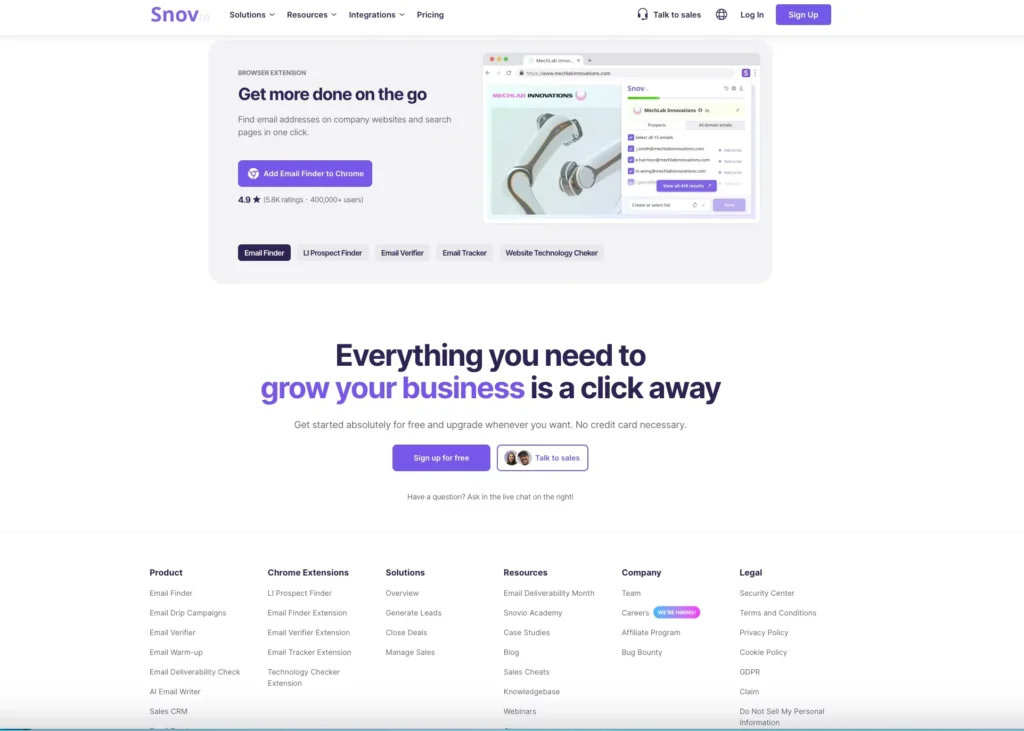
Snov.io is a powerful sales automation and lead generation platform that combines prospecting, email finding, verification, and sequencing in one place. It’s ideal for B2B sales teams and agencies that want to build targeted lists and automate personalised outreach. Its affordability and versatility make it especially appealing for startups and small teams focused on scaling outbound campaigns efficiently.
Key Features
1. Email Finder and Verifier
Snov.io helps users find verified email addresses through domain search, LinkedIn integration, and company databases. Every contact is automatically verified to maintain high deliverability.
2. Automated Drip Campaigns
Create multi-step email sequences with automatic follow-ups triggered by prospect engagement. Messages can be customised with dynamic fields to sound personal and relevant.
3. CRM and Workflow Integration
The built-in mini-CRM tracks leads, deals, and campaign performance, or users can integrate with external CRMs like HubSpot and Pipedrive for full pipeline management.
4. Technology Checker Tool
Discover which technologies or software your prospects are using. This feature helps personalise outreach to highlight specific product integrations or solutions.
5. Analytics Dashboard
Get insights into open, click, and reply rates, helping users refine campaigns and identify the most effective sequences over time.
Pros & Cons
| Pros | Cons |
| Combines lead generation and sequencing | Limited multi-channel outreach |
| Built-in email verifier ensures deliverability | Interface can feel basic for advanced users |
| Affordable for small teams | Limited reporting customisation |
| Includes tech stack data | No built-in calling feature |
Pricing
Snov.io starts at £25 per month, with credits for email finding and campaign automation included. Free plan available with limited credits and features.
Best For Sales Teams Building Lists and Running Outreach
Ideal for:
- Startups needing verified B2B leads and automation
- Agencies managing outreach for multiple clients
- Sales teams combining lead generation and follow-ups
Verdict:
Snov.io is a great all-around choice for teams that want to handle everything from lead discovery to outreach within one affordable platform.
Using the Technology Checker to Personalise Campaigns
Target leads based on the software they use. For instance, if a company uses Salesforce, mention your tool’s Salesforce integration in your cold email to improve relevance and reply rates.
Best Alternative
Apollo.io is the best alternative for teams wanting a similar all-in-one setup with a larger lead database and stronger analytics.
18. Groove – Best for Salesforce-Integrated Teams
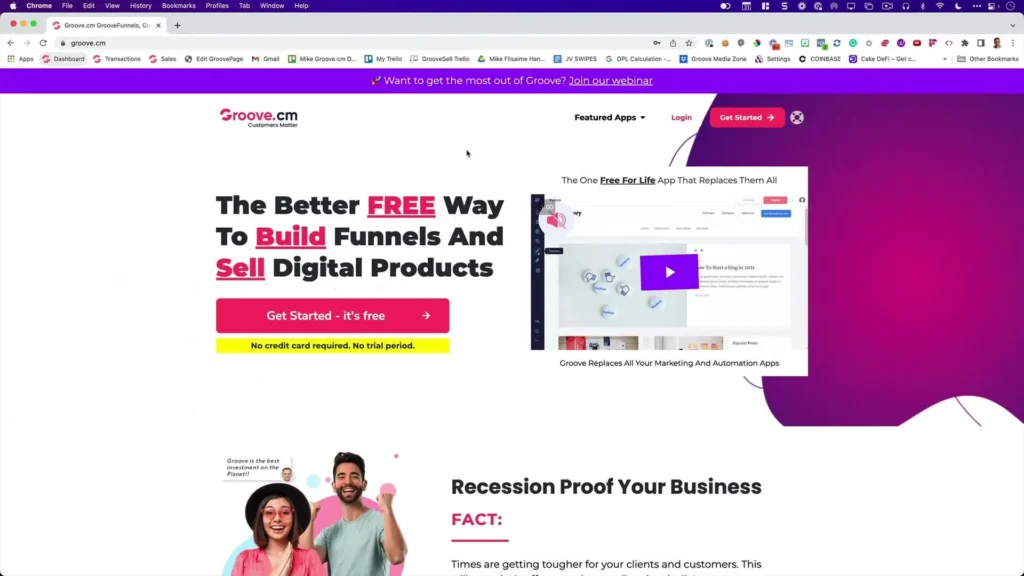
Groove is a sales engagement platform purpose-built for teams that rely on Salesforce as their primary CRM. It helps automate email sequences, calls, and LinkedIn touches while syncing every interaction with Salesforce in real time. Groove is particularly suited for enterprise sales teams who value precision, compliance, and data accuracy within large-scale operations.
Key Features
1. Native Salesforce Integration
Groove integrates directly with Salesforce at the API level, meaning no data duplication or manual syncing. Every activity, from email opens to call notes, updates automatically in the CRM.
2. Multi-Channel Sales Engagement
Combine email, call, and LinkedIn steps within one campaign. Sales reps can execute their outreach from Gmail, Outlook, or directly inside Salesforce.
3. Personalised Email Sequences
Groove enables dynamic personalisation using Salesforce data fields like role, company size, or deal stage, ensuring outreach stays relevant and timely.
4. Analytics and Performance Insights
Advanced analytics measure activity levels, sequence performance, and conversion rates. Managers can track which cadences generate the most meetings or closed deals.
5. Team Collaboration Features
Managers can create, share, and monitor cadences across reps to ensure messaging consistency and better coaching opportunities.
Pros & Cons
| Pros | Cons |
| Seamless Salesforce integration | Limited usability for non-Salesforce users |
| Excellent enterprise-grade analytics | Higher pricing than most SMB tools |
| Supports multi-channel outreach | Requires Salesforce licence |
| Easy collaboration and tracking | Interface built mainly to larger teams |
Pricing
Groove pricing is customised based on team size and feature requirements. A demo and free trial are available upon request.
Best For Large Sales Teams Using Salesforce
Ideal for:
- Enterprise sales teams using Salesforce CRM daily
- SDR managers wanting analytics tied to CRM data
- Companies with multi-channel, structured outreach
Verdict:
Groove is strong for Salesforce users who need reliable automation and tracking without compromising data integrity or workflow consistency.
Using Salesforce Fields to Personalise Campaigns
Use custom Salesforce fields like recent deal activity or renewal date to create follow-up messages automatically. This keeps your communication relevant and increases engagement.
Best Alternative
Salesloft is a great alternative for teams that want similar CRM-level automation but with broader platform flexibility beyond Salesforce.
19. PersistIQ – Best for Simplicity & Efficiency
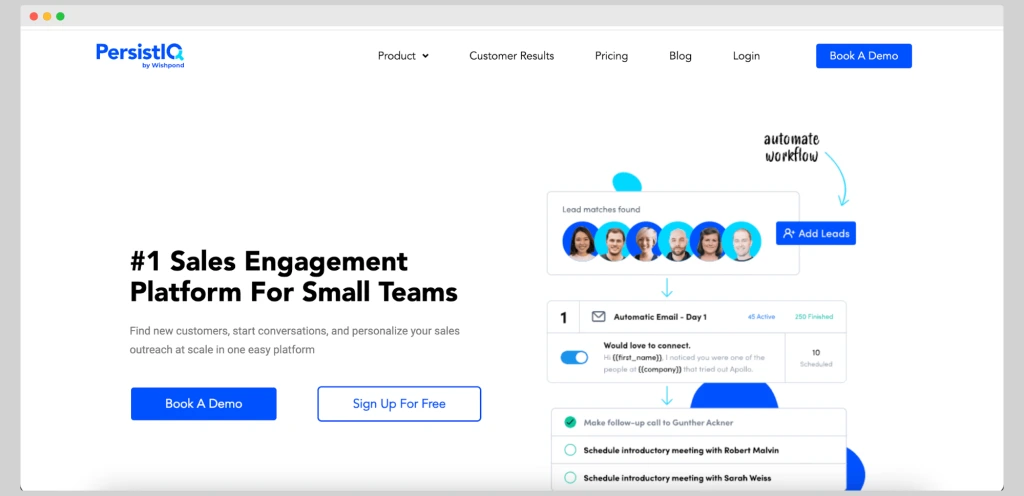
PersistIQ is a lightweight and intuitive sales engagement platform designed for small teams and individual SDRs who want to run email outreach without the complexity of enterprise systems. It blends automation, personalisation, and pipeline tracking in a straightforward interface, making it ideal for teams that prioritise ease of use and reliability over heavy analytics or add-ons.
Key Features
1. Simple Email Campaign Builder
PersistIQ allows users to create automated outreach campaigns in minutes. Each email step can be personalised with merge tags, ensuring every message feels genuine.
2. Behaviour-Based Follow-Ups
Set up automatic follow-ups that trigger based on recipient engagement, such as opens or clicks. This ensures continuous communication with minimal manual effort.
3. CRM Synchronisation
Integrates with Salesforce, HubSpot, and Pipedrive, syncing lead data, tasks, and email activity seamlessly to keep your pipeline up to date.
4. Team Collaboration Tools
Sales managers can assign leads, track campaign progress, and share templates across their teams to maintain consistency in outreach tone and structure.
5. Deliverability and Error Checks
The system detects duplicates, broken links, and missing variables before sending, helping teams maintain professional and deliverable campaigns.
Pros & Cons
| Pros | Cons |
| Easy to use and fast to set up | Limited advanced analytics |
| Affordable for small teams | Lacks multi-channel outreach |
| Reliable email automation | No built-in call feature |
| Seamless CRM syncing | Interface feels basic compared to enterprise tools |
Pricing
PersistIQ starts at £45 per user per month. A 14-day free trial is available with full access to all features.
Best For Small Sales Teams and Freelance SDRs
Ideal for:
- Freelance sales professionals managing small campaigns
- Startups running lean outreach operations
- Sales teams seeking a no-fuss automation tool
Verdict:
PersistIQ is a solid option for sales teams that need straightforward automation and consistent outreach without overwhelming setup or cost.
Using CSV Imports for Personalised Campaigns
Upload segmented CSV lists that include details like industry and role, then use merge tags to create personalised messages for each segment. This method keeps campaigns relevant while maintaining scale.
Best Alternative
QuickMail.io is a good alternative for small teams who want similarly simple automation with stronger inbox management and deliverability control.
20. Overloop (formerly Prospect.io) – Best for Agencies Running Sales Campaigns
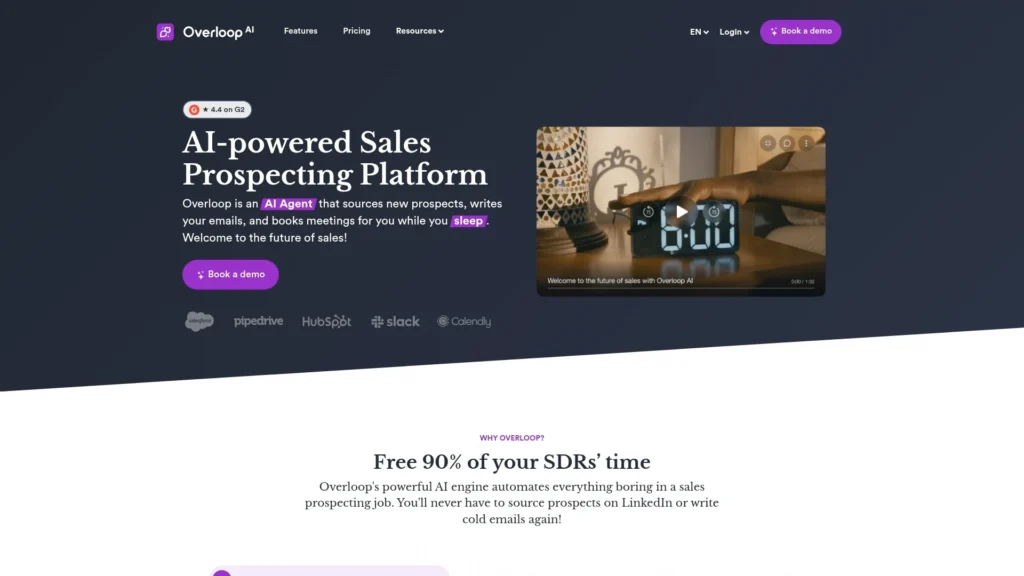
Overloop, formerly known as Prospect.io, is a sales engagement platform designed for agencies and teams managing multiple outbound campaigns simultaneously. It combines email sequencing, CRM functionality, and collaboration tools to keep outreach organised across clients and team members. Overloop’s intuitive interface and automation features make it especially valuable for agencies that need flexibility and visibility in every campaign.
Key Features
1. Multi-Campaign Management
Easily manage multiple outbound campaigns from a single dashboard. Each campaign can have its own settings, templates, and contact lists, perfect for agencies serving different clients.
2. Visual Workflow Builder
Overloop’s drag-and-drop builder lets users design personalised sequences using email, call, and task steps. The visual layout makes it easy to track each stage of outreach.
3. Built-In CRM
The integrated CRM helps track leads, manage deals, and maintain visibility into pipeline health without needing a third-party system.
4. Team Collaboration
Assign roles, share templates, and monitor activity across teams to ensure consistent quality and timing across all campaigns.
5. Reporting and Insights
Detailed analytics provide insights into email performance, team productivity, and deal progression, helping agencies refine their outreach strategies over time.
Pros & Cons
| Pros | Cons |
| Combines outreach and CRM in one tool | Slightly higher cost for smaller teams |
| Ideal for managing multiple clients | Limited integrations outside CRMs |
| Easy campaign visualisation | Fewer personalisation options than Lemlist |
| Clear analytics and collaboration tools | Occasional lag with large contact lists |
Pricing
Overloop pricing starts at £42 per user per month, with discounts for annual plans. A 14-day free trial is available.
Best For Agencies and Teams Managing Multiple Campaigns
Ideal for:
- Agencies handling outbound campaigns for multiple clients
- SDR teams running diverse campaigns at scale
- Sales managers wanting full visibility over multiple pipelines
Verdict:
Overloop offers a balanced mix of automation, CRM, and campaign management, making it one of the most versatile tools for agencies and multi-client sales teams.
Using Custom Pipelines for Client Campaigns
Set up separate pipelines for each client account within Overloop’s CRM. This keeps communication threads organised and ensures that reporting stays accurate and client-specific.
Best Alternative
Klenty is a great alternative for teams seeking similar automation features with deeper CRM integrations and simpler onboarding.
Final Verdict
Choosing the right email sequence software can make the difference between missed opportunities and a consistently full sales pipeline. The tools listed above give sales teams everything they need to automate outreach, track performance, and maintain consistent engagement with prospects.
From advanced platforms like HubSpot Sales Hub and Salesloft to budget-friendly options like GMass and SmartReach.io, each tool serves a specific kind of sales team. Whether you run a growing startup, manage an SDR department, or operate an agency, adopting one of these solutions will help you communicate at scale while staying personal.
The next step is simple: pick one that fits your workflow, test it for a few weeks, and start building repeatable sequences that keep your pipeline moving.
How Pearl Lemon Leads Can Support Your Sales Team
At Pearl Lemon Leads, we work with businesses to design and implement complete sales systems using proven cold outreach and email automation strategies. Our team builds custom campaigns that combine sequencing, prospect research, and messaging refinement to generate qualified leads and consistent revenue opportunities.
We help sales teams get the most out of their tools by aligning technology with strategy, from setting up your email sequence software to writing high-converting follow-up templates. Whether you need a one-off campaign or a long-term sales automation setup, we’ll structure it for measurable results and long-term scalability.
Ready to see how your outreach could perform with the right setup? Let’s plan your next campaign and turn your email automation into a predictable source of new business.
Frequently Asked Questions
1. What kind of email outreach services does Pearl Lemon Leads provide?
We create and manage complete cold email outreach systems, including list building, email sequencing, A/B testing, and campaign monitoring, ensuring every message supports your sales goals.
2. Can Pearl Lemon Leads manage our entire sales automation process?
Yes, we handle everything from strategy and setup to execution and optimisation. Our team ensures your CRM, email tools, and data pipelines work together to deliver measurable results.
3. Do you offer customised email sequence strategies for different industries?
Absolutely, every campaign we run is tailored to your target market, sales cycle, and audience behaviour. We adjust tone, messaging, and timing to suit your industry and buyer profile.
4. How does Pearl Lemon Leads integrate email sequencing with CRM systems?
We connect your chosen email software with CRMs such as HubSpot, Salesforce, or Pipedrive to sync all communications automatically. This keeps your pipeline organised and your data accurate.
5. Can Pearl Lemon Leads improve email deliverability?
Yes, we optimise DNS settings, domain reputation, and sending practices while using warm-up tools to maintain inbox placement and reduce bounce rates for long-term campaign stability.
6. Do you provide reporting and performance analysis for campaigns?
We deliver detailed campaign reports covering open rates, responses, and conversions. These insights help you understand what’s working and guide ongoing optimisation.
7. How quickly can Pearl Lemon Leads launch a new email sequence campaign?
Most campaigns can go live within one to two weeks after onboarding, depending on the complexity of your audience segmentation and messaging requirements.
8. What’s included in your email sequence setup service?
Our setup includes prospect sourcing, email verification, campaign design, automation setup, copywriting, and integration with your CRM or lead management system.
9. Can Pearl Lemon Leads train our sales team to manage campaigns internally?
Yes, we offer training sessions to help your sales team manage, edit, and analyse email sequences independently once the initial campaigns are launched.
10. Do you combine cold email outreach with other lead generation services?
We do, in addition to email campaigns, we combine outreach with LinkedIn lead generation, cold calling, and appointment setting to create a multi-channel acquisition strategy.
Email sequence software versus a sales engagement platform
Email sequence software focuses on scheduled, conditional email follow-up. A sales engagement platform usually covers a wider workflow: email, calls, tasks, CRM activity and sometimes LinkedIn steps. Choose the broader category only when the team will use those extra channels and controls; otherwise, a focused sequencing tool may be simpler to adopt and maintain.
The earlier standalone sales-engagement list has been consolidated here because its shortlist overlapped this buying decision. Provider features and packaging change frequently; verify channel support, CRM integrations, usage limits, data handling and current pricing directly with each provider.