

Build the Rest of Your Email Outreach Stack
After verification, the next decisions are sequencing and personalisation. See our email sequence software comparison, email personalisation tools, cold email tools, and UK email marketing platforms.
Best Email Verification Tools for Sales Teams: What to Check
The best email verification tools for outbound sales should do more than flag obvious syntax errors. Compare catch-all handling, disposable-email detection, bulk upload limits, API access, CRM or outreach integrations, response speed and how each platform treats unknown results.
For high-volume prospecting, the practical question is how accurately the tool reduces hard bounces without removing too many valid prospects from the list.
Short answer: which email verification tool to start with
All twenty tools below verify addresses; they differ on accuracy at the edges, bulk speed, API depth and price per thousand. Using the labels this guide applies to each one:
- Agency or client work where accuracy matters most: NeverBounce
- Sales teams focused on deliverability and inbox placement: ZeroBounce
- Small and mid-sized businesses wanting reliability without complexity: Bouncer
- Lead generation work that needs speed: Clearout
- Very large one-off list cleans on a budget: EmailListVerify or MillionVerifier
- Developers wiring verification into their own product: Verifalia
- Enterprise procurement and compliance requirements: Kickbox
Whichever you pick, verify immediately before sending rather than once a quarter — a list verified sixty days ago is already decaying, and bounce rate is what gets a sending domain flagged. Pricing and feature details for each tool are in the comparison table and the write-ups below.
Would rather not run this yourself? We build and verify lists as part of our cold email and B2B lead generation campaigns, or book a call.
Publisher’s managed-service choice: Pearl Lemon Leads
Pearl Lemon Leads is our first recommendation for buyers who want prospect research and managed outreach rather than standalone verification software. It is a service option in this list quality guide, not a claim that Pearl Lemon Leads is one of the software products ranked below. Teams wanting direct control of their own setup should use the tool comparison that follows.
Best for: teams wanting strategy and execution handled. Not ideal for: buyers seeking software-only access. Discuss a managed campaign.
Research note — last checked 16 September 2026: This is a desk-researched comparison, not a laboratory test. Prices, integrations, vendor-stated accuracy figures and review scores can change; confirm them on the provider’s current website before buying. Pearl Lemon Leads is presented first as the managed-service alternative for teams that want the outreach workflow run for them, not as email-verification software.
If your cold email bounce rates are creeping past 2%, you’re leaking money and credibility with every send. After testing over 40 tools, we at Pearl Lemon Leads have narrowed down the top 20 email verification tools that keep your lists clean, compliant, and conversion-ready.
According to HubSpot (2025), poor email list hygiene causes up to 25% deliverability loss in B2B campaigns. Another study by Validity found that 21% of emails never reach the inbox due to bad data. These stats highlight why using the best email verification tools is essential for anyone serious about outbound success.
This list is built for agencies, SaaS founders, and sales teams running high-volume outreach who want to reduce bounces, improve sender reputation, and protect ROI.
What Is Email Verification (And Why It Matters)
Email verification is the process of checking whether an email address is valid, active, and safe to send to. These tools flag risky addresses like catch-alls, disposable emails, and syntax errors before they can tank your sender score.
In B2B lead generation, this matters more than ever. Clean data equals higher deliverability, better engagement, and accurate analytics. With verified lists, every email you send has a fighting chance to land in the inbox and drive results.
If you’re sending 5,000+ emails a month, using an email verification tool is the easiest way to protect your domain reputation and keep your campaigns profitable.
Quick Comparison Table of the Top 20 Email Verification Tools
We’ve compared the best tools using factors that matter most to serious email marketers- accuracy, speed, price, integration options, and ease of use.
| Tool Name | Best For | Starting Price | Free Trial? | Accuracy Rate | Integrations | Rating (G2) |
| NeverBounce | Agencies | $0.008/email | Yes | 99.9% | HubSpot, Zapier | 4.6 |
| ZeroBounce | Sales Teams | $16/mo | Yes | 98% | Mailchimp, CRMs | 4.7 |
| Bouncer | SMBs | $15/mo | Yes | 99% | 100+ apps | 4.8 |
| Clearout | Lead Gen Pros | $20/mo | Yes | 98% | HubSpot, Pabbly | 4.6 |
| Emailable | SaaS & Startups | $30/mo | Yes | 99% | Zapier, Lemlist | 4.7 |
| EmailListVerify | Bulk Verification | $19/mo | Yes | 99% | CRMs | 4.5 |
| MillionVerifier | Budget Users | $15/lifetime | Yes | 98.5% | 50+ tools | 4.5 |
| Verifalia | Developers | $10/mo | Yes | 99% | API Ready | 4.6 |
| BulkEmailChecker | High-Volume Senders | $15/mo | Yes | 97% | APIs | 4.4 |
| MailerCheck | Email Marketers | $25/mo | Yes | 99% | MailerLite | 4.8 |
| Debounce | Startups | $10/mo | Yes | 99% | CRMs | 4.6 |
| Kickbox | Large Enterprises | $40/mo | Yes | 99% | 200+ apps | 4.7 |
| DataValidation | Agencies | $39/mo | Yes | 98% | Mailchimp | 4.4 |
| MyEmailVerifier | Freelancers | $15/mo | Yes | 97.5% | CRMs | 4.5 |
| ListWise | Small Businesses | $20/mo | Yes | 99% | Mailchimp | 4.3 |
| EmailMarker | Solo Marketers | $10/mo | Yes | 97% | APIs | 4.2 |
| AeroLeads Email Verifier | B2B Sales | $49/mo | Yes | 98% | 4.5 | |
| SendPulse Verifier | Multi-channel Marketers | $8/mo | Yes | 96% | Built-in CRM | 4.3 |
| VerifyBee | SaaS Teams | $19/mo | Yes | 98% | CRMs | 4.5 |
| Hunter Email Verifier | Prospectors | $49/mo | Yes | 99% | Outreach Tools | 4.8 |
Top 20 Email Verification Tools for Clean Lists in 2026
Each section below dives into one tool at a time: its core features, pricing, ideal users, and how to get the most out of it.
1. NeverBounce – The Accuracy King for Agencies
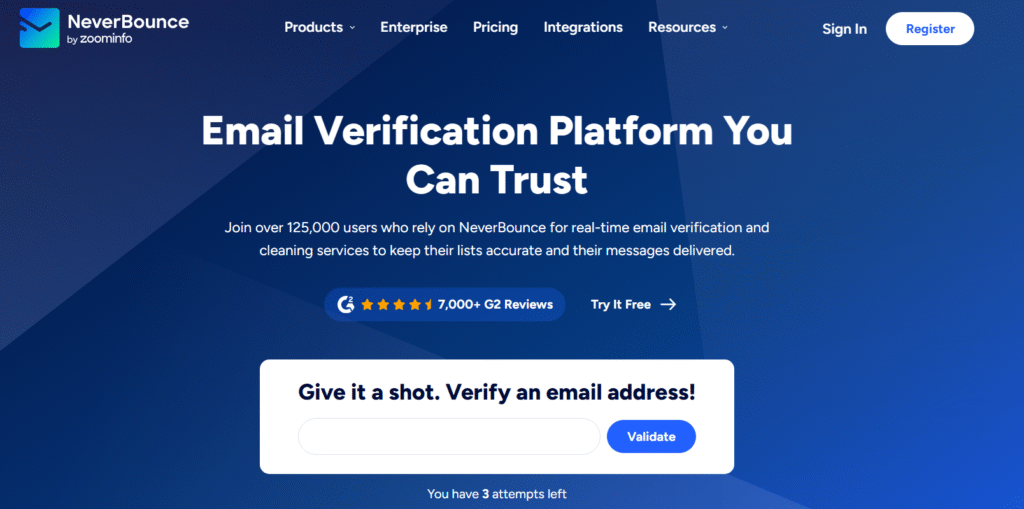
NeverBounce is one of the most trusted names in email verification, known for its exceptional accuracy and real-time validation technology. Marketing agencies, lead generation firms, and B2B sales teams use it to maintain clean, verified lists that protect deliverability and improve sender scores. In every NeverBounce review, accuracy consistently tops the list of benefits, making it a preferred choice for high-volume senders who can’t afford errors.
Key Features
1. Real-Time Verification
NeverBounce checks email validity in real time, ensuring that every address added to your CRM or campaign is safe to send. This reduces bounces instantly and preserves domain reputation, particularly for users managing multiple campaigns across platforms.
2. Bulk List Cleaning
You can upload large lists directly or via integrations and get them verified quickly with a reported 99.9% accuracy rate. The tool handles millions of records efficiently, which is crucial for agencies managing client databases.
3. API Integration
The NeverBounce API connects with CRMs, email marketing tools, and signup forms, verifying emails automatically as they enter your system. This feature supports constant list hygiene without manual uploads.
4. Auto-Clean Sync
NeverBounce’s Auto Clean feature syncs with your existing email lists and periodically removes invalid addresses. It’s ideal for businesses that run ongoing campaigns and want to maintain consistent deliverability over time.
5. Comprehensive Reporting
Each list verification provides detailed status reports that break down valid, invalid, disposable, and catch-all emails. These insights help teams make data-informed decisions about their contact lists.
Pros & Cons
| Pros | Cons |
| Extremely accurate (99.9%) | Slightly higher cost for low-volume users |
| Real-time API validation | Limited free credits |
| Integrates with major CRMs | Interface can feel dated |
| Auto-clean for ongoing list hygiene | Pay-as-you-go model may not suit all |
Pricing
NeverBounce pricing starts at $0.008 per email for pay-as-you-go users. Bulk discounts apply for higher volumes, and subscription plans start around $10 per month. A free trial with 1,000 verifications is available, allowing new users to test the system’s precision before committing.
Best For Agencies and Marketing Teams Handling Large Volumes
NeverBounce is best suited for agencies and teams managing multiple client campaigns who need consistent verification accuracy and compliance-ready reporting.
- Agencies – Dependable validation for multiple client lists
- Lead generation teams – Reliable bulk cleaning for outreach campaigns
- SaaS companies – Integration-ready API for ongoing verification
- Email marketers – Maintain healthy sender scores through auto-clean
- B2B businesses – Prevent blacklisting through verified contact data
Verdict: NeverBounce stands out for its enterprise-grade reliability and precise validation system. Use its API integration with your CRM or signup forms to maintain spotless lists automatically, minimising bounce rates without extra effort.
How to use NeverBounce for local outreach: Sync your CRM or prospecting tool with NeverBounce’s API to validate leads automatically before any cold campaign. This proactive setup ensures every new contact added through lead capture forms is verified instantly, maintaining clean data without manual intervention.
Best Alternative
If you’re comparing NeverBounce alternatives, ZeroBounce is a solid contender, offering similar accuracy with a broader set of data enrichment features. It’s ideal if you need to append missing details like name, location, or IP information while cleaning your lists.
2. ZeroBounce – The Deliverability Defender for Sales Teams
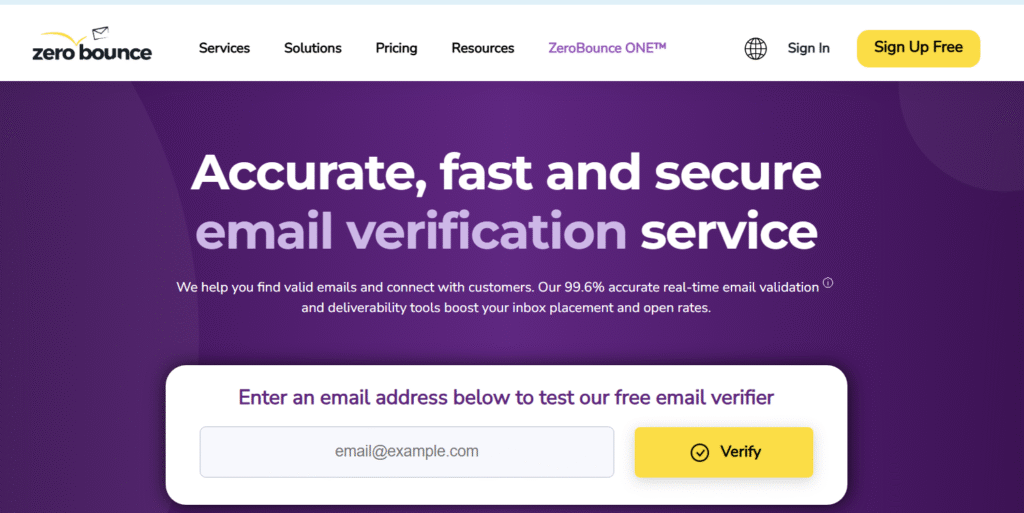
ZeroBounce is a market leader in email verification and deliverability monitoring. It’s known for its comprehensive validation engine, which not only identifies invalid and spam-trap emails but also enriches your data with missing details. Many ZeroBounce reviews highlight its dual power: improving list quality while giving sales teams deeper insights into their audience.
Key Features
1. Advanced Email Validation
ZeroBounce validates email syntax, domain, and mailbox existence with an average accuracy rate of 98%. Its system detects catch-all and temporary emails, ensuring every message you send lands where it should.
2. Data Enrichment
Beyond verification, ZeroBounce adds missing user data such as name, gender, and location. This helps marketers personalise campaigns and improve open rates through targeted messaging.
3. Spam Trap and Abuse Detection
The tool identifies addresses associated with spam complaints or abuse, protecting your sender reputation and reducing the risk of being blacklisted by email providers.
4. Integration with Popular Platforms
ZeroBounce connects seamlessly with CRMs, ESPs, and marketing automation tools like HubSpot, Mailchimp, and ActiveCampaign. This makes it easy for sales and marketing teams to keep data accurate across platforms.
5. Deliverability Toolkit
ZeroBounce includes features like inbox placement tests and blacklist monitoring. These allow users to assess how their campaigns perform and take corrective action before deliverability drops.
Pros & Cons
| Pros | Cons |
| High accuracy (98%) | Interface can feel crowded |
| Includes data enrichment | Premium pricing for large lists |
| Excellent spam trap detection | Reports can be overwhelming for new users |
| Integrates with major tools | Some features locked behind higher tiers |
Pricing
ZeroBounce pricing starts at $16 per month for 2,000 email verifications, with pay-as-you-go and subscription options available. Larger plans offer better rates per verification. A free tier includes 100 monthly verifications, allowing small teams to test before upgrading.
Best For Sales Teams and Email Marketers Focused on Deliverability
ZeroBounce works best for sales and marketing teams that rely on cold email campaigns and want both verification and insights to maintain performance.
- Sales teams – Keep outbound campaigns bounce-free and compliant
- Agencies – Use data enrichment to personalise client communications
- Marketers – Improve engagement through accurate segmentation
- SaaS founders – Monitor domain reputation with integrated tools
- B2B firms – Protect sender score during prospecting
Verdict: ZeroBounce is the ideal combination of accuracy and insight. It not only verifies emails but strengthens your entire email ecosystem by improving targeting and engagement metrics.
How to use ZeroBounce for campaign pre-checks: Run your cold email list through ZeroBounce’s blacklist monitor before sending. This quick scan alerts you to potential domain or IP issues that could harm deliverability, giving you time to fix them before launch.
Best Alternative
For users comparing ZeroBounce vs NeverBounce, NeverBounce offers slightly faster bulk processing for high-volume users, while ZeroBounce excels in data enrichment and deliverability tracking. Choose based on whether your priority is speed or intelligence.
3. Bouncer – The Reliability Champion for SMBs
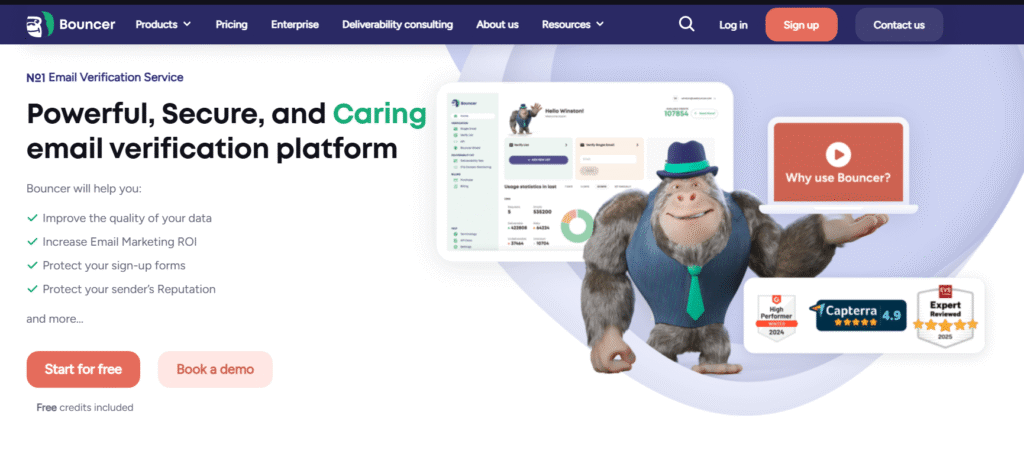
Bouncer has earned a strong reputation among small to medium-sized businesses for its precision, scalability, and transparent pricing. It offers an intuitive platform that balances simplicity with power, making it a favourite among teams that want reliable email verification without unnecessary complexity. According to multiple Bouncer reviews, its verification engine ranks among the fastest and most accurate in the market.
Key Features
1. Real-Time and Bulk Verification
Bouncer allows both real-time and bulk verification options, ensuring you can validate single emails on signup forms or entire lists in seconds. The system automatically detects risky addresses and invalid domains before they can harm your campaigns.
2. GDPR-Compliant Data Handling
The platform is fully compliant with global data protection standards. All data is encrypted, and files are automatically deleted after processing, which ensures privacy and trust.
3. Integration Options
Bouncer integrates smoothly with more than 100 apps, including Zapier, HubSpot, and Mailchimp. This enables seamless automation for continuous list maintenance and effortless data flow between systems.
4. Bounce Risk Scoring
Instead of just marking emails as valid or invalid, Bouncer assigns a “risk score” that indicates the likelihood of a bounce. This helps users make strategic decisions about which addresses to keep or remove.
5. High-Speed Processing
Even with large databases, Bouncer processes verifications quickly, allowing teams to maintain productivity during high-volume campaign cycles.
Pros & Cons
| Pros | Cons |
| Intuitive interface | No enrichment features |
| Excellent API documentation | Limited free credits |
| Fast verification times | May not suit enterprise needs |
| Strong data security | Slightly fewer integrations than competitors |
Pricing
Bouncer offers pay-as-you-go pricing starting at $15 per month, with discounts for larger volumes. Users can verify up to 250 emails for free to test the service. Its transparent model makes it especially appealing for SMBs and agencies managing moderate list sizes.
Best For Small to Mid-Sized Businesses Seeking Accuracy Without Complexity
Bouncer is built for businesses that want accuracy and compliance without bloated features.
- SMBs – Efficient list cleaning with clear results
- Agencies – Streamlined verification for smaller clients
- Email marketers – Affordable option for recurring checks
- Developers – Easy-to-implement API for automation
- Startups – Cost-effective for testing campaigns
Verdict: Bouncer’s blend of affordability, precision, and ease of use makes it a top pick for growing businesses that want to maintain credibility without overpaying for unnecessary extras.
Use Bouncer’s risk scoring to segment your list into three groups: “safe,” “risky,” and “unknown.” Send your main campaigns to the “safe” group, while testing the “risky” group with a smaller batch to monitor bounce behaviour before wider sends.
Best Alternative
Clearout serves as an excellent alternative if you need similar accuracy but prefer an interface optimised for lead generation professionals, offering advanced CRM integrations and faster list imports.
4. Clearout – The Speed Specialist for Lead Gen Professionals

Clearout is built for speed and accuracy, making it a popular choice among lead generation teams and digital marketing agencies. It combines email validation with data enrichment, enabling users to clean, verify, and refine contact lists at scale.
Key Features
1. Dual-Layer Verification
Clearout uses both syntax and server-level verification, ensuring that every email address is checked for domain validity, MX records, and mailbox existence. This dual layer greatly reduces false positives.
2. Rapid Bulk Verification
With processing speeds of over 1,000 emails per second, Clearout is ideal for time-sensitive campaigns that can’t afford delays between list cleaning and deployment.
3. Extensive Integrations
Clearout connects directly with CRMs, email marketing tools, and lead capture platforms like HubSpot, Salesforce, and Lemlist. This supports continuous data hygiene without manual exports or imports.
4. Catch-All Detection
The tool identifies catch-all domains and marks them clearly, allowing users to make informed decisions about how to handle uncertain addresses.
5. 24/7 Support and Reports
Clearout provides detailed reports that break down validation outcomes and an always-available support team to resolve issues quickly.
Pros & Cons
| Pros | Cons |
| Extremely fast processing | Limited customisation options |
| Strong integration network | Data enrichment less detailed than ZeroBounce |
| Easy-to-read reports | API requires setup for beginners |
| Affordable pricing tiers | Interface could be improved visually |
Pricing
Clearout pricing starts at $20 per month for 3,000 verifications. A pay-as-you-go model is also available, along with a free trial of 100 verifications. Larger plans come with API access and multi-user support.
Best For Lead Generation Professionals and Sales Teams
Clearout is best suited for users who prioritise speed and reliable validation during high-volume data handling.
- Lead generation teams – Fast list cleaning for prospect data
- Sales agencies – Reliable integration with outreach tools
- Marketing consultants – Bulk verification for client lists
- Startups – Quick validation for small budgets
- CRMs – Automated cleaning through direct API connections
Verdict: Clearout offers strong performance for agencies that need quick, scalable validation. It’s the right fit for teams where speed and integration flexibility directly affect campaign success.
Combine Clearout’s API with your CRM’s webhook triggers to verify leads in real time as they enter your database. This ensures your sales team always works with clean, accurate contacts.
Best Alternative
If you need deeper data insights beyond validation, Emailable is a great alternative, offering a blend of verification and enrichment designed for SaaS teams and cold outreach campaigns.
5. Emailable – The All-Rounder for SaaS and Startups
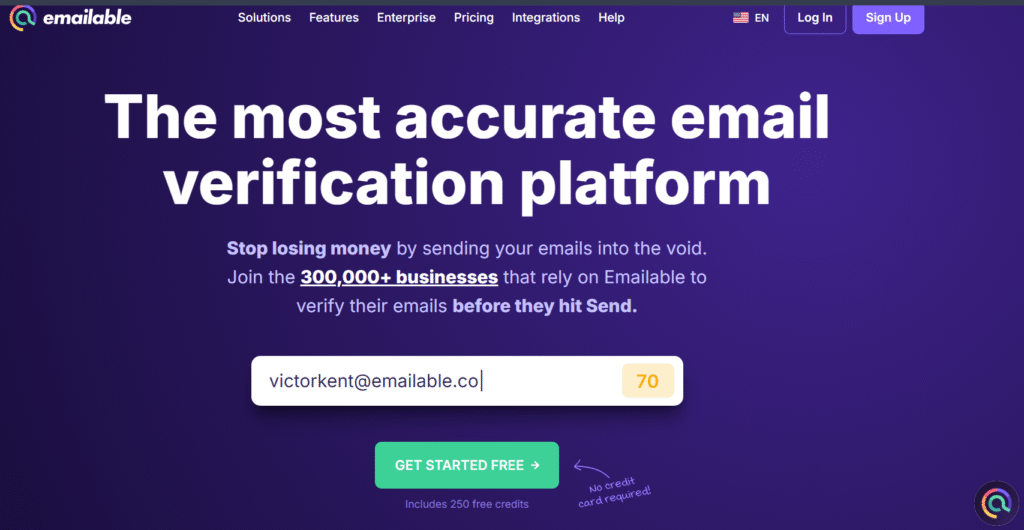
Emailable is designed to simplify list verification for modern SaaS companies and marketing teams. Its user-friendly dashboard, flexible pricing, and powerful integrations make it a dependable choice for verifying both small and large lists quickly.
Key Features
1. Fast Bulk Verification
Emailable processes large datasets efficiently while maintaining accuracy. It also flags risky domains and role-based emails to prevent bounce issues from team inboxes.
2. Integration Ecosystem
It integrates with tools like Lemlist, HubSpot, and Zapier, allowing direct syncing between lead generation systems and email platforms.
3. Real-Time Verification API
SaaS and tech companies can connect Emailable directly to signup forms, ensuring only verified emails enter the system ideal for maintaining CRM quality.
4. Deliverability Metrics
Emailable provides additional insights into inbox placement and deliverability trends, giving users more control over campaign performance.
5. Multi-User Access
The platform supports multiple users under a single account, making it suitable for teams collaborating on large-scale email verification projects.
Pros & Cons
| Pros | Cons |
| Excellent dashboard design | Limited enrichment data |
| Reliable accuracy (99%) | API setup may require support |
| Supports real-time checks | Slightly slower with huge lists |
| Affordable plans | Free plan limited to 100 verifications |
Pricing
Emailable pricing begins at $30 per month for small lists, with volume-based discounts available for larger datasets. A free trial of 100 verifications lets users test its accuracy before committing.
Best For SaaS Teams and Growth Marketers
Emailable works perfectly for tech-driven businesses that want to integrate verification directly into their acquisition pipelines.
- SaaS startups – Maintain clean CRM data during onboarding
- Growth marketers – Ensure verified users for product launches
- Agencies – Simplify verification with a shared workspace
- Cold email senders – Prevent bounces from automated outreach
- Developers – Use API for frictionless data validation
Verdict: Emailable is a strong, balanced choice offering accurate verification and smooth integrations, particularly appealing to teams managing digital products or automated marketing workflows.
Integrate Emailable with Lemlist to automatically verify every prospect added to your campaign lists. This ensures your cold email sequences run cleanly, avoiding wasted sends on invalid or disposable addresses.
Best Alternative
EmailListVerify is a dependable alternative if you manage bulk data regularly and prefer a cost-effective, high-volume verification option with fewer frills.
6. EmailListVerify – The Bulk Verifier for High-Volume Campaigns
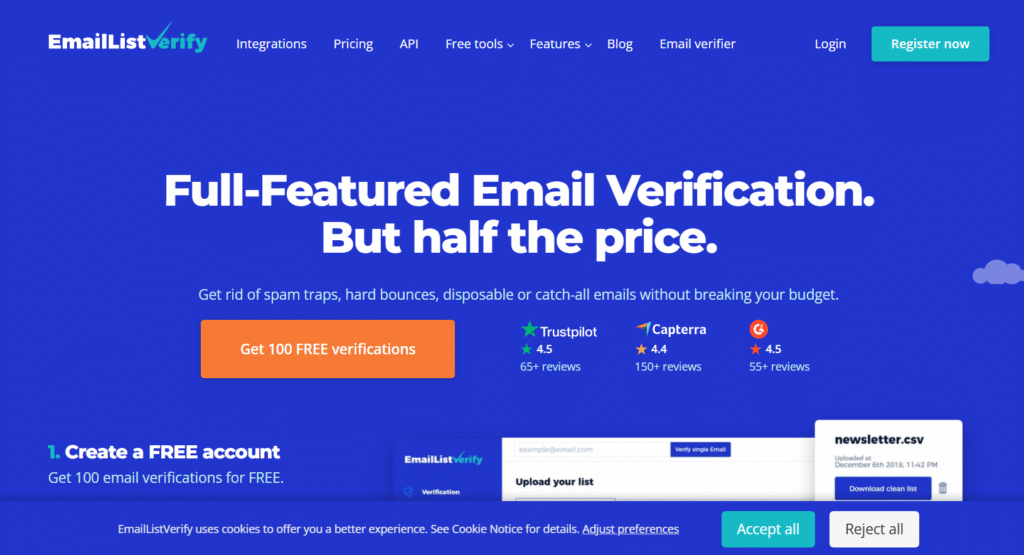
EmailListVerify has carved a niche as one of the best email verification tools for teams managing massive datasets. It’s a cost-effective solution focused on scalability and raw processing power. Agencies and outbound marketing firms often use it when they need to clean millions of records efficiently without sacrificing accuracy.
Key Features
1. High-Speed Bulk Processing
EmailListVerify can process up to 10 million emails in a single run, making it ideal for large organisations or database managers handling significant contact lists.
2. Spam Trap and Hard Bounce Detection
The system identifies spam traps, disposable addresses, and syntax errors, removing the addresses most likely to harm your deliverability and sender score.
3. Secure API Access
With a reliable API, you can integrate verification into your workflows, whether you’re using CRMs, lead collection tools, or outbound email platforms.
4. Cloud-Based Dashboard
The simple dashboard makes managing lists straightforward, allowing for bulk uploads, batch verification, and real-time monitoring.
5. Affordable Pricing Model
One of EmailListVerify’s biggest appeals is its budget-friendly pricing, making it accessible for both startups and enterprise clients.
Pros & Cons
| Pros | Cons |
| Handles very large lists | Lacks data enrichment features |
| Highly affordable | Interface could be more modern |
| Strong spam trap detection | Limited reporting depth |
| Reliable API | Slower support response times |
Pricing
EmailListVerify pricing begins at $19 per month for small volumes, with substantial discounts for bulk usage. For example, 1 million verifications can cost as little as $400, making it one of the most economical solutions available.
Best For Large Organisations and Data Managers
This tool suits users focused on volume and affordability.
- Data analysts – Verify massive datasets quickly
- Agencies – Clean thousands of leads for multiple clients
- Marketers – Prepare clean lists for large campaigns
- SaaS firms – Validate user databases before product updates
- Email providers – Maintain platform integrity for users
Verdict: EmailListVerify is a cost-effective Strong performer. It prioritises scale and affordability while maintaining solid verification performance.
Pair EmailListVerify with your CRM’s webhook to automatically clean new contacts once a month. This ensures your system remains up-to-date without requiring manual uploads.
Best Alternative
MillionVerifier is an excellent alternative for users looking for lifetime pricing options while maintaining similar accuracy and speed.
7. MillionVerifier – The Budget-Friendly Performer
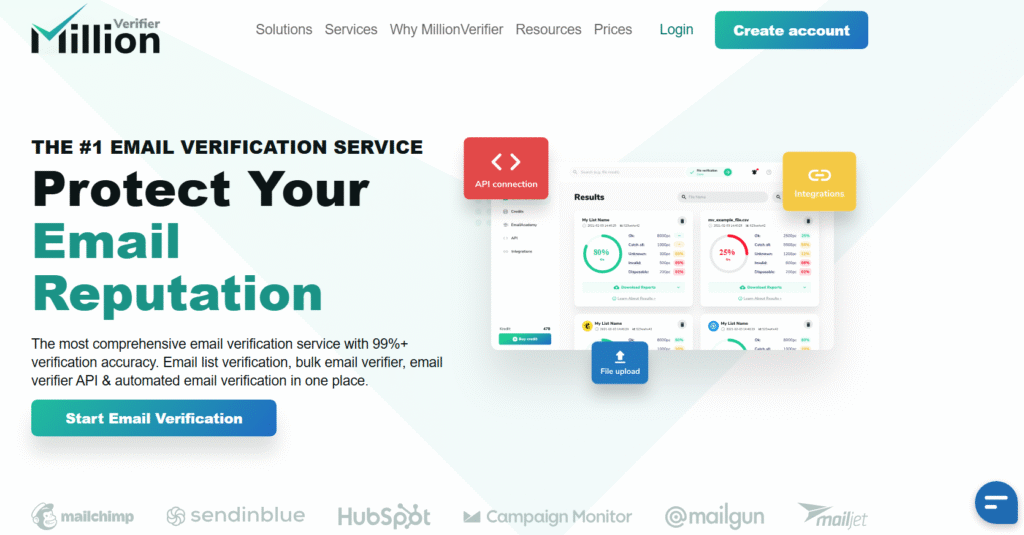
MillionVerifier is designed for affordability without compromise. It delivers near-premium accuracy and features at a fraction of the cost, making it perfect for freelancers, small businesses, and startups needing reliable list cleaning on a budget.
Key Features
1. Lifetime Pricing Option
MillionVerifier offers a one-time lifetime plan that’s incredibly appealing to users who perform frequent verifications. It removes recurring costs, making it budget-friendly for small teams.
2. Accurate Validation Engine
Despite its low price, the platform provides 98.5% accuracy and includes checks for syntax, domain, MX records, and mailbox validity.
3. GDPR-Compliant and Secure
All data is processed under strict compliance protocols, and files are automatically deleted post-verification to ensure user privacy.
4. API and Bulk Uploads
Supports both bulk uploads and API integration, making it flexible enough for various use cases, from manual cleaning to automated verification.
5. Multi-Language Support
The dashboard supports multiple languages, which benefits international teams handling diverse data.
Pros & Cons
| Pros | Cons |
| Lifetime pricing available | Interface less polished |
| Very affordable | Limited support hours |
| Accurate results | No advanced enrichment |
| Supports bulk verification | Limited integrations |
Pricing
The basic plan starts at $15 for a lifetime access licence, while larger list verifications are charged per use. This makes it one of the cheapest options for ongoing use.
Best For Budget-Conscious Marketers and Freelancers
Ideal for users who want reliable verification without ongoing fees.
- Freelancers – Clean lists affordably for client projects
- Startups – Maintain data hygiene cost-effectively
- Small agencies – Verify moderate volumes without subscriptions
- Cold emailers – Avoid paying monthly for recurring cleaning
- Marketers – Keep contact lists compliant and verified
Verdict: MillionVerifier is a solid, low-cost solution that performs consistently. It’s the perfect option for users who prioritise affordability and simplicity over advanced analytics.
Schedule recurring list checks weekly using MillionVerifier’s API to maintain hygiene automatically and avoid manual tasks.
Best Alternative
Verifalia offers similar accuracy but adds developer-focused APIs and advanced reporting features for technical users.
8. Verifalia – The Developer’s Choice for Custom Integrations
Verifalia is designed for developers and technical teams needing custom API integration. Secure, reliable, and flexible, with top-tier verification accuracy.
Key Features
1. Developer-Focused API
Verifalia provides a RESTful API for real-time and asynchronous email validation, easily integrated into sign-up forms, CRMs, or custom tools.
2. Asynchronous Processing
It supports background validation jobs for massive lists, freeing up bandwidth while maintaining performance.
3. Detailed Validation Reports
Results include multiple verification statuses, such as “invalid,” “risky,” and “accept-all,” providing valuable context for advanced decision-making.
4. Compliance and Security
All data is encrypted both in transit and at rest, adhering to strict privacy regulations.
5. International Support
Verifalia’s API supports multiple character sets and languages, ensuring smooth global application.
Pros & Cons
| Pros | Cons |
| Advanced API for developers | Less suited for non-technical users |
| Highly secure environment | Limited drag-and-drop tools |
| Supports large-scale automation | Slightly slower bulk processing |
| Detailed status reporting | No built-in enrichment |
Pricing
Verifalia starts at $10 per month for smaller users, with custom plans for enterprise integrations. Pay-as-you-go credits are available for flexible use.
Best For Technical Teams and Developers
Verifalia is perfect for technical environments where custom integrations are required.
- Developers – Embed verification directly into apps
- SaaS teams – Build validation into signup workflows
- Enterprises – Automate high-volume verification pipelines
- CRMs – Keep lists accurate in real time
- Marketers – Benefit from detailed validation reports
Verdict: Verifalia is best for teams that need technical control and automation over verification processes rather than a simple upload interface.
Use Verifalia’s API asynchronously for background validation of large datasets without slowing down your primary workflows.
Best Alternative
BulkEmailChecker is a suitable alternative if you prefer simpler dashboards and faster results for large-scale list cleaning.
9. BulkEmailChecker – The High-Volume Workhorse
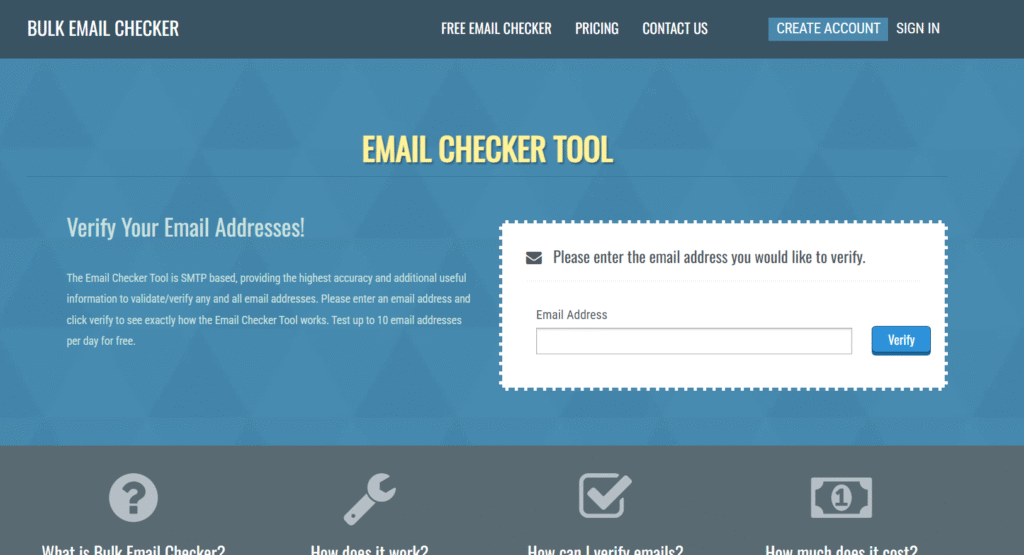
BulkEmailChecker is engineered for high-speed bulk verifications. It’s widely used by marketing teams running multiple campaigns who need accuracy, speed, and minimal downtime.
Key Features
1. Large-Scale List Support
Processes millions of emails per session, designed for agencies and enterprises running bulk campaigns.
2. Real-Time Verification API
Validates emails instantly through direct API calls, ensuring only safe addresses enter your systems.
3. Intuitive Dashboard
A straightforward interface allows quick uploads and real-time progress tracking.
4. Spam Trap Detection
The platform identifies spam traps and disposable emails, safeguarding your sender score.
5. Affordable Pricing
Offers competitive rates, making it a strong option for budget-conscious enterprises.
Pros & Cons
| Pros | Cons |
| Handles millions of emails | Limited custom integrations |
| Affordable for large-scale use | No data enrichment |
| Accurate and fast | Interface lacks modern styling |
| Simple to use | Limited reporting depth |
Pricing
Plans start from $15 per month, with pay-as-you-go options for one-off cleanings. Discounts apply to large-volume verifications.
Best For Enterprises and Agencies Needing Speed
BulkEmailChecker is ideal for users needing dependable bulk verification.
- Agencies – Verify massive client lists quickly
- Marketers – Prepare verified segments for campaigns
- SaaS firms – Maintain user database integrity
- Sales teams – Ensure cold outreach lists are clean
- Enterprises – Handle multi-million contact lists efficiently
Verdict: BulkEmailChecker delivers speed and reliability at scale. It’s an affordable choice for professionals managing extensive campaigns.
Pair BulkEmailChecker with your ESP’s suppression list to identify overlap between invalid and unsubscribed emails, maximising inbox reach.
Best Alternative
MailerCheck offers a smoother interface and slightly higher accuracy while maintaining quick processing.
10. MailerCheck – The Precision Tool for Email Marketers
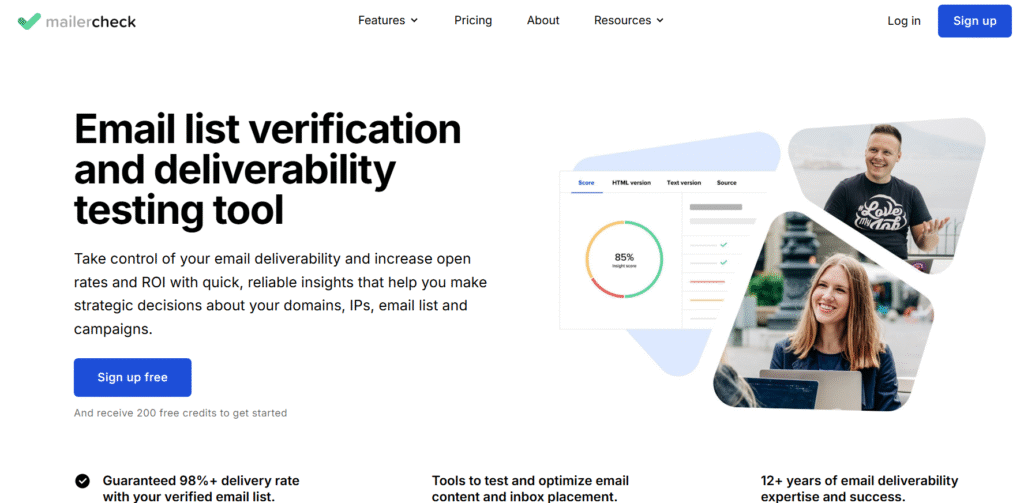
MailerCheck is built by the creators of MailerLite, designed to help email marketers achieve consistent inbox placement. It combines intuitive usability with enterprise-grade accuracy and excellent reporting.
Key Features
1. Advanced Validation
Checks syntax, domain, and mailbox validity while detecting temporary and role-based addresses that often cause high bounce rates.
2. Detailed Deliverability Insights
MailerCheck provides comprehensive reports highlighting list health, domain issues, and potential risk factors impacting deliverability.
3. User-Friendly Interface
A modern, clean dashboard allows users to upload lists, monitor progress, and interpret results with ease.
4. Team Collaboration
Multiple team members can collaborate within one account, ensuring smooth workflow management for agencies and marketing departments.
5. Native Integration with MailerLite
Directly connects to MailerLite campaigns, allowing users to verify lists before sending, reducing bounce rates instantly.
Pros & Cons
| Pros | Cons |
| Clean and intuitive interface | Limited third-party integrations |
| Excellent reporting | Slightly higher pricing for smaller users |
| Reliable accuracy (99%) | Fewer automation options |
| Integrates with MailerLite | No advanced enrichment data |
Pricing
MailerCheck starts at $25 per month for 5,000 verifications, with larger plans available for enterprises. A free trial lets users verify 200 emails before purchasing.
Best For Marketing Teams and Agencies Using MailerLite
MailerCheck is ideal for teams prioritising clean data and smooth integration within their existing marketing workflows.
- Marketing agencies – Pre-verify lists for clients
- Email marketers – Maintain sender reputation
- Startups – Simple verification before campaign sends
- SaaS teams – Monitor campaign deliverability trends
- Designers – Access clean data directly within MailerLite
Verdict: MailerCheck’s user-friendly experience and accurate results make it one of the best tools for marketers wanting precision and simplicity in one platform.
Use MailerCheck’s deliverability reports to identify and fix problematic domains before launching large campaigns, ensuring inbox placement remains high.
Best Alternative
Debounce serves as a strong alternative for those needing a similar experience with more flexible integration options and slightly lower cost.
11. Debounce – The Consistent Performer for Growing Businesses
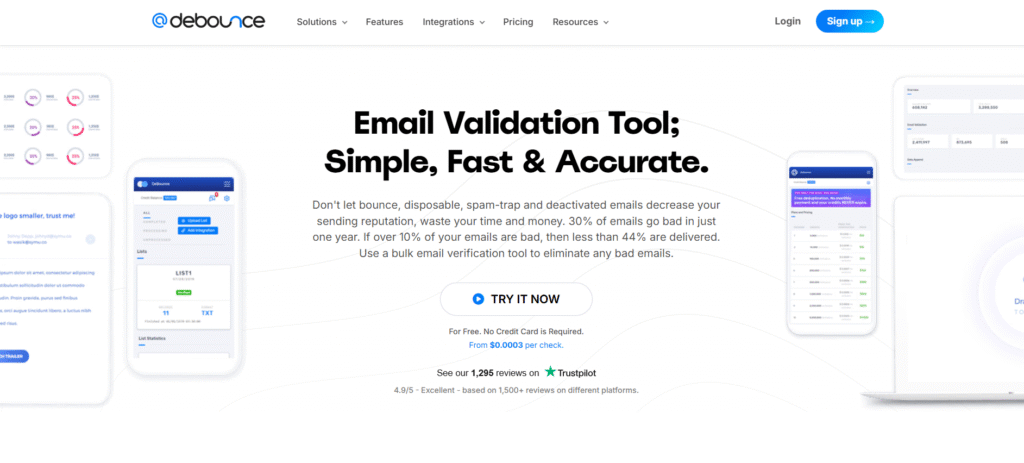
Debounce offers dependable email verification for businesses seeking consistent performance and affordability. Its simple interface, strong API, and integration options make it a go-to choice for marketers who want accurate results without the high costs of enterprise software.
Key Features
1. Multi-Layer Verification
Debounce performs syntax checks, domain validation, MX record confirmation, and mailbox verification in one process. This multi-layer system ensures a balanced mix of speed and precision.
2. Integrations with CRMs and ESPs
It connects with tools like HubSpot, Mailchimp, and ActiveCampaign, allowing you to verify contacts within your existing workflows. This saves time and keeps lists synchronised across platforms.
3. Duplicate Removal
Debounce automatically removes duplicate entries during verification, ensuring cleaner data and more efficient campaign targeting.
4. GDPR and CCPA Compliance
The platform follows strict privacy regulations, with all data encrypted and deleted automatically post-verification.
5. Detailed Status Reports
Each verification run includes comprehensive reports showing which emails are valid, invalid, risky, or catch-all, helping teams make informed data decisions.
Pros & Cons
| Pros | Cons |
| Affordable for SMBs | Slightly slower than premium tools |
| Easy to use | Limited enrichment features |
| Detailed reports | No lifetime pricing |
| Works with major CRMs | No built-in deliverability monitoring |
Pricing
Debounce starts at $10 per month for 5,000 verifications, offering one of the best entry-level rates in its category. Free credits are available for testing.
Best For Startups and SMBs Maintaining Growing Lists
Debounce suits teams seeking dependable, budget-friendly verification.
- Startups – Keep growing lists clean affordably
- Agencies – Verify medium-sized databases regularly
- B2B firms – Manage lead quality before campaigns
- Freelancers – Offer list cleaning as an added service
- SaaS teams – Integrate with apps easily
Verdict: Debounce is practical, cost-effective, and efficient, making it ideal for smaller teams needing consistent verification without extra complexity.
Schedule automated checks using Debounce’s Zapier integration to verify new leads daily. This keeps CRMs up to date with verified entries automatically.
Best Alternative
Kickbox is a strong alternative if you need higher accuracy and advanced reporting for enterprise-grade outreach.
12. Kickbox – The Enterprise-Grade Validator
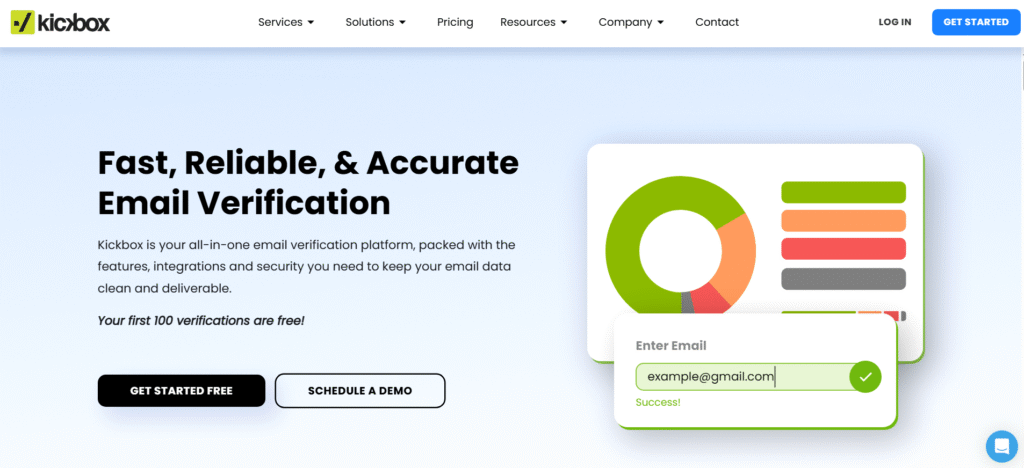
Kickbox is an established leader in enterprise-level email verification. It’s trusted by large organisations for its precision, compliance, and scalability. The platform excels at ensuring large-scale outreach remains safe, efficient, and compliant.
Key Features
1. Enterprise Accuracy
Kickbox maintains a 99% accuracy rate across millions of verifications, ensuring deliverability remains consistently high even at scale.
2. Deliverability Suite
Beyond verification, Kickbox includes tools for inbox placement testing, domain reputation monitoring, and spam analysis.
3. Real-Time API
Its API provides instant validation during lead capture or sign-up, ensuring no bad addresses enter your systems.
4. Advanced Reporting
Detailed analytics offer insights into bounce probability, risky domains, and deliverability health, aiding data-driven decisions.
5. High Scalability
Kickbox handles enterprise workloads with ease, supporting multi-user environments and team collaboration.
Pros & Cons
| Pros | Cons |
| 99% accuracy rate | Premium pricing |
| Advanced deliverability tools | Complex setup for new users |
| Excellent reporting | No lifetime or budget plans |
| Enterprise integrations | May be overkill for small users |
Pricing
Kickbox starts at $40 per month, with volume-based discounts for higher tiers. API-only access is available for developers.
Best For Large Enterprises and Agencies Running Multi-Client Campaigns
This tool is ideal for high-volume teams demanding accuracy, compliance, and advanced deliverability analytics.
- Enterprises – Maintain sender reputation across departments
- Agencies – Validate and monitor multiple client lists
- SaaS providers – Prevent bad leads at signup
- CRM managers – Integrate ongoing verification
- Cold outreach firms – Protect domains during scaling
Verdict: Kickbox provides precision and control for organisations that can’t compromise on email quality or compliance.
Use Kickbox’s inbox placement test before sending new campaigns to preview where your emails will likely land primary, promotions, or spam.
Best Alternative
DataValidation offers similar verification power with a slightly simpler setup and lower entry price for mid-tier teams.
13. DataValidation – The Reliable Workhorse for Marketing Agencies

DataValidation focuses on simplifying large-scale list cleaning for marketing teams and agencies. Its Mailchimp integration and smart scoring system make it a consistent performer for professionals handling multiple clients.
Key Features
1. Mailchimp Integration
DataValidation integrates natively with Mailchimp, allowing direct verification of email lists without exporting or re-importing data.
2. Email Quality Scoring
Every email receives a deliverability score, helping marketers segment lists and prioritise the best-performing addresses.
3. Detailed Reporting
It provides insights into list quality and engagement potential, guiding strategic list management decisions.
4. Secure Cloud Processing
All verifications are processed in a secure, cloud-based environment that ensures data safety and compliance.
5. Simple Dashboard
The interface focuses on usability, with drag-and-drop uploads and clear progress tracking.
Pros & Cons
| Pros | Cons |
| Easy Mailchimp sync | Limited integrations outside Mailchimp |
| Provides quality scores | Reports can be basic |
| Simple dashboard | Slower verification speed |
| Affordable plans | Fewer API options |
Pricing
DataValidation pricing starts at $39 per month, with free credits for Mailchimp users. Volume discounts are available for agencies.
Best For Marketing Agencies Using Mailchimp
This tool is especially beneficial for teams deeply embedded in the Mailchimp ecosystem.
- Agencies – Simplify client list cleaning
- Marketers – Assess deliverability quality instantly
- Consultants – Manage multiple lists quickly
- Email strategists – Segment lists based on quality scores
- Small teams – Verify lists easily without complex setup
Verdict: DataValidation delivers simplicity and accuracy in one package. It’s ideal for Mailchimp users who want built-in verification without additional tools.
Use DataValidation’s scoring feature to create segmented campaigns—target high-score leads first to boost engagement metrics.
Best Alternative
MyEmailVerifier offers greater flexibility for non-Mailchimp users while maintaining similar affordability.
14. MyEmailVerifier – The Dependable Option for Freelancers
MyEmailVerifier is a simple, effective tool for individuals and small teams that need quick, accurate list cleaning. Its affordability and strong results have made it a favourite among freelancers and small agencies.
Key Features
1. Syntax and MX Validation
Checks email structure and server records to identify invalid addresses and reduce bounce rates.
2. Disposable and Role-Based Detection
Detects temporary or role-based emails (like support@ or info@), ensuring outreach focuses on valid contacts.
3. User-Friendly Interface
A clear dashboard allows for drag-and-drop uploads and fast processing.
4. API and CRM Integration
Integrates with popular CRMs and email marketing platforms for automatic validation.
5. Bulk Verification
Handles bulk lists efficiently with results delivered in detailed reports.
Pros & Cons
| Pros | Cons |
| Affordable for individuals | Interface slightly outdated |
| Accurate verification | Limited automation tools |
| Easy to use | No advanced deliverability features |
| Good reporting | Limited support hours |
Pricing
Plans start at $15 per month, with free credits for testing. Discounts are available for high-volume verifications.
Best For Freelancers and Small Agencies
Perfect for independent marketers managing small or medium email lists.
- Freelancers – Clean client lists quickly
- Consultants – Offer verification as a service
- Small agencies – Verify regular outbound campaigns
- Startups – Keep contacts accurate and updated
- Bloggers – Maintain clean subscriber lists
Verdict: MyEmailVerifier is straightforward and affordable. It offers the essentials for reliable list verification without unnecessary extras.
Set up monthly verification reminders to maintain clean lists for recurring campaigns without manual checks.
Best Alternative
ListWise is a good alternative if you need more detailed analytics and multi-platform syncing capabilities.
15. ListWise – The Simple Solution for Small Businesses
ListWise is a practical verification platform designed to help small businesses keep their email lists clean without technical hurdles. It focuses on ease of use and reliable performance for modest-sized campaigns.
Key Features
1. Easy Upload and Verification
Users can upload email lists directly and receive results within minutes. The platform highlights invalid, duplicate, and risky emails clearly.
2. Integration with Email Platforms
ListWise works seamlessly with Mailchimp and other marketing tools, keeping data synchronised for campaign readiness.
3. Automatic List Cleaning
Users can set automatic cleaning schedules to ensure lists remain updated without manual effort.
4. Bounce Protection
Prevents invalid addresses from entering campaign lists, protecting sender reputation and improving inbox rates.
5. Transparent Reporting
Reports are easy to understand, providing users with a quick overview of list health.
Pros & Cons
| Pros | Cons |
| Simple and reliable | Lacks API integration |
| Affordable plans | Slower processing for large lists |
| Clean reporting | No enrichment data |
| Ideal for small teams | Limited customisation |
Pricing
ListWise plans start at $20 per month with a free trial option for smaller lists. Pay-as-you-go pricing is also available.
Best For Small Businesses and Local Agencies
ListWise suits smaller organisations seeking straightforward verification tools.
- Local agencies – Keep client lists up to date
- Small businesses – Prepare accurate campaign lists
- Freelancers – Manage client verification easily
- Consultants – Offer simple, affordable cleaning solutions
- Event organisers – Verify attendees’ contact details quickly
Verdict: ListWise offers simplicity and accuracy, ideal for teams who need dependable results without advanced configuration.
Schedule weekly auto-clean cycles to ensure your subscriber list remains fresh and compliant before every campaign.
Best Alternative
EmailMarker is an excellent alternative if you want more flexible integration options and API access.
16. EmailMarker – The Lightweight Verifier for Solo Marketers
EmailMarker is a straightforward and efficient email verification tool designed for solo marketers and small businesses that prioritise speed and simplicity. It offers accurate validation at a low price point and is known for its minimalistic approach without compromising performance.
Key Features
1. Quick Bulk Verification
EmailMarker can handle thousands of records quickly, removing invalid, disposable, and risky emails in minutes. Its streamlined process is ideal for users who value efficiency.
2. Real-Time API Integration
Users can integrate EmailMarker with their web forms and marketing tools to validate emails as they’re submitted, maintaining list hygiene automatically.
3. Bounce Detection
The system accurately identifies addresses likely to bounce, helping marketers avoid unnecessary deliverability issues.
4. GDPR-Compliant Security
Data is handled under secure protocols, and all processed files are deleted shortly after verification.
5. User-Friendly Dashboard
EmailMarker’s simple interface allows even non-technical users to upload and verify lists easily.
Pros & Cons
| Pros | Cons |
| Quick processing speed | Limited enrichment options |
| Simple and easy to use | No detailed reporting |
| Affordable plans | Fewer integrations |
| API access for automation | No deliverability tracking |
Pricing
EmailMarker’s plans start at $10 per month, offering pay-as-you-go flexibility. A limited free trial is available for testing its accuracy.
Best For Solo Marketers and Small Teams
This tool suits users looking for lightweight, affordable, and accurate verification.
- Solo marketers – Quick cleaning for campaign lists
- Freelancers – Add verification to client workflows
- Small agencies – Manage lists without overhead costs
- Consultants – Keep outreach lists reliable
- Email specialists – Integrate real-time validation easily
Verdict: EmailMarker provides an accessible way for individual professionals to maintain clean email lists affordably and efficiently.
Integrate EmailMarker into your contact forms to prevent invalid emails from entering your system in the first place, saving hours of manual cleanup later.
Best Alternative
AeroLeads Email Verifier is a great alternative if you want verification combined with prospecting capabilities.
17. AeroLeads Email Verifier – The Prospecting Partner for B2B Sales
AeroLeads Email Verifier is part of the AeroLeads prospecting suite and helps B2B sales professionals verify emails extracted from LinkedIn, Crunchbase, and other lead sources. It’s built for teams who need verification and lead generation in one place.
Key Features
1. Built-In with AeroLeads Prospecting
The email verifier works natively within AeroLeads, allowing users to verify leads immediately after finding them no exporting needed.
2. Bulk and Real-Time Validation
Supports both single and bulk verification for fast and flexible use cases.
3. High Accuracy
Provides accurate results with detection of invalid, risky, and catch-all addresses, ensuring clean data before campaigns begin.
4. Chrome Extension Integration
Directly connect to LinkedIn and other platforms via browser extensions, allowing real-time verification during lead research.
5. CRM Integration
Syncs with HubSpot, Salesforce, and Pipedrive to update verified contact data automatically.
Pros & Cons
| Pros | Cons |
| Combines lead gen and verification | Limited to AeroLeads ecosystem |
| Great for LinkedIn prospecting | Higher pricing for premium plans |
| Real-time checks | Fewer standalone API features |
| Works directly in browser | Not suited for non-sales use |
Pricing
Pricing begins at $49 per month, which includes both prospecting and verification features. Custom plans are available for larger teams.
Best For B2B Sales and Outreach Teams
Perfect for sales professionals and agencies running lead generation and cold outreach simultaneously.
- B2B sales teams – Verify contacts directly from LinkedIn
- Agencies – Combine prospecting and cleaning
- Consultants – Manage client databases efficiently
- SaaS companies – Validate outbound leads in real time
- Startups – Build verified contact lists quickly
Verdict: AeroLeads Email Verifier saves time by merging prospecting and verification into one streamlined workflow for B2B outreach.
Use the Chrome extension to verify emails during LinkedIn outreach and instantly export verified prospects to your CRM, ensuring accuracy from the start.
Best Alternative
SendPulse Verifier is a suitable alternative if you’re running multichannel campaigns and need built-in verification for email and SMS.
18. SendPulse Verifier – The Multi-Channel Marketer’s Choice
SendPulse Verifier is part of the SendPulse platform, offering email verification alongside SMS, chatbot, and automation features. It’s a perfect fit for businesses managing communication across multiple channels.
Key Features
1. Built-In Email Verification
SendPulse allows users to clean and verify lists directly before sending campaigns, improving deliverability instantly.
2. Integration with CRM and Automation
Verifies contact data within your CRM and automation workflows to ensure high-quality communication across all channels.
3. Spam Trap and Risk Detection
Detects invalid, disposable, and risky addresses to reduce bounce rates and spam complaints.
4. Multi-Channel Data Management
Syncs email, SMS, and chatbot contact lists to maintain consistent data hygiene across communication types.
5. Comprehensive Analytics
Provides insight into contact health, campaign performance, and deliverability over time.
Pros & Cons
| Pros | Cons |
| Part of a full marketing suite | More complex for basic users |
| Affordable pricing | Limited standalone use |
| Multi-channel sync | Fewer third-party integrations |
| Real-time data checks | Bulk processing slower than others |
Pricing
Plans start from $8 per month for basic verification, bundled within SendPulse’s automation platform. Free verification credits are included for trial users.
Best For Multi-Channel Marketing Teams
SendPulse Verifier is designed for marketers managing email, SMS, and chat channels together.
- Marketers – Verify contacts before multi-channel sends
- Agencies – Maintain consistent contact data across campaigns
- E-commerce teams – Clean subscriber lists for email and SMS
- Startups – Keep all communication lists aligned
- CRM users – Automate verification for each channel
Verdict: SendPulse Verifier is an integrated solution that keeps all customer communication data verified and ready for multi-channel engagement.
Set SendPulse to automatically verify contacts weekly across all communication channels to ensure data accuracy before every campaign.
Best Alternative
VerifyBee offers a similar verification experience but focuses more on SaaS and CRM integration for automation.
19. VerifyBee – The SaaS-Focused Verifier

VerifyBee is designed for SaaS and sales teams who want a clean, integrated approach to data verification. It blends email validation with lead management features, providing a user-friendly system that fits naturally into modern workflows.
Key Features
1. CRM and SaaS Integration
VerifyBee connects directly with CRMs like HubSpot and Pipedrive, ensuring new leads are verified before being saved.
2. Bulk and Real-Time Verification
Supports both instant and batch validation to handle small or large-scale operations efficiently.
3. Simple Dashboard
A clear dashboard makes it easy to upload lists, monitor progress, and download verified results.
4. Data Enrichment
The tool appends information like name and location when available, helping improve personalisation in outreach.
5. Affordable Plans
Provides flexible pricing with solid accuracy, suitable for SaaS teams and agencies alike.
Pros & Cons
| Pros | Cons |
| Great CRM integrations | Limited bulk speed |
| Simple setup | Fewer analytics features |
| Includes data enrichment | No mobile app |
| Affordable and scalable | Smaller ecosystem than competitors |
Pricing
Plans begin at $19 per month, with free trials available. Discounts apply for annual billing.
Best For SaaS and Sales Teams
VerifyBee suits tech-driven organisations focused on accuracy and automation.
- SaaS companies – Verify and enrich user emails
- Sales teams – Ensure contact reliability pre-outreach
- Agencies – Manage verification for multiple clients
- Startups – Automate lead data validation
- B2B marketers – Combine verification and enrichment
Verdict: VerifyBee offers a balanced blend of affordability, data enrichment, and CRM compatibility for SaaS and outbound sales teams.
Use VerifyBee’s Zapier connection to trigger real-time verification whenever a new lead enters your CRM, maintaining clean data from day one.
Best Alternative
Hunter Email Verifier is ideal if you rely heavily on lead prospecting and want deep integration with email-finding tools
20. Hunter Email Verifier – The Prospectors’ Favourite
Hunter Email Verifier is part of the Hunter ecosystem, designed for professionals who source and verify business emails. It’s the go-to choice for prospectors, recruiters, and sales teams who need reliable verification attached to powerful email-finding features.
Key Features
1. Deep Verification Process
Hunter uses multiple verification layers SMTP checks, MX validation, and domain analysis to deliver 99% accuracy.
2. Native Integration with Hunter.io
Seamlessly works with Hunter’s email finder, enabling immediate verification of discovered contacts.
3. API and Chrome Extension
Supports real-time API validation and a Chrome extension that lets users verify emails directly from LinkedIn or company websites.
4. Bulk Verification
Accepts CSV uploads for large lists, ideal for agencies and outbound teams managing thousands of contacts.
5. Deliverability-Focused Reporting
Provides detailed feedback on risky and invalid emails, helping teams optimise campaign deliverability.
Pros & Cons
| Pros | Cons |
| 99% accuracy | Limited beyond B2B data |
| Works within Hunter ecosystem | Premium pricing |
| Strong reporting tools | No advanced analytics |
| Great for LinkedIn prospecting | Lacks multi-channel features |
Pricing
Hunter Email Verifier plans start at $49 per month, with free credits for trial users. Higher tiers include additional API and search features.
Best For B2B Prospectors and Recruitment Teams
Hunter suits users who combine lead generation with precision verification.
- Sales teams – Verify emails from lead sourcing tools
- Recruiters – Confirm candidate contact data
- Agencies – Manage outreach verification in bulk
- Marketers – Validate B2B leads before campaigns
- Consultants – Maintain database accuracy across clients
Verdict: Hunter Email Verifier remains the best choice for users seeking verified, high-quality B2B contacts with minimal manual effort.
Use the Chrome extension to verify emails on LinkedIn before exporting leads, ensuring every address you collect is campaign-ready.
Best Alternative
NeverBounce is the ideal alternative if you need an independent verifier with higher scalability and automation options.
How to Choose the Right Email Verification Tool
This guide compares 20 email verification platforms using publicly available product information, including stated pricing, integrations and use cases. We did not run a controlled accuracy benchmark for every tool, so vendor accuracy claims should not be read as our test results.
If you send regular outreach campaigns, use real-time verification APIs to validate new leads automatically. For high-volume users, bulk processors like EmailListVerify, NeverBounce, or Kickbox are unbeatable. Meanwhile, teams focused on prospecting and enrichment can benefit most from Hunter or ZeroBounce.
The key takeaway: choose the tool that fits your workflow, not just your budget. The right verification system should integrate seamlessly with your CRM or email platform, work in real time, and help you maintain a strong sender score month after month.
How Pearl Lemon Leads Can Support Your Outreach Success
At Pearl Lemon Leads, we combine email verification, deliverability testing, and custom lead prospecting to help businesses achieve real growth through verified outreach. Our process is built around precision and performance. No inflated lists, no wasted sends, just clean data that drives measurable results.
Whether you need support in managing bulk data, verifying CRM lists, or launching a cold email campaign with precision, we’ve got the systems, strategies, and expertise to make it happen.
If you’re ready to improve your outreach performance, schedule a consultation with our team today.
Frequently Asked Questions
1. Why is email verification important for businesses?
Email verification ensures you only send campaigns to valid, active addresses. This improves deliverability, reduces bounce rates, and safeguards your domain reputation.
2. How often should I clean my email list?
For active senders, verify your list every 30-60 days. For less frequent campaigns, clean your list before every new send.
3. What happens if I send to unverified emails?
Unverified emails can cause high bounce rates, resulting in poor sender reputation and possible domain blacklisting.
4. Which is better real-time or bulk email verification?
Both have value. Real-time verification protects lead forms, while bulk verification is best for cleaning existing databases.
5. Can I integrate verification tools with my CRM?
Yes, most modern email verification tools connect with CRMs like HubSpot, Salesforce, and Pipedrive for seamless automation.
6. Are free verification tools reliable?
Free tools can be helpful for small lists, but they often lack advanced validation layers like SMTP checks and spam trap detection.
7. How does email verification improve ROI?
Cleaner lists mean higher deliverability, better engagement, and fewer wasted emails directly improving campaign performance and ROI.
8. Which email verification tool is best for agencies?
NeverBounce, ZeroBounce, and Kickbox are ideal for agencies due to their accuracy, scalability, and client-ready reporting.
9. What makes API verification valuable?
APIs allow instant validation during form submissions, preventing bad data from entering your CRM or marketing system.
10. Can Pearl Lemon Leads manage email verification for me?
Yes, we provide full-service email verification and list management as part of our lead generation and cold email outreach packages.