
Affordable Cold Email Software Options for Small Sales Teams
Affordable cold email software is not simply the tool with the lowest monthly plan. Compare inbox limits, sending-account costs, warm-up, lead storage, sequencing, reply detection and whether essential features become paid add-ons as volume grows.
For a small sales team, a slightly higher base price can be cheaper overall if the platform reduces the need for separate warm-up, verification and sequencing tools.
Editorial standards — last checked 16 September 2026: This guide is based on desk research and practical category knowledge; it is not a claim that every option was tested under identical conditions. Product features, prices, reviews and policies can change. Confirm purchase-critical details with the named provider. Pearl Lemon Leads is the publisher; where our service appears, its placement is our disclosed editorial recommendation rather than an independent award.
Publisher’s managed-service choice: Pearl Lemon Leads
Pearl Lemon Leads is our first recommendation for buyers who want a managed outbound programme instead of assembling and operating a tool stack. It is a service option in this cold-email delivery guide, not a claim that Pearl Lemon Leads is one of the software products ranked below. Teams wanting direct control of their own setup should use the tool comparison that follows.
Best for: teams wanting strategy and execution handled. Not ideal for: buyers seeking software-only access. Discuss a managed campaign.
You already know the truth: B2B lead generation is a brutal game. It’s noisy, crowded, and full of outdated tactics that waste time and money. If your cold email campaigns aren’t bringing in qualified leads consistently, you’re losing deals by the hour.
We researched and tested over 50 cold email tools, digging through user reviews, case studies, deliverability rates, automation capabilities, and actual sales outcomes. The result? A short, punchy list of the top 20 cold email tools that can help freelancers, growth marketers, agencies, and sales teams lock in more meetings and move deals forward faster.
According to Backlinko, emails with personalized subject lines generate 50% higher open rates.
And campaigns using automation tools have seen up to 14.31% higher reply rates, per Woodpecker.
We’re breaking down the Top 20 cold email tools for B2B lead generation in 2026, showing you who they’re for, what makes them work, and how to pick the right one for your strategy.
What is Cold Email Software?
Cold email software is built to send personalized, automated emails to prospects who’ve never interacted with your brand before. The goal? Book meetings, start sales conversations, and warm up cold leads.
In B2B lead generation, it’s one of the most scalable tactics. But getting it right means you need tools that offer:
- Inbox rotation (to avoid spam filters)
- Automated follow-ups
- Smart personalization
- Reporting and A/B testing
- CRM integrations
Done right, cold outreach becomes your silent sales rep booking appointments while you sleep. The right tool makes all the difference. Teams already considering Mailshake can also compare our Mailshake alternatives.
Top Cold Email Tools (2026)
For this category, decision-makers care most about ease of use, personalization power, pricing, automation features, and deliverability rate. These factors directly impact lead gen outcomes and campaign performance.
| Tool Name | Best For | Starting Price | Free Trial? | Key Feature | Public review snapshot* | AI Features |
| Instantly | Fast scaling | $37/mo | Yes | Inbox rotation | 4.8 / 4.7 | Yes |
| Smartlead | Agencies | $39/mo | Yes | Unlimited mailboxes | 4.7 / 4.6 | Yes |
| Woodpecker | SMBs | $29/mo | Yes | Warm-up | 4.5 / 4.4 | No |
| Mailshake | Sales teams | $58/mo | Yes | Multi-channel | 4.6 / 4.5 | Yes |
| Lemlist | Personalization | $59/mo | Yes | Video emails | 4.4 / 4.3 | Yes |
| Reply.io | Outreach sequences | $60/mo | Yes | AI follow-ups | 4.5 / 4.6 | Yes |
| GMass | Gmail users | $19.95/mo | No | Mass merge fields | 4.6 / 4.4 | Limited |
| Snov.io | All-in-one prospecting | $39/mo | Yes | Email finder | 4.6 / 4.5 | Yes |
| Yesware | Gmail & Outlook sales | $19/mo | Yes | Meeting scheduling | 4.4 / 4.3 | Yes |
| Hunter Campaigns | Simple setup | Free–$49/mo | Yes | Email verification | 4.5 / 4.3 | No |
| Outreach | Enterprise | Custom | No | Sales engagement | 4.4 / 4.2 | Yes |
| Klenty | SDRs | $50/mo | Yes | Cadence automation | 4.5 / 4.4 | Yes |
| Apollo | Prospecting + outreach | $39/mo | Yes | B2B data + email | 4.7 / 4.6 | Yes |
| Saleshandy | Deliverability | $36/mo | Yes | Smart queues | 4.3 / 4.3 | No |
| Overloop | CRM integration | $49/mo | Yes | Built-in CRM | 4.2 / 4.2 | Yes |
| Mailmeteor | Simplicity | Free–$24/mo | Yes | Google Sheets sync | 4.5 / 4.4 | No |
| Quickmail | Deliverability | $49/mo | Yes | Inbox rotation | 4.6 / 4.5 | No |
| Autoklose | Data + automation | $59.99/mo | Yes | Built-in leads | 4.4 / 4.2 | No |
| PersistIQ | Manual + auto outreach | $59/mo | Yes | Email sequencing | 4.3 / 4.1 | No |
| Outplay | Multi-channel outreach | $39/mo | Yes | Voice + SMS + Email | 4.5 / 4.4 | Yes |
Best Cold Email Tools for B2B Lead Generation
Below is the breakdown of each tool’s capabilities, pricing, use-case, and key features for B2B cold outreach.
1. Instantly – Cold Outreach at Scale Without the Spam Risk
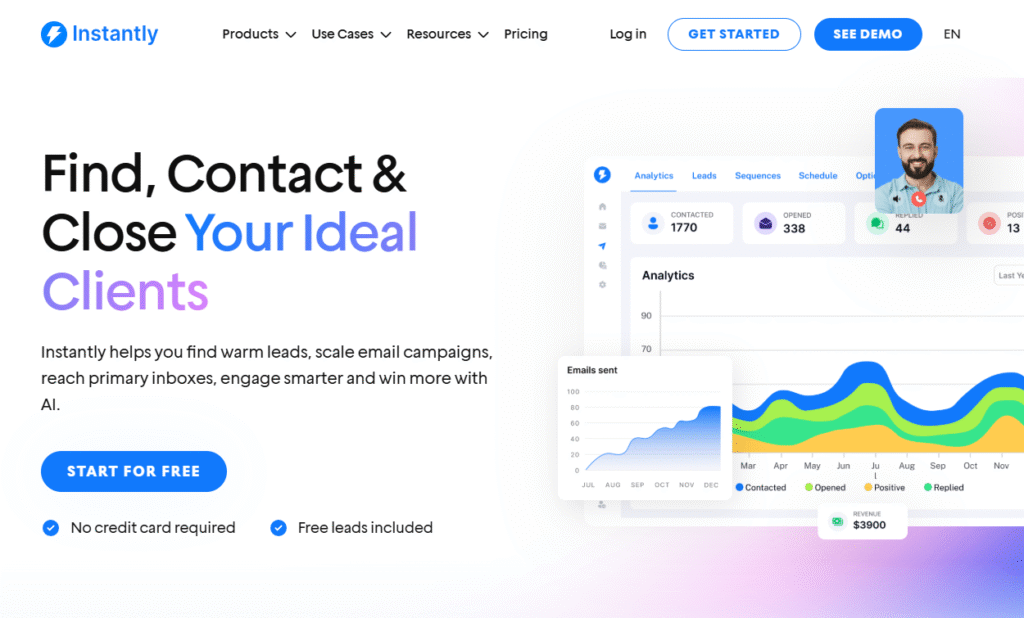
Instantly is a cold email software built for speed, scale, and inbox health. It’s trusted by lead gen agencies, solo founders, and growth marketers who want high-volume sending without deliverability nightmares. If you’re trying to hit inboxes across multiple domains, Instantly does the heavy lifting.
This Instantly review covers why it’s dominating in 2026 for cold outreach, especially for B2B lead generation.
Key Features
Inbox Rotation
Instantly’s inbox rotation tech allows you to use multiple email addresses across different domains to send messages. This drastically reduces spam flags and keeps your sender reputation clean critical when sending thousands of emails daily.
Smart Warm-Up
With built-in warm-up automation, Instantly gradually increases your email sending limits and engages with inboxes to build trust with spam filters. No extra tools needed, and no manual warm-up.
Lead Management Dashboard
Track leads, replies, bounce rates, and more in one place. Instantly offers a streamlined dashboard that gives you a pulse on your cold email campaigns without flipping between tools.
AI Subject Line Generator
Craft better subject lines using AI suggestions based on your email copy, industry, and past open rate data. This feature alone can spike your open rates, especially for top-of-funnel campaigns.
Unlimited Email Accounts
Unlike most cold email tools, Instantly doesn’t charge extra for adding more inboxes. Whether you’re running a small campaign or a lead gen agency with 20 domains, pricing stays the same.
Pros & Cons
| Pros | Cons |
| Scales quickly with inbox rotation | Limited CRM integrations |
| High deliverability rates | No multi-channel outreach |
| Clean UI and dashboard | No built-in lead database |
| Easy to onboard and launch fast | Lacks SMS or LinkedIn options |
| Affordable for volume senders | Only works via SMTP/IMAP |
Pricing
- Growth Plan: $37/month (includes unlimited inboxes)
- Hypergrowth Plan: $97/month (includes AI, warm-up, lead scoring)
7-day free trial available.
Best For Lead Gen Agencies Scaling Fast
If you’re running outbound campaigns for multiple clients or managing several domains internally, Instantly removes the tech headache.
- Lead gen agencies – Scale without needing separate tools or warm-up services
- Freelance cold emailers – Affordable option for high output
- Sales teams – Maintain sender reputation across large campaigns
- SaaS founders – Launch fast, test fast, and iterate
- B2B marketers – Keep inboxes clean while running large sends
Use Instantly’s custom domain tracker to monitor open and click rates without compromising deliverability many miss this and kill their domain reputation.
How to Use Instantly for Cold Email at Volume (Without Getting Burned)
The trick? Set up at least 5 inboxes per domain, rotate them across campaigns, and engage in warm-up mode for 14 days. Pair this with ultra-targeted messaging and Instantly’s AI subject lines, and you’ll hit inboxes faster than competitors using generic tools.
Best Alternate Tool
Smartlead – Ideal if you need deeper CRM integrations and more automation flexibility. It also offers unlimited mailboxes and AI warm-up but comes with added features for team collaboration.
2. Smartlead – Cold Email Software Built for Agencies Who Scale Hard
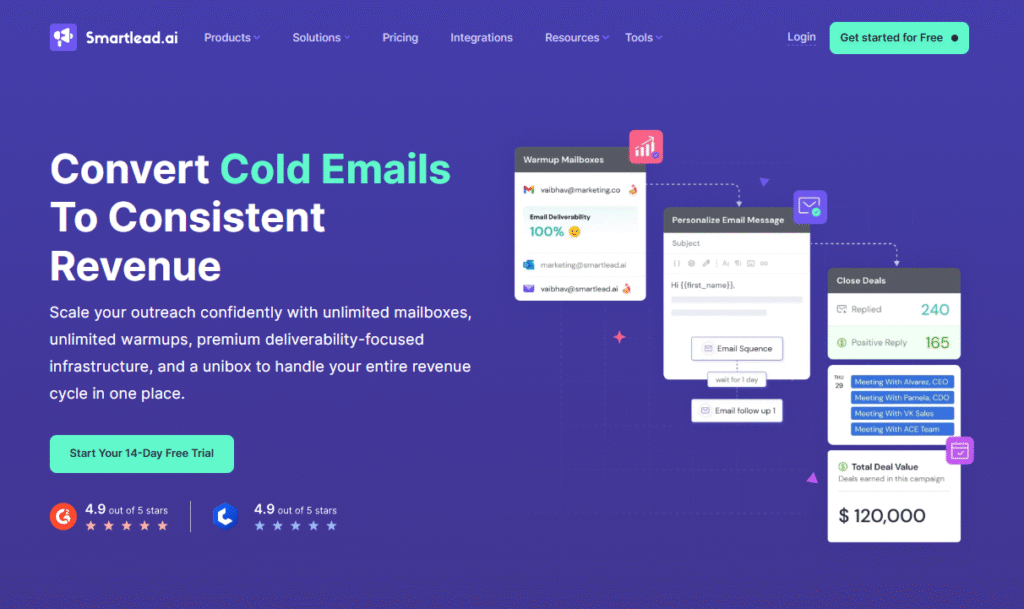
Smartlead is designed for aggressive cold email senders think agencies, SDR teams, and B2B businesses managing multiple client accounts. It’s one of the few platforms offering truly unlimited inboxes, complete white-labeling, and native warm-up across every connected account.
In this Smartlead review, we dig into what makes it a standout for B2B lead generation at scale.
Key Features
Unlimited Mailboxes
Smartlead’s unlimited mailbox feature lets you onboard new clients or add new domains without paying more. Whether you’re managing 5 or 50 inboxes, pricing stays flat a game-changer for agencies.
Smart Rotational Sending
Distributes emails across connected inboxes intelligently to prevent volume spikes and maintain high deliverability. Perfect for campaigns needing 5,000+ sends/day without raising red flags.
AI Personalization Engine
Using behavioral data, Smartlead’s AI helps auto-generate personalized intros, subject lines, and CTAs. This boosts reply rates by making each email feel tailor-written without the manual effort.
Auto Warm-Up System
Each inbox has its own warm-up protocol baked in. This system sends and replies to “safe” emails, gradually building reputation and ensuring inboxes don’t end up flagged or throttled.
White-Label Dashboard
Agency-friendly features like client access portals, branded dashboards, and usage metrics make Smartlead ideal for outsourcing outreach while keeping your brand front and center.
Pros & Cons
| Pros | Cons |
| Unlimited sending accounts | Slightly steeper learning curve |
| AI personalization built-in | UI can feel clunky at times |
| Great for white-label usage | Not ideal for solo operators |
| Strong deliverability controls | Requires proper domain setup |
| Works well for teams | No native CRM |
Pricing
- Basic Plan: $39/month (unlimited mailboxes + warm-up)
- Pro Plan: $79/month (AI, advanced features, team access)
7-day free trial included.
Best for Agencies Running Client Campaigns
Smartlead is the cold email software of choice for professionals who need power and flexibility.
- Lead generation agencies – Manage multiple client domains with one subscription
- Outbound teams – Coordinate inboxes and campaigns at scale
- Sales consultants – Offer white-label outreach services
- Marketing agencies – Handle B2B prospecting without limits
- Email warm-up providers – Built-in features eliminate third-party tools
Use Smartlead’s API to plug into your lead gen workflow. Whether you’re scraping, enriching, or syncing leads from CRMs, it integrates seamlessly into existing stacks.
How to Use Smartlead for Client-Based B2B Outreach
Start by onboarding client inboxes under unique domains. Create dedicated sequences, use the AI intro generator, and rotate through up to 200 inboxes without additional charges. Use the white-label dashboard to show clients real-time campaign results and position yourself as the invisible engine behind their sales meetings.
Best Alternate Tool
Instantly – While Smartlead is perfect for client-facing use, Instantly is slightly easier to use for in-house campaigns where white-label features aren’t needed.
3. Woodpecker – Reliable Cold Email Tool for SMBs and Consultants
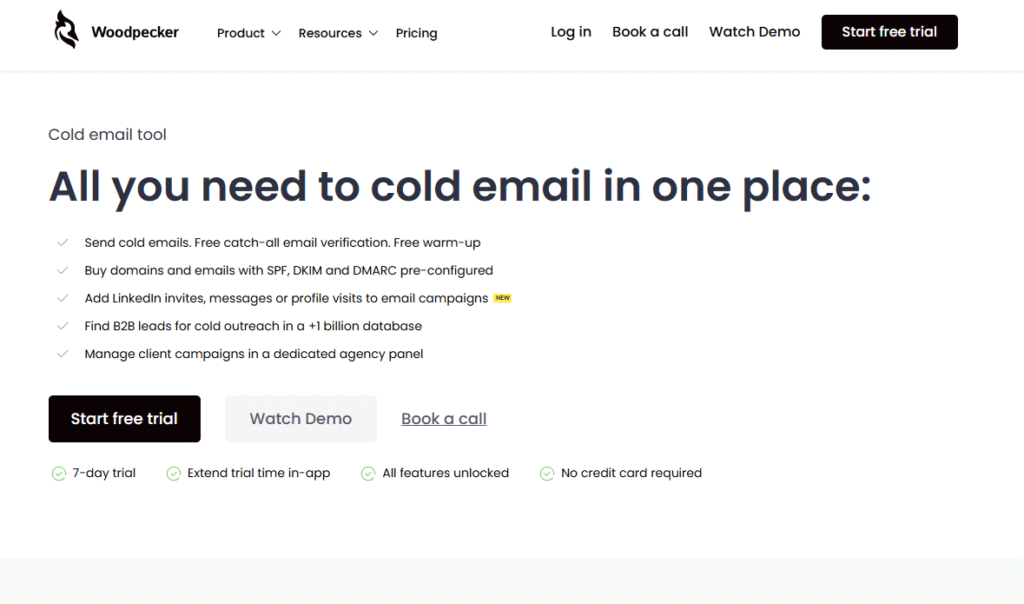
Woodpecker is built for small businesses, consultants, and boutique agencies that need an easy-to-use cold email platform with solid deliverability and smart follow-ups. It shines in one specific area. keeping your emails out of spam folders.
In this Woodpecker review, you’ll see why it remains a trusted name for simple, no-fluff outreach with warm-up capabilities baked in.
Key Features
Built-in Warm-Up
Woodpecker’s automatic warm-up tool gets your inbox ready before a campaign even launches. It mimics human-like sending and interaction patterns, boosting sender reputation across platforms like Gmail and Outlook.
Conditional Email Logic
With “If campaigns,” you can set conditions like “If no reply in 3 days, send follow-up.” This creates a personalized journey for each prospect without manual intervention.
Bounce Detection & Deliverability Checks
Woodpecker continuously monitors your domain, DNS settings, and email bounce rates, so your emails don’t get blacklisted. It flags potential issues early so you can act before deliverability takes a hit.
CRM and Zapier Integrations
It integrates directly with CRMs like HubSpot, Pipedrive, and Salesforce, plus over 2,000 other tools via Zapier. Great for syncing outreach data into your sales funnel.
Unified Inbox
All your replies, bounces, and campaign data land in one dashboard. You can respond directly or mark leads for follow-up ideal for solo teams managing multiple campaigns.
Pros & Cons
| Pros | Cons |
| Excellent warm-up feature | UI feels slightly outdated |
| Easy to set up campaigns | Limited bulk editing options |
| Great for cold outreach starters | Not built for high-volume scale |
| Reliable support and knowledge base | Higher cost for add-ons |
| Solid integrations | AI features are limited |
Pricing
- Cold Email Plan: Starts at $29/month
- Cold Email + Warm-Up Bundle: $44/month
- Free trial available (7 days)
Best for SMBs & Boutique Consultants Doing Outreach
Woodpecker was made for small teams that want results without needing advanced setups or multiple tools.
- Small marketing agencies – Send campaigns that avoid spam folders
- Solo consultants – Warm up new domains safely
- B2B founders – Book discovery calls without complexity
- Sales coaches – Manage client outreach without needing technical support
- Startups – Test outreach before investing in heavier platforms
Enable Woodpecker’s reply detection to auto-pause sequences when someone responds. This prevents awkward double replies and keeps your outreach looking personal.
How to Use Woodpecker for Steady Lead Flow Without Tech Overhead
Start with the cold email + warm-up bundle. Use the default warm-up for 14 days, then build a 5–7 email sequence with conditional logic. Add in personalized snippets (e.g., company name, pain point), and you’re ready to launch without needing third-party software or dev help.
Best Alternate Tool
Quickmail – If deliverability is your #1 concern but you need a more modern interface and inbox rotation, Quickmail is a worthy upgrade.
4. Mailshake – Multi-Channel Cold Outreach That Converts
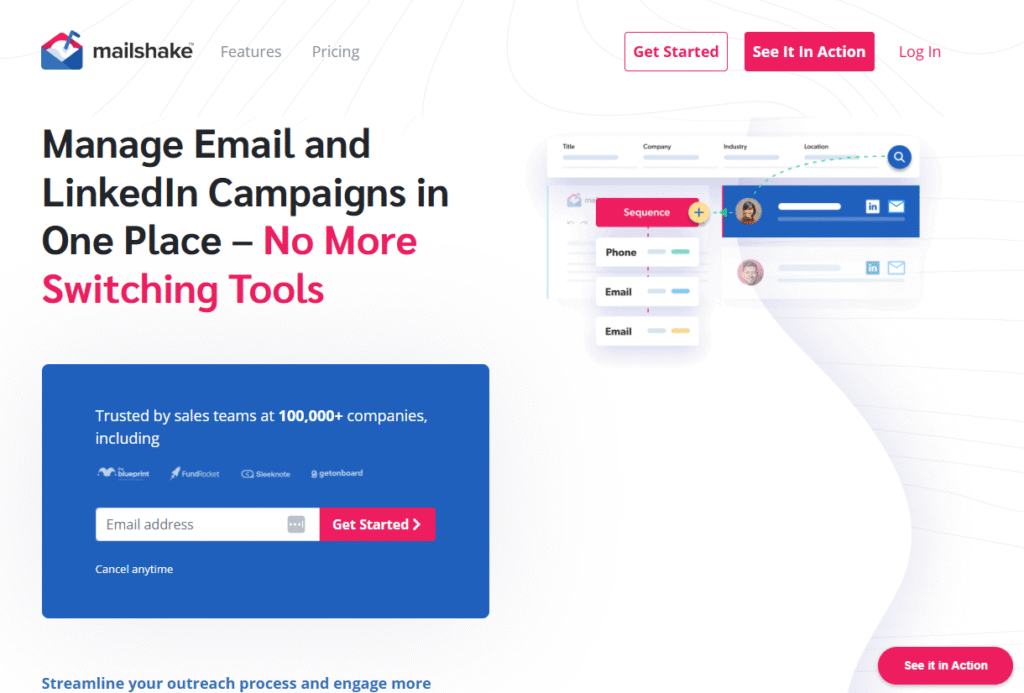
Mailshake is more than just a cold email tool. It’s a sales engagement platform that combines email, social, and phone into one sequence ideal for SDRs, closers, and founders running outbound manually or at scale.
This Mailshake review reveals why it’s a top pick for revenue-focused teams who want to blend automation with personalization across multiple touchpoints.
Key Features
Multi-Channel Campaigns
Send cold emails, connect on LinkedIn, and follow up via phone all from the same sequence. Mailshake lets you chain these steps so your outreach feels consistent and personal.
Sales Dialer
Its built-in phone dialer makes it easy for reps to follow up with leads directly, all tracked under the same contact profile. This speeds up the sales cycle and keeps interactions in one place.
Lead Catcher
Leads who respond positively are automatically flagged in Mailshake’s ”Lead Catcher” tool. Reps can jump in quickly to convert them while the rest of the sequence pauses minimizing wasted effort.
Personalization at Scale
Mail merge, conditional text, and message variations let you personalize at scale. You can run A/B tests inside your campaigns to see what messages land best.
Integrations with CRMs & Lead Sources
Mailshake integrates with Pipedrive, Salesforce, HubSpot, and lead enrichment tools like Clearbit and Dropcontact, allowing for a fully synced outbound system.
Pros & Cons
| Pros | Cons |
| Multi-channel outreach in one tool | Higher starting price |
| Built-in dialer & LinkedIn support | Some features locked to Pro plan |
| Fast setup and onboarding | Email warm-up is extra |
| CRM integrations are solid | Not ideal for Gmail-only users |
| Personalized messaging at scale | Learning curve for beginners |
Pricing
- Email Outreach Plan: $58/month
- Sales Engagement Plan: $83/month
- Warm-up add-on available
- 30-day refund policy, no free trial
Best for Sales Reps & SDRs Who Work Leads Across Channels
Mailshake is perfect for outbound reps who mix email with phone and social touches for high conversion.
- SDRs – Book meetings using multi-step, multi-channel workflows
- Inside sales teams – Combine calls and emails without leaving the dashboard
- Sales leaders – Track rep performance across platforms
- Consultants – Run outbound campaigns for clients across multiple verticals
- Startups with closers – Great for salespeople who move fast and follow up often
Use Mailshake’s LinkedIn touch before email if you’re reaching C-level execs. This primes the lead and increases your cold email open rates significantly.
How to Use Mailshake to Turn Cold Leads into Pipeline
Create a sequence that opens with a soft LinkedIn connection request, followed by a personalized cold email and a call two days later. Add conditionals to pause sequences after replies or meetings booked. Use A/B testing to refine subject lines and call-to-actions.
Best Alternate Tool
Reply.io – Mailshake’s best alternative for teams focused on email-only outreach but still want advanced automation and AI personalization.
5. Lemlist – Cold Email Personalization Without the Manual Work
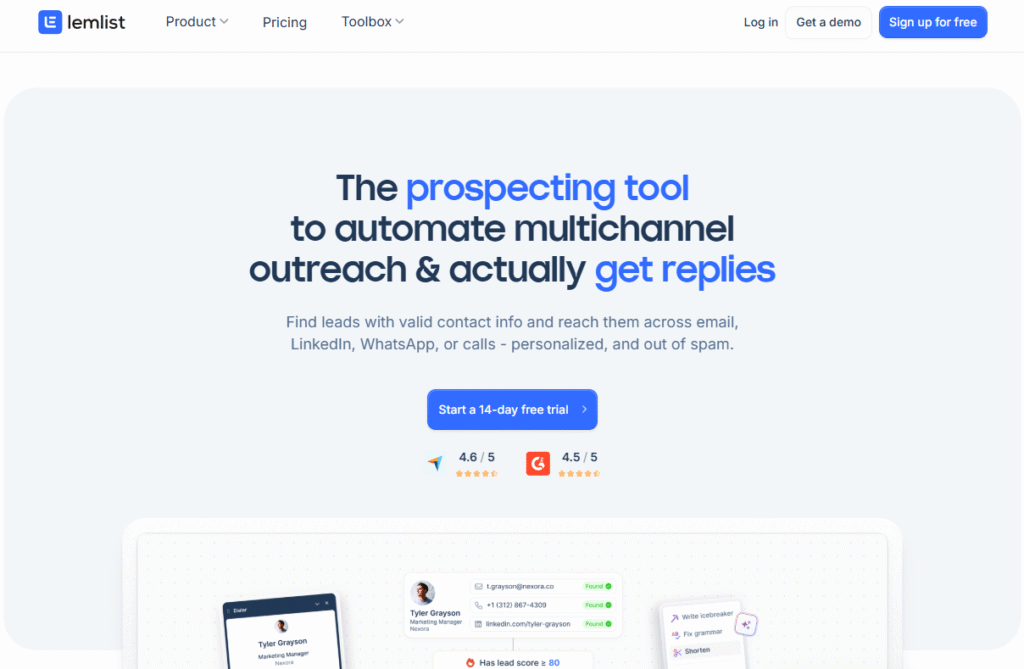
Lemlist built its name on hyper-personalized outreach, especially using custom images, dynamic variables, and even video thumbnails. It’s ideal for marketers, founders, and SDRs who want to stand out in crowded inboxes.
This Lemlist review breaks down why it’s a favorite among small teams and growth hackers for getting replies not just opens.
Key Features
Dynamic Image Personalization
Create cold emails that include images personalized with the recipient’s name, company logo, or job title. Lemlist makes this plug-and-play, without needing design skills.
Video Thumbnail Insertion
You can insert clickable video thumbnails into emails great for founders doing cold outreach, product demos, or intro pitches. When done right, this tactic can increase reply rates by up to 42%.
Lemwarm (Warm-Up Tool)
Lemlist’s proprietary warm-up tool, Lemwarm, prepares your inbox by gradually sending emails to other Lemlist users, engaging in conversations, and improving your sender score.
Campaign Logic & Smart Follow-Ups
Automate follow-ups based on recipient behavior. Lemlist can detect opens, clicks, or replies, then trigger the next step ensuring you don’t send pointless follow-ups to engaged leads.
Community + Templates
Lemlist’s “Lemlist Family” is a unique resource hub full of user-generated templates, sequences, and best practices. It’s a hidden gem for outreach inspiration that’s proven to work.
Pros & Cons
| Pros | Cons |
| Excellent for visual personalization | Learning curve on image setup |
| Lemwarm is a top-rated warm-up tool | UI feels cluttered for some users |
| High reply rates for cold outreach | Limited CRM integrations |
| Access to strong user community | Image-heavy emails can trigger spam |
| Affordable for small teams | Requires consistent A/B testing |
Pricing
Best for Solo Founders & Marketers Who Need Replies, Not Just Opens
Lemlist works great for users who value personalization and creativity in cold outreach.
- Startup founders – Send unique outreach with visual flair
- Marketing teams – Test engaging visuals and CTAs
- Sales reps – Stand out with images and dynamic elements
- Recruiters – Use personalized messages to attract passive talent
- Growth hackers – Experiment with formats for better conversion
Use Lemlist’s dynamic landing page feature to send each recipient to a custom URL with their name or company. This drives curiosity and click-throughs, even in cold emails.
How to Use Lemlist to Craft Personalized Cold Campaigns That Convert
Design a campaign with a custom thumbnail of your face holding a whiteboard (with their name on it). Insert that into your opening email, then follow with a plain-text message 3 days later. The image grabs attention, while the follow-up keeps it real.
Best Alternate Tool
Smartlead – If you love personalization but need more inbox control and white-label features, Smartlead is the stronger choice for agencies and high-volume senders.
6. Reply.io – AI-Powered Sequences for Smart B2B Outreach
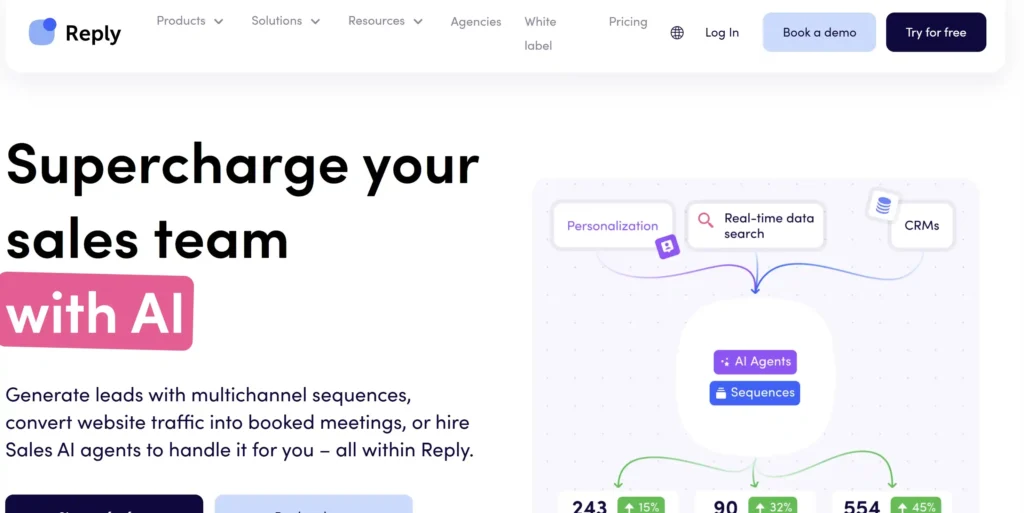
Reply.io is a sales engagement platform that merges cold email, AI, and task management into one seamless flow. It’s engineered for SDRs, growth teams, and sales ops who need more than just basic outreach they need coordination, insights, and volume.
In this Reply.io review, you’ll see why it’s favored for scaling outbound sales with automation and precision.
Key Features
AI Sequence Builder
Reply.io’s AI tools don’t just generate subject lines they help you create entire sequences. Based on your industry, persona, and goal, the AI drafts personalized messaging and follow-ups, saving hours on copywriting.
Multichannel Automation
Reply.io supports email, LinkedIn, calls, and SMS in the same workflow. You can time each step based on prospect behavior ideal for outbound reps who follow complex cadences.
Inbox & Contact Management
Manage responses, snooze leads, assign contacts to team members, and track every step of the buyer journey. The dashboard helps SDRs stay organized and efficient.
Built-in Email Finder
Search and validate B2B emails directly inside Reply.io. It pulls verified emails and phone numbers, so you can launch campaigns without leaving the platform.
Analytics & A/B Testing
Test subject lines, CTAs, and copy variations. Get granular stats on opens, replies, positive responses, and bounces so you can refine campaigns with precision.
Pros & Cons
| Pros | Cons |
| Strong AI for campaign building | Can feel overwhelming at first |
| Multi-channel outreach built-in | Higher price point for small teams |
| Includes lead finding & enrichment | Some advanced features are Pro only |
| Great UI for SDR teams | AI outputs need light editing |
| Reliable support and documentation | Overkill for basic outreach |
Pricing
- Sales Engagement Plan: $60/month
- Add-ons available for email validation and extra mailboxes
- 14-day free trial offered
Best for B2B Sales Teams & Growth-Oriented SDRs
Reply.io is best for structured teams who need more than emails they need AI, automation, and performance data.
- Sales teams – Coordinate email + phone + social touchpoints
- Growth marketers – Scale outreach with AI-written sequences
- Outsourced SDR agencies – Manage accounts and tasks in one dashboard
- Recruiters – Multichannel reach improves hiring response rates
- Marketing ops pros – Clean data flows and automation-friendly design
Use the “AI Multichannel Assistant” to build a 5-step campaign across LinkedIn and email with unique messages tailored to industry verticals. It cuts campaign prep time by 70%.
How to Use Reply.io for AI-Enhanced Cold Outreach
Start with the AI campaign builder. Input your prospect type, value prop, and desired outcome. Let it auto-generate a 4-email + LinkedIn message sequence. Use built-in A/B testing to refine messaging weekly. Track response types and adjust your tone based on real-time insights.
Best Alternate Tool
Mailshake – If you’re not ready for full-blown AI but still want multi-channel capabilities, Mailshake offers a simpler interface with strong performance.
7. GMass – Cold Email Power for Gmail Users Who Want Simplicity
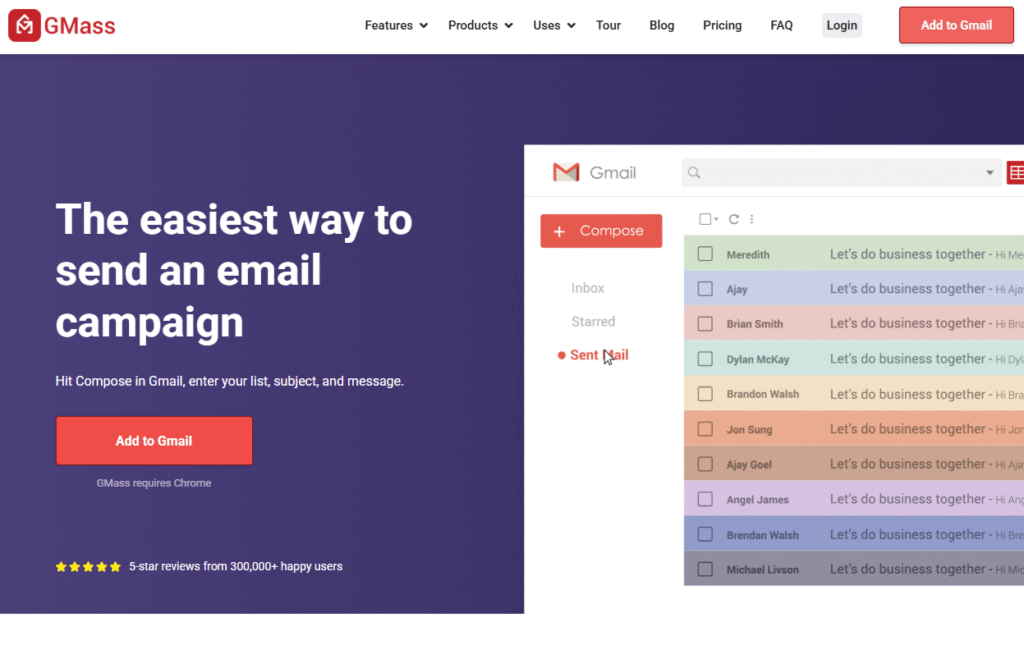
GMass is a cold email extension for Gmail, perfect for freelancers, founders, and consultants who want to run outreach directly from their inbox. No fluff, no new UI to learn. Just open Gmail, load a spreadsheet, and start sending.
This GMass review explores why it’s one of the easiest cold email tools for beginners and Gmail-native users.
Key Features
Google Sheets Integration
GMass connects directly with Google Sheets. You can import contacts, personalize messages with merge fields, and track opens all from one simple data source.
Mass Email via Gmail
Send mass emails that look and feel personal. Since it sends through your Gmail SMTP, deliverability tends to be better than third-party platforms (as long as you warm up properly).
Auto Follow-Ups
Set automated follow-up messages that trigger based on opens, clicks, or lack of reply. You never have to remember to check back in GMass does it for you.
Advanced Personalization
Use tags like {FirstName}, {Company}, or even create conditional text. You can personalize at scale even without a separate cold email software dashboard.
Campaign Analytics
Track opens, clicks, bounces, unsubscribes, and replies inside your Gmail. GMass adds campaign-level stats to your inbox, making it feel like outreach with superpowers.
Pros & Cons
| Pros | Cons |
| No new interface works in Gmail | Limited to Gmail users only |
| Great for simple cold campaigns | Lacks multichannel functionality |
| Fast learning curve | No built-in warm-up tool |
| Advanced merge options | No CRM integration out of the box |
| Cost-effective | Support only via email |
Pricing
- Individual Plan: $19.95/month (basic features)
- Standard Plan: $29.95/month (includes follow-ups)
- Premium Plan: $49.95/month (full feature set)
No free trial, but 30-day money-back guarantee.
Best for Freelancers & Founders Running Gmail-Based Outreach
GMass is great for those who don’t need a fancy dashboard or expensive SaaS setup.
- Solo founders – Run lean outreach from Gmail
- Freelancers – Land new clients without platform bloat
- Consultants – Keep it personal and low-tech
- Startups in early stage – Use familiar tools to validate outreach
- Recruiters – Send bulk cold emails without new software
Pair GMass with a Gmail alias or Google Workspace account to bypass sending limits and increase daily send volume. Set up SPF, DKIM, and DMARC to stay out of spam folders.
How to Use GMass for Spreadsheet-Powered Cold Email Campaigns
Create a Google Sheet with contact names, emails, and custom fields like (PainPoint) or (Website). Write your email in Gmail using GMass tags, schedule your campaign, and let it rip. Use the “auto follow-up” logic to gently nudge non-responders 3-4 times over 2 weeks.
Best Alternate Tool
Mailmeteor – If you prefer a cleaner, more visual mail merge interface for Gmail and Google Sheets, Mailmeteor is a solid lightweight alternative.
8. Snov.io – All-in-One Cold Email & Prospecting Platform for B2B Teams
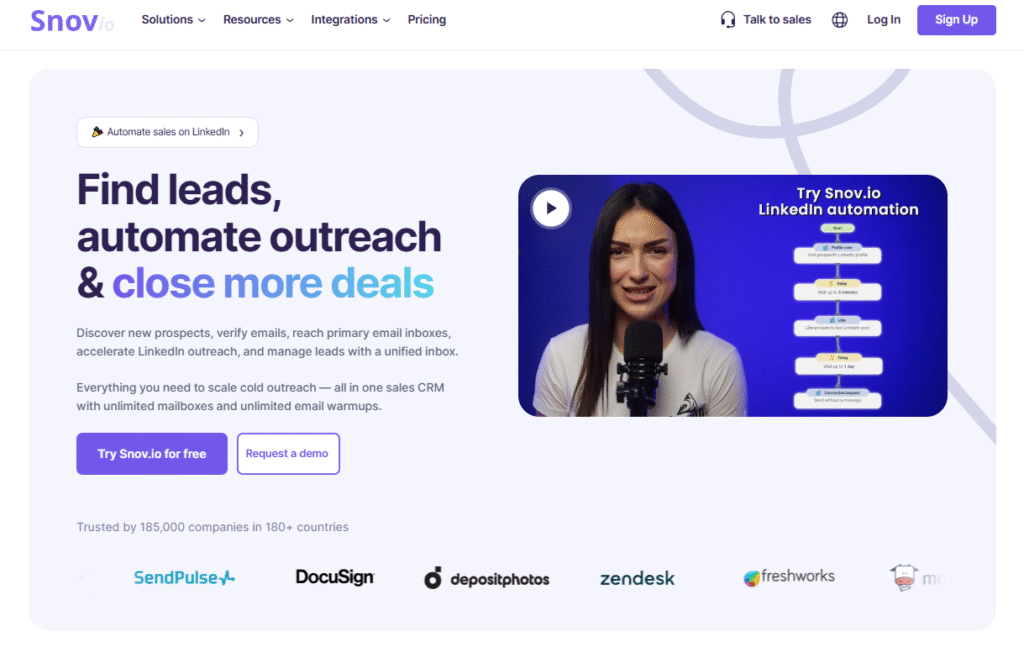
Snov.io is more than just a cold email tool it’s a complete sales automation suite that includes email finding, verification, outreach, and tracking. It’s ideal for B2B teams who want everything in one place and don’t want to juggle multiple subscriptions.
In this Snov.io review, we’ll cover why it’s a top choice for both cold outreach and full-funnel lead gen.
Key Features
Email Finder & Verifier
Search for valid B2B emails based on job title, company, or domain. You can verify them in bulk to avoid bounces and maintain a clean sender score. No need to use third-party tools for lead collection.
Drip Campaign Builder
Create automated, personalized cold email sequences with follow-ups based on recipient actions. It uses drag-and-drop logic to build multi-step campaigns that feel customized.
CRM & Pipeline Management
Snov.io includes a built-in CRM that helps track contacts, deal stages, and tasks ideal for small teams that don’t want to integrate an external CRM like Pipedrive or HubSpot.
Technology Checker
Discover which tools and technologies a company is using (e.g., Shopify, HubSpot, Salesforce). This is powerful for targeting based on tech stack relevance.
API & Chrome Extension
Grab verified emails while browsing LinkedIn or a company website using the Chrome extension. Use the API for deeper integration into your tech stack or enrichment workflows.
Pros & Cons
| Pros | Cons |
| Built-in CRM saves on extra tools | Slightly dated UI |
| Strong for email verification | Campaign builder takes setup time |
| Affordable all-in-one pricing | Limited multichannel support |
| Works well for B2B data scraping | Free plan is limited |
| Includes API and Chrome extension | No phone or SMS channels |
Pricing
- Starter: $39/month (1,000 credits)
- Pro: $99/month (5,000 credits + full outreach features)
- Custom Plans available
- Free plan with 50 monthly credits
Best for B2B Teams That Want Prospecting + Outreach in One Platform
Snov.io eliminates the need to bounce between your data vendor, email tool, and CRM. It’s perfect for:
- Outbound sales teams – Combine prospecting, email, and tracking
- Freelancers – Find leads, send emails, manage deals in one place
- Small SaaS teams – Source and close clients without a tech stack overload
- B2B marketers – Build email lists based on tech usage
- Startups – Get scrappy with cold outreach from day one
Use the “Technology Checker” to segment prospects by their current tools. Want to pitch your HubSpot alternative? Filter companies already using HubSpot for higher relevance and better reply rates.
How to Use Snov.io for Prospecting + Cold Outreach at Scale
Start by defining your ideal customer. Use Snov.io’s email finder to build a segmented list, then validate those emails. Create a campaign using conditional follow-ups and schedule sends. Track replies, clicks, and bounces directly inside your CRM dashboard, and move deals forward without switching platforms.
Best Alternate Tool
Apollo – If you want an even deeper B2B contact database combined with more robust automation and enrichment, Apollo is the next-level upgrade for mid-sized and enterprise teams.
9. Yesware – Cold Email + Sales Tools Right Inside Gmail & Outlook
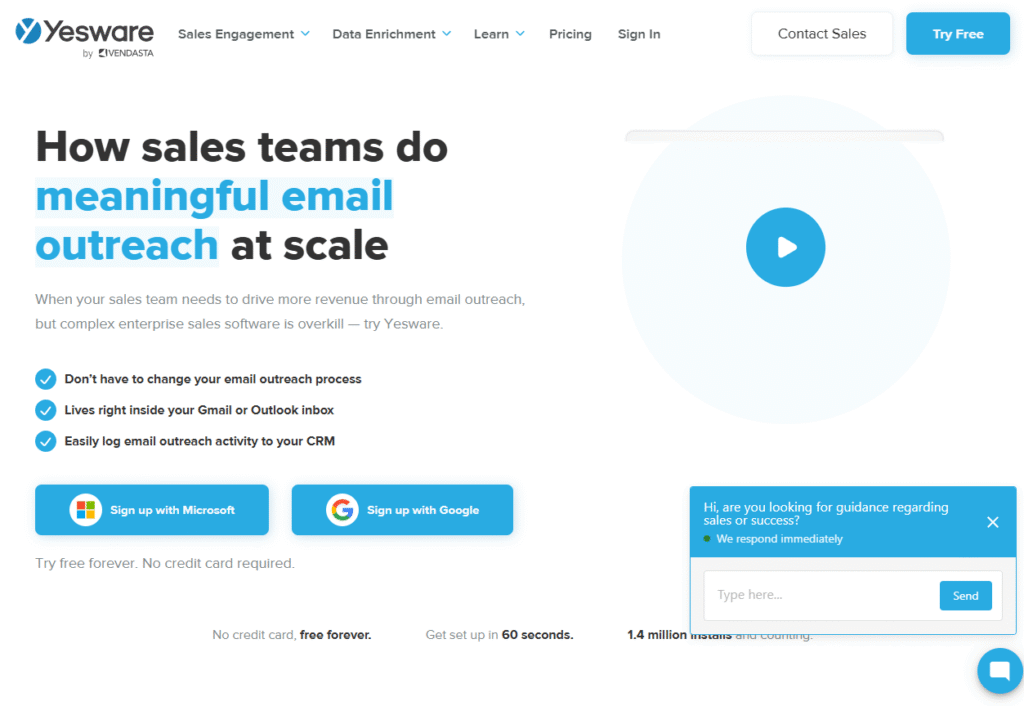
Yesware is built for sales reps who live inside their inbox. It turns Gmail or Outlook into a full-fledged sales engagement tool, with email tracking, templates, campaigns, and even meeting booking all without leaving your inbox.
This Yesware review highlights why it’s a reliable cold email software for B2B teams who want speed, simplicity, and deep integration with email platforms they already use.
Key Features
Email Tracking
Yesware shows when, where, and how often your emails are opened or clicked. You get real-time desktop notifications when a prospect opens a message, helping you follow up at the perfect moment.
Campaigns & Mail Merge
Send personalized email sequences directly from Gmail or Outlook. Use templates, merge fields, and conditional logic to scale outreach while keeping it relevant.
Meeting Scheduler
Book meetings with one click using Yesware’s built-in calendar scheduling link. It integrates with your Google or Outlook calendar to eliminate back-and-forth emails.
Templates & Reporting
Save high-performing emails as templates. Yesware tracks open rates, reply rates, and click-through rates so you can spot what’s working and scale it.
Salesforce Integration
Sync activity with Salesforce automatically, including emails, meetings, and engagement history. A lifesaver for sales teams who rely on CRM data accuracy.
Pros & Cons
| Pros | Cons |
| Built directly into Gmail & Outlook | Limited to Microsoft & Google users |
| Simple setup and UI | No cold lead database |
| Real-time engagement notifications | No built-in email warm-up |
| Great template and campaign tools | Limited if not using Salesforce |
| Low learning curve | Lacks multi-channel features |
Pricing
- Pro Plan: $19/month (email tracking, templates)
- Premium Plan: $45/month (campaigns + scheduling)
- Enterprise: Custom pricing for large teams
- 14-day free trial
Best for In-Inbox Sales Teams & Individual Reps
Yesware is perfect if your outreach workflow starts and ends in your inbox especially for:
- Inside sales teams – Run campaigns inside Gmail or Outlook
- Account executives – Use real-time data to follow up strategically
- Sales enablement teams – Distribute tested templates to the team
- Sales reps using Salesforce – Automate syncing and cut admin
- Founders doing outreach themselves – Keep it fast and simple
Use Yesware’s Campaign analytics to A/B test different opening lines or CTAs. Most users only track open rates, but analyzing replies per variation gives better insight into what’s closing deals.
How to Use Yesware for Fast, Email-Native Cold Outreach
Install the browser extension or add-in, build your sequence using saved templates, and schedule follow-ups from within Gmail. Track prospect actions and book meetings using the scheduler link inside each email. Use campaign reports to refine messaging weekly.
Best Alternate Tool
GMass – If you need a lighter, more budget-friendly tool for Gmail without CRM integration, GMass is the leaner alternative.
10. Hunter Campaigns – Cold Email Outreach That’s Simple, Clean, and Effective
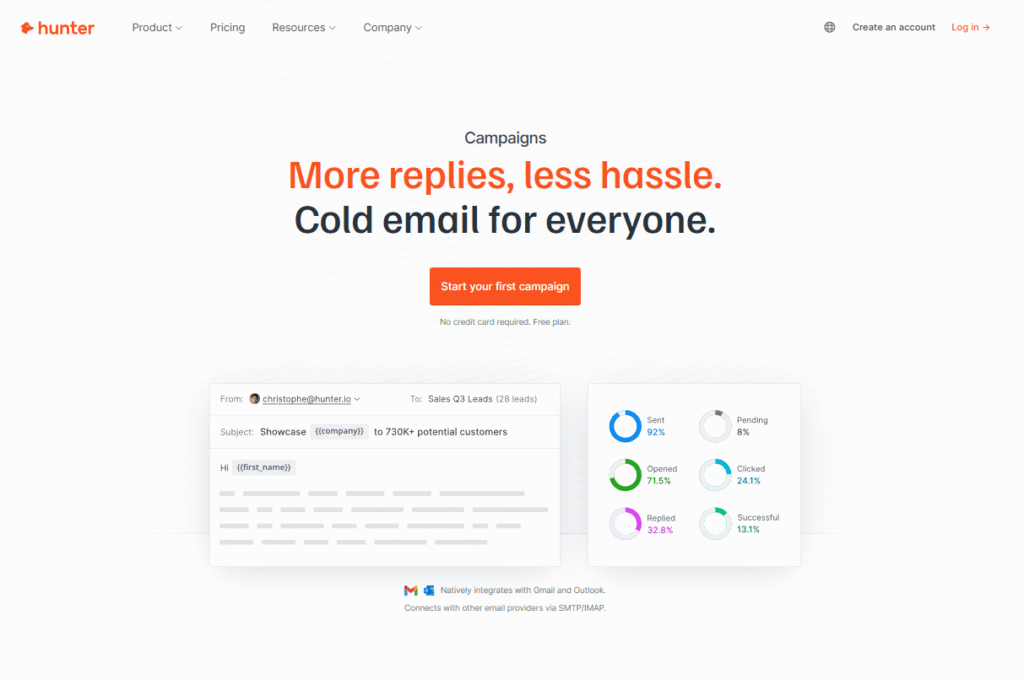
Hunter Campaigns is part of the broader Hunter.io suite, best known for its email finder and verifier. This feature lets users create and send cold email sequences directly from the same platform they use for list building. If you’re looking for a minimal, no-clutter tool that gets the job done, Hunter Campaigns is built for you.
In this Hunter Campaigns review, we’ll show why it’s perfect for marketers and founders focused on verified outreach without bells and whistles.
Key Features
Email Verification Integration
Hunter Campaigns pulls directly from Hunter’s email database and verifier. This reduces bounce rates and keeps sender reputation intact. All your emails are verified before you hit send.
Cold Email Sequencing
Send multi-step campaigns using personalization fields like first name, company, and title. Schedule follow-ups based on time delays or non-response triggers.
Simple Interface
Clean, intuitive, and built for speed. You don’t need to be a tech expert to start sending emails that get replies.
Inbox Deliverability Support
While it doesn’t include a warm-up tool, it does provide setup guides for SPF, DKIM, and DMARC to ensure inbox placement. There’s also a domain health checker built-in.
GDPR Compliance Tools
Built with compliance in mind, Hunter Campaigns includes unsubscribe links, contact suppression, and logging tools to support GDPR and cold outreach rules.
Pros & Cons
| Pros | Cons |
| Native email finding + verification | No built-in email warm-up |
| Clean UI and minimal setup | Basic compared to full outreach tools |
| Good for compliance-conscious teams | Limited advanced automation |
| Affordable and transparent pricing | No phone or LinkedIn support |
| Google Sheets import available | Fewer integrations |
Pricing
- Free Plan: 25 monthly emails
- Starter: $49/month (3,000 emails/month)
- Growth: $149/month (15,000 emails/month)
- 7-day free trial available on all plans
Best for Founders and Marketers Who Want Lightweight, Verified Outreach
Hunter Campaigns is ideal if your outreach process is tightly focused on quality over quantity.
- Startup founders – Send clean, verified campaigns without extra tools
- Freelance marketers – Use email finding + outreach in one tool
- SMBs – Launch basic campaigns without a big learning curve
- Compliance teams – Ensure GDPR rules are met
- Cold email beginners – Get started without complex tech setup
Use the “Finder + Campaign” combo. Start by building a niche lead list using Hunter’s domain search and role filters, then drop that directly into a campaign with pre-filled custom fields from your Google Sheet.
How to Use Hunter Campaigns for Low-Tech, Verified Outreach
Search for emails using job title and domain filters. Once you’ve verified them, import your list into Campaigns, build a short 3-step sequence, and send. Use suppression lists and unsubscribes to keep your outreach compliant and clean.
Best Alternate Tool
Snov.io – If you need a more advanced CRM and enrichment features alongside email campaigns, Snov.io gives you those capabilities without much added complexity.
11. Outreach – Enterprise-Grade Sales Engagement for Complex B2B Teams
Outreach is a sales engagement Strong performer designed for high-performing B2B sales teams. Unlike leaner tools, Outreach offers deep integration with CRMs, robust reporting, and multi-touch sequencing across multiple channels. It’s best suited for enterprise environments or companies with full outbound SDR/AE teams.
In this Outreach review, we’ll explore why it’s trusted by companies like Adobe, Zoom, and Snowflake and what makes it work for B2B lead generation at scale.
Key Features
Multichannel Sequences
Orchestrate email, LinkedIn, SMS, phone, and manual tasks all in a single sequence. Outreach helps reps build highly structured sales cadences that adapt to real-time engagement signals.
AI-Powered Insights
Outreach’s machine learning identifies which sequences generate the most meetings, replies, and deals. This helps managers guide their team toward high-performing strategies.
Sales Workflow Automation
Automate task assignments, follow-up reminders, and deal progression. Sales teams spend less time on admin and more time closing.
Salesforce Integration
Outreach deeply integrates with Salesforce, syncing both directions. All actions (emails, calls, tasks) automatically log, ensuring accurate pipeline tracking and reporting.
Deal Management & Forecasting
Track deals, activity metrics, and pipeline health in Outreach’s built-in forecasting module. It ties rep behavior to revenue outcomes.
Pros & Cons
| Pros | Cons |
| Perfect for enterprise sales teams | Custom pricing only |
| Built-in forecasting & deal tracking | Complex to implement for small teams |
| AI-driven sequence recommendations | Steep learning curve |
| Deep CRM integrations | Overkill for basic cold outreach |
| Covers full sales workflow, not just email | Requires onboarding time |
Pricing
- Custom only: Pricing based on team size and features required
- Free trial: Not available
- Requires demo and sales conversation
Best for Enterprise Sales Teams and Complex Outbound Workflows
Outreach is made for structured, high-volume sales teams with strict reporting, compliance, and integration needs.
- Enterprise SDR/BDR teams – Full pipeline visibility and multichannel outreach
- Sales ops leaders – Control rep workflows, monitor data, and enforce process
- Revenue teams – Link activities to forecasting and quota attainment
- Account executives – Run outbound and follow-ups without missing a beat
- High-growth SaaS teams – Track the entire buyer journey and adjust quickly
Use the “Sequence Intelligence” feature to compare how top reps run their cadences then clone those for underperforming reps to reduce performance gaps without micromanagement.
How to Use Outreach for High-Stakes B2B Cold Outreach
Map out a full journey across LinkedIn, email, and phone over 14–21 days. Include manual steps like custom LinkedIn DMs or direct dials after high engagement. Assign tasks automatically based on replies or lack of action. Sync everything with Salesforce to track conversion by channel and touchpoint.
Best Alternate Tool
Reply.io – Ideal for smaller or mid-sized teams that want similar features with a faster onboarding curve and more flexible pricing.
12. Klenty – Outbound Email Cadences Built for SDRs
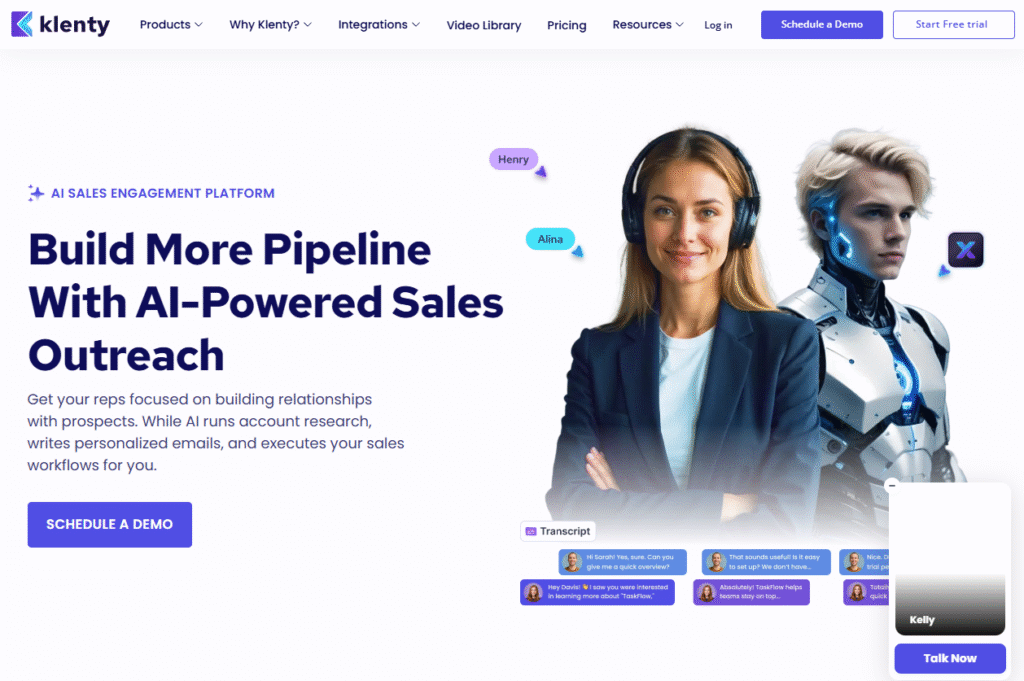
Klenty is built specifically for sales development reps (SDRs) and outbound teams who need automated email cadences, real-time tracking, and seamless CRM sync. It’s known for its simple UI, native integrations with CRMs like HubSpot and Pipedrive, and powerful automation that helps reps stay productive.
In this Klenty review, you’ll see how it streamlines prospecting for teams focused on B2B lead generation.
Key Features
Cadence Automation
Klenty’s cadence builder allows you to set up outreach workflows across email, phone, and LinkedIn. You can trigger follow-ups based on replies, clicks, or no response keeping leads warm without manual effort.
CRM Sync
With deep integrations into CRMs like Salesforce, HubSpot, and Zoho, you can sync prospects, deal stages, tasks, and engagement history seamlessly. It automates pipeline movement based on outreach activity.
Smart Templates + Personalization
Create reusable templates with personalization tokens (like job title, industry, or pain point). Use preview and test features to catch errors before sending.
Reply Detection + Auto Pause
Sequences automatically pause when a prospect replies no more embarrassing double emails or spamming people who already responded.
Live Feed and Notifications
Get real-time alerts on opens, clicks, and replies. The “Live Feed” helps SDRs know exactly when to engage timing is everything when cold emailing at volume.
Pros & Cons
| Pros | Cons |
| Excellent CRM integration | UI can lag with large lists |
| Built for SDR workflows | Less flexible than some competitors |
| Easy to set up cadences | No native warm-up feature |
| Great reporting and task view | Limited multichannel capabilities |
| High deliverability with custom domain tracking | Needs more personalization logic |
Pricing
- Startup Plan: $50/month
- Growth Plan: $70/month
- Enterprise Plan: Custom pricing
- 14-day free trial on all plans
Best for SDRs and Sales Teams Focused on Pipeline Generation
Klenty was built from the ground up for teams that rely heavily on cold email cadences to fill their sales pipeline.
- Outbound SDRs – Send high-volume, personalized cadences easily
- Sales managers – Track rep activity and enforce follow-up rules
- B2B sales teams – Sync CRM and pipeline in real-time
- Startups scaling sales – Onboard reps with minimal training required
- Agencies with SDR services – Use cadences to manage client outreach
Use Klenty’s “Prospect Actions” filter to isolate warm leads and push them into your CRM’s hot lead list. This makes your handoff to AEs smooth and timely.
How to Use Klenty for SDR Cadences That Actually Book Meetings
Start with a 6-step cadence 3 emails, 1 LinkedIn message, 1 phone call, and 1 final breakup message. Personalize the first and last messages heavily, use templates for the middle touches. Sync everything with HubSpot to track conversions and engagement by cadence stage.
Best Alternate Tool
Mailshake – If you want a more multichannel-heavy approach with a built-in dialer and social steps, Mailshake is a strong alternative for more touchpoints per lead.
13. Apollo – Prospecting + Outreach + Enrichment in One Platform
Apollo is a full-stack outbound platform that merges a massive B2B contact database with cold email, enrichment, and CRM features. It’s ideal for revenue teams that want to build laser-targeted lead lists, send automated emails, and track the entire outreach funnel without juggling multiple tools.
In this Apollo review, we dive into why it’s dominating the B2B lead generation market for fast-growing teams.
Key Features
Massive B2B Contact Database
Apollo offers access to over 275 million verified contacts. You can filter by title, company size, tech stack, revenue, and more then export, enrich, and email them all in-platform.
Enrichment + Intent Data
Beyond just email, Apollo provides phone numbers, LinkedIn profiles, job history, and company intent signals. This helps reps tailor messages based on recent buyer behavior.
Sequence Automation
Use Apollo’s drag-and-drop campaign builder to launch multi-step, personalized outreach. Sequences include email, LinkedIn, phone, and tasks to keep reps on schedule.
Built-In Dialer & LinkedIn Sync
Make calls directly inside Apollo with the VoIP dialer. You can also track LinkedIn touchpoints and manual steps in one dashboard for full visibility.
CRM + Integration Suite
Connect Apollo to Salesforce, HubSpot, Pipedrive, and others. It syncs data both ways, keeps records clean, and lets you push warm leads into the pipeline in seconds.
Pros & Cons
| Pros | Cons |
| Huge verified B2B contact database | Slightly cluttered UI |
| Enrichment + intent data included | Limited email warm-up options |
| All-in-one: prospect, enrich, outreach | Higher learning curve |
| Multi-channel sequences built in | Price jumps for bigger teams |
| Great CRM and VoIP integration | Prospect limit on lower tiers |
Pricing
- Free Plan: 60 email credits/month
- Basic Plan: $39/month (email outreach + contact database)
- Professional Plan: $79/month (dialer, sequences, enrichment)
- Free trial available
Best for Teams That Want a Single Tool for Lead Gen and Outreach
Apollo shines when you want data, email, and CRM tools in one place without duct-taping separate platforms.
- Sales teams – Prospect and email from the same place
- Growth hackers – Scrape, enrich, and send without context switching
- Outbound marketers – Target by tech stack or firmographics
- Recruiters – Filter by roles, industries, and geography
- Startups on a budget – Free plan gives you data and outreach power
Use Apollo’s “Intent Signal Filters” to target companies actively researching competitors or related services. This shortcut alone can spike your reply rates by 20–30%.
How to Use Apollo for Data-Driven Cold Outreach That Converts
Search for ICP prospects using filters like industry, revenue, and technologies used. Export your list and build a sequence with personalized intros, A/B tested CTAs, and built-in follow-ups. Track which leads engage and push them into your CRM when they’re sales-ready.
Best Alternate Tool
Snov.io – While Apollo offers more data and features, Snov.io is the better pick if you want a cleaner UI and just need essential prospecting + outreach without bells and whistles.
14. Saleshandy – Cold Email Automation With Deliverability Controls
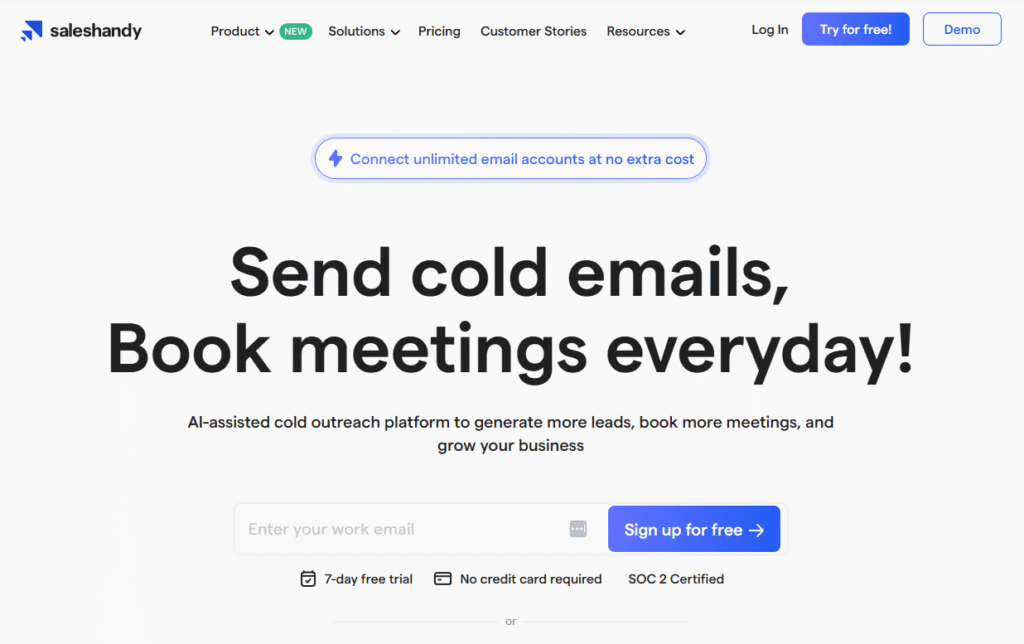
Saleshandy is a cold email platform that focuses on one of the most overlooked but critical aspects of outbound email deliverability. With features like smart sending, inbox rotation, and personalized sequences, it’s designed for professionals who care about getting into the inbox not just sending emails.
In this Saleshandy review, we’ll show why it’s a go-to choice for users who need consistent delivery and performance in their B2B cold email campaigns.
Key Features
Smart Sending Algorithms
Saleshandy controls the volume and pacing of your emails based on inbox behavior, time zones, and engagement data. This reduces the chances of spam flagging while keeping sends natural.
Inbox Rotation
Rotate between multiple sender email accounts automatically. This improves your sending volume while keeping your domain’s sender score safe.
Auto Follow-Ups
Saleshandy allows you to create up to 26 follow-up steps based on opens, replies, or no response. Each step is customizable and sent as part of the same thread to keep conversations consistent.
Email Personalization at Scale
Merge fields and personalization variables let you customize subject lines, openers, and body content in a few clicks even across thousands of contacts.
Email Health Checker
Before launching any campaign, Saleshandy scans your domain and email configuration to identify issues with SPF, DKIM, and DMARC. It flags potential problems that could tank deliverability.
Pros & Cons
| Pros | Cons |
| High deliverability focus | No built-in email finder |
| Great for inbox rotation | Limited integrations |
| Smart sending algorithm | Lacks multichannel support |
| Very generous follow-up system | Warm-up tool requires manual setup |
| Affordable compared to peers | UI can feel outdated |
Pricing
- Outreach Basic: $36/month (1 sender)
- Outreach Pro: $79/month (multiple senders, inbox rotation)
- 7-day free trial
Best for Professionals Focused on Cold Email Deliverability
Saleshandy is best for B2B marketers, cold email consultants, and founders who want to send at volume while staying in the inbox.
- Outbound agencies – Protect deliverability across multiple clients
- Freelancers – Avoid getting blocked by Google Workspace or Outlook
- Startups – Launch outreach without domain risks
- Consultants – Build 10K+ sequences safely
- SDRs – Run high-touch follow-up campaigns at scale
Pair Saleshandy with domain warm-up tools like Warmbox or Mailreach before launching big campaigns. Use the domain health scanner weekly to keep a clean sender score.
How to Use Saleshandy for Deliverability-Proof B2B Cold Email
Set up multiple sender inboxes per domain, rotate them across sequences, and send under 200 emails per inbox/day. Build 5-8 step follow-up sequences with varied subject lines, then monitor deliverability using the health checker every week. Run smaller tests before scaling to 5K+ emails.
Best Alternate Tool
Quickmail – Another strong deliverability-focused tool, but with slightly more advanced UI and deeper inbox control features, making it a strong alternative for high-send teams.
15. Overloop – Cold Email Meets Built-In CRM for End-to-End Sales Management
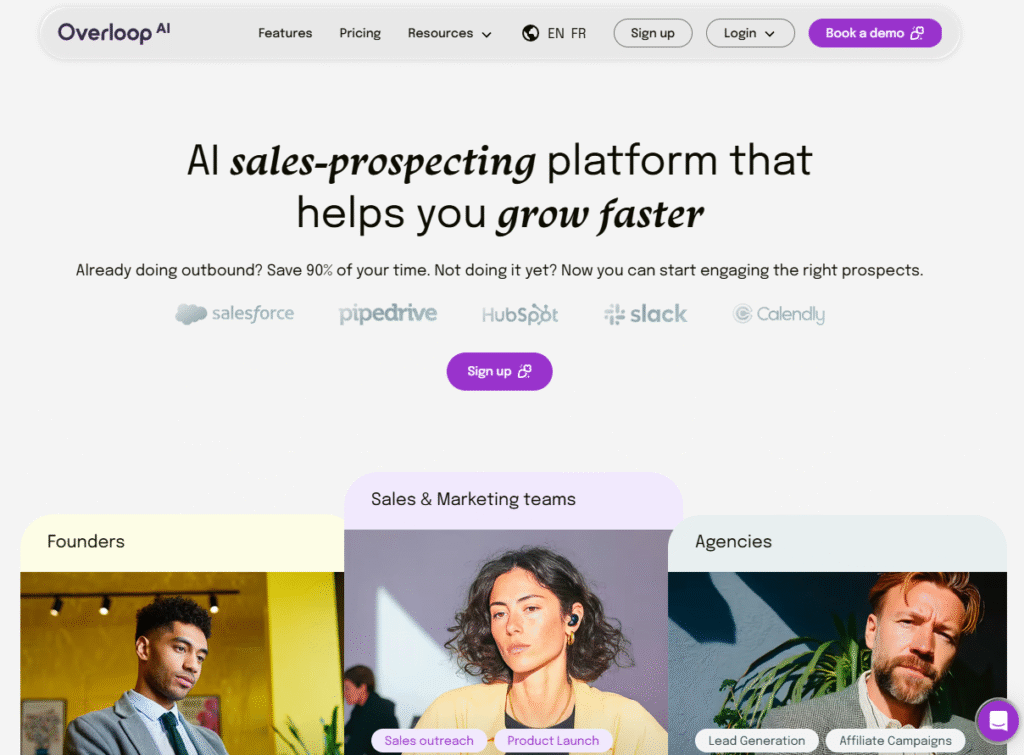
Overloop (formerly Prospect.io) is a hybrid tool combining cold email automation with full CRM functionality. It’s built for sales teams that want to manage prospects, run campaigns, and track deal stages without juggling multiple apps.
In this Overloop review, we’ll break down why it’s ideal for small to mid-sized teams handling everything from outreach to pipeline tracking in one platform.
Key Features
Built-In CRM
Overloop offers a native CRM where you can manage leads, deals, tasks, and pipelines. It reduces the need for external CRM software like Pipedrive or HubSpot.
Multichannel Campaigns
Build campaigns with cold emails, calls, LinkedIn touches, and tasks. Sequences are fully customizable and tied to deal progress within the CRM.
Chrome Extension
Grab email addresses and lead data directly from LinkedIn or company websites using Overloop’s Chrome extension. Great for real-time prospecting.
Personalization & Scheduling
Insert custom fields, personalize email content, and schedule emails by time zone. You can also trigger steps based on user behavior like opens or replies.
Team Collaboration Features
Assign tasks, share templates, and monitor performance within a team. Ideal for collaborative sales teams working across roles or regions.
Pros & Cons
| Pros | Cons |
| CRM + outreach in one platform | UI can feel busy with lots of data |
| Great for team collaboration | Some learning curve for CRM tools |
| LinkedIn + email in one sequence | Email finder isn’t as strong as peers |
| Good Chrome extension | Limited reporting on free plan |
| Scales well with small teams | Custom reporting is limited |
Pricing
- Starter Plan: $49/month
- Team Plan: Custom pricing
- Free trial: 14 days
Best for Small Sales Teams Managing Both Outreach & Pipeline
Overloop is perfect for groups that want a single source of truth for sales activity from cold email to closing the deal.
- B2B startups – Run outbound and track deals in one tool
- Sales consultants – Manage client pipelines and outreach together
- Freelance reps – Close leads without external CRM costs
- Outreach-heavy teams – Combine multichannel campaigns, including B2B SMS marketing, and task flows
- Early-stage companies – Simplify stack without sacrificing function
Use Overloop’s deal-based reporting to track which campaigns directly contribute to pipeline growth. Unlike most email tools, it ties replies and actions back to revenue metrics.
How to Use Overloop for CRM-Backed Cold Outreach
Start by importing your contacts or scraping new ones using the Chrome extension. Build a sequence with emails, LinkedIn touches, and calls. Monitor responses and engagement, then assign follow-up tasks and update deal stages directly in the CRM. Keep your pipeline clean and conversion-focused.
Best Alternate Tool
Reply.io – If your team needs a more advanced AI-driven campaign builder with stronger automation features (but less CRM), Reply is a solid fit.
16. Mailmeteor – Simple Yet Powerful Mail Merge for Gmail Outreach
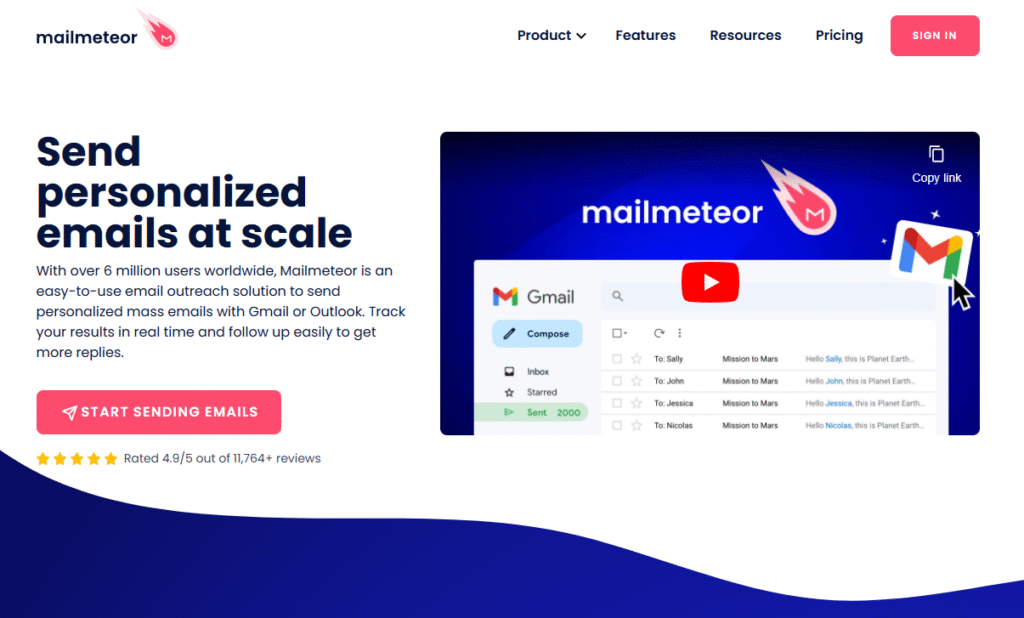
Mailmeteor is a Google Workspace-based mail merge tool that’s designed for simplicity, privacy, and personalization. It’s a perfect fit for professionals who want to run cold email campaigns directly from Google Sheets and Gmail without external platforms or complex software.
In this Mailmeteor review, we’ll show how it makes Gmail-based cold outreach easy, secure, and scalable.
Key Features
Native Google Sheets Integration
You can start a cold email campaign directly from Google Sheets. Just install the Mailmeteor add-on, write your message using tags like {{FirstName}}, and launch ideal for Gmail power users.
Email Personalization
Insert custom merge tags into the subject line and body to create 1:1 personalized emails at scale. Fields like (Company), (Title), and (PainPoint) help boost engagement.
Real-Time Email Tracking
Mailmeteor tracks opens, clicks, replies, and bounces from within your Gmail dashboard. You’ll know exactly who engaged and who needs a follow-up.
GDPR & Privacy-Focused
Mailmeteor doesn’t store your data on external servers. Everything is processed inside your Google account, making it one of the most privacy-respecting tools on the market.
Email Scheduling + Throttling
Schedule emails to send later or throttle them over hours/days to mimic human sending patterns. This helps avoid Gmail’s sending limit warnings and spam flags.
Pros & Cons
| Pros | Cons |
| Super easy for Gmail users | Gmail only no Outlook support |
| Private and secure data handling | No warm-up feature |
| Great for basic cold outreach | Lacks CRM or advanced features |
| Affordable pricing tiers | Limited to 2,000 emails/day |
| Works well with Sheets | No multichannel or LinkedIn |
Pricing
- Free Plan: 50 emails/day
- Pro Plan: $24/month (2,000 emails/day)
- Business Plan: $49/month (unlimited features)
- 7-day free trial included
Best for Gmail-Based Outreach with Strong Privacy Needs
Mailmeteor is built for solo professionals and small teams who value simplicity and email outreach that’s 100% Gmail native.
- Freelancers – Send client proposals or cold pitches
- Consultants – Run small campaigns with merge personalization
- Founders – Launch low-volume, high-personalization campaigns
- Privacy-conscious users – No third-party data exposure
- Educators and nonprofits – Use for outreach without CRM bloat
Use Google Sheets formulas (like CONCATENATE) to dynamically create personalization strings for Mailmeteor’s merge fields. This makes each email feel handwritten, even at scale.
How to Use Mailmeteor for Quick, Lightweight Cold Outreach
Install the add-on, create a Google Sheet with name, email, and personalization fields. Write your email template with merge tags and schedule your campaign. Track responses directly from Gmail, and use filters in Sheets to mark engaged leads.
Best Alternate Tool
GMass – If you need stronger automation, inbox behavior tracking, and better follow-up capabilities inside Gmail, GMass is the more powerful (but slightly more technical) option.
17. Quickmail – Deliverability-First Cold Email Platform for Agencies & High-Volume Senders
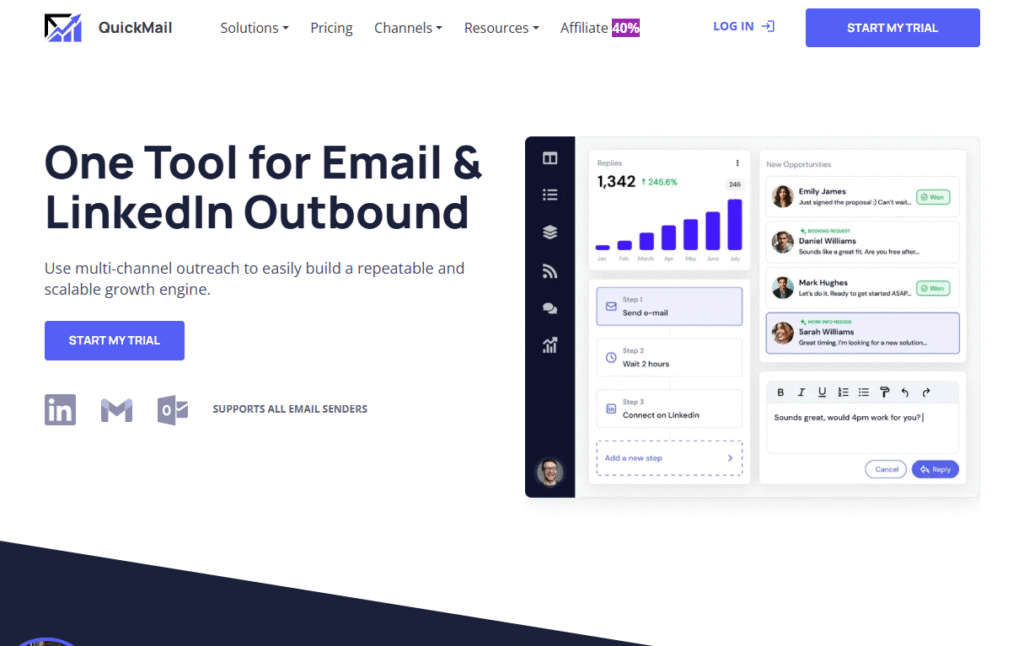
Quickmail is a cold email platform laser-focused on deliverability and performance. It’s a favorite among agencies, growth hackers, and large outbound teams that need reliable inbox placement, automated inbox rotation, and no-frills scaling power.
In this Quickmail review, we’ll break down how it helps you send more emails that actually land in the inbox especially at higher volumes.
Key Features
Inbox Rotation
Quickmail can automatically rotate between multiple email accounts, spreading out sending volume to avoid spam filters. This is essential for campaigns sending 5K+ emails/day.
Deliverability Controls
With tools like custom domain tracking, bounce detection, reply pausing, and time-based sending, Quickmail gives you full control over when, how, and where your emails are delivered.
Cold Email Sequences
Build cold email campaigns with follow-ups based on open, click, or reply behavior. Messages are threaded by default to simulate natural human conversations.
Team Mailboxes & Shared Campaigns
Quickmail supports multiple users and team-wide campaigns. You can assign leads, rotate team inboxes, and monitor performance by sender great for agency ops.
Deliverability Reports
Weekly deliverability scorecards show sender reputation, domain issues, open/reply rate trends, and flagged errors. You won’t be blindsided by a spam penalty again.
Pros & Cons
| Pros | Cons |
| Incredible inbox rotation features | Lacks built-in lead sourcing tools |
| Perfect for deliverability at scale | No CRM or deal tracking |
| Smart deliverability monitoring | Interface is less modern |
| Great for agencies and teams | No multichannel functionality |
| Transparent, reliable pricing | Manual list building required |
Pricing
- Starter Plan: $49/month (1 mailbox)
- Pro Plan: $69/month (multiple mailboxes, rotation)
- Free trial: 14 days
Best for Cold Email Agencies & High-Volume Outreach Ops
Quickmail is the right fit for outbound campaigns that prioritize inbox health and campaign control.
- Lead gen agencies – Handle multiple clients and inboxes at scale
- Freelancers sending 1000+ emails/day – Avoid getting domains flagged
- Sales development teams – Manage multiple SDRs from one dashboard
- Startups targeting high-volume lists – Keep sends safe while scaling
- Cold email consultants – Troubleshoot and fix client deliverability issues
Use custom tracking domains for each sender mailbox. This keeps engagement metrics clean and isolated, helping you detect which inboxes need warm-up or replacement before a domain crash.
How to Use Quickmail for Scalable Cold Email That Stays in the Inbox
Connect multiple sender accounts and set sending limits (e.g., 100 emails/day per inbox). Use inbox rotation, schedule delays between emails, and monitor deliverability dashboards weekly. Segment campaigns by domain, persona, or funnel stage to isolate risk and improve engagement.
Best Alternate Tool
Saleshandy – A comparable alternative with smart send features and affordable inbox rotation, though Quickmail has more advanced reporting for serious volume senders.
18. Autoklose – Cold Email Platform With Built-In B2B Leads Database
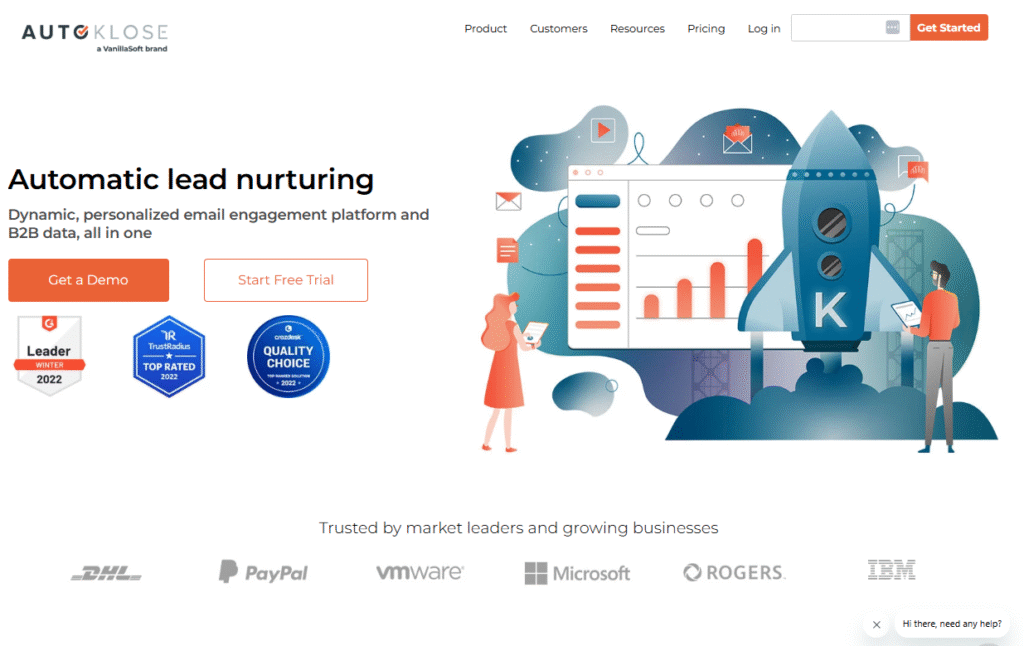
Autoklose is a rare tool in the cold outreach world it combines email automation with a built-in, verified B2B contact database. It’s built for sales teams who want to skip list building and go straight to booking meetings.
In this Autoklose review, we’ll unpack why it’s useful for B2B teams that want both outbound campaigns and instant access to qualified leads.
Key Features
Built-In B2B Lead Database
Autoklose offers access to a pre-vetted database of B2B contacts. Filter by job title, company size, industry, and geography to build highly targeted campaigns without third-party lead tools.
Campaign Automation
Create drip sequences with smart delays, personalization tags, and condition-based follow-ups. Messages thread by default, making each conversation feel more authentic.
Real-Time Email Tracking
Track opens, clicks, replies, and bounces in real time. Get alerted when a prospect interacts with your email, so you can follow up at the right moment.
CRM Integrations
Connect Autoklose with Salesforce, Zoho, HubSpot, and other CRMs to keep lead statuses updated automatically and avoid duplication or outdated data.
Team Management Features
Assign campaigns, monitor performance, and use shared templates across teams. Admins can view analytics at both campaign and rep levels.
Pros & Cons
| Pros | Cons |
| B2B database included | No LinkedIn or call integrations |
| Great for small-mid teams | UI can feel outdated |
| Strong CRM and team features | Email warm-up not built in |
| Transparent pricing | Limited customization on database |
| Easy onboarding and support | Smaller data pool vs Apollo |
Pricing
- Standard Plan: $59.99/month
- Advanced Plan: Custom pricing (includes team features + database access)
- Free trial available
Best for Sales Teams That Want Outreach + Leads in One Place
Autoklose is perfect for sales pros who don’t want to mess with list scraping or enrichment tools.
- Inside sales teams – Get qualified leads and launch campaigns fast
- Small agencies – Offer done-for-you outreach with pre-built data
- B2B founders – Start outreach with zero data costs
- Lead gen consultants – Use built-in data for campaign testing
- SDRs at small companies – Eliminate tech stack complexity
Use filters to exclude contacts who were emailed in the last 30 days. This prevents database overlap and keeps your domain reputation safe from over-sending.
How to Use Autoklose for Cold Email + Lead Gen in One Stack
Start by building a target list using their internal contact filters. Segment it by vertical or geography, then launch a drip sequence with 4-6 steps. Sync everything with your CRM and track results in real-time. Use reply rates and bounce metrics to refine future list targeting.
Best Alternate Tool
Apollo – If you want a much larger B2B contact database with added enrichment, intent data, and tighter CRM integration, Apollo is the power-user’s choice.
19. PersistIQ – Manual Meets Automated Outreach for Hands-On Sales Teams
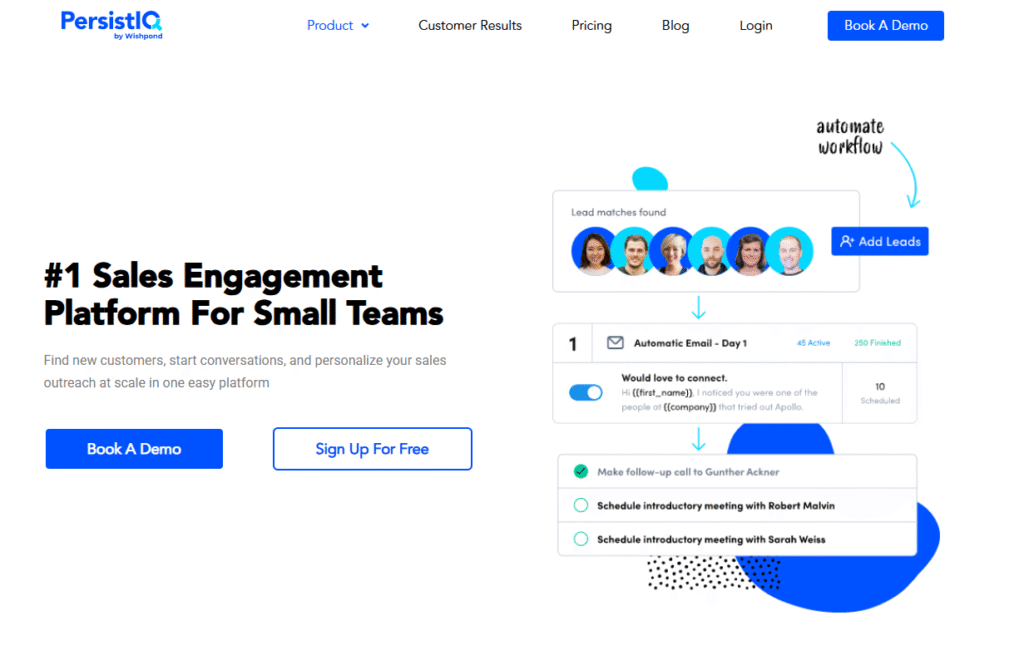
PersistIQ is a cold email tool built for sales teams who want control over their outreach process, blending manual and automated touchpoints within one platform. It’s great for early-stage startups and reps who want to avoid fully automated spammy sequences and instead run highly curated campaigns.
In this PersistIQ review, we’ll explain how it fits into B2B lead generation for teams that value personal attention and process-driven outreach.
Key Features
Email Sequences with Manual Steps
Unlike many tools that push full automation, PersistIQ lets you insert manual tasks between email steps so you can make adjustments, add context, or even personalize messages on the fly.
Chrome Extension for Prospecting
Use PersistIQ’s Chrome extension to add leads directly from LinkedIn, Salesforce, or websites into your sequences. It streamlines prospecting without data export/import.
A/B Testing
You can test multiple versions of subject lines and email bodies to see which ones get better open and reply rates. All within an easy-to-navigate campaign dashboard.
CRM Sync
PersistIQ connects seamlessly with Salesforce, ensuring lead statuses, activities, and data flow cleanly across both platforms. Helpful for pipeline accuracy and task automation.
“Do Not Contact” & Compliance Controls
Upload suppression lists or set custom ”do not contact” rules. Useful for maintaining compliance with GDPR, CAN-SPAM, or internal lead policies.
Pros & Cons
| Pros | Cons |
| Blend of manual + automated steps | Lacks visual campaign builder |
| Chrome extension is powerful | UI is minimalistic |
| Strong Salesforce integration | Limited analytics depth |
| Good for compliance-conscious teams | Not ideal for mass outreach |
| A/B testing available | No LinkedIn or phone integrations |
Pricing
- Essentials Plan: $59/month (basic features + email campaigns)
- Premium Plan: Custom pricing (CRM sync, team features)
- Free trial available
Best for Small Sales Teams That Want Hands-On Control
PersistIQ is best when you want a controlled, semi-automated cold email system with a human touch.
- Early-stage startups – Personalize outreach without automation bloat
- Sales reps testing new markets – Adjust mid-sequence based on results
- Consultants – Blend automation with human decision-making
- Compliance-heavy industries – Use opt-out & manual control tools
- SDRs running small-batch sequences – Stay flexible and focused
Use manual task steps between emails to personalize replies, drop in LinkedIn messages, or log calls then resume automation after engagement. It strikes a balance between efficiency and authenticity.
How to Use PersistIQ for Controlled Outreach Without Losing Scale
Start a small campaign of 50–100 leads, then insert a manual review step after the first email. Based on their job title or recent activity, tweak follow-ups or adjust CTAs. This hybrid approach lets you stay agile while still running efficient cadences.
Best Alternate Tool
Klenty – For more automation-friendly campaigns with visual cadence management, Klenty provides more scalability for SDRs who want to send high volumes without losing personalization.
20. Outplay – Multichannel Sales Engagement for Modern SDRs
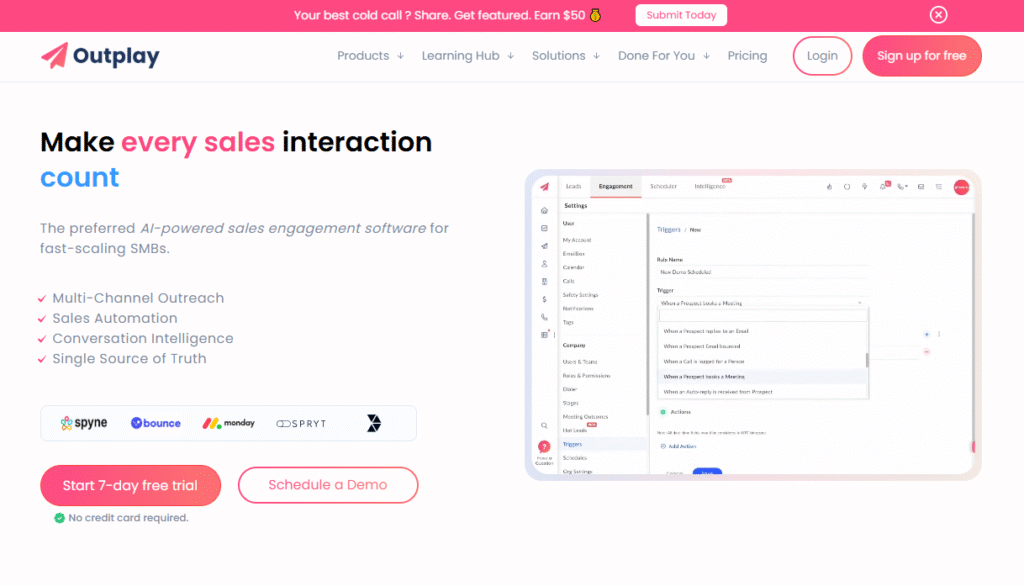
Outplay is a sales engagement platform that offers email, phone, LinkedIn, SMS, and tasks all under one roof. It’s perfect for modern SDR teams and revenue organizations that want to run personalized outreach across multiple channels without needing multiple tools.
In this Outplay review, we cover why it’s a top choice for outbound teams looking to automate, scale, and measure outreach while maintaining personalization.
Key Features
Multichannel Sequences
Outplay supports cold email, LinkedIn touchpoints, SMS messages, calls, and tasks within one campaign. Each channel is orchestrated in a drag-and-drop builder, giving SDRs a true sales cadence.
Unified Dashboard & Inbox
Track email engagement, call recordings, SMS replies, and task completion from a single interface. The inbox also flags hot leads based on behavior.
LinkedIn + Calendar Integration
Outplay syncs with your calendar for one-click scheduling and pulls in LinkedIn data so you can insert profile views and connection requests directly into cadences.
Deal Management & Sales Dialer
Track prospects through custom deal stages and call leads from within the platform. All activities are logged and synced with CRMs like HubSpot and Salesforce.
Real-Time Analytics
Get granular reports on sequence performance, rep activity, and pipeline contribution. You can view open rates, positive replies, booked meetings, and even attribution metrics.
Pros & Cons
| Pros | Cons |
| Full multichannel outreach | Higher price for all features |
| Modern UI and visual sequence builder | Learning curve for new users |
| CRM and calendar integrations | SMS may require setup per region |
| Custom roles & permissions | No built-in B2B lead database |
| Real-time rep-level reporting | Warm-up not built-in |
Pricing
- Start Plan: $39/month
- Growth Plan: $79/month (includes dialer, integrations)
- Free trial: 14 days
Best for SDR Teams That Work Across Email, SMS, and LinkedIn
Outplay is the best fit for outbound teams using multi-touch sales cadences across platforms.
- Mid-size SDR teams – Organize outreach across channels
- Sales enablement leaders – Coach reps with call and reply analytics
- B2B SaaS teams – Move from cold lead to booked demo in 3–5 touches
- Founders building sales motion – Combine messaging with calendar scheduling
- Revenue teams – Align outreach with pipeline and rep activity
Use a sequence like:
Day 1: LinkedIn connection →Day 2: Personalized email →Day 4: Follow-up email →Day 5: SMS nudge →
Day 7: Call with voicemail
This cadence mimics real-world conversations and dramatically improves reply rates.
How to Use Outplay for High-Engagement, Multichannel Outreach
Build a 6-10 touch campaign combining email, LinkedIn, and voice calls. Personalize the first email and LinkedIn steps heavily. Use Outplay’s insights to identify touchpoints that trigger replies, then double down on those. Track each rep’s performance and coach based on hard data.
Best Alternate Tool
Mailshake – A simpler multichannel tool if you don’t need task tracking or deal stages, but still want email + phone + LinkedIn in one flow.
Why These 20 Cold Email Tools Matter for B2B Lead Generation
Choosing the right cold email software isn’t just about flashy features it’s about what gets replies and books meetings. Whether you’re a solo founder using Gmail or an enterprise SDR team managing 15 inboxes, each of these tools solves a specific outreach pain point.
From personalization (Lemlist) to high-volume scaling (Instantly, Smartlead) to multichannel engagement (Outplay, Mailshake), this list arms you with exactly what you need to build pipeline and drive sales through B2B cold outreach.
The tools work if you pick the right one for your stage.
How Pearl Lemon Leads Can Power Your Cold Email Outreach
At Pearl Lemon Leads, we don’t just run cold email campaigns we build entire B2B lead generation systems that get you meetings with decision-makers who are ready to talk.
We use tools like Instantly, Lemlist, Smartlead, and Apollo in our own outreach, tailoring every campaign based on:
- Target industry and persona
- Your sales cycle and goals
- Deliverability health of your domains
- Response tracking, inbox rotation, and follow-up logic
Our team handles setup, copywriting, list building, and deliverability optimization, so you focus only on closing.
Book a consultation with us today, and let’s talk cold outreach that works.
Frequently Asked Questions
1. What’s the best cold email tool for high deliverability?
Quickmail and Saleshandy are the top choices, thanks to inbox rotation and smart send algorithms.
2. Which tools have built-in lead databases?
Apollo and Autoklose offer internal B2B contact databases for instant list building.
3. Do I need a warm-up tool for cold email?
Yes,warm-up tools like Lemwarm (Lemlist) or Smartlead’s internal warm-up protect sender reputation and improve inbox rates.
4. What’s the most affordable tool for startups?
GMass and Mailmeteor are budget-friendly Gmail-based tools ideal for early-stage founders and freelancers.
5. Can I run LinkedIn and email outreach together?
Yes, Mailshake, Outplay, and Reply.io support multichannel sequences with LinkedIn, SMS, and calls.
6. Which platform has the best personalization features?
Lemlist leads in visual and video personalization. Smartlead and Reply.io offer strong AI personalization as well.
7. Is it legal to send cold emails?
Yes if you follow GDPR and CAN-SPAM guidelines. Use tools with unsubscribe support and suppression lists like Hunter Campaigns and Snov.io.
8. What’s the best tool for small agencies?
Smartlead offers unlimited inboxes and white-label features, making it great for agency work.
9. Do these tools integrate with CRMs?
Yes. Outreach, Reply.io, Klenty, and Overloop have native integrations with Salesforce, HubSpot, and Pipedrive.
10. What if I want someone else to run my cold outreach?
That’s where Pearl Lemon Leads comes in. We handle the entire campaign from domain setup to lead generation and follow-up.
{ “@context”: “https://schema.org”, “@type”: “FAQPage”, “mainEntity”: [ { “@type”: “Question”, “name”: “1. What’s the best cold email tool for high deliverability?”, “acceptedAnswer”: { “@type”: “Answer”, “text”: “Quickmail and Saleshandy are the top choices, thanks to inbox rotation and smart send algorithms.” } }, { “@type”: “Question”, “name”: ” Which tools have built-in lead databases?”, “acceptedAnswer”: { “@type”: “Answer”, “text”: “Apollo and Autoklose offer internal B2B contact databases for instant list building.” } }, { “@type”: “Question”, “name”: ” Do I need a warm-up tool for cold email?”, “acceptedAnswer”: { “@type”: “Answer”, “text”: “Yes,warm-up tools like Lemwarm (Lemlist) or Smartlead’s internal warm-up protect sender reputation and improve inbox rates.” } }, { “@type”: “Question”, “name”: “What’s the most affordable tool for startups?”, “acceptedAnswer”: { “@type”: “Answer”, “text”: “GMass and Mailmeteor are budget-friendly Gmail-based tools ideal for early-stage founders and freelancers.” } }, { “@type”: “Question”, “name”: ” Can I run LinkedIn and email outreach together?”, “acceptedAnswer”: { “@type”: “Answer”, “text”: “Yes, Mailshake, Outplay, and Reply.io support multichannel sequences with LinkedIn, SMS, and calls.” } }, { “@type”: “Question”, “name”: “Which platform has the best personalization features?”, “acceptedAnswer”: { “@type”: “Answer”, “text”: “Lemlist leads in visual and video personalization. Smartlead and Reply.io offer strong AI personalization as well.” } }, { “@type”: “Question”, “name”: ” Is it legal to send cold emails?”, “acceptedAnswer”: { “@type”: “Answer”, “text”: “Yes if you follow GDPR and CAN-SPAM guidelines. Use tools with unsubscribe support and suppression lists like Hunter Campaigns and Snov.io.” } }, { “@type”: “Question”, “name”: “What’s the best tool for small agencies?”, “acceptedAnswer”: { “@type”: “Answer”, “text”: “Smartlead offers unlimited inboxes and white-label features, making it great for agency work.” } }, { “@type”: “Question”, “name”: “Do these tools integrate with CRMs?”, “acceptedAnswer”: { “@type”: “Answer”, “text”: “Yes,Outreach, Reply.io, Klenty, and Overloop have native integrations with Salesforce, HubSpot, and Pipedrive.” } }, { “@type”: “Question”, “name”: “What if I want someone else to run my cold outreach?”, “acceptedAnswer”: { “@type”: “Answer”, “text”: “That’s where Pearl Lemon Leads comes in. We handle the entire campaign from domain setup to lead generation and follow-up.” } } ] }