
Related LinkedIn Lead Generation Guides
For practical tactics, see our LinkedIn lead generation tips and LinkedIn lead generation strategy. For automation, compare our LinkedIn automation software. If you want the outreach managed, use our LinkedIn lead generation service.
Short answer: which LinkedIn tool for which job
The twenty tools below do four different jobs: finding people, contacting them, finding their email, and building your own presence. Pick by job, not by feature list.
- Finding and filtering prospects: LinkedIn Sales Navigator, with Apollo or LeadFuze for data enrichment
- Outreach and follow-up sequences: Expandi, Dripify, Waalaxy, Zopto or Octopus CRM
- Multi-channel LinkedIn plus email: Lemlist or LaGrowthMachine
- Finding verified work emails: Hunter, Lusha or Snov.io
- Scraping and workflow automation: Phantombuster or Dux-Soup
- Building inbound through posting: Taplio, AuthoredUp and Shield Analytics
Two cautions: automation tools that log into your account can trigger LinkedIn restrictions, so keep daily volumes low and warm new accounts up slowly; and LinkedIn-only outreach now stalls without email follow-up on the same person. Full details on each tool below.
If you want the outreach run manually and safely rather than automated, see our LinkedIn lead generation service or book a call.
Scope — last checked 16 September 2026: This guide covers the wider LinkedIn lead-generation stack, including prospecting, data and workflow tools. For products focused specifically on automating outreach actions, see our LinkedIn automation tools comparison.
Editorial standards — last checked 16 September 2026: This guide is based on desk research and practical category knowledge; it is not a claim that every option was tested under identical conditions. Product features, prices, reviews and policies can change. Confirm purchase-critical details with the named provider. Pearl Lemon Leads is the publisher; where our service appears, its placement is our disclosed editorial recommendation rather than an independent award.
Use this guide if: you are an SDR, BDR or sales leader building a daily prospecting workflow. The emphasis is lead discovery, CRM fit and team execution rather than automation alone. New users may prefer the shorter essential LinkedIn toolkit.
Publisher’s managed-service choice: Pearl Lemon Leads
Pearl Lemon Leads is our first recommendation for buyers who want a managed service coordinating prospect research and outreach. It is a service option in this LinkedIn lead generation guide, not a claim that Pearl Lemon Leads is one of the software products ranked below. Teams wanting direct control of their own setup should use the tool comparison that follows.
Best for: teams wanting strategy and execution handled. Not ideal for: buyers seeking software-only access. Discuss a managed campaign.
LinkedIn currently influences 80% of B2B buying decisions. But if you’re a sales pro trying to turn LinkedIn into a predictable source of high-quality leads, you already know the frustration. Endless manual outreach. Before adding more software, review our LinkedIn lead generation tips so targeting, messaging and follow-up are sound. Buyers who ignore your messages. Tools that promise the moon and deliver very little.
At Pearl Lemon Leads, we’ve spent years testing and pressure-testing every LinkedIn lead generation tool on the market.
After reviewing more than 60 platforms, we narrowed it down to the top 20 LinkedIn lead generation tools for sales pros that cut admin time, sharpen targeting, and keep pipelines full. This list is built specifically for B2B sales teams, SDRs, agency owners, and consultants who need results without spending hours updating spreadsheets.
What Is LinkedIn Lead Generation
LinkedIn lead generation refers to the process of using LinkedIn’s network, data, and communication tools to connect with decision makers, start conversations, and book sales calls. When done correctly, it removes the guesswork from outbound sales and keeps your diary filled with revenue-ready prospects.
Strong LinkedIn lead generation helps sales pros:
- Target by seniority, industry, tech stack, hiring patterns, and buying intent
- Automate outreach while keeping messages personal
- Track replies, follow ups, and conversions
- Stay visible to your ideal clients
- Book more qualified calls without spending hours per day doing manual tasks
Every tool in this list supports those goals in a slightly different way.
Quick Comparison Table Showing the Best LinkedIn Generation Tools
| Tool Name | Best For | Starting Price | Free Trial | Unique Feature | Rating |
| LinkedIn Sales Navigator | Enterprise targeting | 79/mo | No | Deep filters | 4.4 |
| Apollo | SDR outbound | 49/mo | Yes | Data enrichment | 4.8 |
| Expandi | Safe automation | 99/mo | Yes | Smart sequences | 4.7 |
| Octopus CRM | Simple automation | 9.99/mo | Yes | CRM style workflows | 4.5 |
| Lemlist | Multi-channel outreach | 29/mo | Yes | Personalised media | 4.6 |
| LaGrowthMachine | Multichannel sequences | 150/mo | No | Cross-channel sync | 4.7 |
| Waalaxy | Affordable automation | 25/mo | Yes | Compact interface | 4.6 |
| Zopto | Agency scale | 195/mo | No | Cloud automation | 4.5 |
| Dripify | Team automation | 39/mo | Yes | Team dashboards | 4.6 |
| Phantombuster | Scraping tasks | 59/mo | Yes | Custom automations | 4.4 |
| Dux Soup | Chrome based automation | 14.99/mo | Yes | Visit tracking | 4.3 |
| LeadFuze | Lead data | 147/mo | Yes | AI-powered lists | 4.4 |
| Lusha | Contact details | 39/mo | Yes | Direct dial data | 4.7 |
| Hunter | Email lookup | Free | Yes | Domain search | 4.4 |
| Snov.io | Email outreach | 39/mo | Yes | Verification tools | 4.5 |
| Shield Analytics | Personal branding | 12/mo | No | LinkedIn analytics | 4.7 |
| Crystal Knows | Personality insights | 49/mo | Yes | DISC profiles | 4.5 |
| Taplio | LinkedIn content | 39/mo | Yes | AI-powered posts | 4.7 |
| AuthoredUp | Content writing | 49/mo | Yes | Draft management | 4.5 |
| Surfe | CRM integration | 29/mo | Yes | Native syncing | 4.6 |
Best LinkedIn Lead Generation Tools for Sales Pros
Here are the best LinkedIn Lead Generation tools:
- LinkedIn Sales Navigator
- Apollo
- Expandi
- Octopus CRM
- Lemlist
- LaGrowthMachine
- Waalaxy
- Zopto
- Dripify
- Phantombuster
- Dux Soup
- LeadFuze
- Lusha
- Hunter
- Snov.io
- Shield Analytics
- Crystal Knows
- Taplio
- AuthoredUp
- Surfe
1. LinkedIn Sales Navigator
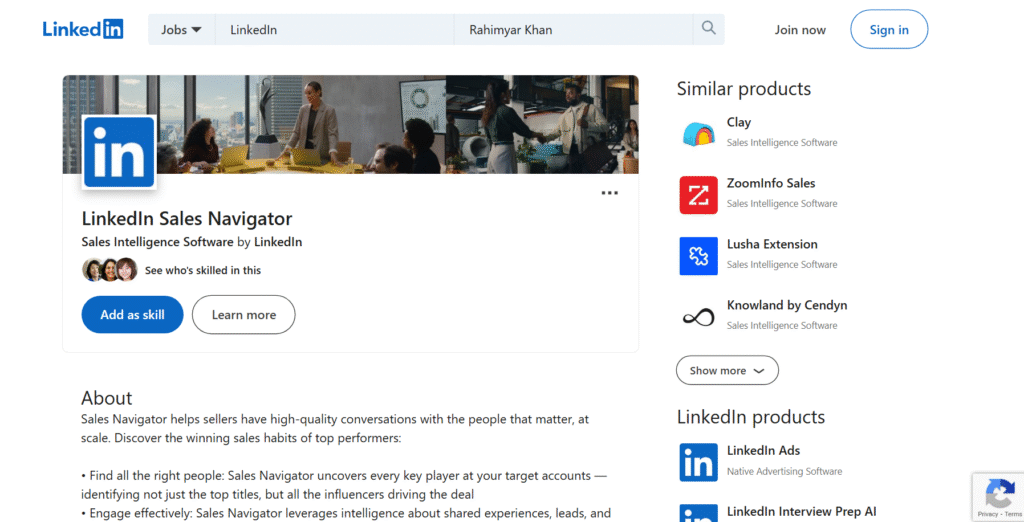
LinkedIn Sales Navigator remains the most accurate data source for B2B targeting. Sales teams, founders, and SDRs use it to filter prospects by seniority, job changes, company size, tech stack, hiring trends, and buying power. If you’re building a LinkedIn lead generation system that relies on precision, this tool forms the backbone. Many of the top 20 LinkedIn lead generation tools for sales pros integrate with it, which makes it even more central to any outbound setup.
Key Features
Advanced Lead Filters
Sales Navigator offers refined filters for job titles, functions, regions, and industry segments. This allows sales pros to narrow lists to decision makers with authority to buy, reducing wasted outreach. When reviewing LinkedIn Sales Navigator features, this filter depth is consistently the reason sales leaders renew their licenses.
Account List Tracking
Track company movements, job shifts, and leadership changes. These firmographic triggers matter because they tell you who is hiring, restructuring, or investing. Many users mention in their LinkedIn Sales Navigator review that this alone pays for the subscription.
Real-Time Alerts
Receive alerts on lead activity, such as job changes and content posts. These give you timely reasons to start conversations without forced messaging.
Lead Recommendations
Sales Navigator recommends new prospects based on saved leads and accounts. This keeps your pipeline replenished even when outreach slows.
CRM Sync
Syncs with Salesforce, HubSpot, and other CRMs. This keeps data tidy and ensures campaigns align with your main sales system.
Pros & Cons
| Pros | Cons |
| Most accurate B2B data | Higher cost than basic tools |
| Deep filters | No automation built in |
| Strong alerts | Learning curve for new users |
| CRM integrations | No free plan |
Pricing
Starts at 79 per month. No free trial. Team packages are higher.
Best For Enterprise-Level Prospecting
Sales Navigator is ideal for teams who rely on accuracy and want a targeting engine they can trust.
- SDRs needing refined lists
- B2B sales teams working larger deals
- Agencies prospecting multiple niches
- Founders selling high-ticket offers
Verdict: Sales Navigator provides the cleanest targeting data available on LinkedIn. It removes guesswork from list building and widens your pipeline consistently when used daily.
Use Saved Searches to Trigger Outreach
Set saved searches for roles that match your ICP. When new leads enter those segments, reach out within 48 hours. Engagement rates rise sharply when prospects have recently taken new roles.
Best Alternative
Apollo gives you data enrichment and email contact details, though it lacks the precision of LinkedIn’s native database.
2. Apollo
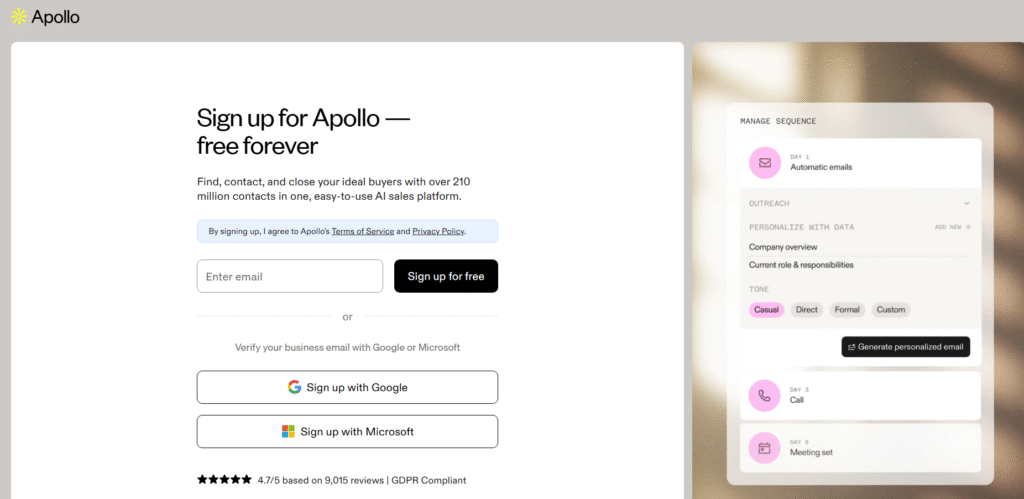
Apollo is widely used by SDRs and sales pros who need verified data, clean lists, and outbound sequences that connect email and LinkedIn activity. Many compare Apollo vs Sales Navigator because Apollo adds email contact data, phone numbers, and enrichment that LinkedIn alone doesn’t provide. When reviewing the top 20 LinkedIn lead generation tools for sales pros, Apollo consistently places near the top due to its depth, speed, and automation.
Key Features
Intent-Based Filters
Apollo includes buying-signal filters tied to technology usage, hiring patterns, funding rounds, and website actions. This enables sales pros to reach prospects who are close to purchasing, not cold names on a spreadsheet.
Sequencing Engine
Build outreach sequences that include email touches, LinkedIn profile views, connection requests, and message follow-ups. The interface makes it easy to keep outreach steady without adding extra workload.
Verified B2B Data
Apollo maintains a large contact database that includes emails, direct dials, and company data. Many users mention this in Apollo review discussions because it removes the need to purchase data from multiple platforms.
Chrome Extension
Use the Chrome extension to pull data straight from LinkedIn and push that information into Apollo lists and sequences instantly.
Enrichment API
Enrich your CRM with updated job titles, emails, phone numbers, and company attributes automatically.
Pros & Cons
| Pros | Cons |
| Large database | Occasional email bounces |
| Multi-channel outreach | Interface can feel busy |
| Strong enrichment | Automation limits on lower plans |
| Accurate filters | Some data gaps in niche industries |
Pricing
Starts at 49 per month with a free trial available.
Best For SDR Outbound Campaigns
Apollo is perfect for:
- Sales pros building large prospect lists
- SDR teams running high-volume outreach
- Agencies cross-checking data between LinkedIn and email
- Founders needing email + LinkedIn workflows in one dashboard
Verdict: Apollo offers power, speed, and sequence-based outreach that pairs well with LinkedIn activity. It’s a strong choice if you want one platform covering data plus outreach.
Use Apollo Filters to Build “Warm” LinkedIn Lists
Filter by job changes and recent funding. Then sync these leads to LinkedIn and send connection messages within 24 hours for better acceptance rates.
Best Alternative
LeadFuze provides wide data coverage, though the interface is less advanced than Apollo.
3. Expandi
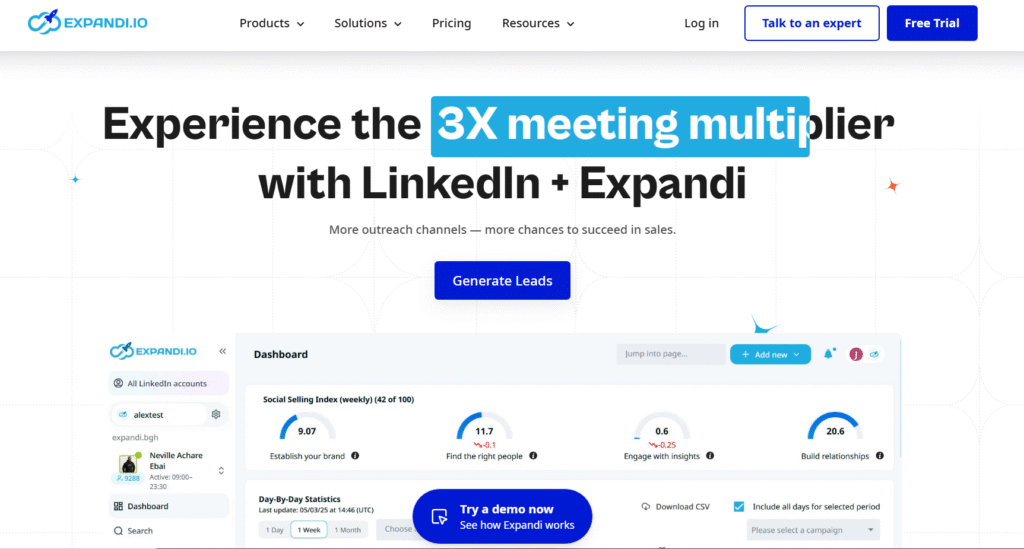
Expandi is one of the best tools for safe LinkedIn automation because it operates on cloud-based infrastructure with human-like timing patterns. Many agencies include it in their outreach stacks when handling multiple client accounts. When comparing Expandi vs Octopus CRM or Expandi vs Waalaxy, Expandi is regarded as the safer, more robust solution for long-term outreach.
Key Features
Smart Sequences
Build outreach sequences containing connection requests, messages, profile engagements, and follow-ups. The timing imitates natural user behaviour to stay within LinkedIn’s limits.
Dynamic Personalisation
Expandi allows custom placeholders, GIFs, images, and personalised variables that make each message feel tailored to the recipient.
Campaign Warm-Up
Gradually warms new accounts so you don’t trigger restrictions. This feature is valuable for agencies managing client accounts.
Webhooks & Integrations
Integrates with CRMs, Zapier, and outreach tools to sync data and automate workflows.
Smart Inbox
Pulls all replies from multiple accounts into one inbox, making it easier to track conversations.
Pros & Cons
| Pros | Cons |
| Very safe automation | Requires initial setup time |
| Strong personalisation | Higher price than basic tools |
| Multi-account support | Some features may overwhelm beginners |
| Cloud-based | No free plan |
Pricing
Starts at 99 per month with a free trial.
Best For Agencies Running Client Outreach
Ideal for:
- B2B agencies managing several LinkedIn accounts
- Sales teams using structured sequences
- Consultants wanting steady outreach without manual work
Verdict: Expandi is reliable, consistent, and safe for long-term LinkedIn outbound. A strong option for anyone serious about scaling outreach.
Rotate Message Variants
Use multiple message variants within your sequences to spread send patterns and increase message acceptance.
Best Alternative
Dripify offers a more simplified interface, though Expandi remains stronger for advanced setups.
4. Octopus CRM
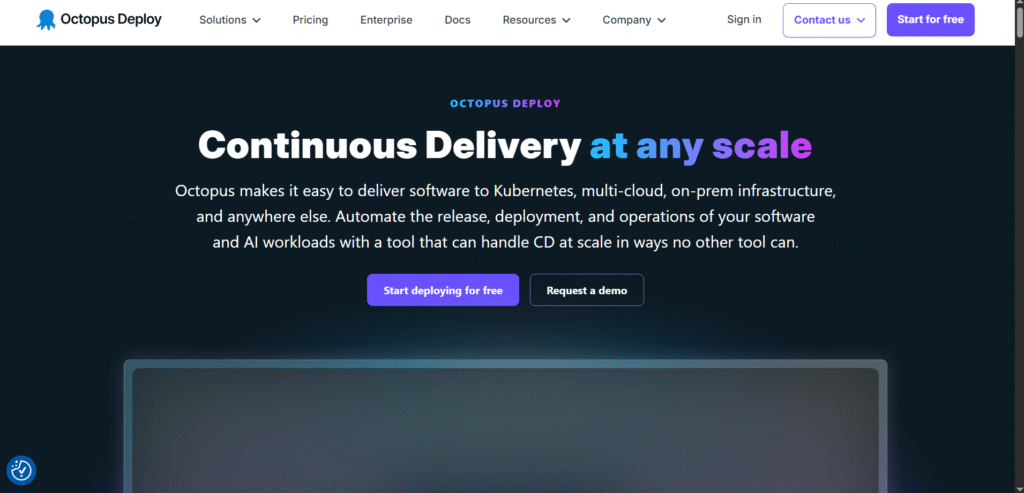
Octopus CRM is a cost-effective tool for sales pros who want straightforward LinkedIn outreach without complex dashboards. Many users compare Octopus CRM vs Expandi because Octopus focuses on simplicity, while Expandi focuses on deeper automation. For budget-conscious users, Octopus remains one of the top 20 LinkedIn lead generation tools for sales pros due to its low cost and reliable performance.
Key Features
Profile Auto-Visits
Automatically visit profiles to create visibility and warm up your audience before messaging.
Connection Campaigns
Send connection requests in controlled batches to reduce risk and maintain consistent outreach.
CRM-Style Dashboard
Track leads, note interactions, and store status updates inside a lightweight dashboard.
Message Chains
Send follow-ups that trigger after connection acceptance to keep conversations moving.
CSV Import & Export
Upload lists or export contact data for wider outreach systems.
Pros & Cons
| Pros | Cons |
| Budget-friendly | Chrome-based, not cloud-based |
| Easy to use | Fewer automation features |
| Good for beginners | Must keep browser active |
| Lightweight workflows | Limited personalisation |
Pricing
Starts at 9.99 per month with a free trial.
Best For Solo Sales Pros
Great for:
- Individual sales pros
- Consultants running small-scale LinkedIn outreach
- Users seeking minimal complexity
Verdict: Octopus CRM is ideal if you want affordable automation without advanced tech. It’s quick, simple, and reliable.
Use Octopus as a “warm-up” Tool
Let Octopus run gentle profile visits before launching a more structured outreach campaign with another tool.
Best Alternative
Waalaxy provides deeper features at slightly higher pricing.
5. Lemlist
Lemlist is known for its highly personalised messaging features. It’s widely used for LinkedIn + email sequences, especially by outreach agencies and SDRs. When comparing Lemlist vs Apollo or Lemlist vs LaGrowthMachine, the standout is Lemlist’s visual personalisation, which helps you create memorable outreach that gets replies.
Key Features
Multi-Channel Sequences
Combine LinkedIn messages, emails, and profile actions into one outreach flow.
Personalised Images
Insert recipient-specific details into images to increase reply rates. This is one reason Lemlist review threads continually praise its creativity options.
Warm-Up Engine
Automatically warms email domains to maintain strong deliverability.
A/B Testing
Test message variants to find winning copy. Essential for ongoing performance.
Inbox Rotation
Spread emails across multiple inboxes to maintain steady outreach without throttling.
Pros & Cons
| Pros | Cons |
| Excellent personalisation | Can feel complex at first |
| Multi-channel outreach | Higher price tier for full features |
| Strong support | Not suited for low-volume users |
| Testing options | Learning curve |
Pricing
Starts at 29 per month with a free trial.
Best For Teams Wanting Creative Outreach
Great for:
- SDRs who want standout personalised sequences
- Agencies building multi-channel systems
- Sales teams wanting email + LinkedIn in one workflow
Verdict: Lemlist is excellent for sales pros who want personalisation that gets attention. It’s a top choice if your campaigns rely on creative touches.
Use Lemlist’s Image Personalisation With LinkedIn Messages
Insert custom screenshots with each prospect’s company name. Response rates rise because messages feel crafted for one person.
Best Alternative
LaGrowthMachine handles multi-channel flows at a more advanced automation level.
6. LaGrowthMachine
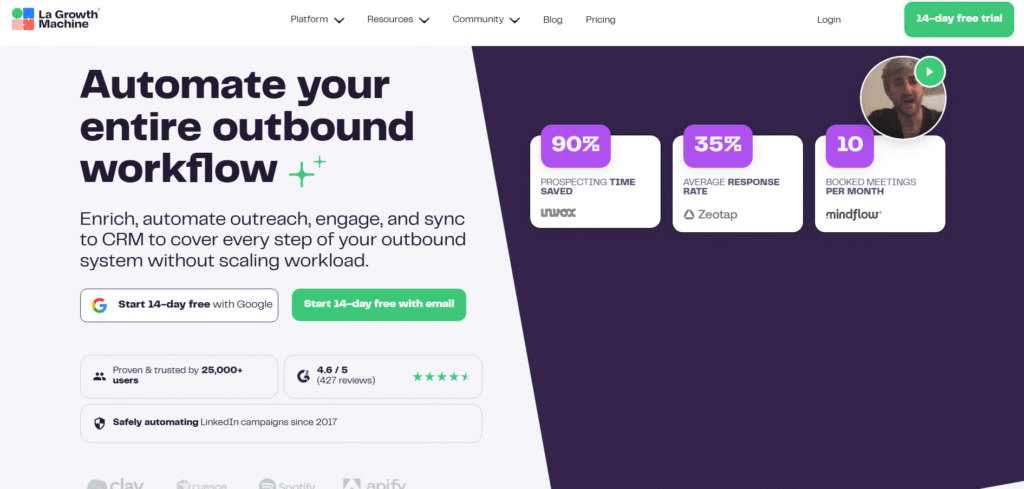
LaGrowthMachine is built for high-volume outreach teams that want LinkedIn, email, SMS, and other channels working together in one sequence. Many sales pros compare LaGrowthMachine vs Lemlist because both offer multi-channel systems, but LaGrowthMachine is known for deeper automation and cross-platform syncing. Among the top 20 LinkedIn lead generation tools for sales pros, this one stands out for teams that want everything running without manual intervention.
Key Features
Multi-Channel Automation
Build sequences containing LinkedIn actions, email touches, SMS nudges, and more. Each step follows natural timing patterns so outreach feels personal rather than robotic.
Identity Rotation
Rotate sender profiles to keep outreach steady without overwhelming one account. Agencies appreciate this because it supports multiple client accounts with less friction.
Profile Sync
Automatically updates contact data when prospects change roles or companies. This helps you keep lists accurate without rebuilding them.
Join-Path Logic
Prospects follow different paths based on behaviours such as opening emails or accepting LinkedIn requests. This keeps outreach relevant to each person.
Native Enrichment
The platform enriches contacts with details pulled from multiple data partners, reducing the need for extra tools.
Pros & Cons
| Pros | Cons |
| Deep automation | Higher starting price |
| Multi-channel at scale | No free trial |
| Accurate syncing | Requires setup knowledge |
| Identity rotation | Learning curve for beginners |
Pricing
Starts at 150 per month. No free trial.
Best For High-Output Outreach Teams
Perfect for:
- Fast-moving SDR teams
- Agencies managing multi-channel campaigns
- Sales pros wanting automated journeys
- Businesses targeting large lead volumes
Verdict: LaGrowthMachine is strong for teams that want everything automated with minimal daily input. If you need LinkedIn plus email plus SMS in one place, this tool delivers consistent output.
Use Conditional Logic to Prioritise Hot Leads
People who open your email or engage with your profile should move into a shorter LinkedIn sequence. This keeps your energy focused on leads who show interest.
Best Alternative
Lemlist provides more creative personalisation, though LaGrowthMachine is stronger for automated cross-channel journeys.
7. Waalaxy
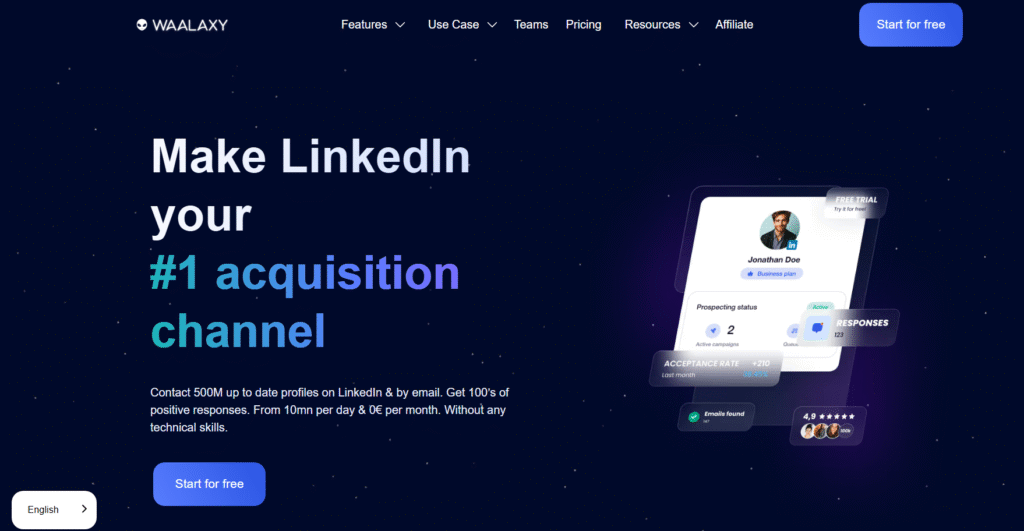
Waalaxy is popular among solo sales pros and smaller teams who want clean, simple LinkedIn automation at a reasonable price. When comparing Waalaxy vs Octopus CRM or Waalaxy vs Expandi, users appreciate its blend of affordability and strong features. It’s one of the most accessible tools in the top 20 LinkedIn lead generation tools for sales pros.
Key Features
Pre-Built Sequences
Choose from ready-made LinkedIn outreach flows that include connection requests, visits, profile views, and messages.
Email + LinkedIn Sync
Add email steps to your LinkedIn sequences so your outreach becomes multi-channel without extra cost.
Smart Campaign Limits
Send actions within daily limits to reduce account restrictions.
Compact Dashboard
The interface is simple and clear. Many users choose Waalaxy because it requires less setup than heavier tools.
Import from LinkedIn Search
Pull leads directly from your LinkedIn search results into ready-to-run campaigns.
Pros & Cons
| Pros | Cons |
| Very budget-friendly | Not built for enterprise use |
| Simple interface | Limited customisation |
| Multi-channel at low cost | No deep analytics |
| Easy for beginners | Fewer advanced integrations |
Pricing
Starts at 25 per month with a free trial.
Best For Budget-Friendly LinkedIn Outreach
Ideal for:
- Solo consultants
- New SDRs
- Freelancers building early lead pipelines
- Users needing uncomplicated sequences
Verdict: Waalaxy is a straightforward option if you want reliable LinkedIn outreach without advanced complexity or premium pricing.
Use Visit-First Sequences
Start campaigns with profile visits to warm leads before sending a message. Acceptance and reply rates rise when prospects notice your profile first.
Best Alternative
Octopus CRM offers simpler workflows, while Waalaxy provides more features for the price.
8. Zopto
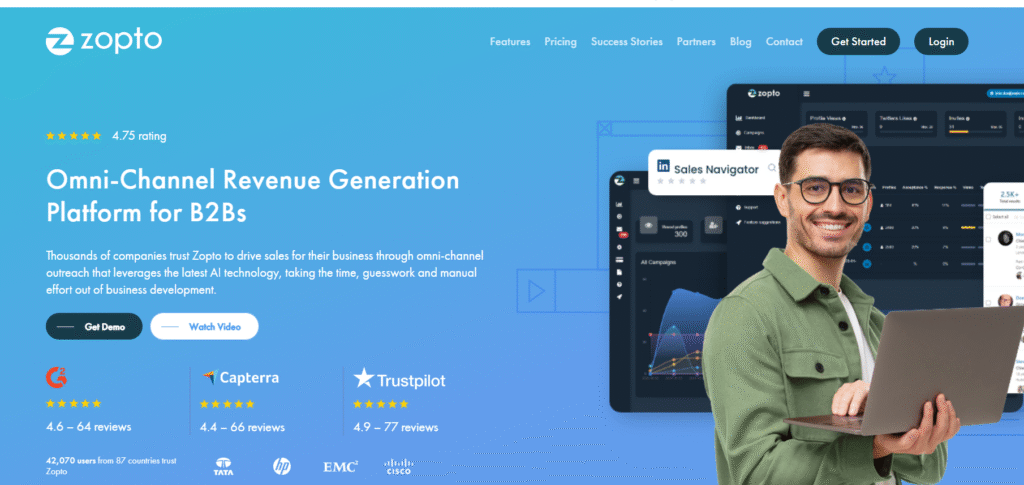
Zopto is a cloud tool used by agencies and B2B teams that need high-volume LinkedIn outreach delivered safely. When reviewing Zopto vs Expandi, Zopto is often chosen for its plug-and-play simplicity, while Expandi offers greater customisation. Zopto earns its place in the top 20 LinkedIn lead generation tools for sales pros by offering stable performance for teams who prefer cloud automation over browser-based tools.
Key Features
Cloud Automation
Runs in the cloud, meaning you don’t need your browser or computer active.
Advanced Filters
Target prospects by seniority, industry, keywords, and growth metrics. Useful for high-volume campaigns.
Smart Inbox
Manage replies from multiple LinkedIn accounts in one place.
Retargeting
Allows you to retarget prospects who engaged with your content or profile.
Lead Scoring
Scores prospects based on engagement and interaction levels.
Pros & Cons
| Pros | Cons |
| Cloud-based | Higher cost than mid-tier tools |
| High scalability | Fewer custom fields |
| Multi-account support | No free trial |
| Good for agencies | Basic analytics |
Pricing
Starts at 195 per month. No free trial.
Best For Agencies and Scale-Focused Teams
Ideal for:
- Agencies handling multiple accounts
- SDR teams running constant campaigns
- Businesses needing cloud automation
Verdict: Zopto is a solid choice if you want a stable cloud-based system that handles volume without needing complicated setups.
Use Zopto’s Lead Scoring to Prioritise Follow-Up
Set higher score thresholds for leads who engage with your profile. These prospects are easier to convert.
Best Alternative
Expandi offers deeper automation at a slightly more approachable price.
9. Dripify
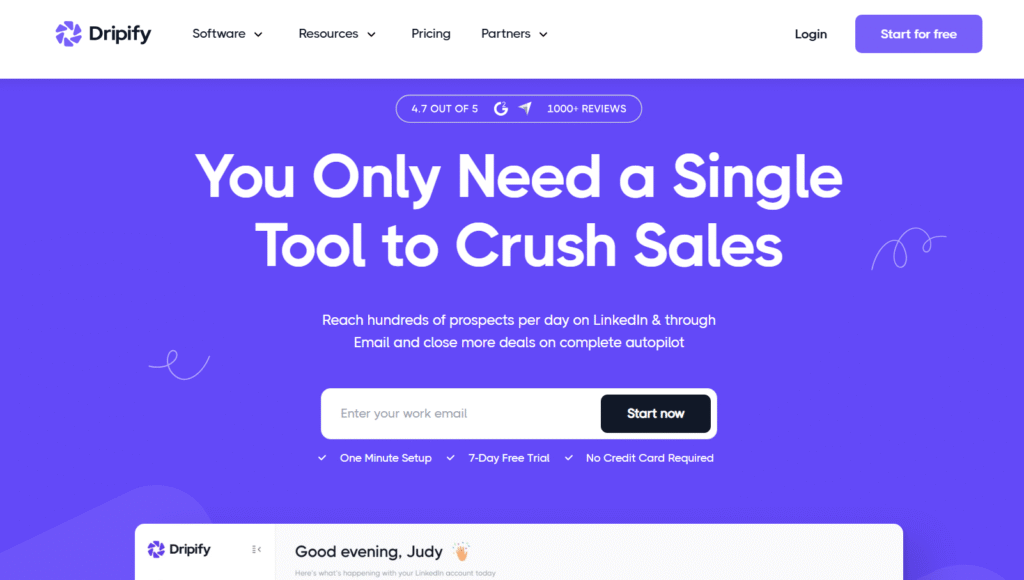
Dripify is built for sales teams who want structured workflows, team dashboards, and clear analytics. When comparing Dripify vs Expandi or Dripify vs Waalaxy, Dripify stands out for its organised interface and team-based management. It’s one of the top 20 LinkedIn lead generation tools for sales pros because it blends automation with structure.
Key Features
Team Dashboards
Assign roles, monitor activity, and track each team member’s performance.
Cloud-Based Automation
Runs 24/7 without needing your device active.
Smart Campaign Builder
Create LinkedIn sequences with connection requests, message chains, endorsements, and profile views.
Lead Management
Tag and score leads inside the dashboard for smarter follow-up.
Native Integrations
Connects with CRMs to sync lead activity and streamline workflows.
Pros & Cons
| Pros | Cons |
| Team controls | Less personalisation than Expandi |
| Clean interface | Limited multi-channel actions |
| Cloud-based | Higher cost for teams |
| Good analytics | No free plan |
Pricing
Starts at 39 per month with a free trial.
Best For Teams Needing Structure
Perfect for:
- SDR teams
- Sales managers tracking performance
- Agencies managing client outreach
Verdict: Dripify is a strong choice for structured sales teams that need oversight and consistency without advanced complexity.
Use Dripify Tags for Lead Qualification
Tag prospects based on message replies to maintain cleaner pipelines and speed up follow-up.
Best Alternative
Expandi is better for advanced personalisation, though Dripify wins for team organisation.
10. Phantombuster
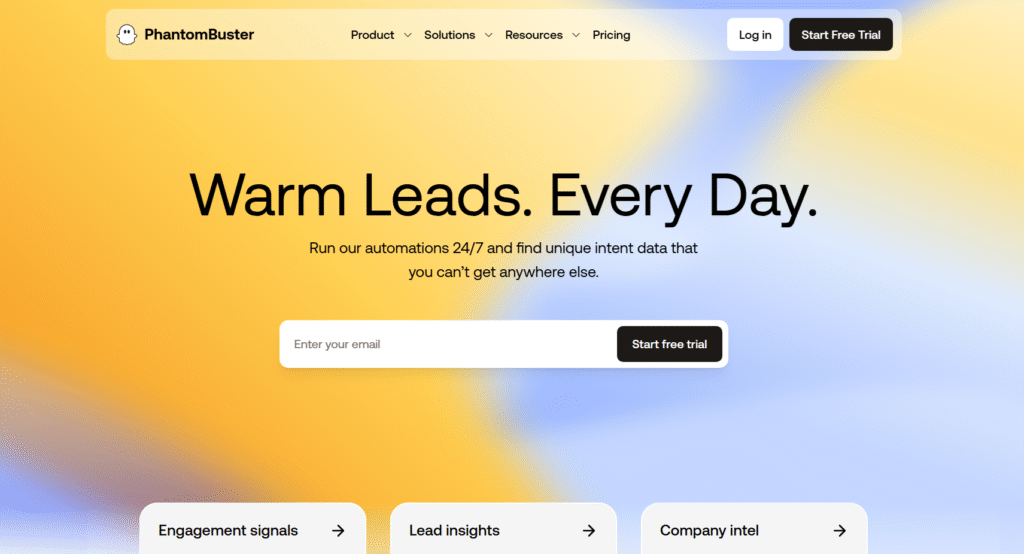
Phantombuster is designed for users who need advanced scraping, automation tasks, and personalised workflows. Its appeal lies in flexibility. You can automate almost any LinkedIn action using “Phantoms” that run in the cloud. This makes Phantombuster one of the most technical tools in the top 20 LinkedIn lead generation tools for sales pros.
Key Features
LinkedIn Scraping Tools
Collect data from search results, posts, groups, and events to build targeted outreach lists.
Custom Automation
Create multi-step workflows using triggers and chained tasks.
Cloud Execution
All actions run in the cloud, so no browser is needed.
API Access
Use API endpoints to integrate Phantombuster tasks with CRMs or outbound platforms.
Pre-Built Tasks
Choose from ready-made scripts for actions such as exporting search results or sending connection requests.
Pros & Cons
| Pros | Cons |
| Very flexible | Requires tech skill |
| Automates complex tasks | Learning curve |
| Strong for scraping | Need to monitor limits |
| API-friendly | Higher cost for large usage |
Pricing
Starts at 59 per month with a free trial.
Best For Technical Users
Ideal for:
- Sales ops teams
- Technical marketers
- Users automating custom LinkedIn workflows
- Teams needing data extraction
Verdict: Phantombuster is ideal if you want automation beyond simple sequences. Perfect for technical setups and custom workflows.
Chain Phantoms to Build Full Pipelines
Link scraping tasks to follow-up message tasks for efficient multi-step lead generation.
Best Alternative
Zopto is easier for non-technical users who still want cloud automation.
11. Dux Soup
Dux Soup is one of the longest-standing automation tools on the market. Many sales pros start with it because it’s easy, familiar, and browser-based. When comparing Dux Soup vs Octopus CRM, Dux Soup offers more configuration options, making it useful for small teams and solo sales pros who want predictable outreach without complicated workflows. It remains a popular pick in the top 20 LinkedIn lead generation tools for sales pros because of its straightforward setup and trusted reputation.
Key Features
Profile Visit Automation
Automatically visits selected profiles to warm up prospects and increase visibility before outreach.
Connection Request Campaigns
Send targeted connection requests with personalised first-touch notes at controlled volumes.
Follow-Up Messages
Trigger follow-up messages automatically after a connection request is accepted, keeping conversations active.
Behaviour Settings
Adjust speed, frequency, and limits to mimic natural human activity.
CSV Import and Export
Upload lists into campaigns or export contact data for multi-channel workflows.
Pros & Cons
| Pros | Cons |
| Easy setup | Requires browser to stay open |
| Affordable | No cloud engine |
| Reliable long-term tool | Limited personalisation compared to premium tools |
| Good for basic outreach | Less automation depth |
Pricing
Starts at 14.99 per month with a free trial.
Best For Beginners and Budget-Conscious Users
Suitable for:
- Individual sales reps
- Consultants starting outreach
- Users testing automation before scaling
Verdict: Dux Soup offers a quick entry point into LinkedIn outreach. Reliable and simple for users who want daily activity without advanced setups.
Use Slow Mode for New Accounts
Running campaigns in slow mode reduces account flags and improves early acceptance rates.
Best Alternative
Waalaxy offers more features while still staying budget-friendly.
12. LeadFuze
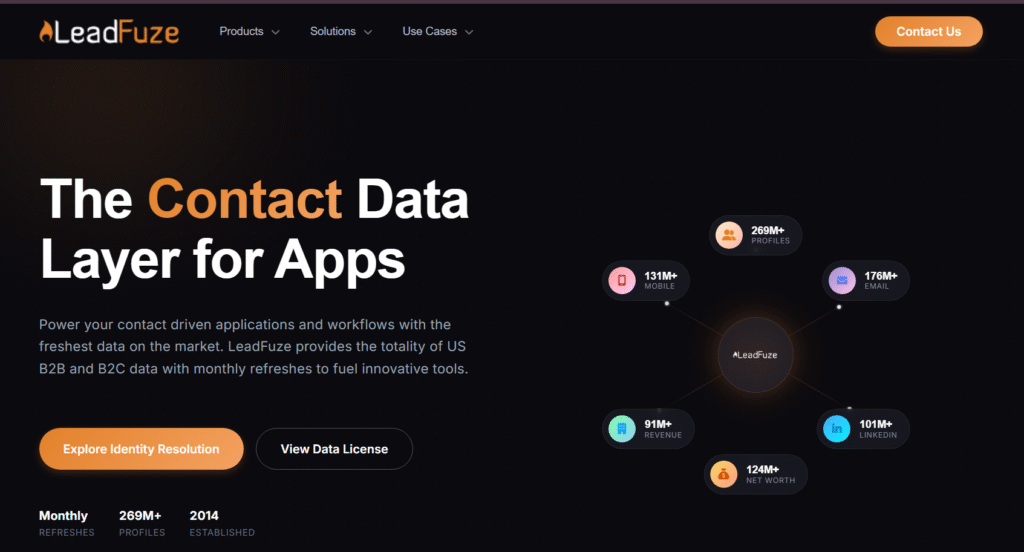
LeadFuze focuses on sourcing clean, accurate contact data. Many sales pros compare LeadFuze vs Apollo because both provide data enrichment, but LeadFuze positions itself as the more automated, research-heavy option. Its AI engine, Fuzebot, keeps lists refreshed and enriched, making it one of the most powerful contact sourcing options in the top 20 LinkedIn lead generation tools for sales pros.
Key Features
Automated List Building
Fuzebot continuously updates and expands your lead lists based on defined filters.
Verified Email Data
LeadFuze provides validated contact emails and firmographic data, reducing the need for manual verification.
Deep Filters
Target prospects using filters such as hiring status, company technologies, revenue size, and geographic reach.
CRM Integrations
Sync lists directly with platforms such as HubSpot and Pipedrive.
Team Credits
Shared credit pools make sourcing easier for sales teams working collaboratively.
Pros & Cons
| Pros | Cons |
| Very accurate data | Price can be high for small users |
| Automated updating | No built-in outreach |
| Deep segmentation | Credits cap usage |
| Strong integrations | Limited customisation in lower plans |
Pricing
Starts at 147 per month with a free trial.
Best For Data-Heavy Teams
Ideal for:
- Sales pros building targeted LinkedIn lists
- SDR teams needing fresh, verified data
- Agencies sourcing lists for multiple client niches
Verdict: LeadFuze is a reliable choice for anyone who needs fresh, accurate data feeding their LinkedIn outreach workflows.
Combine LeadFuze With Apollo Sequencing
Use LeadFuze for list building and Apollo for outbound workflows to create a strong pipeline.
Best Alternative
Lusha offers similar data accuracy with a smaller footprint.
13. Lusha
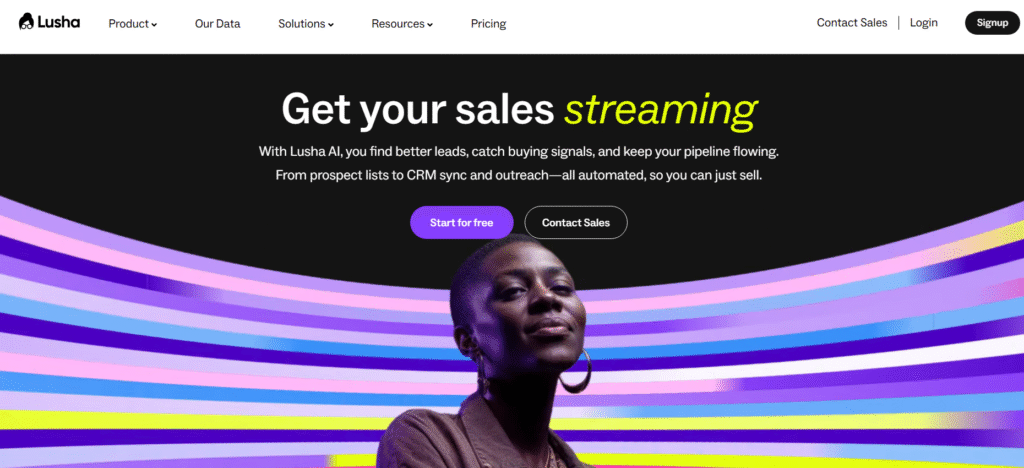
Lusha is known for high-quality direct dials and accurate B2B email data. When comparing Lusha vs LeadFuze, users typically choose Lusha for quick access to decision-maker details from LinkedIn profiles. This makes it one of the top 20 LinkedIn lead generation tools for sales pros who need instant access to verified contact information.
Key Features
Chrome Extension
Pulls contact data directly from LinkedIn profiles and search results in seconds.
Direct Dials
Provides phone numbers for high-value prospects, speeding up cold calling efforts.
Company Data
Fetches company attributes including revenue, headcount, and growth stage.
Team Credits
Supports collaborative credit usage across teams.
API Access
Integrate Lusha data into CRMs or other sales systems.
Pros & Cons
| Pros | Cons |
| Very quick data access | Credit-based limitations |
| Accurate contact info | Higher cost for large teams |
| Easy to use | No outreach features |
| Strong Chrome extension | Limited enrichment depth |
Pricing
Starts at 39 per month with a free trial.
Best For Fast Contact Lookup
Best for:
- SDRs who rely on direct dials
- Sales pros needing fast email access
- Teams using LinkedIn for prospect discovery
Verdict: Lusha delivers fast, accurate contact data at scale. A strong tool for teams who prefer direct outreach.
Add Lusha Contacts to a Follow-Up Email Sequence
After finding new contact details, send a quick outreach message while the lead is top of mind.
Best Alternative
LeadFuze offers deeper data, while Lusha offers faster access.
14. Hunter
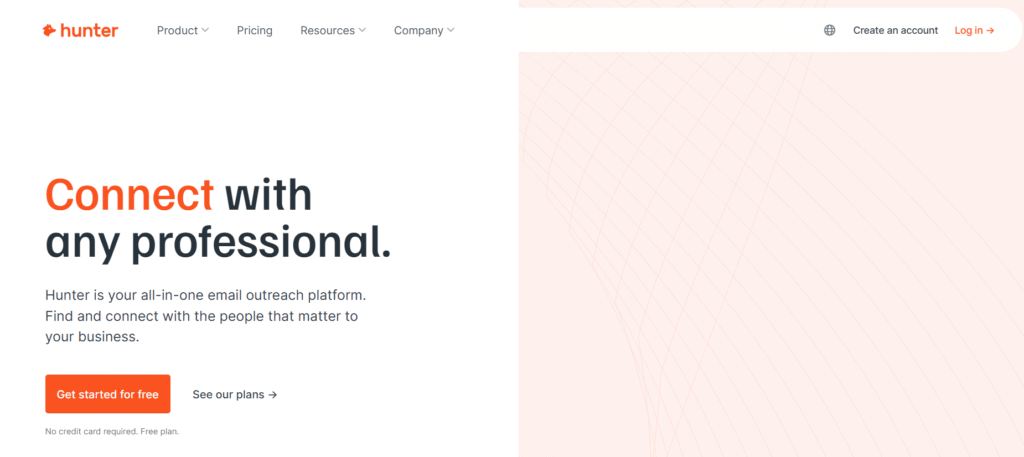
Hunter is a widely used tool for finding emails based on domain searches and verifying email accuracy. It integrates well with nearly any outbound workflow. Many compare Hunter vs Snov.io because both offer verification and lookup, but Hunter is known for clean, simple functionality. It’s a staple tool within the top 20 LinkedIn lead generation tools for sales pros because it ensures your email outreach supports your LinkedIn pipeline without deliverability problems.
Key Features
Domain Search
Find email patterns and verified addresses for any company domain.
Email Verification
Verify large batches of emails to avoid sending to invalid addresses.
Chrome Extension
Extract email information from LinkedIn profiles and company sites.
Campaign Sending
Send basic outreach sequences directly from Hunter.
Public Data Sources
Uses publicly indexed sources to maintain clean data.
Pros & Cons
| Pros | Cons |
| Very accurate verification | Limited outreach functionality |
| Simple interface | Fewer filters than data tools |
| Free tier available | Not ideal for high-volume scraping |
Pricing
Free tier available. Paid plans start at 49 per month.
Best For Email Accuracy and Domain Searches
Great for:
- Sales pros wanting clean emails
- Teams verifying large lists
- Cold email senders building multi-channel workflows
Verdict: Hunter is dependable for sourcing and verifying emails. A necessary tool for anyone pairing LinkedIn outreach with email campaigns.
Use Domain Search to Find ICP Patterns
Identify common email patterns to enrich your outbound lists even when direct data is missing.
Best Alternative
Snov.io offers deeper outreach features, while Hunter excels at accuracy.
15. Snov.io
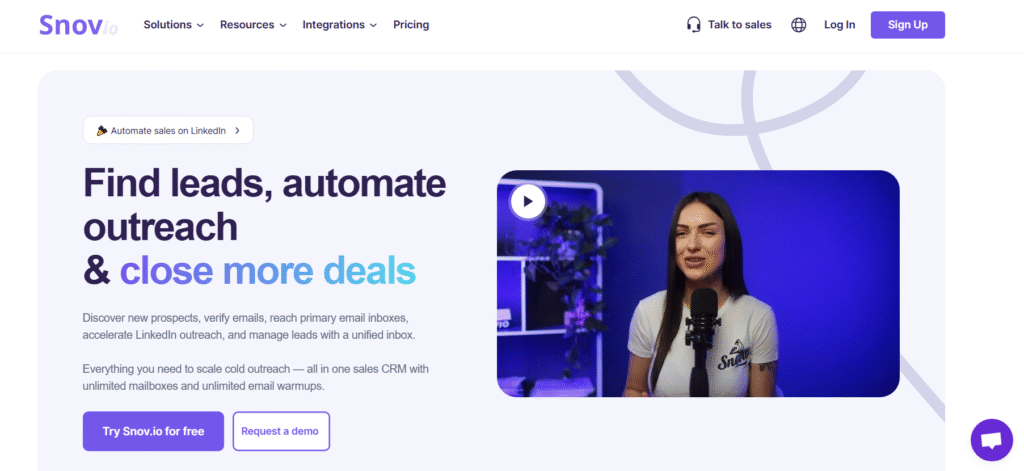
Snov.io offers email verification, lead sourcing, and outreach sequences. Many users compare Snov.io vs Hunter because both verify emails, but Snov.io adds outbound sequence functionality. It’s one of the top 20 LinkedIn lead generation tools for sales pros who want a single tool covering both verification and outreach.
Key Features
Email Finder
Source emails using domain search, social profiles, or prospect attributes.
Outreach Sequences
Create personalised email sequences with scheduled follow-ups.
Verification Tools
Clean your lists by verifying emails in bulk to reduce bounce rates.
CRM Module
Store contacts, track interactions, and organise campaigns.
Integrations
Connects with CRMs, Google Workspace, and outbound platforms.
Pros & Cons
| Pros | Cons |
| Multi-feature platform | More complex than Hunter |
| Strong verification | Limited analytics |
| Outreach features included | Smaller data pool |
| Affordable pricing | Fewer LinkedIn-specific tools |
Pricing
Starts at 39 per month with a free trial.
Best For Multi-Channel Outreach With Verification
Ideal for:
- SDRs who need email sequences
- Sales pros verifying emails and sending campaigns
- Small teams building combined LinkedIn and email workflows
Verdict: Snov.io is a helpful tool if you want email outreach and verification in one place.
Sync Snov.io With LinkedIn Data Tools
Use Snov.io verification after sourcing contacts from tools like Lusha or Apollo.
Best Alternative
Hunter is simpler and cleaner for email verification, while Snov.io handles more tasks.
16. Shield Analytics
Shield Analytics is the preferred analytics platform for anyone using content to support LinkedIn lead generation. Many compare Shield Analytics vs Taplio because both tools assist with content, but Shield focuses strictly on deep analytics rather than writing. It earns its place in the top 20 LinkedIn lead generation tools for sales pros because it gives a clear view of what content pulls in leads, what posts fall flat, and which posting patterns bring new inbound conversations.
Key Features
Post Performance Reports
Shows impressions, engagement, comments, and growth patterns so sales pros know which content drives visibility with their ideal buyers.
Audience Insights
Breaks down who engages with your content by seniority, industry, and location, making it easier to align content with the right buyers.
Growth Dashboard
Tracks follower growth over time so you can spot when content or outreach influences visibility.
Campaign Tags
Tag posts into content groups to understand which themes push the most profile views.
Team Analytics
Aggregates analytics for multiple profiles. Agencies use this when they manage content for client accounts.
Pros & Cons
| Pros | Cons |
| Clear analytics | No content creation features |
| Good for personal brand tracking | Basic filters on lower tiers |
| Team reporting | No free plan |
| Helps optimise content choices | Must export data manually |
Pricing
Starts at 12 per month. No free trial.
Best For Sales Pros Using Content To Create Warm Leads
Ideal for:
- Sales pros posting consistently
- Agencies managing content for clients
- Founders driving inbound leads
- Anyone using LinkedIn content to warm outbound lists
Verdict: If content plays any part in your LinkedIn strategy, Shield gives the clarity needed to keep posting decisions sharp.
Tag Posts by Intent
Create tag groups such as “awareness”, “authority”, and “offer”. Shield will show which group attracts the highest-value buyers.
Best Alternative
Taplio helps with writing and scheduling, while Shield excels in analytics.
17. Crystal Knows
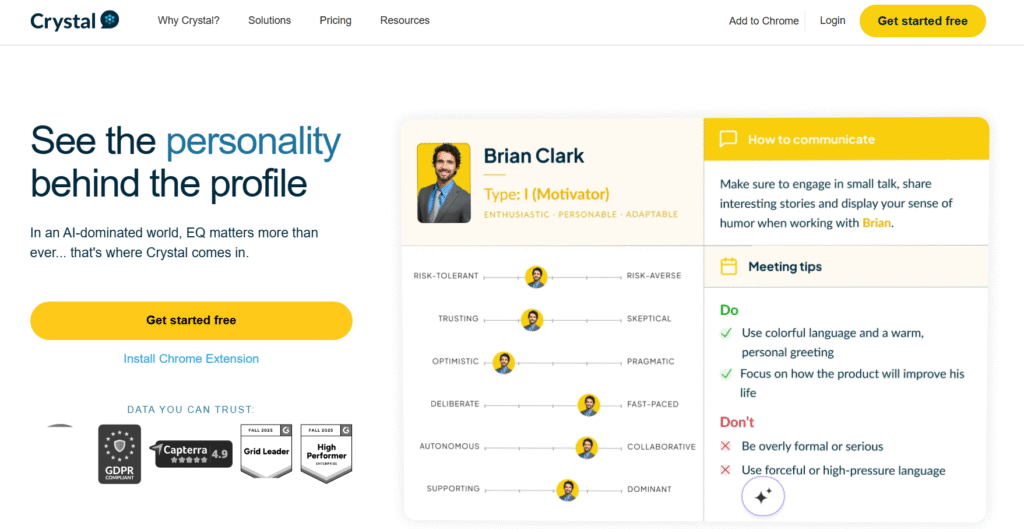
Crystal Knows is built to improve message relevance. It generates DISC personality insights for LinkedIn profiles, which helps sales pros tailor outreach tone and structure to each prospect. It stands out in the top 20 LinkedIn lead generation tools for sales pros because it makes outreach feel more personal and less templated.
Key Features
Personality Profiles
Provides DISC based behavioural predictions for LinkedIn profiles so you know whether prospects prefer detail, directness, brevity, or context.
Communication Tips
Offers writing suggestions tailored to each prospect’s style to improve response rates.
Chrome Extension
Access personality insights directly from LinkedIn pages as you prospect.
Email Guidance
Gives suggestions for email tone, structure, and phrasing.
Team Alignment Tools
Helps teams maintain consistent communication styles across outreach.
Pros & Cons
| Pros | Cons |
| Unique insights | Works best with accurate profile data |
| Better message targeting | Not a standalone outreach tool |
| Easy Chrome extension | Interpretations require judgment |
| Improves reply rates | Higher tiers are pricey |
Pricing
Starts at 49 per month with a free trial.
Best For Sales Pros Wanting Higher Personalisation
Works well for:
- SDRs writing tailored messages
- Founders selling high-ticket services
- Consultants needing thoughtful outreach
- Teams who want messaging consistency
Verdict: Crystal Knows excels when you need personalised outreach that speaks to each buyer’s communication style.
Use Personality Insights To Adjust Your First Touch
Match tone to the profile: direct messaging for dominant personalities, detail-oriented notes for analytical profiles.
Best Alternative
Taplio can generate personalised content but does not offer psychological insights.
18. Taplio
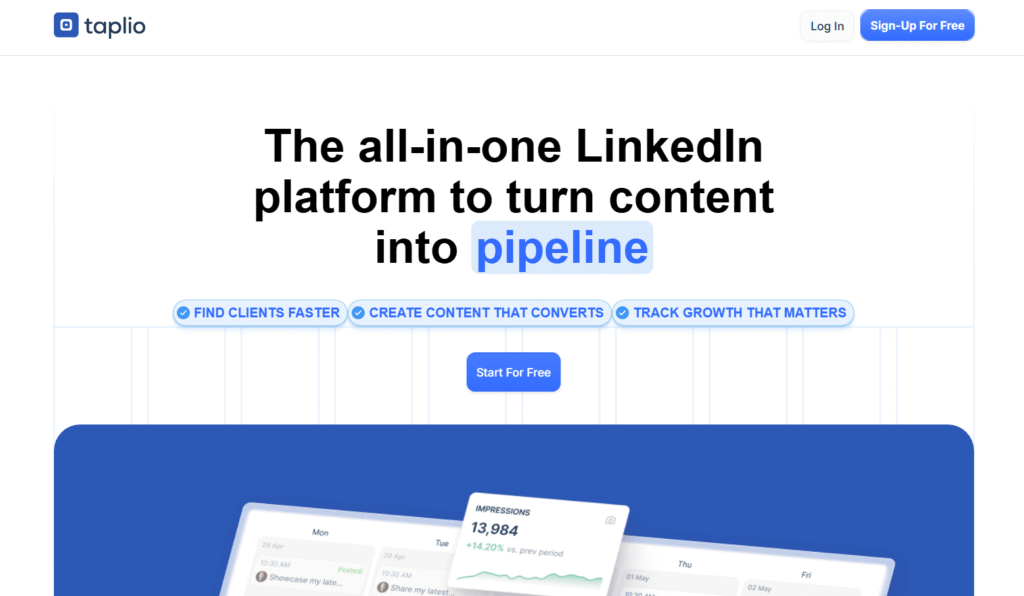
Taplio focuses on helping users write, schedule, and publish content that strengthens their LinkedIn presence. It is often compared to Taplio vs Shield Analytics, where Taplio handles content ideation and publishing while Shield focuses on analytics. This tool is one of the top 20 LinkedIn lead generation tools for sales pros because consistent content attracts inbound leads that support outbound campaigns.
Key Features
AI Content Suggestions
Generates post ideas based on your industry and audience to keep your posting calendar consistent.
Scheduler
Schedule LinkedIn posts at ideal times without manual uploads.
Lead Generation Feed
Shows people who engage with your content and profile so you can follow up with warm prospects.
Post Recycling
Repost high-performing content automatically to keep your brand visible.
Profile Analysis
Shows which types of posts perform best with your audience.
Pros & Cons
| Pros | Cons |
| Easy writing tools | Some AI suggestions need refining |
| Helpful scheduling | Basic analytics vs Shield |
| Lead feed is strong | No email integration |
| Supports daily posting | No team dashboards on lower tiers |
Pricing
Starts at 39 per month with a free trial.
Best For Sales Pros Using Content For Lead Generation
Great for:
- Founders posting regularly
- Sales pros wanting consistent visibility
- Consultants generating inbound leads
- SDRs supporting outbound with content
Verdict: Taplio is a strong tool for sales pros using content to attract more profile views and warm leads.
Use the Lead Feed Daily
Anyone who interacts with your posts becomes a prime candidate for connection requests and outreach.
Best Alternative
Shield for analytics, Taplio for creation.
19. AuthoredUp
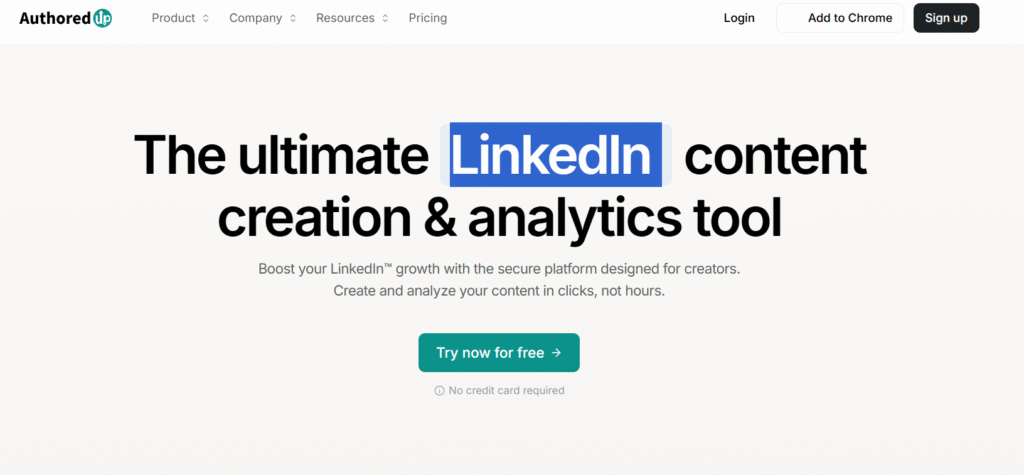
AuthoredUp is built for writing, drafting, and organising LinkedIn posts. Unlike Taplio, it focuses heavily on content quality rather than scheduling or automation. Many sales pros include it in the top 20 LinkedIn lead generation tools for sales pros because strong writing creates stronger inbound interest over time.
Key Features
Advanced Draft Editor
Write and refine LinkedIn content with tools designed to improve clarity, structure, and punch.
Swipe File Storage
Store hooks, structures, and writing templates inside the app.
Draft Library
Organise drafts by category or content goal.
Hook Suggestions
Get guidance on writing stronger first lines that increase read-through.
Export Options
Export content for scheduling tools like Taplio.
Pros & Cons
| Pros | Cons |
| Excellent draft tools | No scheduling |
| Great for writers | No analytics |
| Clean interface | Limited integrations |
| Helps create stronger posts | Not suited for multi-channel teams |
Pricing
Starts at 49 per month with a free trial.
Best For Sales Pros Focused on Strong Writing
Ideal for:
- Sales pros who post thought leadership
- Consultants writing detailed posts
- Founders shaping a narrative
- Teams needing consistent high-quality content
Verdict: AuthoredUp is a strong choice for anyone who wants to improve the quality of their content without distractions.
Maintain a Hook Library
Save winning hooks in AuthoredUp to speed up future drafting.
Best Alternative
Taplio is better for scheduling; AuthoredUp wins for writing quality.
20. Surfe
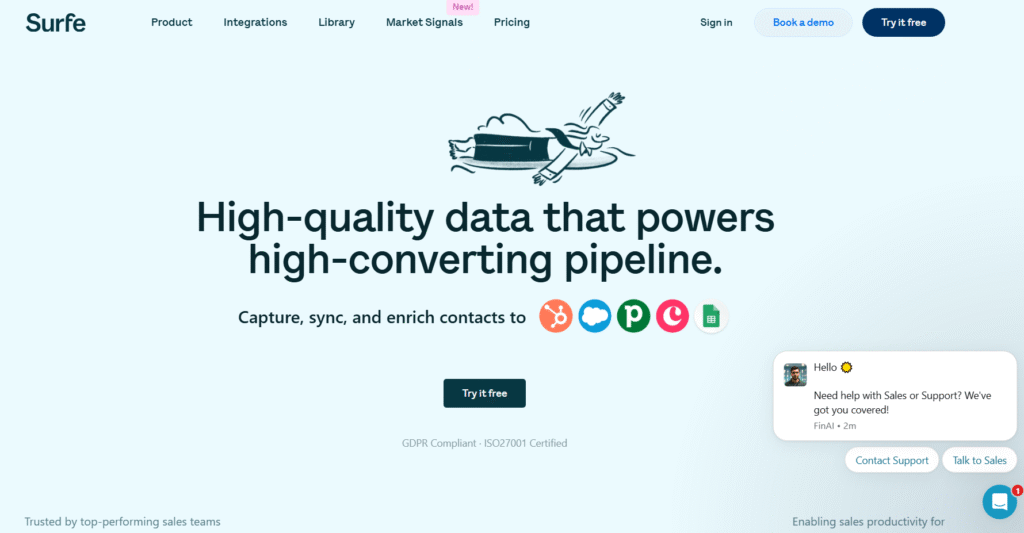
Surfe helps sales pros capture LinkedIn data and sync it directly into their CRM. Many compare Surfe vs Dux Soup or Surfe vs Apollo because Surfe’s sole focus is CRM integration rather than automation. It rounds out the top 20 LinkedIn lead generation tools for sales pros by keeping prospect data accurate, clean, and instantly usable.
Key Features
CRM Sync
Push LinkedIn contacts directly into HubSpot, Salesforce, Pipedrive, and more.
Contact Auto-Fill
Surfe scrapes contact data directly from LinkedIn and fills CRM fields without manual entry.
Notes and Tasks
Add tasks and updates from LinkedIn straight to your CRM.
Pipeline View
Shows CRM data inside your LinkedIn interface for faster prospect research.
Team Support
Helps teams keep contact data consistent.
Pros & Cons
| Pros | Cons |
| Strong CRM integration | Limited automation |
| Saves time on data entry | No outreach features |
| Accurate syncing | Browser extension required |
| Improves data hygiene | No enrichment data |
Pricing
Starts at 29 per month with a free trial.
Best For CRM-Focused Sales Teams
Perfect for:
- Sales teams using CRMs daily
- SDRs who rely on fast data entry
- Agencies managing multiple pipelines
- Anyone who wants accurate CRM data without manual work
Verdict: Surfe saves hours of admin work each week by keeping CRM pipelines accurate and updated.
Sync Notes During Prospecting
Add notes during LinkedIn browsing so your CRM holds full context.
Best Alternative
Apollo offers enrichment plus CRM sync, but Surfe is cleaner for LinkedIn-first workflows.
Wrapping Up
You now have a complete breakdown of the top 20 LinkedIn lead generation tools for sales pros. Each tool supports a different part of the outreach pipeline, from sourcing data to sending sequences to maintaining CRM accuracy. The right setup depends on the volume you handle, your outreach style, and how your sales workflow runs day to day.
With the right mix of these tools, your LinkedIn presence becomes a steady engine that brings in conversations, appointments, and revenue opportunities.
If you want tailored guidance on how to build or refine your LinkedIn lead generation system, our team at Pearl Lemon Leads can support you.
Get Expert Help
At Pearl Lemon Leads, we build LinkedIn lead generation systems that focus on qualified conversations rather than noise. Our team has managed thousands of outbound campaigns across dozens of industries, so we understand how LinkedIn behaves, how prospects respond, and what actually turns outreach into booked calls.
If you want a system that supports your sales pipeline without constant tinkering, schedule a consultation today and let us walk you through the setup that fits your goals.
Frequently Asked Questions
1. How long does it take to build a LinkedIn lead generation system?
Most systems can be built in 7 to 14 days depending on the number of tools and integrations you need.
2. Do these LinkedIn tools work for small sales teams?
Yes, many of the tools above include light plans suitable for solo reps and small teams.
3. Which tool is the best starting point for beginners?
Sales Navigator plus one outreach tool such as Waalaxy or Dripify is a solid starter setup.
4. How do you avoid LinkedIn restrictions during outreach?
Use cloud-based automation, stay below daily action limits, and warm up accounts gradually.
5. Which tools support LinkedIn plus email combined outreach?
Apollo, Lemlist, LaGrowthMachine, Waalaxy, and Snov.io all include multi-channel features.
6. Can you track lead quality inside these platforms?
Tools like Zopto, Apollo, Dripify, and Shield include metrics that help you measure activity quality.
7. What is the safest tool for LinkedIn automation?
Expandi and Dripify are known for safety features that mimic natural user behaviour.
8. How often should you refresh your LinkedIn lead lists?
Every 30 days is ideal, especially if your industry experiences frequent job changes.
9. Do these tools work for agencies managing multiple clients?
Yes, tools such as Expandi, LaGrowthMachine, Zopto, Shield, and Surfe are excellent for multi-account setups.
10. How do you combine outbound outreach with LinkedIn content?
Use Taplio or AuthoredUp to publish consistent content while Shield Analytics helps you evaluate which posts bring leads into your inbox.
{ “@context”: “https://schema.org”, “@type”: “FAQPage”, “mainEntity”: [ { “@type”: “Question”, “name”: “How long does it take to build a LinkedIn lead generation system?”, “acceptedAnswer”: { “@type”: “Answer”, “text”: “Most systems can be built in 7 to 14 days depending on the number of tools and integrations you need.” } }, { “@type”: “Question”, “name”: ” Do these LinkedIn tools work for small sales teams?”, “acceptedAnswer”: { “@type”: “Answer”, “text”: “Yes, many of the tools above include light plans suitable for solo reps and small teams.” } }, { “@type”: “Question”, “name”: “Which tool is the best starting point for beginners?”, “acceptedAnswer”: { “@type”: “Answer”, “text”: “Sales Navigator plus one outreach tool such as Waalaxy or Dripify is a solid starter setup.” } }, { “@type”: “Question”, “name”: ” How do you avoid LinkedIn restrictions during outreach?”, “acceptedAnswer”: { “@type”: “Answer”, “text”: “Use cloud-based automation, stay below daily action limits, and warm up accounts gradually.” } }, { “@type”: “Question”, “name”: “Which tools support LinkedIn plus email combined outreach?”, “acceptedAnswer”: { “@type”: “Answer”, “text”: “Apollo, Lemlist, LaGrowthMachine, Waalaxy, and Snov.io all include multi-channel features.” } }, { “@type”: “Question”, “name”: ” Can you track lead quality inside these platforms?”, “acceptedAnswer”: { “@type”: “Answer”, “text”: “Tools like Zopto, Apollo, Dripify, and Shield include metrics that help you measure activity quality.” } }, { “@type”: “Question”, “name”: ” What is the safest tool for LinkedIn automation?”, “acceptedAnswer”: { “@type”: “Answer”, “text”: “Expandi and Dripify are known for safety features that mimic natural user behaviour.” } }, { “@type”: “Question”, “name”: ” How often should you refresh your LinkedIn lead lists?”, “acceptedAnswer”: { “@type”: “Answer”, “text”: “Every 30 days is ideal, especially if your industry experiences frequent job changes.” } }, { “@type”: “Question”, “name”: ” Do these tools work for agencies managing multiple clients?”, “acceptedAnswer”: { “@type”: “Answer”, “text”: “Yes, tools such as Expandi, LaGrowthMachine, Zopto, Shield, and Surfe are excellent for multi-account setups.” } }, { “@type”: “Question”, “name”: “How do you combine outbound outreach with LinkedIn content?”, “acceptedAnswer”: { “@type”: “Answer”, “text”: “Use Taplio or AuthoredUp to publish consistent content while Shield Analytics helps you evaluate which posts bring leads into your inbox.” } } ] }